
Beelink SER9 Pro Mini vs MINISFORUM X1 Pro-370: H255 vs HX370 — Different CPUs [2026]
By Max · April 2, 2026 · Updated May 4, 2026
This article contains affiliate links. If you purchase through our links, we may earn a commission at no extra cost to you. We only recommend products we’ve thoroughly researched.
![Beelink SER9 Pro Mini vs MINISFORUM X1 Pro-370: H255 vs HX370 — Different CPUs [2026]](/images/heroes/variants/beelink-ser9-pro-vs-minisforum-x1-pro-370/1920.webp)
The Short Answer
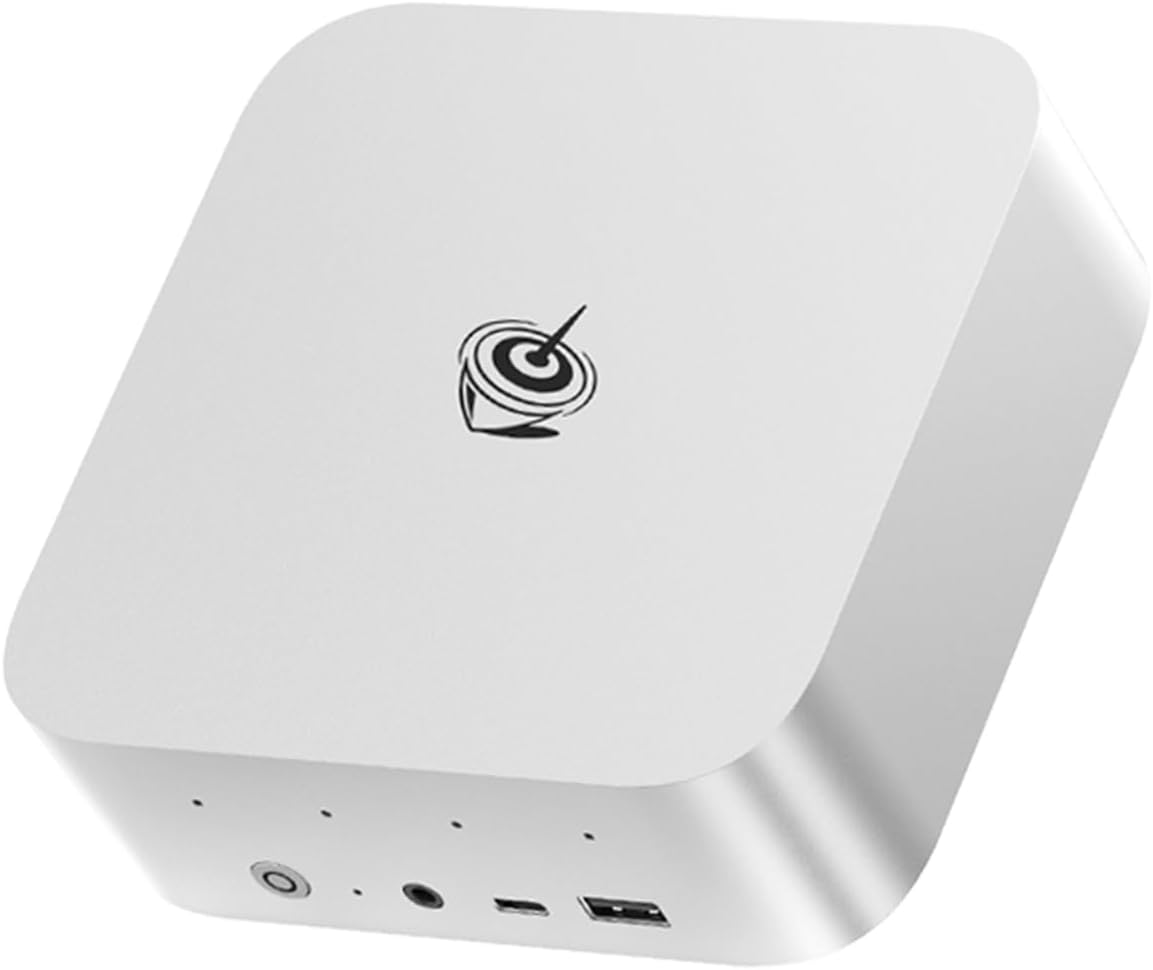
These are NOT the same CPU class. The SER9 Pro Mini uses Ryzen 7 H255 (38 TOPS, 8 cores) while the X1 Pro-370 uses Ryzen AI 9 HX370 (80 TOPS, 12 cores). The $180 gap reflects the significant performance difference. The X1 Pro-370 offers upgradeable RAM, dual 2.5GbE, WiFi 7, and OCuLink.
Pick Beelink SER9 Pro Mini if: You want H255 for entry-level AI workloads and know 32GB RAM is enough.
Pick MINISFORUM X1 Pro-370 if: You need HX370 for serious AI workloads, upgradeable RAM, dual 2.5GbE, or OCuLink.
Quick Product Links
Minisforum AI X1 Pro-370
Price: ~$1,199
→ Check Current Price on Amazon
Side-by-Side Specs
| Spec | Beelink SER9 Pro Mini | MINISFORUM X1 Pro-370 | Winner |
|---|---|---|---|
| CPU | Ryzen 7 H 255 (8C/16T, 4.9GHz) | Ryzen AI 9 HX 370 (12C/24T, 5.1GHz) | X1 Pro-370 |
| GPU | Radeon 780M (12 CUs) | Radeon 890M (16 CUs) | X1 Pro-370 |
| RAM | 32GB LPDDR5X (SOLDERED) | 32GB DDR5 (UPGRADEABLE to 128GB) | X1 Pro-370 |
| Storage | 1TB NVMe SSD | 1TB NVMe SSD | Tie |
| Networking | 2.5GbE + WiFi 6 | Dual 2.5GbE + WiFi 7 | X1 Pro-370 |
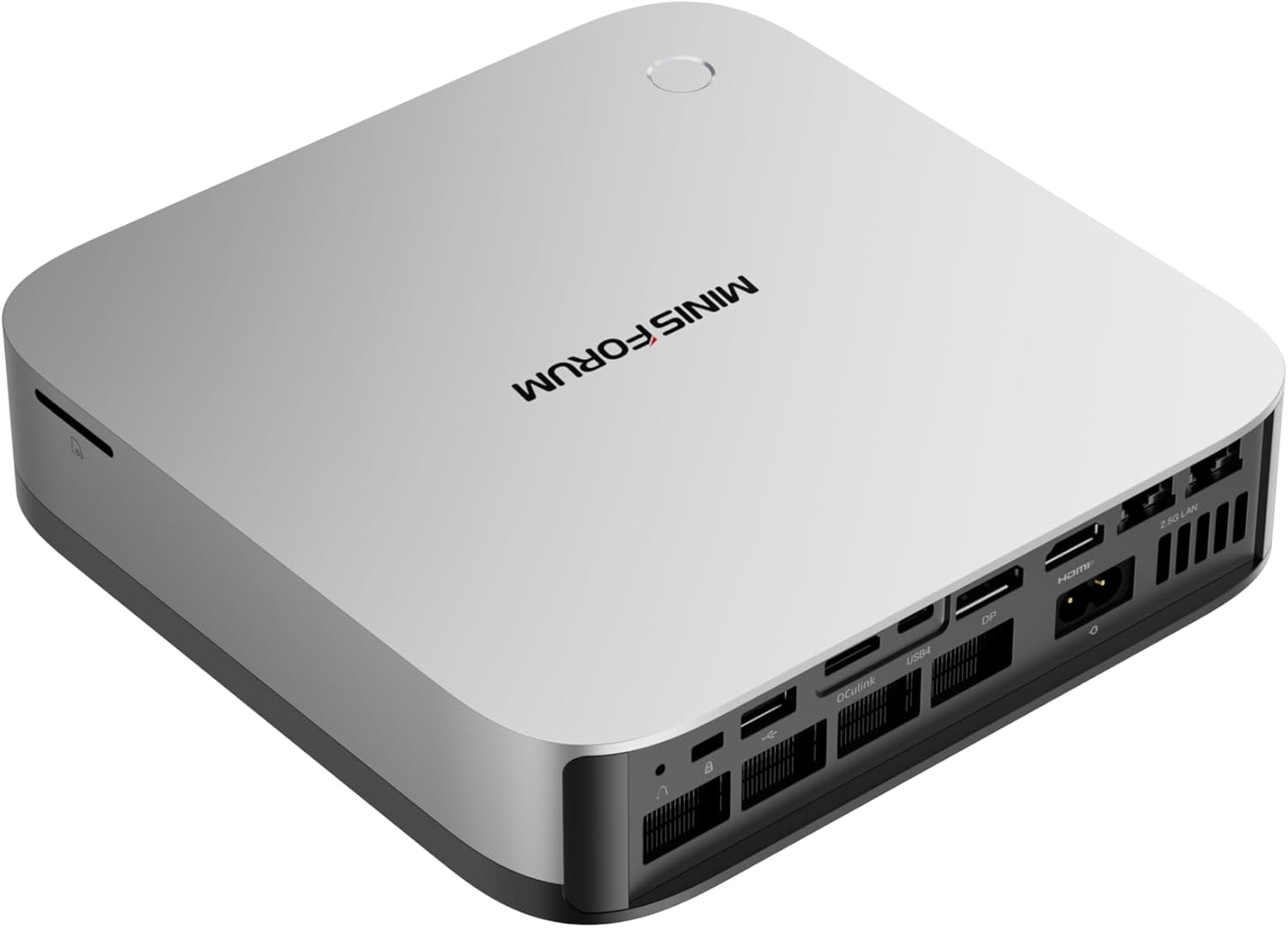
| USB4 | 1x USB4 | 2x USB4 + OCuLink | X1 Pro-370 |
| AI TOPS | 38 (16 NPU + 22 GPU) | 80 (50 NPU + 30 GPU) | X1 Pro-370 |
| Warranty | 1 year | 1 year | Tie |
| Reviews | Limited stock | 12 (4.5★) | X1 Pro-370 |
| Price | ~$999 | ~$1,179 | SER9 Pro Mini |
CPU and GPU Performance
These are different CPU classes. The SER9 Pro Mini uses Ryzen 7 H255 (8 cores, 38 TOPS) while the X1 Pro-370 uses Ryzen AI 9 HX370 (12 cores, 80 TOPS).
SER9 Pro Mini (H255): 8 cores / 16 threads at up to 4.9 GHz. Radeon 780M with 12 CUs. Entry-level AI with 38 TOPS.
X1 Pro-370 (HX370): 12 cores / 24 threads at up to 5.1 GHz. Radeon 890M with 16 CUs. Full AI with 80 TOPS.
AI compute: The X1 Pro-370 delivers more than double the AI performance:
- 7B models: ~30-50 tokens/sec (X1 Pro-370) vs ~30-45 tokens/sec (SER9 Pro Mini)
- 13B models: ~15-30 tokens/sec (X1 Pro-370) vs ~10-20 tokens/sec (SER9 Pro Mini)
- 34B models: ~10-20 tokens/sec (X1 Pro-370) vs limited (SER9 Pro Mini)
- 70B models: ~5-10 tokens/sec with 64GB+ RAM (X1 Pro-370) vs NOT possible (SER9 Pro Mini)
GPU performance: The 890M (16 CUs) in the X1 Pro-370 is ~30% faster than the 780M (12 CUs) in the SER9 Pro Mini.
Memory: The Key Differentiator
Beelink SER9 Pro Mini: 32GB LPDDR5X soldered to the motherboard. LPDDR5X is ~10-15% faster than standard DDR5 due to higher bandwidth. But it’s permanent — you cannot upgrade. 32GB is the ceiling forever.
MINISFORUM X1 Pro-370: 32GB DDR5 SO-DIMM — upgradeable to 128GB. Standard DDR5 is slightly slower than LPDDR5X, but the upgrade path matters for future workloads. Add 32GB later (~$80-100) when you need to run 70B LLMs or heavier VM workloads.
Why this matters:
- For 7B-13B LLMs: Both are fine with 32GB
- For 34B LLMs: X1 Pro-370 handles better with headroom
- For 70B LLMs: X1 Pro-370 can upgrade to 64GB+; SER9 Pro Mini cannot
Networking: The $100-150 Difference
Beelink SER9 Pro Mini: Single 2.5GbE (Realtek controller). WiFi 6 and Bluetooth 5.2. Adequate for general use.
MINISFORUM X1 Pro-370: Dual 2.5GbE Intel NICs (i226-V). WiFi 7 and Bluetooth 5.4. The dual Intel NICs are the gold standard for homelab use — run OPNsense with WAN on one port and LAN on the other, no USB adapters needed.
For homelab use: The X1 Pro-370’s dual NICs enable proper firewall/router builds. The SER9 Pro Mini’s single NIC requires USB adapters for multi-NIC setups.
Connectivity and Features
USB4: The X1 Pro-370 has dual USB4 ports (40Gbps) vs the SER9 Pro Mini’s single USB4. For users with multiple Thunderbolt/USB4 peripherals, this matters.
OCuLink (X1 Pro-370 only): This is the X1 Pro’s killer feature. OCuLink is a direct PCIe 4.0 x4 connection for external GPUs — far more efficient than USB4 for eGPU setups. Connect an RTX 4070 for desktop-class AI compute or 4K gaming. Performance loss vs direct PCIe is only 5-10%.
Storage: The X1 Pro-370 has dual M.2 slots, allowing you to add a second SSD without replacing the primary drive. The SER9 Pro Mini has a single M.2 slot.
Warranty: Both include 1-year limited warranty.
Power Consumption
| Metric | SER9 Pro Mini | X1 Pro-370 |
|---|---|---|
| Idle (W) | ~8W | ~9W |
| Load (W) | ~78W | ~86W |
| Annual Cost (24/7 idle) | ~$8.41/year | ~$9.46/year |
Annual cost calculated at $0.12/kWh. Sources: ServeTheHome, NotebookCheck.
Both systems are power-efficient. The X1 Pro-370 runs slightly warmer under load (~86W vs ~78W), likely due to the dual NICs and additional features.
Reviews and Availability
Beelink SER9 Pro Mini: Limited stock availability and few reviews. Beelink has established support channels, but this specific model lacks community validation.
MINISFORUM X1 Pro-370: 12 Amazon reviews at 4.5 stars. Early impressions are positive, with users praising the OCuLink, integrated PSU, and HX370 performance. The 4.5★ rating is promising for a new product.
Price and Value
At $999, the SER9 Pro Mini offers H255 performance at a premium price.
At $1,179, the X1 Pro-370 costs $180 more but delivers significantly more:
- HX370 with 80 TOPS vs H255 with 38 TOPS
- 12 cores vs 8 cores
- Upgradeable DDR5 to 128GB vs soldered 32GB
- Dual 2.5GbE vs single 2.5GbE
- WiFi 7 vs WiFi 6
- OCuLink for eGPU vs none
Value ranking:
- For budget buyers: SER9 Pro Mini wins on price only
- For AI workloads: X1 Pro-370 wins decisively
- For homelab features: X1 Pro-370 wins
- For future-proofing: X1 Pro-370 wins
Real-World Use Cases
For Local LLMs (Ollama)
X1 Pro-370 wins. The HX370’s 80 TOPS and upgradeable RAM make it far superior for AI workloads. The SER9 Pro Mini’s 38 TOPS and soldered 32GB are limiting.
For Homelab (Proxmox, OPNsense)
X1 Pro-370 wins decisively. Dual 2.5GbE Intel NICs are essential for proper firewall/router builds. OCuLink enables future eGPU expansion for AI workloads. The 12-core HX370 handles more VMs than the 8-core H255.
For Daily Use (Office, Media)
X1 Pro-370 wins. The 12-core HX370 provides better multitasking performance. The SER9 Pro Mini’s H255 is adequate but the $999 price is hard to justify vs cheaper H255 options like the standard SER9 at $839.
For Risk-Averse Buyers
X1 Pro-370 wins. The 12 reviews and established MINISFORUM support provide peace of mind. The SER9 Pro Mini’s limited reviews and stock availability are concerning.
Final Verdict: Which Should You Buy?
Buy the if
Beelink SER9 Pro Mini
→ Check Current Price on Amazon
- You want H255 and don’t mind paying $999
- You know 32GB RAM is enough forever
- You don’t need dual NICs for homelab
- WiFi 6 is adequate for your setup
Buy the MINISFORUM X1 Pro-370 if:
- You need HX370 for serious AI workloads (80 TOPS)
- You need upgradeable RAM for 70B LLMs
- You need dual 2.5GbE for firewall/router use
- You want WiFi 7 for future-proofing
- You want OCuLink for eGPU expansion
- You want 12 reviews proving reliability
Amazon Product Links
- Beelink SER9 Pro Mini — $999 (H255, soldered 32GB)
- MINISFORUM X1 Pro-370 — $1,179 (HX370, upgradeable RAM, dual 2.5GbE, OCuLink)
Frequently Asked Questions
What’s the difference between H255 and HX370?
The H255 has 8 cores and 38 TOPS (16 NPU + 22 GPU). The HX370 has 12 cores and 80 TOPS (50 NPU + 30 GPU). The HX370 is significantly faster for AI workloads and multi-threaded tasks.
Can both systems run 70B LLMs?
The SER9 Pro Mini cannot — its soldered 32GB RAM is insufficient. The X1 Pro-370 can after upgrading to 64GB+ RAM (cost: ~$80-100 for extra 32GB), handling 70B Q4 at 5-10 tokens/sec.
Is dual 2.5GbE useful for a mini PC?
Absolutely. Dual NICs enable proper firewall/router builds (OPNsense, pfSense), link aggregation for higher throughput, or separate WAN/LAN networks. For Proxmox, you can dedicate one NIC to management and one to VM traffic.
Is the $180 premium justified?
For AI workloads and homelab use, yes — the HX370’s 80 TOPS and 12 cores are significantly better than the H255’s 38 TOPS and 8 cores. For basic office use, the SER9 Pro Mini’s $999 price is hard to justify vs cheaper H255 options.
Which has better Linux support?
The X1 Pro-370’s Intel i226-V NICs have excellent out-of-the-box Linux support. The SER9 Pro Mini’s Realtek NIC may require manual driver installation. Both have solid ROCm support for AI workloads — the X1 Pro-370’s 890M is better supported than the SER9 Pro Mini’s 780M.
Does the X1 Pro-370 have the S0 Low Power Idle issue?
Some HX370 platforms have reported S0 Low Power Idle sleep/wake issues. MINISFORUM has released BIOS updates that improve the situation. For always-on server use, disable S0 sleep in BIOS.