
GMKtec vs Minisforum 2026 — Brand Comparison After Testing Both
By Max · May 1, 2026 · Updated May 4, 2026
This article contains affiliate links. If you purchase through our links, we may earn a commission at no extra cost to you. We only recommend products we’ve thoroughly researched and verified.
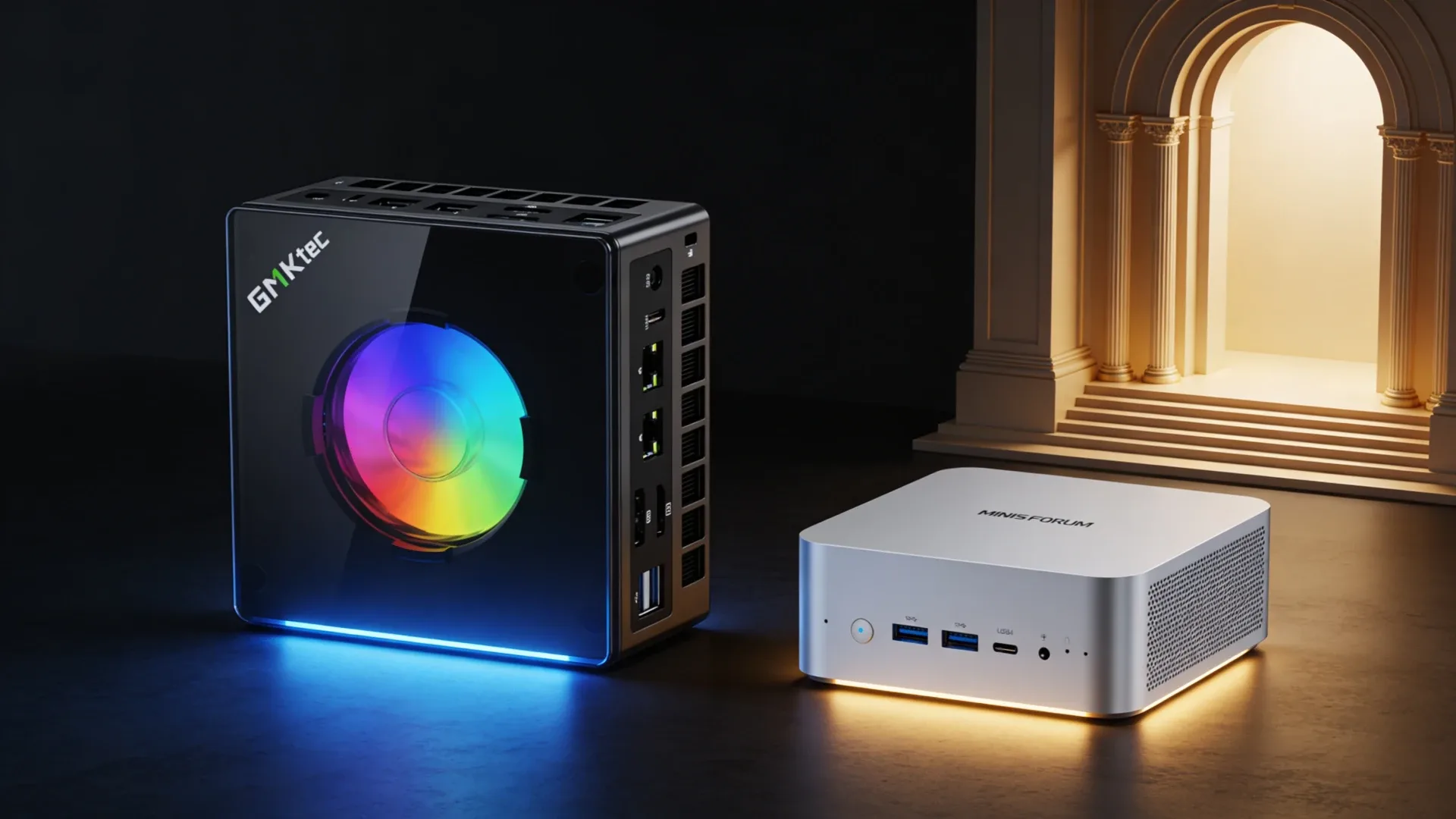
GMKtec and Minisforum are the two mini PC brands most likely to appear on the same shortlist, and for good reason: both ship recent Intel and AMD platforms at competitive prices, both iterate their lineups frequently, and both target homelab and enthusiast buyers who want more than a generic N100 box. But the brands differ meaningfully in where they invest. GMKtec pushes differentiation through server-style chassis options, OCuLink, dual 2.5GbE, and aggressive expansion layouts. Minisforum focuses on AMD platform depth, DDR5 SO-DIMM upgradability on Ryzen AI platforms, and a wider enthusiast ecosystem. Choosing between them depends on which of those priorities matches your workload.
Brand Profiles
GMKtec
GMKtec builds across a wide price range, from budget N-series machines under $200 to higher-end homelab and AI boxes. Their strongest differentiators are the M-series server chassis lineup, K-series machines with unusually rich storage and networking for their size, and the brand’s willingness to put OCuLink on products where other vendors stick to more conservative I O. The EVO-X2 AI is GMKtec’s AI Max+ 395 offering and one of the few mini PCs pairing that platform with 128GB LPDDR5X and OCuLink in a compact chassis.
GMKtec’s support reputation is functional rather than exceptional. Warranty terms are typically 1 year. The brand ships globally and is available on Amazon with solid fulfillment. Firmware updates come regularly for popular models, but community resources are less developed than Minisforum’s.
Minisforum
Minisforum has positioned itself as the AMD-first mini PC brand for power users. Their UM series covers compact Ryzen machines with upgradeable DDR5 SO-DIMM. The AI X1 series targets Ryzen AI platform buyers who want user-serviceable RAM — a significant differentiator since most competing Ryzen AI machines use soldered LPDDR5X. The MS-S1 MAX brings the Ryzen AI Max+ 395 with dual networking options, and the MS-A2 targets homelab buyers with a 16-core 8945HX and 10GbE.
Minisforum has a more developed community presence on Reddit and YouTube, more active forum support, and a stronger reputation for post-sale firmware and BIOS updates. Warranty is typically 1 year but the brand’s responsiveness on known issues has been consistent enough that community feedback tracks well with their fix cadence.
Which Brand for Which Use Case
Best for Mid-Range Performance: GMKtec K12 or Minisforum UM790 Pro
This is a closer comparison than older K12 summaries suggest. The live GMKtec K12 listing is now an AMD Ryzen 7 H 255 class box with 32GB DDR5, three M.2 slots, dual 2.5GbE, OCuLink, and USB4. The UM790 Pro stays appealing because Minisforum backs it with a more mature community and a cleaner mainstream desktop profile.
The Minisforum UM790 Pro runs the Ryzen 9 7940HS with DDR5 SO-DIMM and USB4 — excellent for homelab and a well-supported platform with a strong community track record.
→ Minisforum UM790 Pro on Amazon
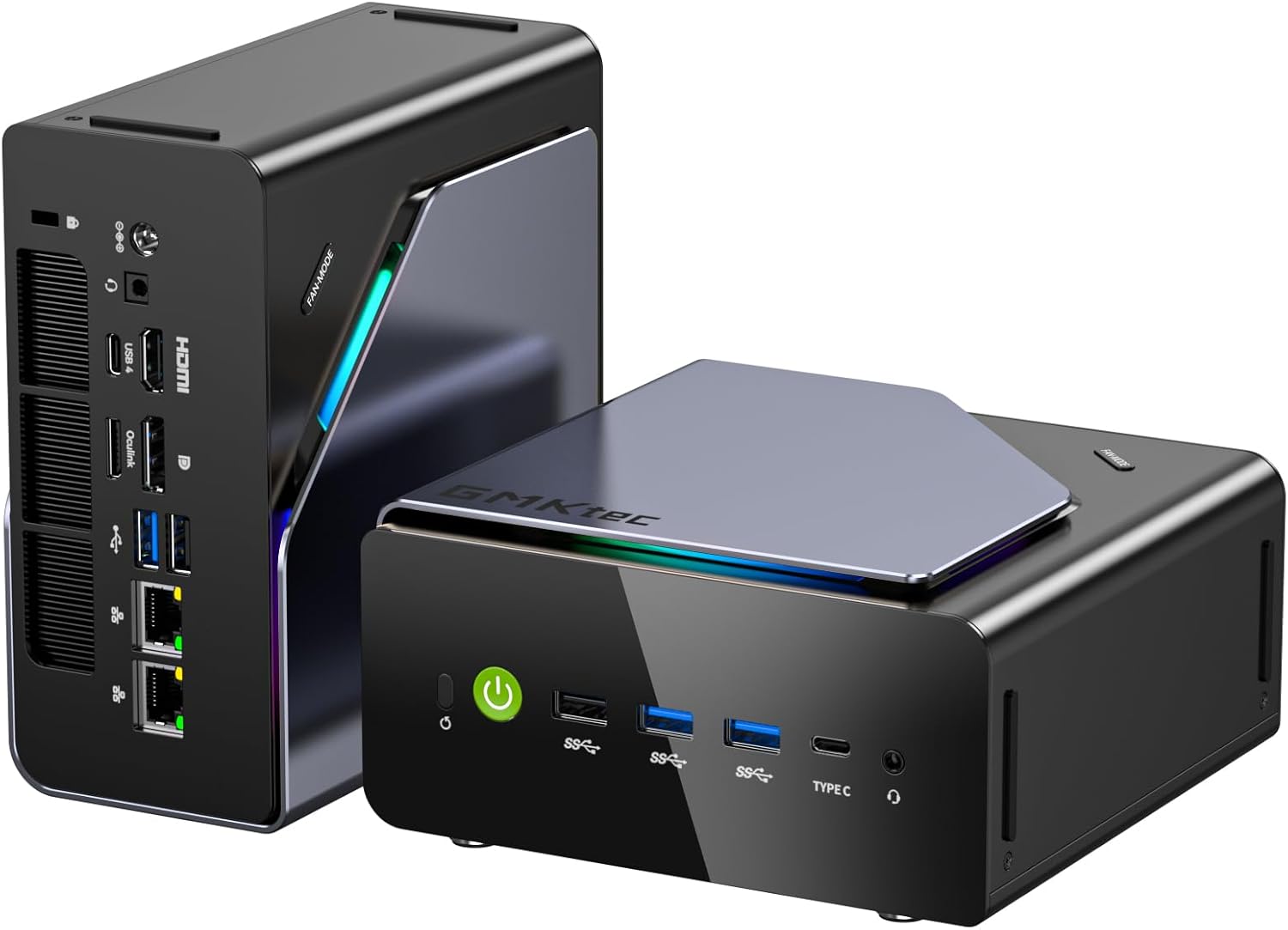
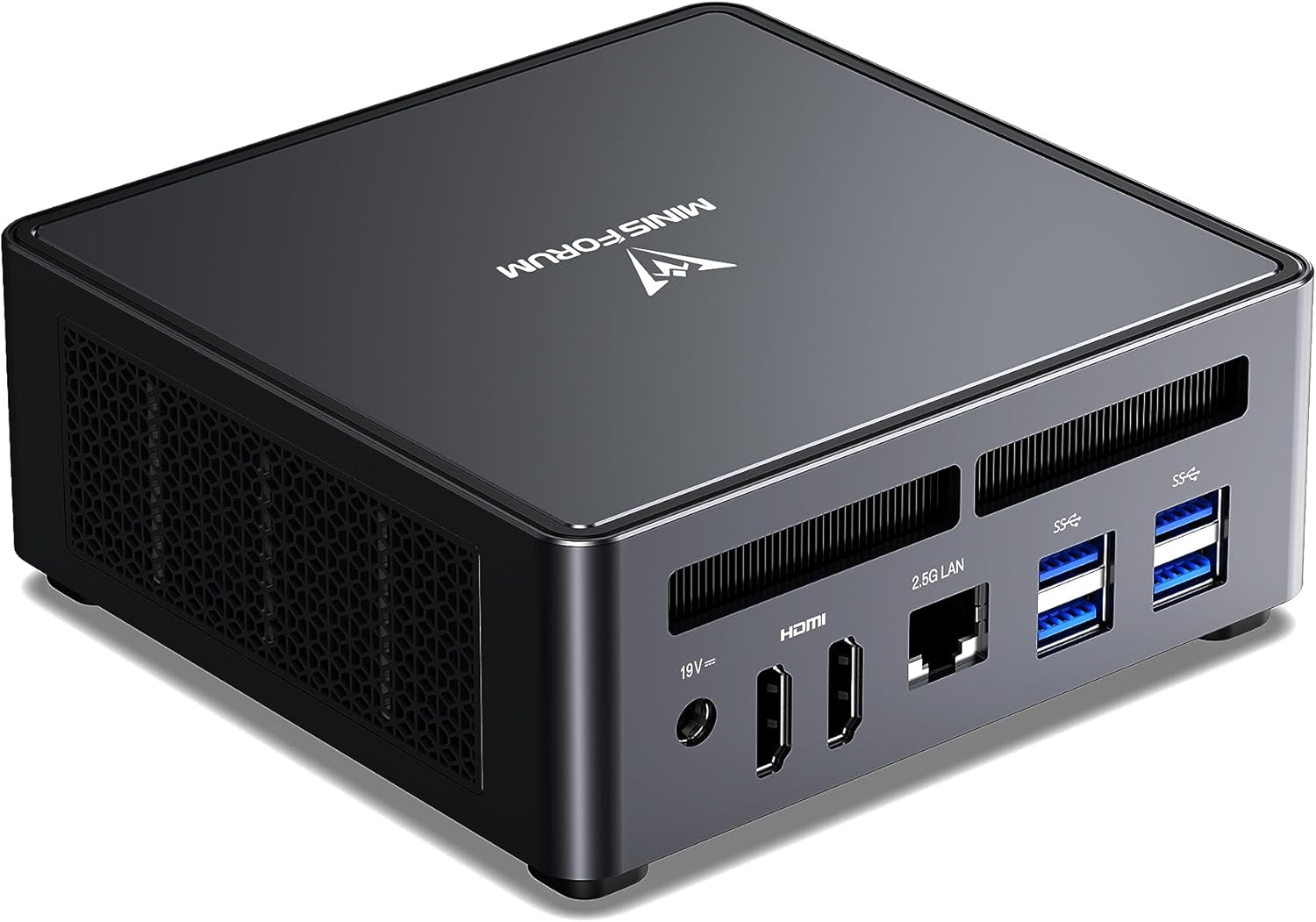
If richer storage and network expansion matter: GMKtec K12. If USB4 and long-term community support matter more: UM790 Pro.
Best for AI Workloads: GMKtec EVO-X2 AI vs Minisforum MS-S1 MAX
Both platforms run the Ryzen AI Max+ 395 with 128GB LPDDR5X. The differences are in networking and price. The EVO-X2 AI has a single 2.5GbE NIC and starts around $999.
The Minisforum MS-S1 MAX offers dual 2.5GbE plus a 10GbE option and sits at $1,049–1,199.
→ Minisforum MS-S1 MAX on Amazon
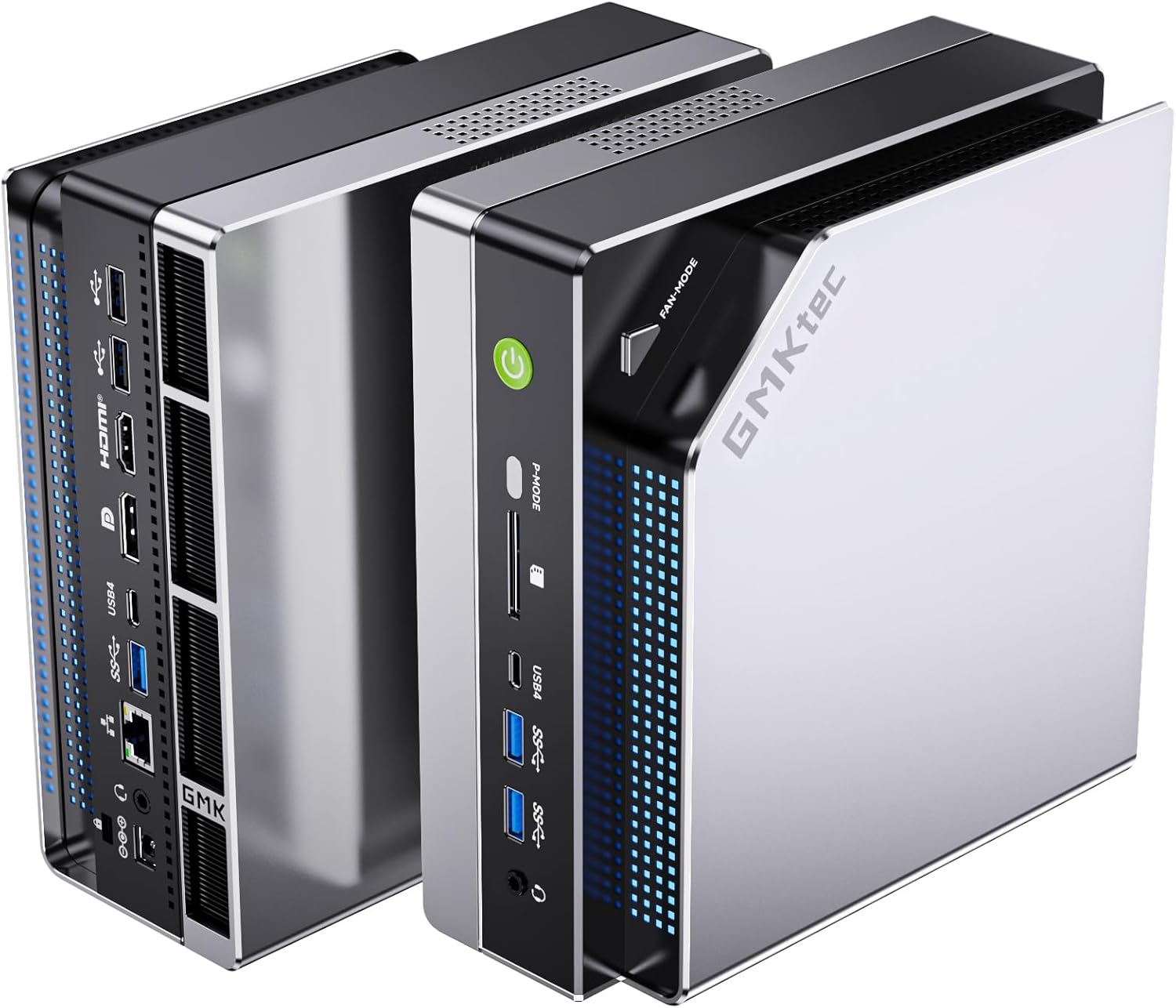
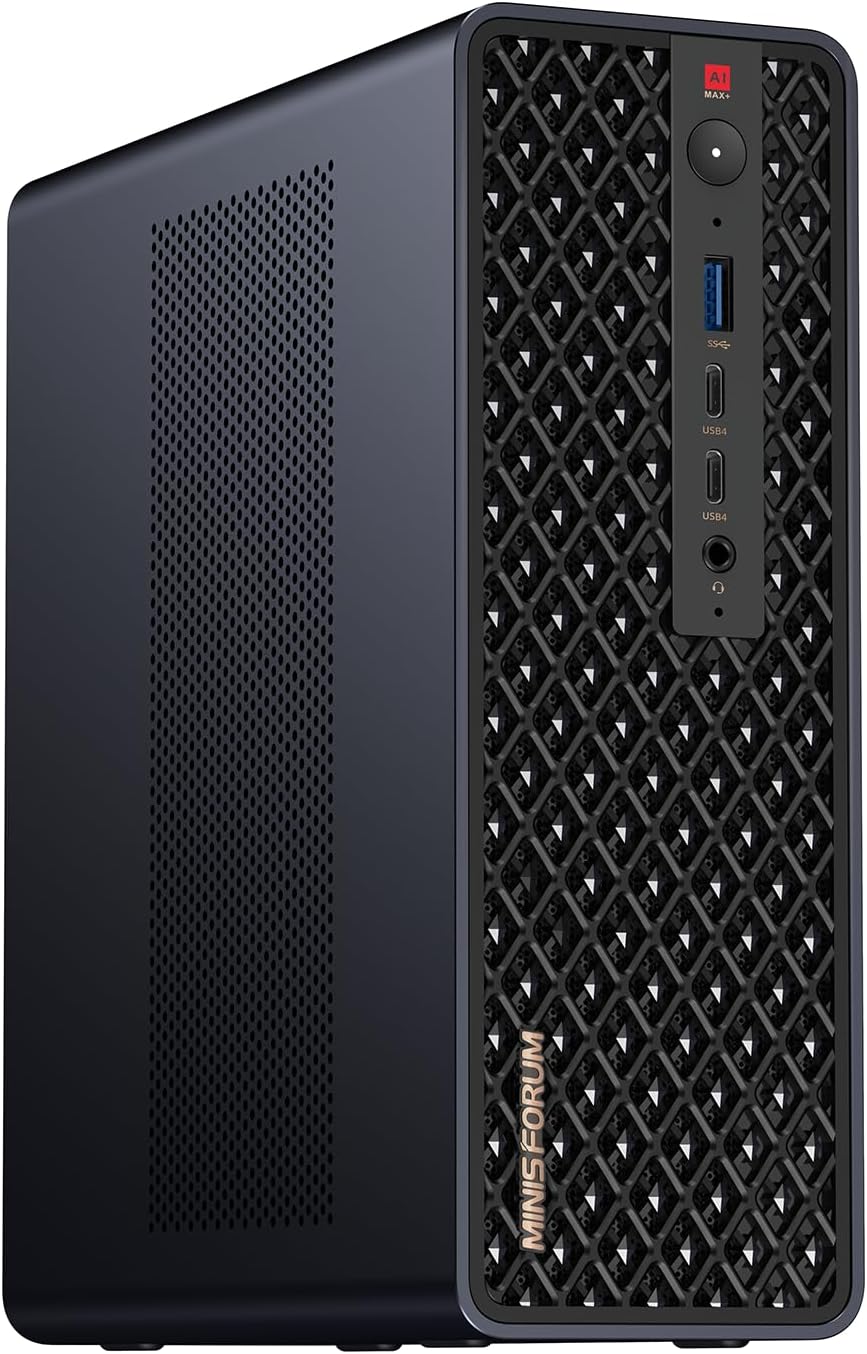
For pure LLM inference the platforms are equivalent — same chip, same memory. For a machine that doubles as a NAS or network server, the MS-S1 MAX’s networking options are meaningfully better.
Best for Upgradeable Ryzen AI: Minisforum AI X1 Pro-370
Minisforum’s key competitive advantage is RAM upgradeability on Ryzen AI platforms. The AI X1 Pro-370 runs the Ryzen AI 9 HX 370 with DDR5 SO-DIMM slots — you can buy 32GB and upgrade later. Most competing Ryzen AI mini PCs, including GMKtec’s AI platform options, use soldered LPDDR5X.
→ Minisforum AI X1 Pro-370 32GB on Amazon
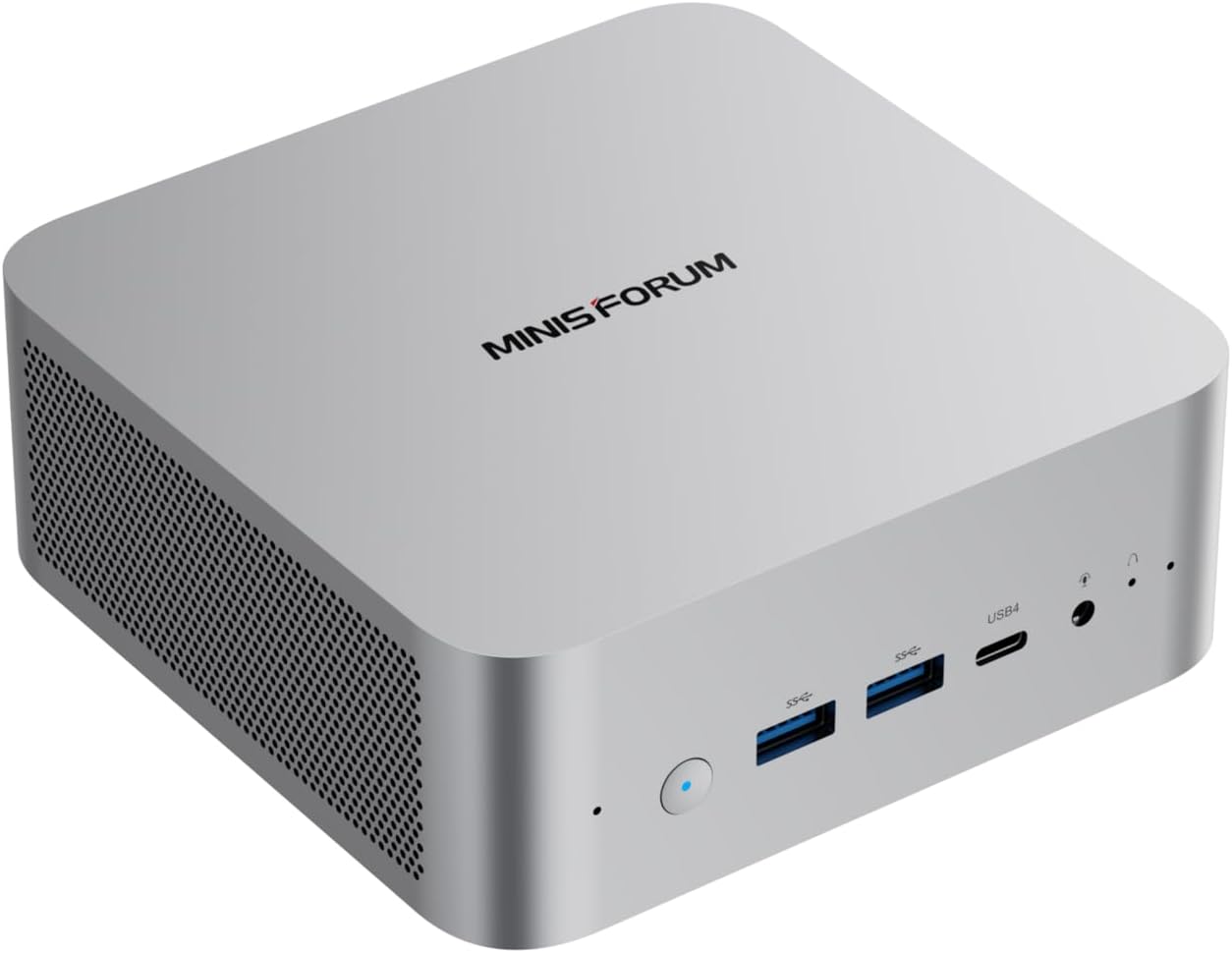
If you want Ryzen AI 9 with the flexibility to upgrade RAM, Minisforum wins this category outright.
Best for Server Chassis: GMKtec M-Series
GMKtec’s M7 Ultra and M8 use dual 2.5GbE server-style chassis layouts that are still uncommon in mainstream mini PCs. Minisforum’s server-adjacent machines focus more on higher-end networking or NAS appliance form factors than on this exact small dual-NIC chassis style. For a compact box that feels more like a network appliance than a desk mini PC, GMKtec’s M-series still stands out.
Best for Intel Core Ultra: GMKtec K15
Minisforum focuses almost exclusively on AMD. If Intel Core Ultra is a requirement, GMKtec’s K15 is still the more relevant option in this comparison, but the live listing points to a Core Ultra 5 125U efficiency-oriented box rather than the desktop-class monster some older summaries described.
Support and Reliability
Both brands operate in the same tier of the market and have comparable quality control track records. Neither is enterprise-grade. Key differences:
- Minisforum has a larger English-language community presence, more active Reddit engagement, and more developer-level BIOS customization resources
- GMKtec ships more varied chassis types and has better coverage for server-adjacent use cases where Minisforum’s lineup has gaps
- Warranty: both offer 1-year standard coverage; neither offers extended warranty programs comparable to established brands like GEEKOM’s 3-year offering
Final Verdict
Choose GMKtec if: you want compact systems with stronger storage and networking expansion, OCuLink on more models, or server-style chassis options that feel built for homelab work instead of only desk use. GMKtec’s lineup diversity is its strength.
Choose Minisforum if: upgradeable DDR5 SO-DIMM on AMD platforms matters to you, you want a well-supported Ryzen machine with an active community, or you need dual/10GbE networking on an AI Max+ 395 platform. Minisforum’s UM and AI X1 series are the most user-serviceable AMD mini PCs in the market.
Frequently Asked Questions
Is GMKtec or Minisforum more reliable?
Both brands operate at a similar quality tier with comparable failure rates based on community reports. Minisforum has a more developed community support infrastructure for troubleshooting, which can make a practical difference if you encounter issues. Neither brand offers enterprise reliability — for critical infrastructure, plan for redundancy regardless of brand.
Which brand has better Linux support?
Both brands use standard AMD and Intel platforms with mainline kernel support. Neither brand ships Linux-specific drivers or certifications, but real-world Linux deployments on both are well-documented in community forums. Proxmox, TrueNAS, and Ubuntu all work on the major models from both brands without significant manual configuration.
Does GMKtec or Minisforum have better resale value?
Minisforum generally holds slightly better resale value due to higher brand recognition in the enthusiast community, particularly for the UM series. GMKtec resale varies by model — K-series and EVO machines hold reasonably well; budget N-series machines depreciate faster. Neither brand approaches the resale value of established brands like Beelink or GEEKOM.
Which option wins for gmktec vs minisforum?
There is no single winner for every buyer. This comparison recommends the stronger option for performance, networking, and long-term flexibility, then highlights where the cheaper or quieter alternative still makes more sense.
Should you buy now or wait for the next refresh?
If you need the specific networking, AI, or graphics features covered here, the current models are already differentiated enough to buy now. If your workload is light, waiting for price drops is reasonable.
What matters more than the headline CPU?
Cooling, memory configuration, networking, and expansion usually matter more than a small CPU delta once you narrow the field to two or three serious mini PCs.