
This article contains affiliate links. If you purchase through our links, we may earn a commission at no extra cost to you. We only recommend products we’ve thoroughly researched and verified.

Home Assistant is the most powerful smart home platform available — and unlike cloud-dependent systems, it runs entirely in your home. A dedicated mini PC gives you far more power, storage, and flexibility than a Raspberry Pi or purpose-built HA hardware while costing only marginally more.
The key requirements for Home Assistant hardware are reliability (it needs to run 24/7/365), low power consumption, and enough headroom for automations, integrations, and add-ons as your system grows. Running HA alongside Docker, Plex, or other services? See our home server guide for multi-workload picks.
Quick Picks: Best Mini PC for Home Assistant at a Glance
If cameras and Frigate are part of the plan, size the detector first with the Frigate camera calculator — object detection, not Home Assistant itself, is what decides the hardware.
| Pick | Mini PC | Annual Power Cost | Price | Link |
|---|---|---|---|---|
| 🥇 Best Overall | GEEKOM IT12 | ~$11/year | ~$382–549 | Check Price |
| 🥈 Best Value | Beelink EQ14 | ~$7/year | ~$190–220 | See current alternatives |
| 🥉 Future-Proof | Minisforum UM790 Pro | ~$16/year | ~$380–500 | Check Price |
Why a Mini PC Beats a Raspberry Pi for Home Assistant
Home Assistant officially supports Raspberry Pi, but in practice, dedicated mini PCs are better for serious smart home setups:
Reliability: SD card corruption is the #1 cause of HA downtime on Raspberry Pi. Mini PCs use NVMe SSDs with far longer lifespan and no corruption risk.
Storage: HA’s long-term statistics database grows over time. A 256GB NVMe gives you years of history without storage concerns; an SD card fills up and degrades.
Add-on capacity: Running AdGuard Home, Node-RED, Frigate (NVR), Zigbee2MQTT, and a VPN simultaneously needs more than a Pi can reliably provide. Mini PCs handle this without CPU throttling.
USB reliability: Zigbee/Z-Wave coordinators need stable USB connections. Mini PCs provide USB 3.x with proper power delivery; Pi USB ports can be finicky under load.
What Home Assistant Needs from Hardware
Minimum for Home Assistant OS (bare metal install):
- 2GB RAM (4GB+ recommended for add-ons)
- 32GB storage (64GB+ recommended for long-term logging)
- USB or Ethernet for Zigbee/Z-Wave dongle connection
- Reliable 24/7 operation
For Home Assistant on Proxmox (VM):
- 4GB RAM allocated to HA VM
- Same storage and USB passthrough requirements
Nice to have:
- Bluetooth 5.0+ for Bluetooth device tracking
- USB 3.0 for stable Zigbee coordinator connections
- Gigabit Ethernet for reliable network connectivity
What to Look for in a Home Assistant Mini PC
1. Power consumption above all else Home Assistant runs 24/7. A 6W machine costs $6.57/year; a 15W machine costs $16.43/year. Over 5 years that’s a $50 difference — and the low-power options handle HA just as well.
2. USB reliability Your Zigbee or Z-Wave coordinator plugs into USB and must stay connected permanently. Industrial-grade USB chipsets in Intel-based mini PCs are generally more reliable than budget USB controllers.
3. RAM headroom for add-ons Base Home Assistant OS needs ~1GB. Each add-on (Frigate, Node-RED, AdGuard Home) adds 512MB–2GB. Plan for 4GB minimum, 8GB if running Frigate NVR.
4. Storage for long-term statistics HA’s built-in Recorder integration logs all entity states. 32GB fills up in months at default settings; 64GB+ is comfortable for years.
5. Proven 24/7 stability Check community forums for thermal throttling reports under sustained loads. The recommended models here are all confirmed-stable for always-on operation.
Which Mini PC for Your Home Assistant Setup
How you run Home Assistant decides the hardware. HAOS on a small box covers most homes; add Frigate object detection or a Proxmox stack and you need more.
| Your HA setup | What it needs | Recommended pick |
|---|---|---|
| HAOS bare-metal, typical smart home | Low power, reliable, fanless-class | Beelink EQ14 |
| Fanless / silent in a living space | No fan, low heat | Beelink EQ14 |
| HA + Frigate NVR object detection | iGPU or Coral for detection | GEEKOM IT12 plus a Coral TPU |
| HA as a VM under Proxmox with other services | Cores and RAM for the whole stack | Minisforum UM790 Pro |
| Large or complex home, many integrations | Headroom for add-ons and automations | Minisforum UM790 Pro |
For Frigate specifically, CPU-only object detection overwhelms small boxes past a camera or two — add a Google Coral USB TPU so detection runs on the TPU. For installation choices — HAOS bare-metal, a VM, Docker, or Proxmox — see the options section below.
Our Top Picks: Best Mini PC for Home Assistant 2026
🥇 Best Overall
GEEKOM IT12
→ Check Current Price on Amazon
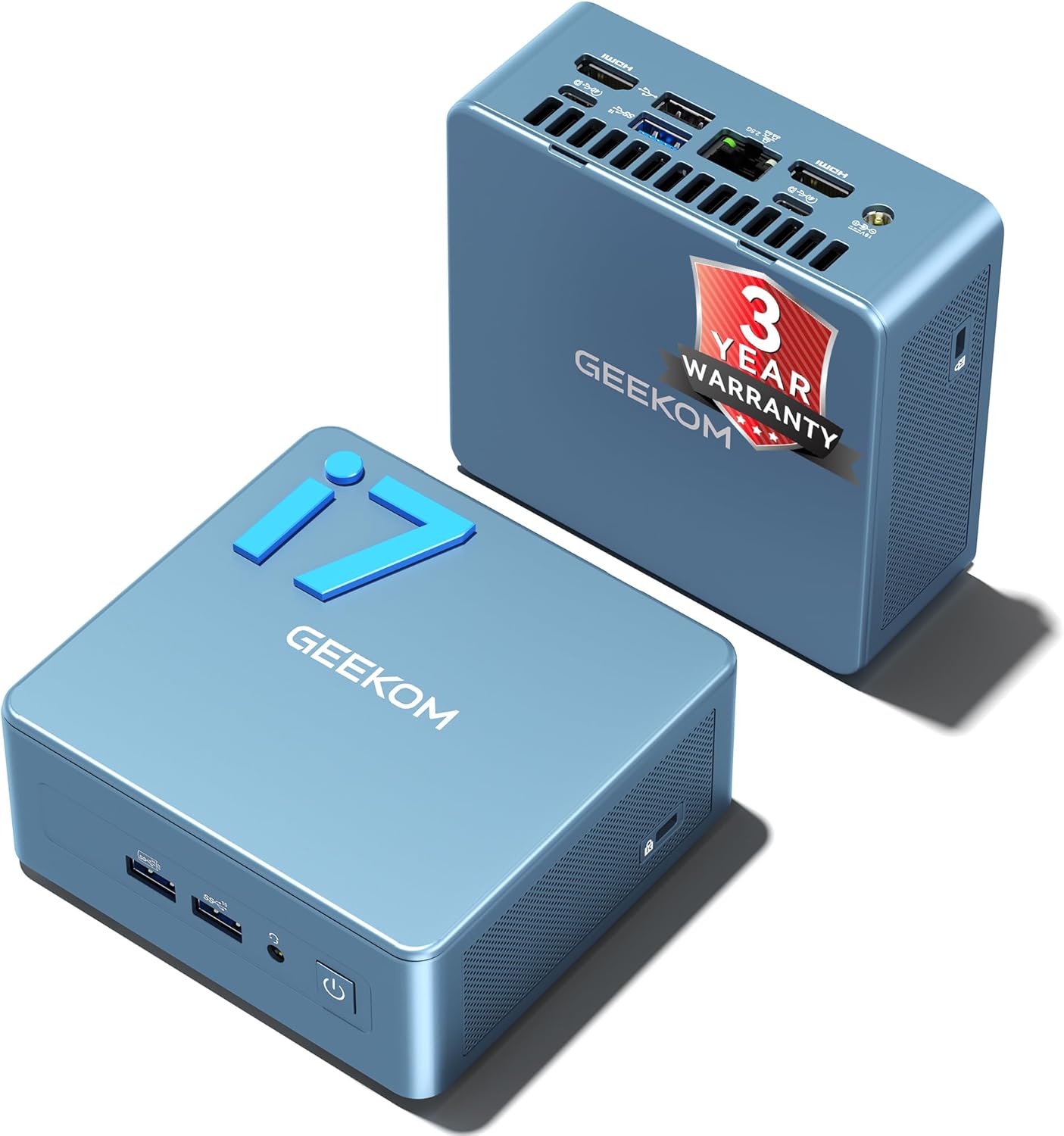
The GEEKOM IT12 offers the combination of proven long-term reliability, excellent Linux compatibility, and solid performance headroom that makes it the safest choice for a permanent Home Assistant server. The Intel i5-12450H is dramatically overpowered for Home Assistant alone — which is the point. You can run Home Assistant OS in a Proxmox VM alongside Pi-hole, a monitoring stack, Frigate NVR, and other services, with room to grow for years.
GEEKOM’s build quality is excellent — reliable 24/7 operation is confirmed across many community builds. The Thunderbolt 4 port enables USB4 speed for future connectivity and peripheral flexibility.
Specs:
| Spec | Detail |
|---|---|
| CPU | Intel Core i5-12450H (8C, 2.0–4.4GHz) |
| RAM | 16–32GB DDR4 (upgradeable SO-DIMM) |
| Storage | 512GB–1TB NVMe |
| Networking | 1x 2.5GbE + WiFi 6E |
| USB | 1x Thunderbolt 4, 4x USB-A |
| Power Draw | ~10W idle / ~45W load |
| Price | ~$382–549 depending on config |
Pros:
- Intel Quick Sync for Plex/Jellyfin transcoding alongside HA
- Proven 2+ year market track record — confirmed long-term reliability
- Good Linux and Proxmox driver compatibility
- Thunderbolt 4 for external storage or display
- Upgradeable DDR4 SO-DIMM slots
Cons:
- Single 2.5GbE (no dual NIC)
- Older DDR4 vs newer DDR5 competitors
- i7 variant significantly more expensive
- ~$400 is pricey if you only want to run Home Assistant
Who should buy this: Anyone running Home Assistant as part of a broader homelab (Proxmox + multiple services), or who wants the most reliable Intel platform with proven long-term support.
Who should skip this: Pure HA-only use cases — save $200 and get the Beelink EQ14 instead.
🥈 Best Value
Beelink EQ14
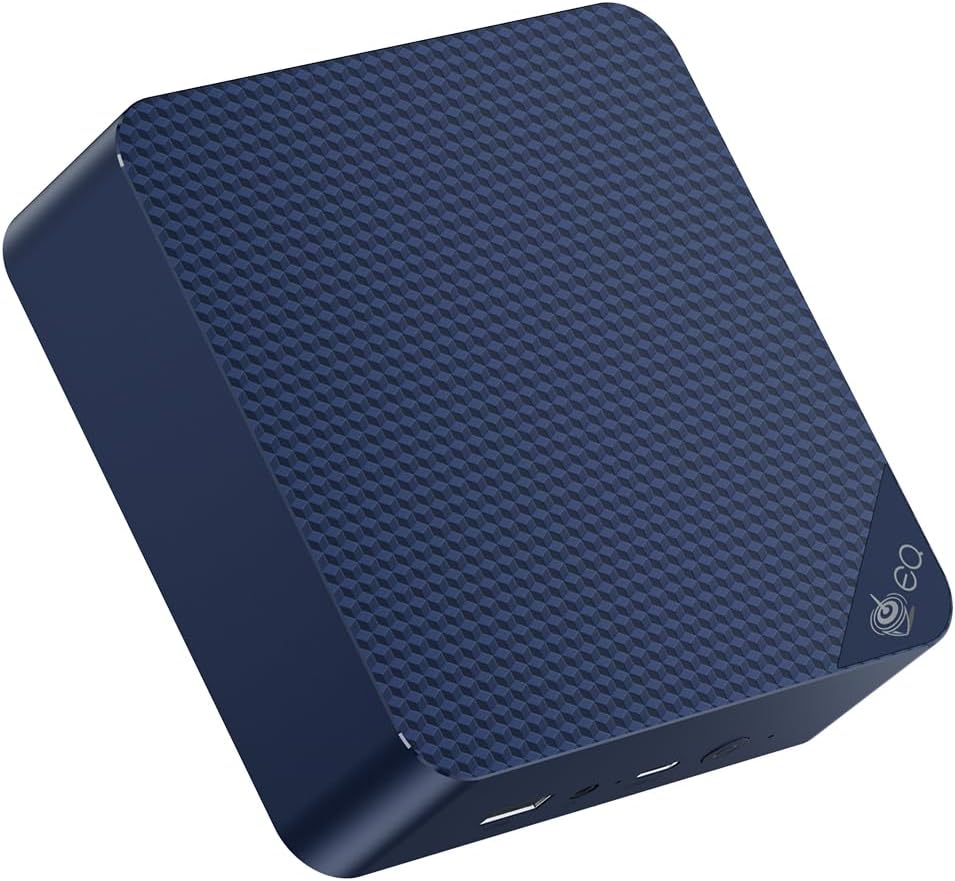
For Home Assistant as the primary use case, the Beelink EQ14 is the most logical choice. It’s powerful enough to run HA with 50+ integrations, add-ons including File Editor, SSH, Node-RED, and AdGuard Home, all without performance issues.
The ~6W idle means you’re spending less than $7/year on electricity. The dual 2.5GbE is more than HA needs, but it’s useful if you later want to add networking features or run OPNsense alongside HA in Proxmox.
Specs:
| Spec | Detail |
|---|---|
| CPU | Intel N150 (4C/4T, 3.6GHz) |
| RAM | 16GB LPDDR5 |
| Storage | 500GB SSD |
| Networking | 2x 2.5GbE LAN + WiFi 6 |
| Power Draw | ~6W idle / ~25W load |
| Price | ~$190–220 |
Pros:
- ~6W idle = ~$6.57/year electricity
- Dual 2.5GbE for flexible networking
- Handles HA + AdGuard + Node-RED + Zigbee2MQTT simultaneously
- Tiny footprint and near-silent operation
- Proven N150 platform with strong Linux compatibility
Cons:
- 4 cores — limited for heavy add-ons like Frigate NVR with multiple cameras
- LPDDR5 variants have soldered RAM (check exact SKU)
- Not suitable for running Plex 4K transcoding alongside HA
Who should buy this: First-time HA users, anyone wanting the lowest electricity cost, and setups with up to 10 add-ons and moderate automation load.
Who should skip this: If you plan to run Frigate NVR with 4+ cameras, or want a full Proxmox homelab — get the GEEKOM IT12 or UM790 Pro.
🥉 Future-Proof
Minisforum UM790 Pro
→ Check Current Price on Amazon
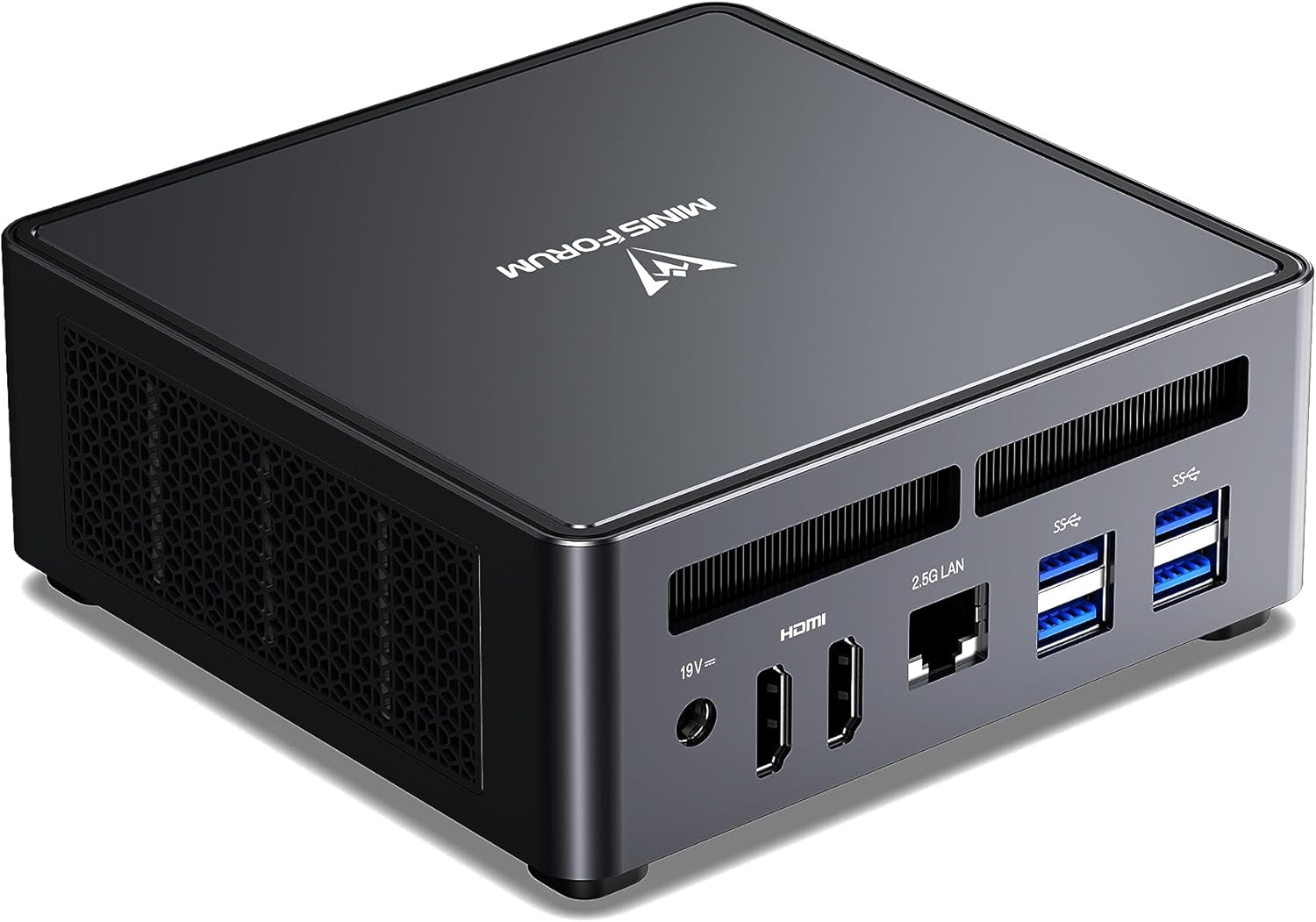
If you want Home Assistant to be one part of a larger Proxmox homelab — with Plex, Docker containers, Pi-hole, Jellyfin, and other services running simultaneously — the UM790 Pro gives you the CPU, RAM, and performance headroom to grow without hardware constraints for years.
The 8 cores handle Frigate NVR with multiple cameras without impacting HA responsiveness. The 64GB DDR5 upgrade path means you’ll never be RAM-constrained.
Specs:
| Spec | Detail |
|---|---|
| CPU | AMD Ryzen 9 7940HS (8C/16T, 5.2GHz) |
| RAM | 32–64GB DDR5 (2x SO-DIMM, upgradeable) |
| Storage | 512GB–1TB NVMe (+ 2nd M.2 slot) |
| Networking | 1x 2.5GbE + WiFi 6E |
| Power Draw | ~15W idle / ~65W load |
| Price | ~$380–500 |
Pros:
- 8 cores handle Frigate NVR + HA + Docker + Proxmox simultaneously
- 64GB DDR5 gives years of headroom
- Dual USB4 for external storage expansion
- Excellent AMD/Linux compatibility
Cons:
- ~15W idle costs more to run 24/7 than the EQ14
- More expensive than needed if your primary use is just HA
- No dual physical NIC
Who should buy this: Anyone building a full Proxmox homelab where HA is one of several VMs/containers, particularly if running Frigate NVR with multiple cameras.
Who should skip this: Pure Home Assistant use — the extra power and price don’t improve HA’s performance.
Home Assistant Installation Options on Mini PCs
Option 1: Home Assistant OS (Bare Metal)
- Install HA OS directly on the mini PC’s NVMe drive
- Simplest setup, best hardware integration
- Downside: entire machine dedicated to HA
Option 2: Home Assistant in a Proxmox VM (Recommended)
- Install Proxmox on the mini PC, create a VM for HA OS
- Pass through USB Zigbee/Z-Wave dongle to the VM
- Run other services alongside HA in separate VMs/containers
- Best flexibility — one machine, multiple functions
- Need hardware optimized for Proxmox? See our best mini PC for Proxmox picks
Option 3: Home Assistant Supervised in Docker
- Run Home Assistant as a Docker container on Linux
- More complex to maintain but maximum flexibility
- Not officially supported — may miss some supervisor features
- Running multiple Docker workloads? Check our best mini PC for Docker guide
For most users: Option 2 (Proxmox VM) provides the best balance of simplicity and flexibility.
Head-to-Head Comparison
| Feature | Beelink EQ14 | GEEKOM IT12 | UM790 Pro |
|---|---|---|---|
| CPU | N150 (4C) | i5-12450H (8C) | Ryzen 9 7940HS (8C) |
| Max RAM | 32GB | 32GB | 64GB |
| Networking | 2x 2.5GbE | 1x 2.5GbE | 1x 2.5GbE |
| Power (idle) | ~6W | ~10W | ~15W |
| Annual electricity | ~$6.57 | ~$10.95 | ~$16.43 |
| Frigate NVR (4+ cams) | ⚠️ Marginal | ✅ Good | ✅ Excellent |
| Proxmox multi-VM | ⚠️ Limited | ✅ Good | ✅ Excellent |
| Price | ~$190–220 | ~$382–549 | ~$380–500 |
Power Consumption & Annual Running Cost
Since HA runs 24/7, electricity cost matters significantly over time:
| Mini PC | Idle (W) | Load (W) | Annual Cost* | 5-Year Cost |
|---|---|---|---|---|
| Beelink EQ14 | ~6W | ~25W | ~$6.57 | ~$33 |
| GEEKOM IT12 | ~10W | ~45W | ~$10.95 | ~$55 |
| Minisforum UM790 Pro | ~15W | ~65W | ~$16.43 | ~$82 |
*At $0.12/kWh, 24/7 idle operation.
The EQ14’s 5-year electricity saving vs UM790 Pro: ~$49. The UM790 Pro’s cost premium is ~$180. It’s justified if you run multiple services, not if you run HA alone.
Quick Picks Recap
| Pick | Mini PC | Annual Power Cost | Price | Link |
|---|---|---|---|---|
| 🥇 Best Overall | GEEKOM IT12 | ~$11/year | ~$382–549 | Check Price |
| 🥈 Best Value | Beelink EQ14 | ~$7/year | ~$190–220 | See current alternatives |
| 🥉 Future-Proof | Minisforum UM790 Pro | ~$16/year | ~$380–500 | Check Price |
Frequently Asked Questions
Can I run Home Assistant on a mini PC with Proxmox and Plex simultaneously?
Yes. With 8+ cores and 32GB RAM (GEEKOM IT12, UM790 Pro, or GMKtec K11), this is a very common homelab configuration. Home Assistant gets 2–4GB in a VM, Plex gets 2–4GB, and you still have RAM left for other services.
Do I need to buy a Zigbee stick separately?
Yes. Home Assistant doesn’t include a Zigbee coordinator. The most popular options are the SONOFF Zigbee 3.0 USB Dongle Plus-E and the Nabu Casa Home Assistant SkyConnect. Both are under $30 and work out of the box with HA.
Will any mini PC work for Home Assistant?
Any x86 mini PC can run Home Assistant. The models recommended here are chosen for confirmed 24/7 thermal stability, reliable USB controllers, and strong Linux driver support.
How much storage does Home Assistant need long-term?
Base HA OS needs ~2–4GB. With add-ons and the Recorder database enabled at default settings, plan for 32GB minimum; 64GB for years of history without pruning.
Can Home Assistant run in a Docker container on these mini PCs?
Yes. Docker and docker-compose both work on Linux. However, for full supervisor features (add-on store, supervised updates), Home Assistant OS in a Proxmox VM is more reliable than the Docker container approach.
Can I run Home Assistant and Pi-hole on the same mini PC?
Yes, both are lightweight. A mini PC with 8GB+ RAM handles both easily. Run HA OS in a Proxmox VM and Pi-hole in an LXC container, or run both as Docker containers. Either approach works without performance issues.
What USB devices work with Home Assistant on a mini PC?
Most Zigbee coordinators (SONOFF ZBDongle-P, ConBee II) and Z-Wave sticks (Aeotec Z-Stick) work via USB. Mini PCs have more USB ports than a Raspberry Pi, so you can run multiple radios simultaneously without a USB hub.
How We Research These Picks
Each recommendation is tied to a specific product configuration and cross-checked against manufacturer documentation. Affiliate targets are checked for product identity during content refreshes. Prices are approximate, and this site does not publish live stock guarantees or claim first-party benchmarks without documented evidence.
Amazon Product Links
- 🔷 GEEKOM IT12 (Best Overall): Check Price on Amazon
- 💰 Beelink EQ14 (Best Value): See current alternatives
- 🏆 Minisforum UM790 Pro (Future-Proof): Check Price on Amazon