
GMKtec EVO-X2 vs GEEKOM A9 Max: Strix Halo 128GB vs Strix Point — $1,300 Upgrade Question [2026]
By Max · April 3, 2026 · Updated May 4, 2026
This article contains affiliate links. If you purchase through our links, we may earn a commission at no extra cost to you. We only recommend products we’ve thoroughly researched.
![GMKtec EVO-X2 vs GEEKOM A9 Max: Strix Halo 128GB vs Strix Point — $1,300 Upgrade Question [2026]](/images/heroes/variants/gmktec-evo-x2-vs-geekom-a9-max/1920.webp)
The Short Answer
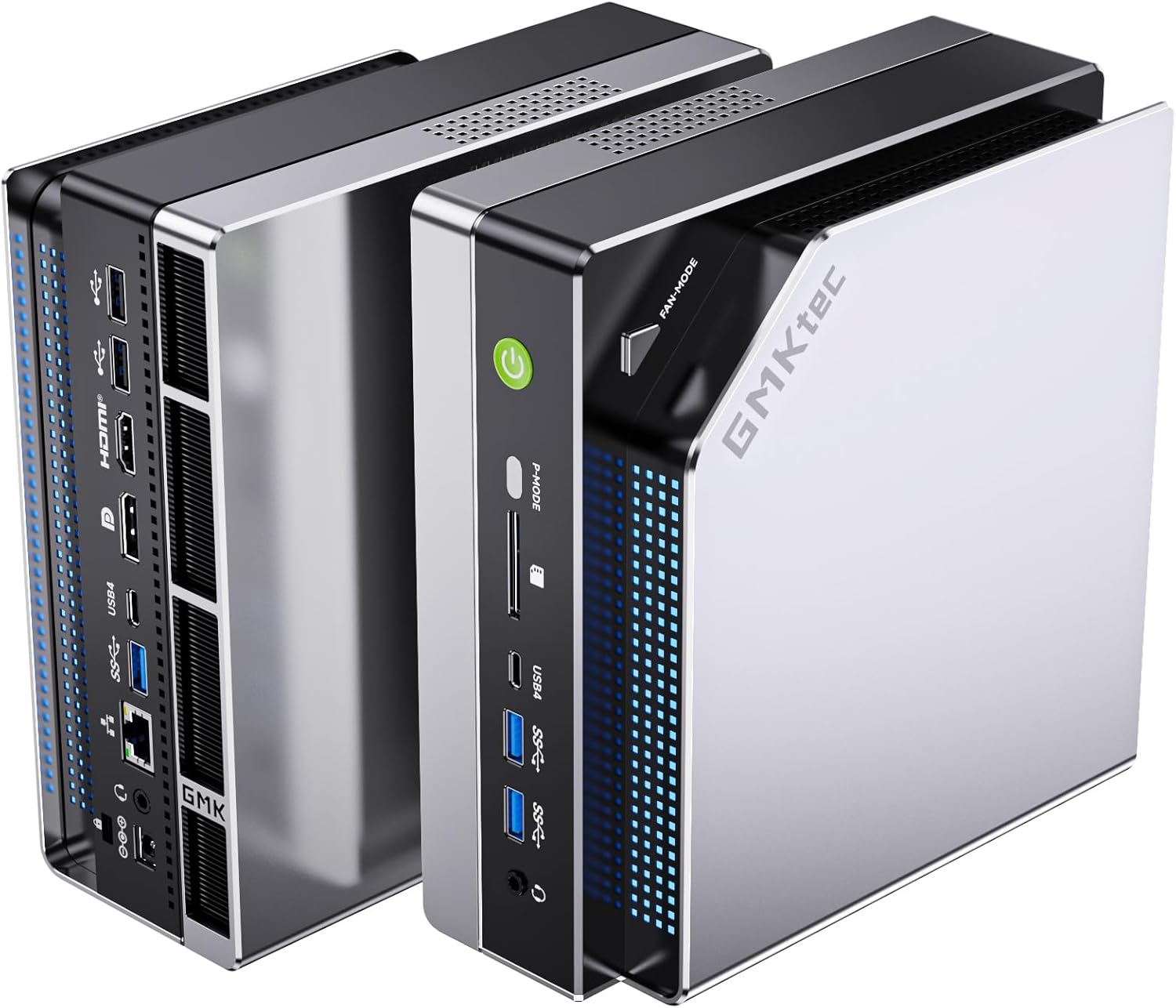
The GMKtec EVO-X2 at $2,999 is the only mini PC that can run 70B+ parameter LLMs comfortably — its 128GB LPDDR5X RAM with 96GB VRAM allocation makes this possible. The GEEKOM A9 Max at $1,689 maxes out at ~13B models with 32GB RAM.
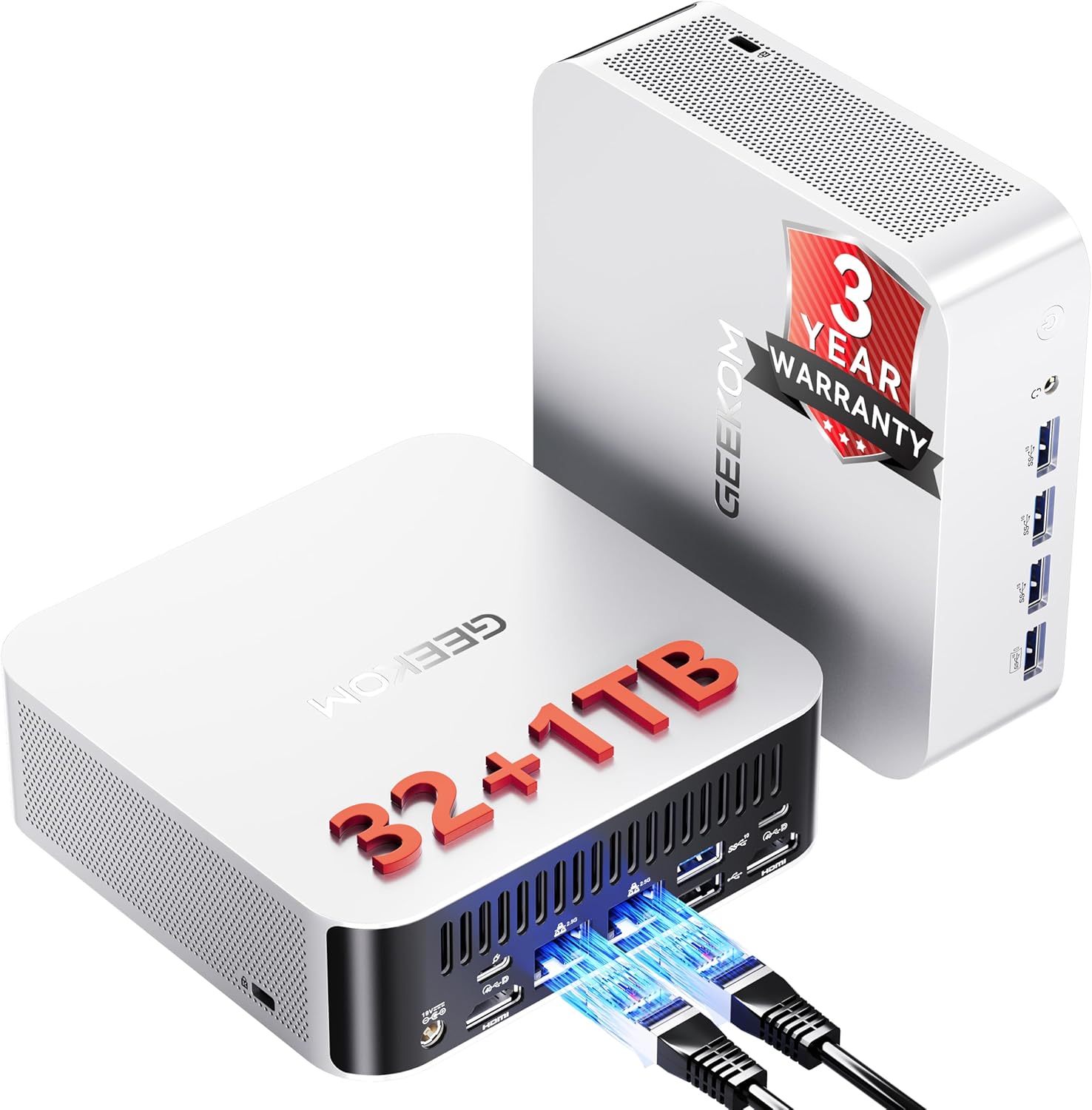
If running large language models locally is your primary use case, the EVO-X2 is worth the $1,300 premium. If you only run 7B-13B models or want a balanced AI + homelab + daily driver, the A9 Max saves you $1,300 and gives you a 3-year warranty.
Side-by-Side Specs
| Spec | GMKtec EVO-X2 AI | GEEKOM A9 Max | Winner |
|---|---|---|---|
| CPU | Ryzen AI Max+ 395 (16C/32T, 5.1GHz, Strix Halo) | Ryzen AI 9 HX 370 (12C/24T, 5.1GHz, Strix Point) | 🏆 EVO-X2 (Strix Halo) |
| GPU | Radeon 8060S (40 CUs, 2,560 shaders) | Radeon 890M (16 CUs, 1,024 shaders) | 🏆 EVO-X2 (2.5x more CUs) |
| RAM | 128GB LPDDR5X 8000MT/s (soldered, 8-channel) | 32GB DDR5 SO-DIMM (upgradeable to 128GB) | Contextual |
| Storage | 2TB PCIe NVMe SSD | 1TB PCIe NVMe SSD (dual M.2) | 🏆 EVO-X2 (more included) |
| Networking | 2.5GbE (Realtek) | Dual 2.5GbE (Intel) | 🏆 A9 Max (Intel NICs) |
| WiFi | WiFi 7 | WiFi 7 | Tie |
| AI TOPS | 126 (50+ NPU + GPU) | 80 (50 NPU + 30 GPU) | 🏆 EVO-X2 |
| VRAM Allocation | Up to 96GB to GPU via BIOS | Shared system memory | 🏆 EVO-X2 |
| Warranty | 1 year | 3 years | 🏆 A9 Max |
| Reviews | 74 (4.1★) | 106 (4.4★) | 🏆 A9 Max (more feedback) |
| Price | ~$2,999 | ~$1,689 | 🏆 A9 Max ($1,310 savings) |
Power Consumption
| Metric | GMKtec EVO-X2 AI | GEEKOM A9 Max |
|---|---|---|
| Idle (W) | ~12W | ~9W |
| Load (W) | ~120W | ~80W |
| Annual Cost (24/7 idle) | ~$12.61/year | ~$9.46/year |
Annual cost calculated at $0.12/kWh, running 24/7 at idle. Sources: ServeTheHome (Strix Halo platform) and NotebookCheck (Strix Point platform).
The EVO-X2 draws more power because the Strix Halo platform is fundamentally more powerful — 128GB LPDDR5X memory and 40-CU GPU contribute to higher baseline consumption. For always-on use, that’s an extra ~$3/year in electricity.
Detailed Breakdown
CPU Performance: Strix Halo vs Strix Point
The Ryzen AI Max+ 395 (Strix Halo) has 16 Zen 5 cores and 32 threads. The Ryzen AI 9 HX 370 (Strix Point) has 12 Zen 4 cores and 24 threads.
For multi-threaded workloads:
- The 395 wins by roughly 25-30% in Cinebench R23
- Video encoding, 3D rendering, and batch processing benefit significantly
- Running 10+ VMs simultaneously favors the 395
For single-threaded workloads:
- Both chips are competitive — same 5.1 GHz boost clock
- Desktop tasks feel identical on both systems
- Neither chip bottlenecks everyday use
GPU: 40 CUs vs 16 CUs
This is the biggest differentiator after RAM.
Radeon 8060S (EVO-X2):
- 40 RDNA 3.5 compute units (2,560 shaders)
- Performance between RTX 4060 and RTX 4070 laptop GPUs
- Handles 1080p gaming at ultra settings (60+ fps in AAA titles)
- Generates SDXL images in ~8-12 seconds
- Can allocate up to 96GB VRAM for large LLM inference
Radeon 890M (A9 Max):
- 16 RDNA 3.5 compute units (1,024 shaders)
- Performance comparable to entry-level discrete GPU
- Handles 1080p gaming at medium-high settings (40-60 fps)
- Generates SDXL images in ~20-30 seconds
- Shares system RAM (up to 32GB without upgrade)
For gaming: The 8060S is 2-2.5x faster. If you care about 1080p ultra gaming, the EVO-X2 is in a different league.
For Stable Diffusion: The 8060S generates images 2-3x faster. For serious AI art work, this matters.
For LLM inference: The 8060S accelerates token generation, but RAM capacity is the limiting factor for model size.
RAM: The Deciding Factor
EVO-X2 (128GB LPDDR5X soldered):
- 8-channel memory architecture (~256 GB/s bandwidth)
- Cannot be upgraded — what you buy is what you keep
- Enables running 70B+ parameter LLMs locally (Qwen 72B, DeepSeek 70B, Llama 3.1 70B)
- User benchmarks confirm: Qwen3 235B at 8-10 tokens/sec, gpt-oss-120b at 36-40 tokens/sec
A9 Max (32GB DDR5 SO-DIMM upgradeable):
- Dual-channel memory architecture (~100 GB/s bandwidth)
- Can upgrade to 64GB, 96GB, or 128GB later (2x DIMM slots)
- Handles 7B-13B models comfortably with 32GB
- Can run 34B models at 32GB with quantization
- Requires RAM upgrade (~$200-400) for 70B models
LLM RAM requirements (Q4 quantization):
| Model Size | RAM Required |
|---|---|
| 7B | ~4-6GB |
| 13B | ~8-10GB |
| 34B | ~20-24GB |
| 70B | ~42-48GB |
| 120B+ | ~70-80GB |
Verdict: The EVO-X2’s 128GB is essential for 70B+ models. The A9 Max can get there with a RAM upgrade, but you’re still limited by dual-channel bandwidth.
Networking: Dual Intel 2.5GbE vs Single Realtek
A9 Max:
- Dual Intel 2.5GbE NICs (i226-V)
- Perfect for OPNsense/pfSense firewall (WAN + LAN)
- Well-supported in Linux and Proxmox
- Intel drivers are mature and reliable
EVO-X2:
- Single 2.5GbE (Realtek controller)
- Adequate for general use
- Realtek drivers work on Linux but occasionally require manual installation
- Not ideal for firewall/router use
For homelab: The A9 Max is the better choice if you need multi-NIC setups.
Warranty: 3 Years vs 1 Year
A9 Max: 3-year limited warranty — the best in the mini PC industry. GEEKOM has a track record of honoring warranties and providing BIOS updates.
EVO-X2: 1-year limited warranty — standard for the industry but not exceptional.
If you’re risk-averse or plan to run 24/7 for years, the 3-year warranty is meaningful. At $2,999, the EVO-X2’s 1-year warranty feels thin.
Real-World User Benchmarks
From EVO-X2 customer reviews (Edward Lee, verified purchaser):
Qwen3 235B (235 billion parameters):
- 8-10 tokens/sec with ROCm-enabled llama.cpp
- LM Studio settings: 96GB VRAM allocation, 8000MT/s memory
gpt-oss-120b (120 billion parameters):
- 36-40 tokens/sec
- Same settings as above
These are real-world numbers from an actual user, not manufacturer claims. They confirm the EVO-X2 handles models that would choke any other mini PC on the market.
Price and Value
At $2,999, the EVO-X2 costs $1,310 more than the A9 Max at $1,689. What does that premium buy you?
EVO-X2 advantages:
- +4 CPU cores (16C vs 12C)
- +24 GPU CUs (40 vs 16 — 2.5x more)
- +96GB RAM (128GB vs 32GB)
- 8-channel memory bandwidth (~256 GB/s vs ~100 GB/s)
- +46 TOPS AI (126 vs 80)
- Up to 96GB VRAM allocation
A9 Max advantages:
- Upgradeable RAM (can reach 128GB later with DDR5)
- Dual Intel 2.5GbE NICs
- 3-year warranty
- $1,310 savings
Value analysis:
- If you need 128GB RAM for 70B+ LLMs — the EVO-X2 is worth it (this is the only mini PC that does this comfortably)
- If you only run 7B-13B models — the A9 Max is overkill for your needs
- If you want to upgrade RAM later — the A9 Max allows this (~$200-400 for 64GB kit)
- If warranty matters — the A9 Max’s 3 years vs 1 year is significant
When the EVO-X2 Is Worth $1,300 More
Buy the EVO-X2 if:
- You need to run 70B+ parameter LLMs locally (this is the killer use case)
- You do serious GPU compute work (Stable Diffusion at scale, video editing, 3D rendering)
- You want the most powerful mini PC on the market (bragging rights)
- You have the budget and don’t need to justify the expense
The EVO-X2 is NOT worth it if:
- You only run 7B-13B models (32GB is plenty)
- You’re on a budget (the A9 Max or cheaper options work fine)
- You need dual 2.5GbE for homelab firewall use
- You want a 3-year warranty for peace of mind
Final Verdict: Which Should You Buy?
Buy the if
GMKtec EVO-X2 AI
→ Check Current Price on Amazon
- Running 70B+ LLMs locally is your primary use case (this is the only mini PC that does this well)
- You want desktop-class GPU performance (40 RDNA 3.5 CUs)
- You do serious AI development or GPU compute work
- Budget is not a constraint
Buy the if
GEEKOM A9 Max
- You run 7B-34B models (32GB is sufficient, or upgrade to 64GB later)
- You want a balanced AI + homelab + daily driver
- You value dual Intel 2.5GbE for networking
- You want a 3-year warranty
- You’d rather save $1,310 and spend it on RAM, storage, or peripherals
Our pick: For most users, the GEEKOM A9 Max at $1,689 is the smarter choice. It handles 7B-34B models comfortably, has upgradeable RAM, dual Intel 2.5GbE, and a 3-year warranty. The $1,310 savings can buy a 64GB RAM upgrade, a 2TB NVMe, and still leave money for peripherals.
The EVO-X2 only makes sense if you specifically need 128GB RAM for 70B+ LLMs — and if you do, you already know which one to buy.
Amazon Product Links
- 🥇 GEEKOM A9 Max (Our Pick for Most Users): → Check Current Price on Amazon
- 🥈 GMKtec EVO-X2 AI (LLM Powerhouse): → Check Current Price on Amazon
Related Articles
- GMKtec EVO-X2 AI Review — Full single-product review
- GEEKOM A9 Max Review — Full single-product review
- Best AI Mini PC — Our top picks for local AI workloads
- Best Mini PC for Running Ollama — LLM-focused roundup