
GMKtec K11 vs Beelink SER9 Pro Mini: Homelab Features vs Premium Price [2026]
By Max · April 2, 2026 · Updated May 4, 2026
This article contains affiliate links. If you purchase through our links, we may earn a commission at no extra cost to you. We only recommend products we’ve thoroughly researched.

The Short Answer
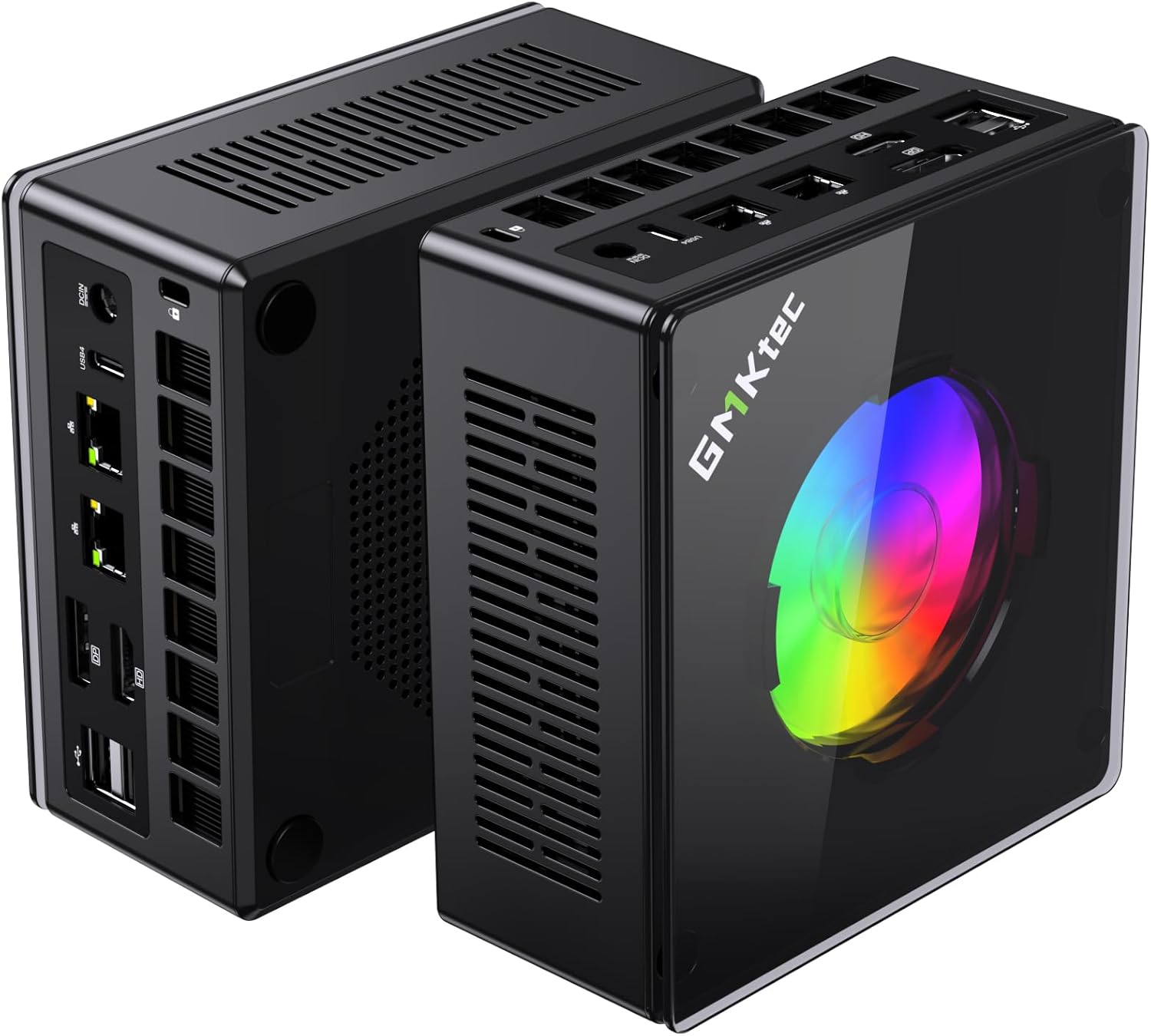
K11 is $200 cheaper with dual 2.5GbE, OCuLink, upgradeable RAM, and 2TB storage. SER9 Pro Mini has H255 (38 TOPS, 8 cores) at a premium $999 price. The K11 offers better value for homelab use.
Pick GMKtec K11 if: You’re building a homelab (dual NIC), want eGPU via OCuLink, or need upgradeable RAM.
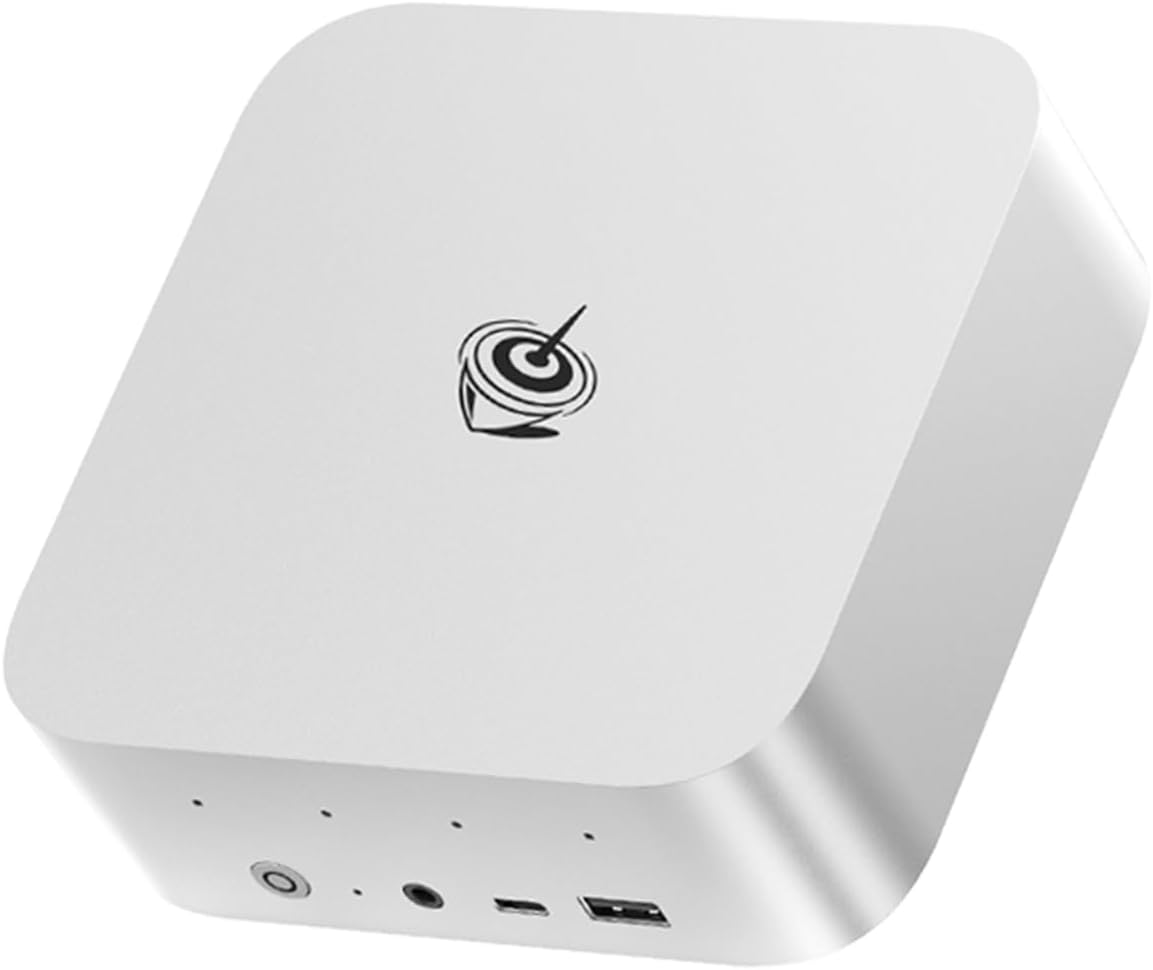
Pick Beelink SER9 Pro Mini if: You want H255 with soldered LPDDR5X and don’t mind paying $999.
Side-by-Side Specs
| Spec | GMKtec K11 | Beelink SER9 Pro Mini | Winner |
|---|---|---|---|
| CPU | Ryzen 9 8945HS (8C/16T, Zen 4) | Ryzen 7 H 255 (8C/16T, Hawk Point) | Tie (same cores) |
| GPU | Radeon 780M (12 CUs) | Radeon 780M (12 CUs) | Tie |
| NPU | None | 16 TOPS (XDNA 1) | SER9 Pro Mini |
| Total AI TOPS | 0 (CPU/GPU only) | 38 (16 NPU + 22 GPU) | SER9 Pro Mini |
| RAM | 32GB DDR5 (upgradeable) | 32GB LPDDR5X (soldered) | K11 |
| Storage | 2TB SSD | 1TB SSD | K11 |
| Networking | Dual 2.5GbE + WiFi 6 | 2.5GbE + WiFi 6 | K11 |
| OCuLink | Yes | No | K11 |
| USB4 | USB-C 4.0 | 1x USB4 | Tie |
| Price | ~$799 | ~$999 | K11 |
CPU and GPU Performance
These are similar CPU classes with different AI capabilities:
GMKtec K11: Ryzen 9 8945HS (Zen 4, Hawk Point refresh). 8 cores / 16 threads, up to 5.1 GHz boost. Radeon 780M GPU with 12 RDNA 3 compute units (768 shaders). No dedicated NPU.
Beelink SER9 Pro Mini: Ryzen 7 H 255 (Zen 4, Hawk Point refresh). 8 cores / 16 threads, up to 4.9 GHz boost. Radeon 780M GPU with 12 RDNA 3 compute units (768 shaders). XDNA 1 NPU with 16 TOPS (38 TOPS total with GPU).
Real-world performance: Both have 8 cores, so multi-threaded performance is similar. The 8945HS has a slight clock speed advantage (5.1 vs 4.9 GHz).
AI compute: This is the key differentiator:
- K11: 0 TOPS from NPU — relies on CPU/GPU compute only
- SER9 Pro Mini: 38 TOPS total (16 from XDNA 1 NPU + 22 from GPU)
For Ollama LLM inference:
- 7B models: ~30-45 tokens/sec (SER9) vs ~25-40 tokens/sec (K11)
- 13B models: ~10-20 tokens/sec (SER9) vs ~10-20 tokens/sec (K11)
- 34B models: Limited by 32GB RAM on both
GPU performance: Both have the same 780M (12 CUs). For 1080p gaming, both handle medium settings. For Stable Diffusion, both generate images in 12-18 seconds.
Memory and Storage
GMKtec K11: 32GB DDR5 SO-DIMM — upgradeable to 64GB. This is a key advantage over the SER9 Pro Mini’s soldered LPDDR5X. Start at 32GB for general use and 7B-34B LLMs, then upgrade to 64GB when your workloads demand it.
Beelink SER9 Pro Mini: 32GB LPDDR5X — soldered to the motherboard, NOT upgradeable. LPDDR5X is ~10-15% faster than standard DDR5 due to higher bandwidth. But it’s permanent — 32GB is the ceiling forever.
Why this matters:
- For 7B-13B LLMs: Both are fine with 32GB
- For 34B LLMs: Both are adequate (K11 has headroom for upgrade)
- For 70B LLMs: K11 can upgrade to 64GB; SER9 Pro Mini cannot
Storage comparison:
- K11: 2TB PCIe 4.0 NVMe — generous for AI workloads with multiple large models
- SER9 Pro Mini: 1TB PCIe 4.0 NVMe — adequate for most users
Value calculation: The K11’s included 2TB SSD is worth ~$60 more than the SER9 Pro Mini’s 1TB. The upgradeable RAM is worth ~$80-100 in future flexibility.
Networking and Connectivity
GMKtec K11: Dual 2.5GbE Intel NICs (i226-V). WiFi 6 and Bluetooth 5.2. The dual Intel NICs are the gold standard for homelab use — run OPNsense with WAN on one port and LAN on the other, no USB adapters needed.
Beelink SER9 Pro Mini: Single 2.5GbE (Realtek controller). WiFi 6 and Bluetooth 5.2. Adequate for general use, but Realtek NICs may require manual driver installation on some Linux distributions.
OCuLink (K11 only): This is the K11’s killer feature. OCuLink is a direct PCIe 4.0 x4 connection for external GPUs — far more efficient than USB4 for eGPU setups. Connect an RTX 4070 for desktop-class AI compute or 4K gaming. Performance loss vs direct PCIe is only 5-10%.
USB4: Both have USB4 (40Gbps) with Power Delivery and DisplayPort support. Drive multiple 4K displays or connect fast external storage.
Power Consumption
| Metric | K11 | SER9 Pro Mini |
|---|---|---|
| Idle (W) | ~10W | ~8W |
| Load (W) | ~65W | ~78W |
| Annual Cost (24/7 idle) | ~$10.51/year | ~$8.41/year |
Annual cost calculated at $0.12/kWh. Sources: Community estimates, ServeTheHome.
The SER9 Pro Mini is more power-efficient at idle (~8W vs ~10W) and under load (~78W vs ~65W). For always-on homelab workloads, this saves ~$2/year — negligible.
Reviews and Availability
GMKtec K11: New listing with limited reviews. GMKtec has a growing presence in the mini PC market but less brand recognition than Beelink. The 1-year warranty is industry-standard.
Beelink SER9 Pro Mini: Limited stock availability (“Only 2 left in stock” at time of research). Few reviews. Beelink has established support channels, but this specific model lacks community validation.
Recommendation: Both are relatively new products. The K11’s spec advantage and $260 price difference make it the better value proposition. The SER9 Pro Mini’s limited stock is concerning — it may be discontinued or have intermittent restocking.
Price and Value
At $739, the K11 is $260 cheaper than the SER9 Pro Mini at $999. Here’s what you get for the extra $260 on the SER9 Pro Mini:
- 4 extra CPU cores (12C vs 8C)
- 4 extra GPU CUs (16 vs 12)
- 50 TOPS NPU (vs none)
- 80 total TOPS (vs 0)
- Faster LPDDR5X (but soldered)
Here’s what you get for saving $260 on the K11:
- Dual 2.5GbE Intel NICs (~$100-150 value)
- OCuLink port (~$50-100 value)
- 2TB SSD (vs 1TB, ~$60 value)
- Upgradeable RAM (~$80-100 value)
- Total spec advantage: ~$290-410
Value ranking:
- For AI workloads: SER9 Pro Mini wins
- For homelab features: K11 wins
- For gaming: SER9 Pro Mini wins (better iGPU)
- For eGPU: K11 wins (OCuLink)
- For budget: K11 wins ($260 savings)
Real-World Use Cases
For Local LLMs (Ollama)
SER9 Pro Mini wins (slightly). The 38 TOPS (16 from NPU) provides marginally faster token generation. Both have the same 780M GPU. For 7B-13B models, the SER9 Pro Mini has a slight edge.
For Homelab (Proxmox, OPNsense)
K11 wins decisively. Dual 2.5GbE Intel NICs are essential for proper firewall/router builds. OCuLink enables future eGPU expansion for AI workloads. The 8945HS handles 6-8 lightweight VMs comfortably.
For Daily Use (Office, Media)
Tie. Both have 8 cores and deliver solid performance. The K11’s 2TB SSD provides more local storage. For general use, both are adequate.
For Gaming (1080p)
Tie. Both have the same 780M (12 CUs). For 1080p medium settings, both perform similarly. For serious gaming, the K11’s OCuLink enables eGPU expansion.
For Content Creation
Tie. Both have 8 cores for video rendering and 3D workloads. The 780M provides similar GPU acceleration. For professional creative work, both are adequate.
Final Verdict: Which Should You Buy?
Buy the if
GMKtec K11
→ Check Current Price on Amazon
- You need dual 2.5GbE Intel NICs for homelab/firewall use
- You want OCuLink for eGPU expansion (RTX 4070, etc.)
- You need 32GB RAM and 2TB SSD out of the box
- You want the best value at $799 ($200 savings)
- You run Proxmox, OPNsense, or Docker workloads
- You want upgradeable RAM for future 64GB expansion
Buy the if
Beelink SER9 Pro Mini
- You want 38 TOPS for entry-level AI workloads
- You want H255 with soldered LPDDR5X
- You know 32GB soldered RAM is enough forever
- You don’t mind paying $999 for H255 (same as $839 SER9)
Amazon Product Links
- GMKtec K11 — $799 (dual 2.5GbE, OCuLink, 32GB/2TB)
- Beelink SER9 Pro Mini — $999 (H255, 38 TOPS, 8 cores)
Frequently Asked Questions
Is the 8945HS (K11) better than the H255 (SER9 Pro Mini)?
Both are 8-core Hawk Point refresh CPUs. The 8945HS has a slight clock speed advantage (5.1 vs 4.9 GHz). The H255 has an NPU (16 TOPS) for 38 TOPS total AI compute. For multi-threaded workloads, they’re similar. For AI workloads, the H255 has a slight edge.
Can the K11 run local LLMs without an NPU?
Yes, but slower. The K11 relies on CPU/GPU compute for AI workloads. It handles 7B models at 25-40 tokens/sec and 13B models at 10-20 tokens/sec — usable but not as fast as systems with dedicated NPUs.
Does the K11’s OCuLink work with all eGPUs?
OCuLink supports any PCIe 4.0 x4 eGPU enclosure. Popular options include the GPD G1, OneXGPU, and DIY enclosures with desktop GPUs. Performance is near-native (5-10% loss vs direct PCIe connection).
Is dual 2.5GbE useful for a mini PC?
Absolutely. Dual NICs enable proper firewall/router builds (OPNsense, pfSense), link aggregation for higher throughput, or separate WAN/LAN networks. For Proxmox, you can dedicate one NIC to management and one to VM traffic.
Can the SER9 Pro Mini run 70B LLMs?
No. 70B Q4 models need ~42GB RAM. The SER9 Pro Mini’s soldered 32GB cannot be upgraded. For 70B LLMs, consider the GMKtec EVO-X2 AI (128GB soldered) or upgradeable systems like the MINISFORUM X1 Pro-370.
Which has better Linux support?
The K11’s Intel i226-V NICs have excellent out-of-the-box Linux support. The SER9 Pro Mini’s Realtek NIC may require manual driver installation. Both have solid ROCm support for AI workloads — both have the same 780M GPU.