
KAMRUI Mini PCs for Homelab 2026 — Budget Options Reviewed
By Max · March 24, 2026 · Updated August 6, 2026
This article contains affiliate links. If you purchase through our links, we may earn a commission at no extra cost to you. We only recommend products we’ve thoroughly researched and verified.
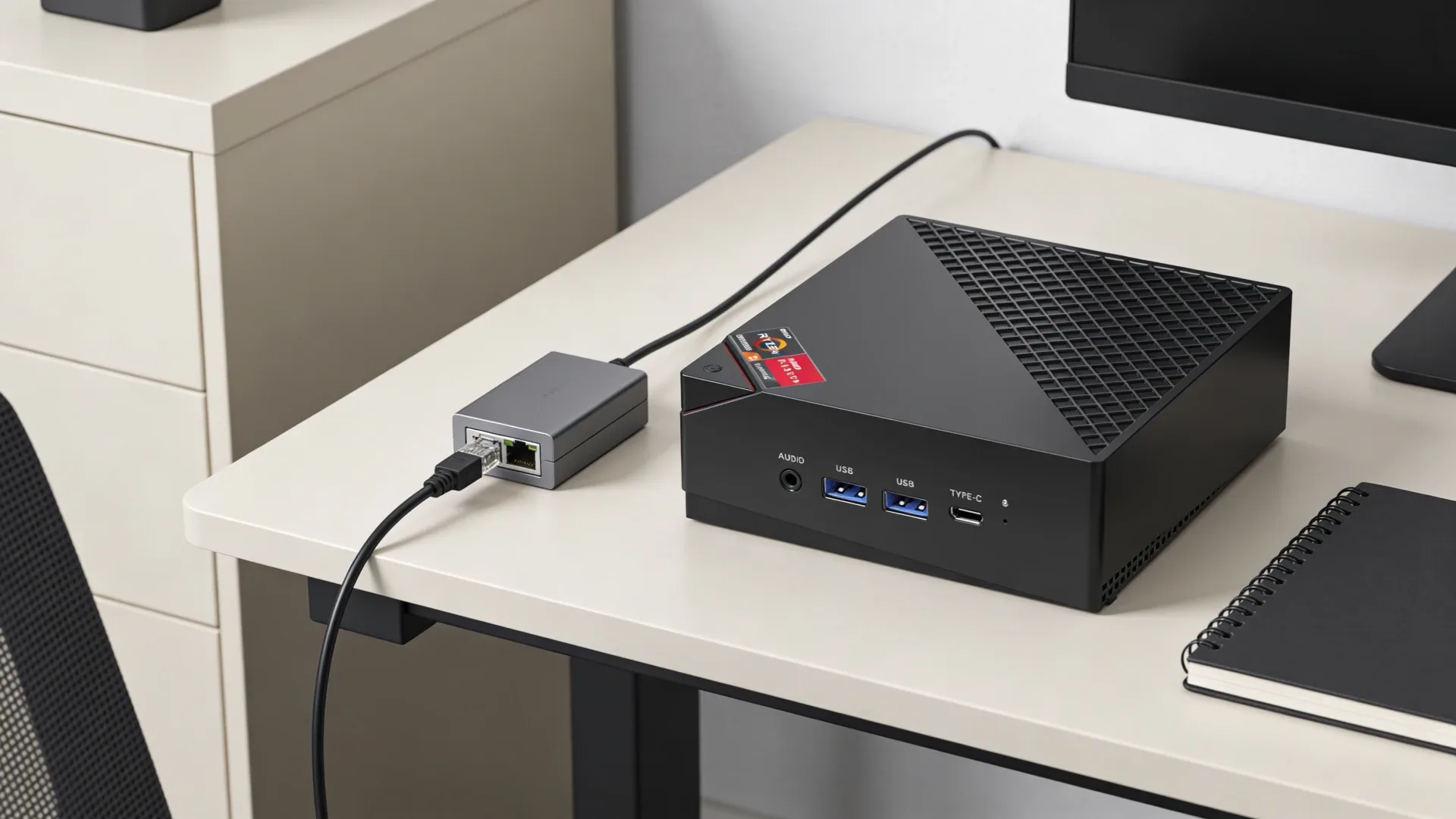
KAMRUI doesn’t have the brand recognition of Beelink or Minisforum, and that’s reflected in the price — the AM06PRO regularly sells for $170–250, which puts it in a different tier entirely. For homelab builders on a tight budget who want AMD Ryzen performance without spending $380+, KAMRUI is worth considering.
But budget hardware requires honest expectations. The AM06PRO has real limitations — 1GbE NICs (not 2.5GbE), older Zen 3 architecture, and a support ecosystem that lags behind the major brands. This guide explains what the KAMRUI AM06PRO does well, where it falls short, and when you should spend more for better hardware.
Quick Summary: Is KAMRUI Good for Homelab?
Short answer: For basic always-on services (Pi-hole, Home Assistant, Nextcloud), yes. For serious Proxmox VM hosting or firewall builds, the AM06PRO’s 1GbE networking is a limitation worth noting.
Who should buy KAMRUI: Builders with a strict budget under $250 who need AMD Ryzen performance for containers and light VMs, and don’t require 2.5GbE networking.
Who should skip KAMRUI: Anyone who needs 2.5GbE networking (for firewall builds or storage throughput), who plans to run 4+ simultaneous VMs, or who needs reliable firmware support.
About KAMRUI
KAMRUI is a Chinese OEM brand that sells primarily through Amazon. They share underlying hardware platforms with AceMagician (the AM06PRO is sold under both brand names on Amazon) — a common practice in the mini PC market where different brands rebadge identical hardware.
Support is limited: firmware updates are sporadic, and community presence is minimal compared to Beelink or Minisforum. There’s no active brand forum, and Linux driver support depends on the underlying hardware rather than any brand-specific engineering. For homelab use where you’re running Linux/Proxmox rather than Windows, this matters less — but it’s worth knowing.
The AM06PRO has a reasonably positive community reputation for what it is: a cheap AMD Ryzen 5 mini PC that runs Linux without drama. The realistic use case is a first homelab server for someone who wants to experiment before committing to better hardware.
KAMRUI AM06PRO — Honest Review for Homelab
→ Check Current Price on Amazon
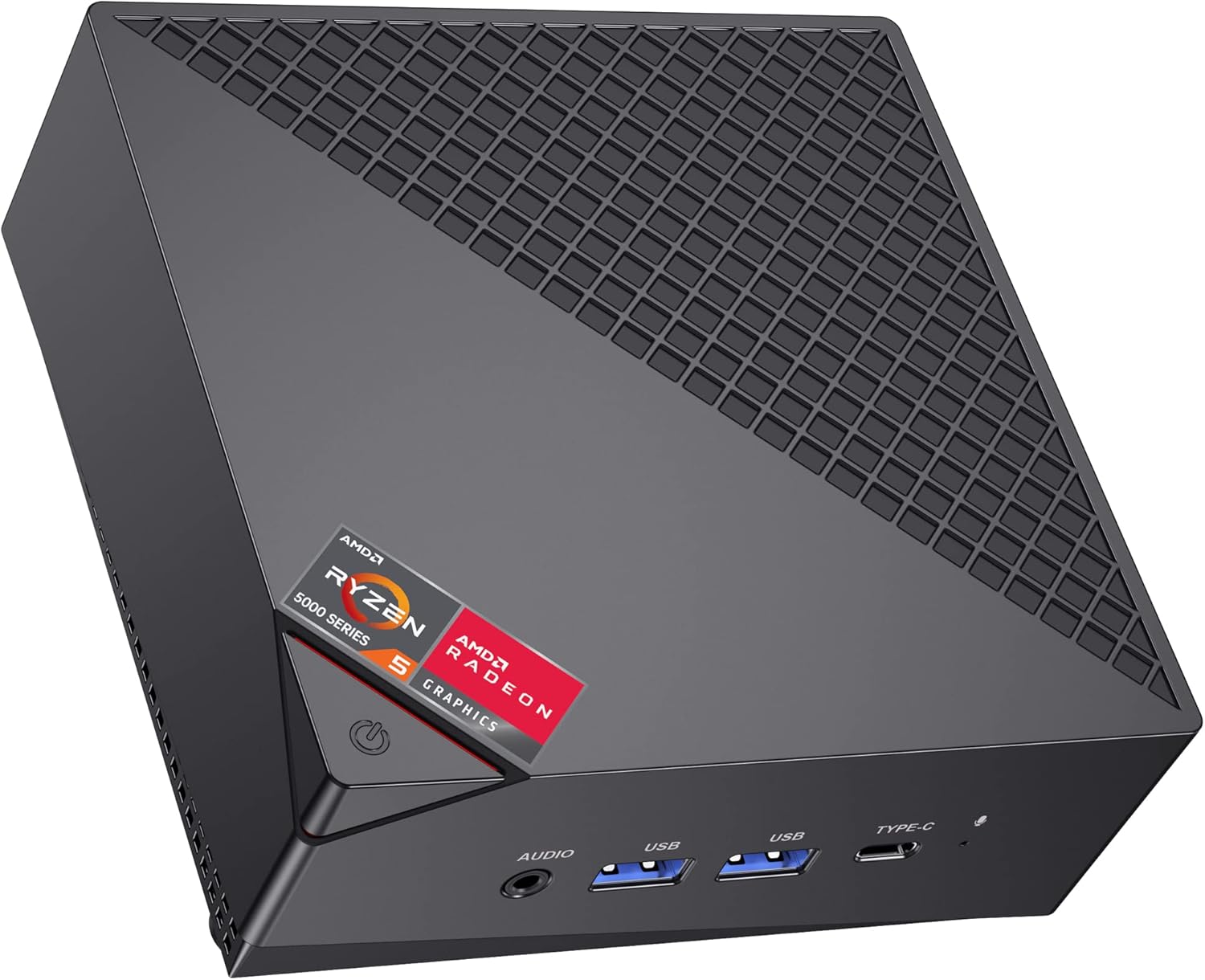
The AM06PRO runs AMD Ryzen 5 5500U — a Zen 3 APU from 2021 with 6 cores and 12 threads. Single-core performance is respectable for the price, and the 6-core count gives it more headroom than Intel N-series alternatives in the same price bracket. AMD SVM supports hardware virtualization, and Proxmox VE 8.x installs and runs without issues.
The networking is where the KAMRUI falls short for homelab use: it ships with 1GbE NICs, not 2.5GbE. For most home networks, 1GbE is fine — you’re unlikely to saturate it with typical services. But if you’re planning to run OPNsense as a router/firewall (where wan/lan separation on separate NICs is required) or want the throughput headroom that 2.5GbE provides, the AM06PRO’s networking is the constraint.
For containers and basic VMs — Pi-hole, Home Assistant, Vaultwarden, Nginx Proxy Manager, Gitea — the 5500U delivers the necessary performance. The 16GB DDR4 RAM (upgradeable to 64GB via 2× SO-DIMM) provides more headroom than you’d expect from the price. Under Linux, idle power consumption sits around 8–10W — roughly $9/year at $0.12/kWh.
A note on NIC controllers: Reviewers confirm the AM06PRO uses Realtek 8111 GbE NICs (1GbE, not 2.5GbE). Realtek 8111 is broadly supported on Linux, so there are no driver issues, but the speed ceiling is 1Gbps per port.
Specs:
| Spec | Detail |
|---|---|
| CPU | AMD Ryzen 5 5500U (6C/12T, up to 4.0GHz, 15W TDP, Zen 3) |
| RAM | 16GB DDR4 2666MHz SO-DIMM (upgradeable to 64GB) |
| Storage | 512GB M.2 NVMe 2280 (upgradeable to 2TB) |
| Networking | 2× 1GbE (Realtek 8111) — NOT 2.5GbE |
| Display | 1× HDMI 2.0 + 1× DP + 1× USB-C — triple display |
| Power Draw | ~8–10W idle / ~40–55W load (cited from HotHardware AM06PRO review) |
| Price | ~$170–250 |
Pros:
- AMD Ryzen 5 5500U provides genuine 6-core compute at budget price
- Upgradeable DDR4 SO-DIMM up to 64GB
- AMD SVM supports Proxmox hardware virtualization
- ~$9/year electricity cost running 24/7 at idle
- Under $250 — accessible entry point for first homelab
Cons:
- 1GbE NICs (not 2.5GbE) — networking bottleneck for throughput-sensitive workloads
- Ryzen 5 5500U is Zen 3 (2021 architecture) — not competitive with current Zen 4 alternatives at higher price points
- No Wi-Fi 6 — ships with Wi-Fi 5 (802.11ac) on some units
- Limited firmware support and no active brand community
- iGPU (Radeon 7-core at 1800MHz) is weak — not suitable for GPU-accelerated transcoding
Who should buy this: First-time homelab builders on a strict budget who want AMD Ryzen compute for containers and light VMs, and whose network runs at 1GbE anyway.
Who should skip this: Anyone planning OPNsense/pfSense (needs proper dual Intel NICs), running storage-intensive workloads where 2.5GbE throughput matters, or who wants a long-term server platform with firmware support.
The 1GbE Networking Problem — What It Means in Practice
Most discussions of the KAMRUI AM06PRO in homelab contexts skip over the 1GbE networking, but it matters for some use cases:
Where 1GbE is fine:
- Pi-hole (DNS traffic is negligible bandwidth)
- Home Assistant (local control traffic is small)
- Vaultwarden (password manager — minimal bandwidth)
- Small Docker container stacks
- Plex server if your local network is also 1GbE
Where 1GbE is a real constraint:
- OPNsense/pfSense where wan and lan are on separate physical NICs (the second 1GbE port works, but you lose any throughput advantage of 2.5GbE for multi-gigabit internet connections)
- NAS serving files to multiple clients simultaneously
- Proxmox storage network where VM disk I/O over the network needs > 100MB/s throughput
- Any workload where you’re already seeing network saturation
If 1GbE is your current home network speed — which it is for most homes — the AM06PRO’s networking won’t be a bottleneck in practice. If you have a 2.5GbE switch or multi-gigabit internet, the KAMRUI’s networking becomes the ceiling.
KAMRUI vs. Budget Alternatives
Before buying the AM06PRO, check these alternatives at similar price points:
| Model | CPU | Networking | Price | Why to Pick Instead |
|---|---|---|---|---|
| Beelink EQ14 | Intel N150 (4C/4T) | 2× 2.5GbE (Intel) | ~$190–220 | Dual Intel 2.5GbE — far better for firewall/NAS; similar price |
| KAMRUI AM06PRO | Ryzen 5 5500U (6C/12T) | 2× 1GbE (Realtek) | ~$170–250 | Cheaper; more CPU cores; pick if 1GbE is fine |
The core trade-off: The Beelink EQ14 has fewer CPU cores (4 vs. 6) but superior networking (dual 2.5GbE Intel vs. dual 1GbE Realtek) and costs ~$20–30 more. For most homelab use cases, the EQ14’s networking advantage matters more than the AM06PRO’s additional CPU cores.
If you’re running a Pi-hole, Home Assistant, and basic containers, the KAMRUI AM06PRO gets the job done at the lowest possible price. If you need dual 2.5GbE for a firewall or future-proof networking, spend the extra $20 on the EQ14.
Power Consumption at a Glance
| KAMRUI Model | Idle (W) | Load (W) | Annual Cost (24/7 idle) |
|---|---|---|---|
| AM06PRO | ~8–10W | ~40–55W | ~$9/year |
Idle figure cited from HotHardware AceMagician AM06PRO review (same hardware). Annual cost at $0.12/kWh, 24/7 idle. Use our Power Cost Calculator for your rate.
Setting Up the AM06PRO as a Homelab Server
For first-time homelab builders using the AM06PRO:
Proxmox VE 8.x installs cleanly. Boot from USB installer, AMD SVM is enabled by default in BIOS, and Proxmox recognizes the Realtek NICs without additional driver installation.
RAM upgrade tip: If you buy the base 16GB configuration, upgrading to 32GB DDR4 SO-DIMM improves container density noticeably. Two 16GB DDR4 3200MHz SO-DIMMs cost ~$30–50 on Amazon.
Storage upgrade: The base 512GB NVMe is adequate for a starter homelab. If you plan to run multiple VMs with individual disk images, upgrade to 1TB NVMe.
BIOS settings for Proxmox: AMD SVM is enabled by default. IOMMU (AMD-Vi) may need to be enabled manually — check under the advanced CPU settings.
See our full Proxmox installation guide for step-by-step setup.
Quick Price Summary
- KAMRUI AM06PRO — Best budget AMD Ryzen option
- Beelink EQ14 — Best alternative (dual Intel 2.5GbE)
The Rest of the KAMRUI Lineup
KAMRUI’s current models, with verified specs — a budget-focused brand:
| Model | Key specs | Check price |
|---|---|---|
| AM06PRO | Budget AMD mini PC | Amazon |
| H1 | Ryzen 7 7735HS, 24GB LPDDR5, 1TB NVMe | Amazon |
| Hyper H2 | Intel Core i5-14450HX, 32GB DDR4, 1TB PCIe 4.0 | Amazon |
| P2 i5 | Intel Core i5-12600H, 32GB DDR4, 1TB | Amazon |
| E3B | Ryzen 5 7430U, budget gaming-oriented | Amazon |
| Pinova P1 | Ryzen 4300U, 16GB, 512GB — triple display | Amazon |
Frequently Asked Questions
Is the KAMRUI AM06PRO good for Proxmox?
For light Proxmox use — 2–3 LXC containers and 1–2 small VMs — yes. The Ryzen 5 5500U supports AMD SVM for hardware virtualization, and Proxmox VE 8.x installs without issues. For more than 4 VMs, you’ll hit CPU and potentially RAM limits before networking becomes the bottleneck.
Does the KAMRUI AM06PRO have 2.5GbE?
No. The AM06PRO ships with 1GbE Realtek NICs, not 2.5GbE. This is a known limitation. If you need 2.5GbE, look at the Beelink EQ14 (dual Intel 2.5GbE, ~$190) or GMKtec K11 (dual Intel 2.5GbE, ~$639).
Can I use the AM06PRO as an OPNsense firewall?
Technically yes — it has two physical NICs for WAN and LAN separation. The limitation is that both NICs are 1GbE Realtek controllers rather than Intel. Realtek NICs work with OPNsense but are less reliable under high traffic loads than Intel controllers. For a serious firewall build, the Beelink EQ14 with dual Intel i226-V NICs is the better choice. See our best mini PC for OPNsense guide.
How long will the AM06PRO be supported?
KAMRUI’s firmware update track record is limited. The AM06PRO platform (Ryzen 5 5500U) is from 2021, and it’s unlikely to receive significant firmware updates in 2026. For hardware you plan to run for 3–5 years with Linux, this matters less than for Windows users, but BIOS-level power management improvements won’t come.
Is KAMRUI the same as AceMagician?
Yes, the AM06PRO is sold under both the KAMRUI and AceMagician brand names on Amazon. They are the same hardware from the same ODM. Check current prices under both listings — pricing can differ by $10–30 between the two Amazon listings for identical hardware.
How We Research These Picks
Each recommendation is tied to a specific product configuration and cross-checked against manufacturer documentation. Affiliate targets are checked for product identity during content refreshes. Prices are approximate, and this site does not publish live stock guarantees or claim first-party benchmarks without documented evidence.
Amazon Product Links
- 🥇 KAMRUI AM06PRO (Best budget AMD Ryzen homelab): Check Price
- Beelink EQ14 (Best budget alternative — dual Intel 2.5GbE): See current alternatives