
MINISFORUM MS-S1 Max vs AI X1 Pro-470: Strix Halo vs Strix Point — $1,000 Gap [2026]
By Max · April 3, 2026 · Updated April 7, 2026
This article contains affiliate links. If you purchase through our links, we may earn a commission at no extra cost to you. We only recommend products we’ve thoroughly researched.
![MINISFORUM MS-S1 Max vs AI X1 Pro-470: Strix Halo vs Strix Point — $1,000 Gap [2026]](/images/heroes/variants/minisforum-ms-s1-max-vs-x1-pro-470/1920.webp)
The Short Answer
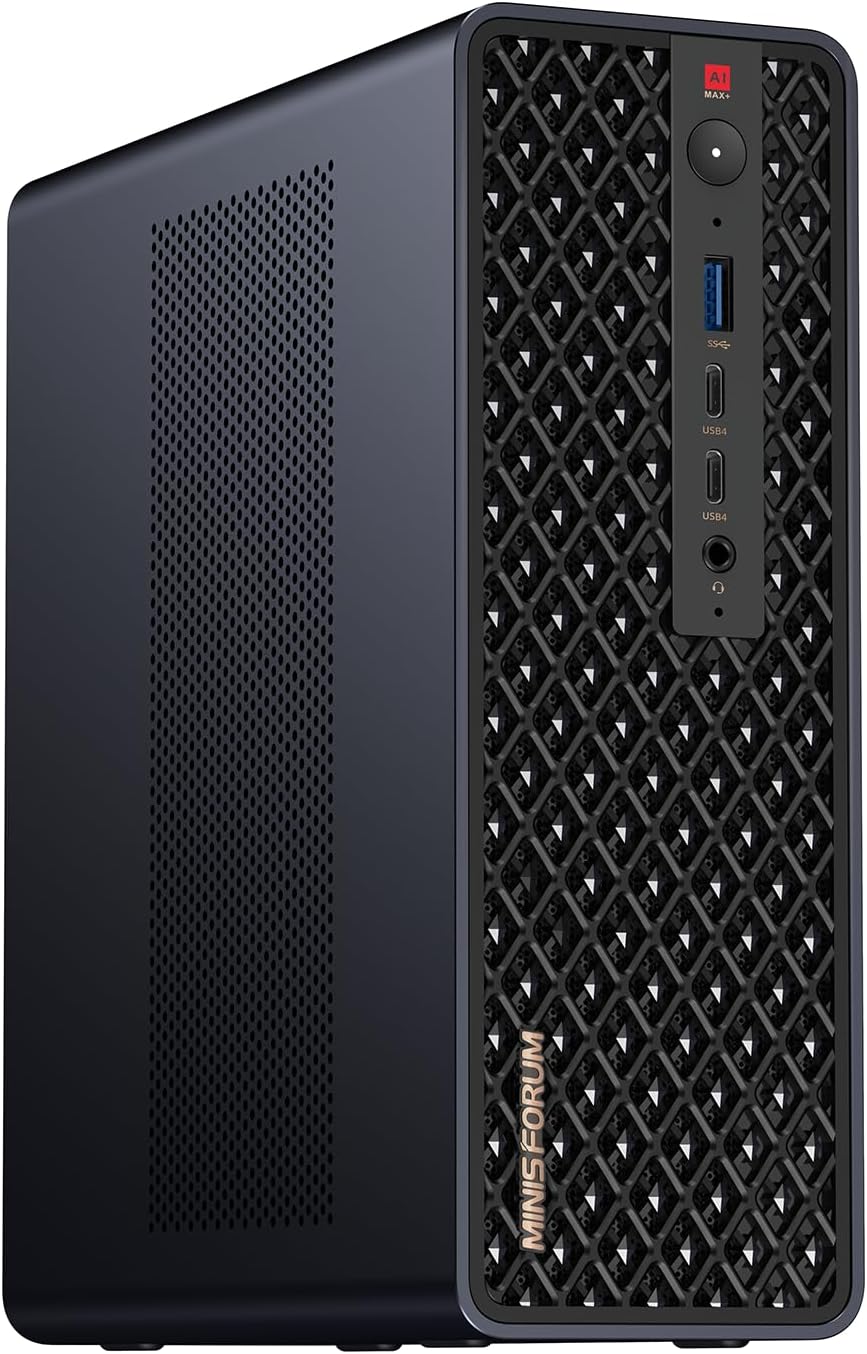
These are completely different machines despite sharing the MINISFORUM brand. The MS-S1 Max at $2,399 is a Strix Halo workstation for running 70B+ LLMs locally, serious homelab with 10GbE, and content creation. The X1 Pro-470 at $1,359 is a Strix Point premium daily driver with eGPU capability via OCuLink.
If you need 128GB RAM for large language models or 10GbE for enterprise networking, the MS-S1 Max justifies its $1,040 premium. If you want a balanced premium mini PC with eGPU expansion and integrated PSU, the X1 Pro-470 is the smarter buy.
Quick Product Links
Minisforum AI X1 Pro-470
Price: ~$1,359
→ Check Current Price on Amazon
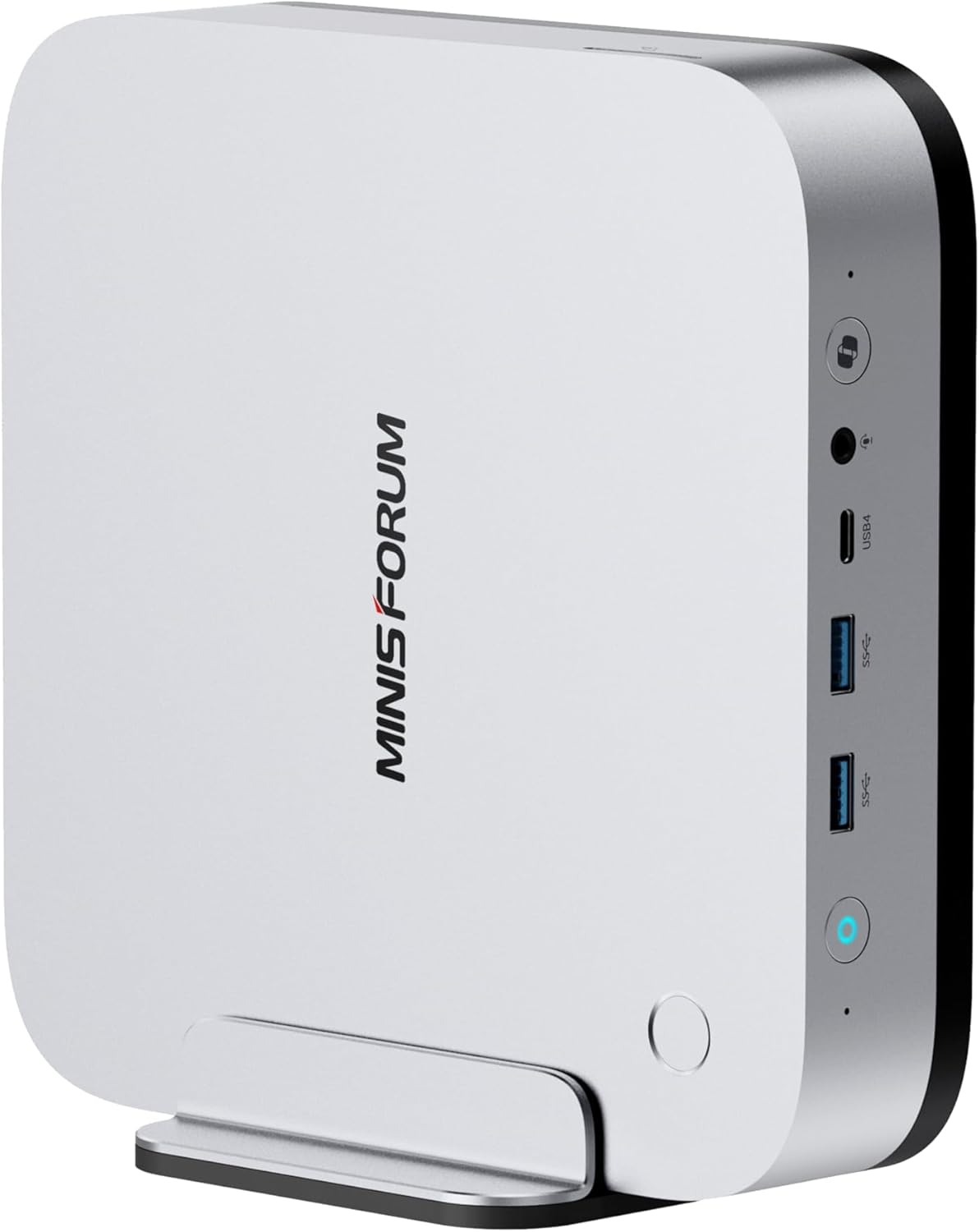
Minisforum MS-S1 MAX
Price: ~$1,440
→ Check Current Price on Amazon
Side-by-Side Specs
| Spec | MINISFORUM MS-S1 Max | MINISFORUM AI X1 Pro-470 | Winner |
|---|---|---|---|
| CPU | Ryzen AI Max+ 395 (16C/32T, 5.1GHz, Strix Halo) | Ryzen AI 9 HX 470 (12C/24T, 5.2GHz, Strix Point) | 🏆 MS-S1 Max (more cores, Strix Halo) |
| GPU | Radeon 8060S (40 CUs, 2,560 shaders) | Radeon 890M (16 CUs, 1,024 shaders) | 🏆 MS-S1 Max (2.5x more CUs) |
| RAM | 128GB LPDDR5X (soldered, 8-channel) | 32GB DDR5 SO-DIMM (upgradeable to 128GB) | Contextual |
| Storage | Config-dependent | 1TB PCIe NVMe SSD | 🏆 X1 Pro-470 (confirmed) |
| Networking | 10GbE SFP+ + 5GbE RJ45 | Dual 2.5GbE (Intel) | 🏆 MS-S1 Max (10GbE) |
| WiFi | WiFi 7 | WiFi 7 | Tie |
| OCuLink | TBD | Yes | 🏆 X1 Pro-470 (eGPU expansion) |
| AI TOPS | 126 (50+ NPU + GPU) | 86 (50+ NPU + GPU) | 🏆 MS-S1 Max |
| PSU | TBD | Integrated (no brick) | 🏆 X1 Pro-470 |
| Price | ~$2,399+ | ~$1,359 | 🏆 X1 Pro-470 ($1,040 savings) |
Power Consumption
| Metric | MINISFORUM MS-S1 Max | MINISFORUM AI X1 Pro-470 |
|---|---|---|
| Idle (W) | ~12W | ~9W |
| Load (W) | ~120W | ~96W |
| Annual Cost (24/7 idle) | ~$12.61/year | ~$9.46/year |
Annual cost calculated at $0.12/kWh, running 24/7 at idle. Sources: ServeTheHome (Strix Halo platform) and NotebookCheck (Strix Point platform).
The MS-S1 Max draws more power — both at idle and under load — because the Strix Halo platform is fundamentally more powerful. The 128GB LPDDR5X memory and 40-CU GPU contribute to higher baseline consumption. For always-on homelab use, that’s an extra ~$3/year in electricity.
Detailed Breakdown
CPU Performance: Strix Halo vs Strix Point
The Ryzen AI Max+ 395 (Strix Halo) has 16 Zen 5 cores and 32 threads. The Ryzen AI 9 HX 470 (Strix Point) has 12 Zen 4 cores and 24 threads.
For multi-threaded workloads:
- The 395 wins by roughly 25-30% in Cinebench R23
- Video encoding, 3D rendering, and batch processing benefit significantly
- Running 10+ VMs simultaneously favors the 395
For single-threaded workloads:
- Both chips are competitive — the 470’s 5.2 GHz boost is slightly higher
- Desktop tasks feel identical on both systems
- Neither chip bottlenecks everyday use
For AI workloads:
- The 395’s Strix Halo architecture is optimized for sustained AI inference
- 126 TOPS vs 86 TOPS — the 395 wins on paper
- In practice, both handle Copilot+ features and local LLMs well
GPU: 40 CUs vs 16 CUs
This is the biggest differentiator.
Radeon 8060S (MS-S1 Max):
- 40 RDNA 3.5 compute units (2,560 shaders)
- Performance between RTX 4060 and RTX 4070 laptop GPUs
- Handles 1080p gaming at ultra settings (60+ fps in AAA titles)
- Generates SDXL images in ~8-12 seconds
- Can allocate up to 96GB VRAM for large LLM inference
Radeon 890M (X1 Pro-470):
- 16 RDNA 3.5 compute units (1,024 shaders)
- Performance comparable to entry-level discrete GPU
- Handles 1080p gaming at medium-high settings (40-60 fps)
- Generates SDXL images in ~20-30 seconds
- Shares system RAM (up to 32GB without upgrade)
For gaming: The 8060S is 2-2.5x faster. If you care about 1080p ultra gaming, the MS-S1 Max is in a different league.
For Stable Diffusion: The 8060S generates images 2-3x faster. For serious AI art work, this matters.
For LLM inference: The 8060S alone doesn’t make the difference — it’s the 128GB RAM that enables 70B+ models. But the GPU does accelerate token generation.
RAM: 128GB Soldered vs 32GB Upgradeable
MS-S1 Max (128GB LPDDR5X soldered):
- 8-channel memory architecture (~256 GB/s bandwidth)
- Cannot be upgraded — what you buy is what you keep
- Enables running 70B+ parameter LLMs locally (Qwen 72B, DeepSeek 70B)
- Overkill for general use, essential for large model inference
X1 Pro-470 (32GB DDR5 SO-DIMM upgradeable):
- Dual-channel memory architecture (~100 GB/s bandwidth)
- Can upgrade to 64GB or 128GB later (2x 64GB sticks)
- Handles 7B-13B models comfortably with 32GB
- Requires RAM upgrade for 70B models (~$200-300 for 64GB kit)
For LLM users: The MS-S1 Max’s 128GB is a major advantage — you can run 70B Q4 models (~42GB RAM) with room for context and multiple models simultaneously.
For general users: 32GB is plenty. The upgradeable nature of the X1 Pro-470 means you can add RAM later if needed.
Networking: 10GbE vs Dual 2.5GbE
MS-S1 Max:
- 10GbE SFP+ port — fiber or DAC cable connectivity
- 5GbE RJ45 port — copper Ethernet
- Perfect for TrueNAS with 10GbE clients, high-speed backup, or enterprise homelab
- Overkill for typical home internet (most people have 1Gbps or less)
X1 Pro-470:
- Dual 2.5GbE Intel NICs (i226-V)
- Perfect for OPNsense/pfSense firewall (WAN + LAN)
- Adequate for 2.5Gbps internet connections
- Well-supported in Linux and Proxmox
For homelab:
- If you have 10GbE switches, NAS, or clients — the MS-S1 Max is the only choice here
- If you’re building a firewall/router — the X1 Pro-470’s dual 2.5GbE is ideal
- For most home users — 2.5GbE is future-proof enough
OCuLink: eGPU Expansion
The X1 Pro-470 has an OCuLink port — a PCIe 4.0 x4 external connection for eGPU enclosures. This means:
- Add an RTX 4070 Ti, 4080, or even 4090 for desktop-class gaming
- Connect external AI accelerators for ML workloads
- Future-proof for GPU-intensive tasks
The MS-S1 Max’s OCuLink status was TBD at time of writing. Given its workstation focus, it may or may not include OCuLink — the massive 8060S iGPU reduces the need for eGPU anyway.
Verdict: If eGPU expansion matters to you, the X1 Pro-470 is the confirmed choice.
Integrated PSU
The X1 Pro-470 has an integrated power supply — no external power brick. This means:
- Cleaner cable management
- One less thing to lose or break
- More professional appearance
The MS-S1 Max’s PSU configuration was TBD, but given its workstation focus and higher power draw (~120W load), it may use an external brick or a larger internal PSU.
Price and Value
At $2,399+, the MS-S1 Max costs $1,040 more than the X1 Pro-470 at $1,359. What does that premium buy you?
MS-S1 Max advantages:
- +4 CPU cores (16C vs 12C)
- +24 GPU CUs (40 vs 16 — 2.5x more)
- +96GB RAM (128GB vs 32GB)
- 10GbE SFP+ networking
- +40 TOPS AI (126 vs 86)
X1 Pro-470 advantages:
- OCuLink eGPU expansion
- Integrated PSU
- Upgradeable RAM (can reach 128GB later)
- $1,040 savings
Value analysis:
- If you need 128GB RAM for LLMs — the MS-S1 Max is worth it (buying 128GB RAM separately costs ~$400-500)
- If you need 10GbE — the MS-S1 Max is the only choice in this comparison
- If you want eGPU flexibility — the X1 Pro-470 wins
- If you’re budget-conscious — the X1 Pro-470 saves you $1,040
Final Verdict: Which Should You Buy?
Buy the MINISFORUM MS-S1 Max if:
- You need to run 70B+ parameter LLMs locally (this is the killer use case)
- You have 10GbE networking infrastructure (switches, NAS, clients)
- You do serious GPU compute work (Stable Diffusion, video editing, 3D rendering)
- You want the most powerful mini PC MINISFORUM makes
Buy the MINISFORUM AI X1 Pro-470 if:
- You want a premium daily driver with eGPU expansion
- You prefer integrated PSU (no power brick)
- You want upgradeable RAM (can add 64GB or 128GB later)
- You’d rather save $1,040 and spend it on peripherals, storage, or networking
Our pick: For 90% of buyers, the MINISFORUM AI X1 Pro-470 at $1,359 is the smarter choice. The OCuLink port, integrated PSU, and upgradeable RAM make it versatile. The $1,040 savings can buy a 2TB NVMe, a 10GbE network card for your existing PC, and still leave money for peripherals.
The MS-S1 Max only makes sense if you specifically need 128GB RAM for large LLMs or 10GbE for enterprise networking — and if you do, you already know which one to buy.
Amazon Product Links
- 🥇 MINISFORUM AI X1 Pro-470 (Our Pick for Most Users): → Check Current Price on Amazon
- 🥈 MINISFORUM MS-S1 Max (Workstation Pick): → Check Current Price on Amazon
Related Articles
- MINISFORUM AI X1 Pro-470 Review — Full single-product review
- GMKtec EVO-X2 vs MINISFORUM MS-S1 Max — Strix Halo showdown
- Best AI Mini PC — Our top picks for local AI workloads
- MINISFORUM X1 Series Buyer Guide — Full lineup comparison