
MINISFORUM X1 Pro-370 vs X1 Pro-470: Is $180 More Worth 6 Extra TOPS? [2026]
By Max · April 2, 2026 · Updated May 4, 2026
This article contains affiliate links. If you purchase through our links, we may earn a commission at no extra cost to you. We only recommend products we’ve thoroughly researched.
![MINISFORUM X1 Pro-370 vs X1 Pro-470: Is $180 More Worth 6 Extra TOPS? [2026]](/images/heroes/variants/minisforum-x1-pro-370-vs-x1-pro-470/1920.webp)
The Short Answer
Same chassis, same ports, same everything — the only difference is HX370 (80 TOPS, 5.1GHz) vs HX470 (86 TOPS, 5.2GHz). That’s $30 per TOPS. For 99% of buyers, the X1 Pro-370 is the right choice. The 470 only makes sense if you specifically need the absolute maximum AI performance.
Pick X1 Pro-370 if: You want the best value HX370 with OCuLink and integrated PSU.
Pick X1 Pro-470 if: You need every last TOPS for AI inference and $180 doesn’t matter.
Quick Product Links
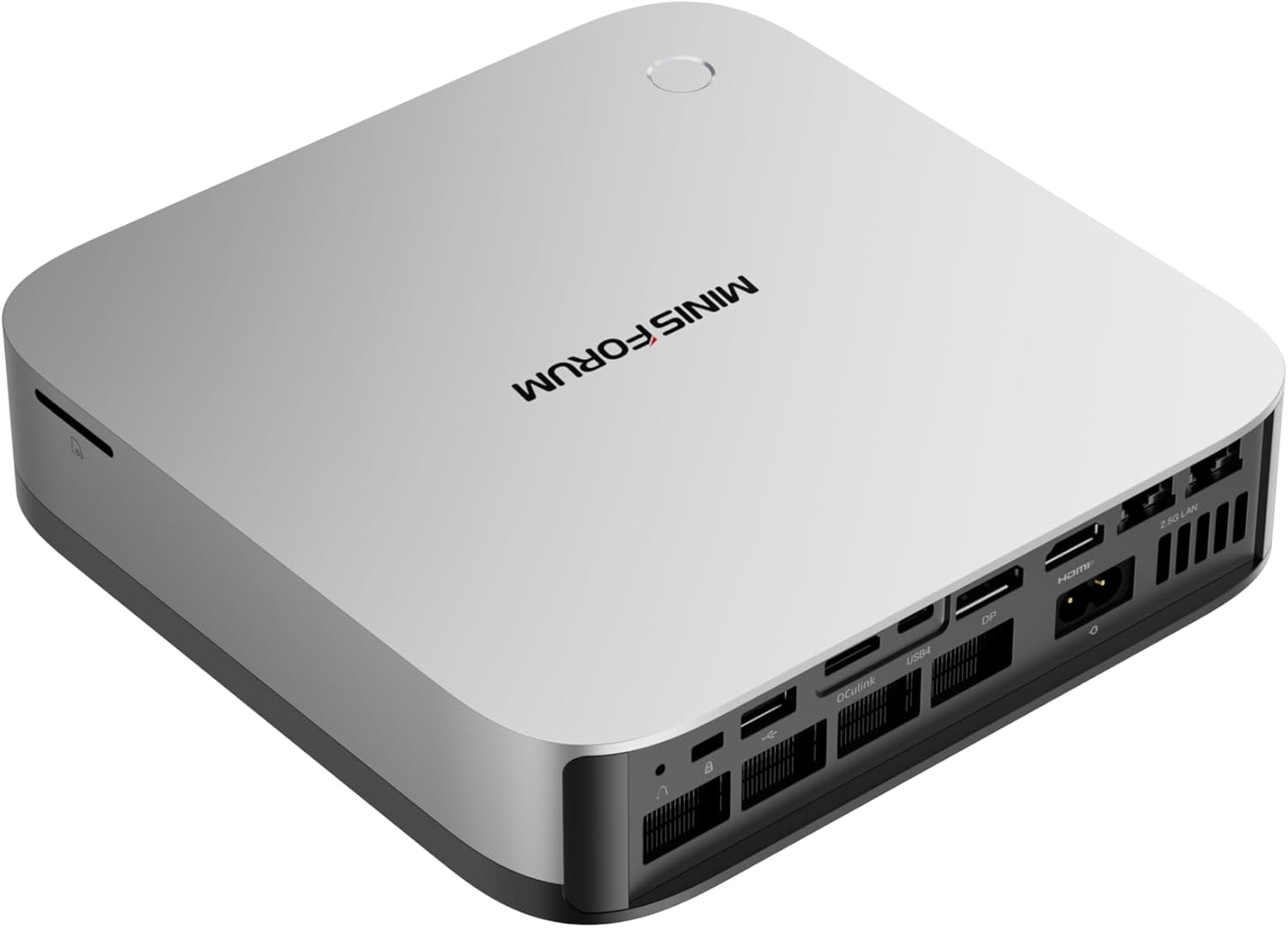
Minisforum AI X1 Pro-470
Price: ~$1,359
→ Check Current Price on Amazon
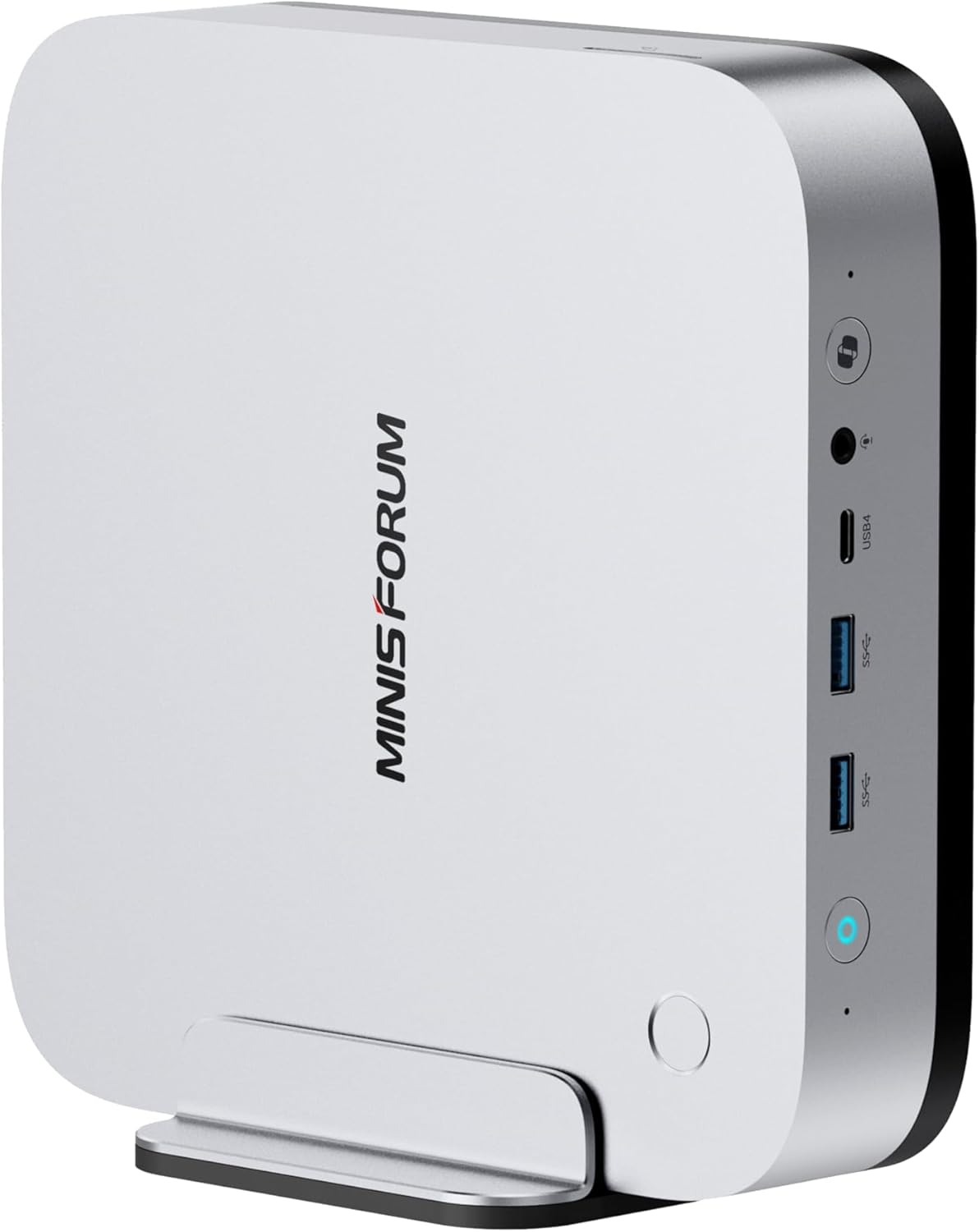
Minisforum AI X1 Pro-370
Price: ~$1,199
→ Check Current Price on Amazon
Side-by-Side Specs
| Spec | X1 Pro-370 | X1 Pro-470 | Winner |
|---|---|---|---|
| CPU | Ryzen AI 9 HX 370 (12C/24T, 5.1GHz) | Ryzen AI 9 HX 470 (12C/24T, 5.2GHz) | 470 (marginal) |
| GPU | Radeon 890M (16 CUs) | Radeon 890M (16 CUs) | Tie |
| RAM | 32GB DDR5 (upgradeable to 128GB) | 32GB DDR5 (upgradeable to 128GB) | Tie |
| Storage | 1TB PCIe 4.0 SSD | 1TB PCIe 4.0 SSD | Tie |
| Networking | Dual 2.5GbE + WiFi 7 | Dual 2.5GbE + WiFi 7 | Tie |
| OCuLink | Yes | Yes | Tie |
| AI TOPS | 80 | 86 | 470 |
| PSU | Integrated | Integrated | Tie |
| Reviews | 12 (4.5★) | New listing | 370 |
| Price | ~$1,179 | ~$1,359 | 370 |
CPU and GPU Performance
Both systems use AMD’s Strix Point architecture — the only difference is the specific SKU.
X1 Pro-370: Ryzen AI 9 HX 370. 12 Zen 4 cores, 24 threads, up to 5.1 GHz boost. Radeon 890M GPU with 16 RDNA 3.5 compute units (1,024 shaders).
X1 Pro-470: Ryzen AI 9 HX 470. 12 Zen 4 cores, 24 threads, up to 5.2 GHz boost. Radeon 890M GPU with 16 RDNA 3.5 compute units (1,024 shaders).
Real-world performance: The 470’s 100 MHz clock speed increase (5.1 → 5.2 GHz) translates to ~2-3% better single-threaded performance. In multi-threaded workloads — compiling code, running VMs, batch encoding — the difference is negligible.
AI compute: The 470 delivers 86 TOPS vs the 370’s 80 TOPS — a 7.5% increase. For Ollama LLM inference:
- 7B models: ~35-55 tokens/sec (470) vs ~30-50 tokens/sec (370)
- 13B models: ~20-35 tokens/sec (470) vs ~15-30 tokens/sec (370)
- 34B models: ~12-22 tokens/sec (470) vs ~10-20 tokens/sec (370)
The performance difference is measurable but not transformative. For most users, both handle AI workloads identically in real-world use.
What $180 Buys You
Let’s break down exactly what the $180 premium gets you:
6 more TOPS (80 → 86): 7.5% more AI compute. For daily Copilot+ features, this is imperceptible. For heavy LLM inference, you might see 5-10% faster token generation.
100MHz higher boost clock (5.1 → 5.2 GHz): ~2-3% better single-threaded performance. In real-world use, this is the difference between “instant” and “very fast” — both feel instantaneous.
Nothing else: Identical chassis, identical ports, identical cooling, identical PSU, identical RAM support, identical storage.
Value calculation: $180 / 6 TOPS = $30 per TOPS. For context, the jump from X1-255 (38 TOPS) to X1 Pro-370 (80 TOPS) costs $440 for 42 TOPS — ~$10 per TOPS. The 370→470 upgrade is 3x the cost per TOPS.
Memory and Storage
Both systems use DDR5 SO-DIMM — upgradeable to 128GB (2x 64GB sticks). This is a key advantage over the Beelink SER9 Pro Mini’s soldered LPDDR5X.
Why upgradeable RAM matters:
- 7B model (Q4): ~4GB — trivial on any system
- 13B model (Q4): ~8GB — runs on most 32GB mini PCs
- 34B model (Q4): ~20GB — needs 32GB+ system
- 70B model (Q4): ~42GB — needs 64GB+ system (upgrade required)
Storage: Both include 1TB PCIe 4.0 NVMe SSD with dual M.2 slots for expansion. Identical storage configurations.
Networking and Connectivity
| Port | X1 Pro-370 | X1 Pro-470 |
|---|---|---|
| USB4 (40Gbps, PD + DP) | 2 | 2 |
| USB-A 3.2 Gen 2 | 4 | 4 |
| HDMI 2.1 | 1 | 1 |
| DisplayPort | 1 | 1 |
| 2.5GbE (Intel i226-V) | 2 | 2 |
| OCuLink | 1 | 1 |
| 3.5mm audio | 1 | 1 |
Identical port selection. Dual Intel 2.5GbE is the gold standard for homelab use. OCuLink enables eGPU expansion with only 5-10% performance loss vs direct PCIe.
Power Consumption
| Metric | X1 Pro-370 | X1 Pro-470 |
|---|---|---|
| Idle (W) | ~9W | ~9W |
| Load (W) | ~86W | ~96W |
| Annual Cost (24/7 idle) | ~$9.46/year | ~$9.46/year |
Annual cost calculated at $0.12/kWh. Sources: NAS Compares, NotebookCheck.
Idle power is identical — both share the same platform. Under load, the 470 draws ~10W more (~96W vs 86W) due to the higher clock speeds. For always-on homelab workloads, this is negligible ($1/year difference).
Reviews and Availability
X1 Pro-370: 12 Amazon reviews at 4.5 stars. Early impressions are positive, with users praising the OCuLink, integrated PSU, and HX370 performance. The 4.5★ rating is promising for a new product.
X1 Pro-470: New listing with no reviews yet. As the top-tier SKU, it will likely see fewer units sold than the 370. Early adopters will provide the first reliability data.
Recommendation: For risk-averse buyers, the 370’s 12 reviews provide some social proof. The 470’s lack of reviews means you’re an early adopter.
Price and Value
At $1,179, the X1 Pro-370 is exceptional value. You get the full HX370 experience — 80 TOPS, 12 cores, dual 2.5GbE, WiFi 7, OCuLink, integrated PSU — for $510 less than the GEEKOM A9 Max.
At $1,359, the X1 Pro-470 costs $180 more for 7.5% more AI compute and 2% more CPU performance. For most users, this is not worth the premium.
When the 470 is worth it:
- You run AI inference daily and every token/sec matters
- You have budget flexibility and want the “best”
- You’re deploying for professional use where 7.5% matters
- You plan to keep the system for 5+ years (future-proofing)
When the 370 is the smarter buy:
- You want the best value HX370
- 80 TOPS is sufficient for your workloads
- You’d rather spend $180 on a RAM upgrade (for 70B LLMs)
- You’re budget-conscious
Real-World Use Cases
For Local LLMs (Ollama)
370 wins on value. Both handle 7B-34B models identically in real-world use. The 470’s 7.5% more TOPS translates to marginally faster token generation — noticeable in benchmarks, imperceptible in chat. For 70B models, both need a RAM upgrade to 64GB+ — the $180 saved on the 370 is better spent on RAM.
For Homelab (Proxmox, OPNsense)
Tie. Both have dual 2.5GbE Intel NICs, OCuLink, and identical connectivity. The 12-core HX370/HX470 handles 6-8 lightweight VMs comfortably. The 2% CPU difference is negligible for homelab workloads.
For Daily Use (Office, Media)
370 wins on value. Both deliver identical user experience for office work, web browsing, and media playback. The 470’s marginal performance gains are imperceptible in daily use.
For Content Creation
370 wins on value. Both handle 1080p/4K video editing identically. The 470’s 2% faster rendering is measurable but not transformative. The $180 saved is better spent on faster storage or more RAM.
For AI Development
470 wins for professionals. If you run AI inference daily and every token/sec matters for your workflow, the 86 TOPS justifies the premium. For hobbyists and casual users, the 370 is sufficient.
Final Verdict: Which Should You Buy?
Buy the MINISFORUM X1 Pro-370 if:
- You want the best value HX370 at $1,179
- 80 TOPS is sufficient for your AI workloads
- You’d rather spend $180 on a RAM upgrade (for 70B LLMs)
- You’re budget-conscious but want premium features
- You value the 12 reviews proving reliability
Buy the MINISFORUM X1 Pro-470 if:
- You need every last TOPS for professional AI inference
- You run AI workloads daily and 7.5% faster matters
- You have budget flexibility and want the “best”
- You plan to keep the system for 5+ years (future-proofing)
- You’re comfortable being an early adopter (no reviews yet)
Amazon Product Links
- MINISFORUM X1 Pro-370 — $1,179 (best value HX370)
- MINISFORUM X1 Pro-470 — $1,359 (maximum AI TOPS)
Note: Also available in 64GB configuration and barebone options — check Amazon for current pricing.
Frequently Asked Questions
Is the HX470 worth the $180 premium over the HX370?
For most users, no. The 86 TOPS vs 80 TOPS and 5.2 GHz vs 5.1 GHz provide marginal performance gains (~7.5% AI, ~2% CPU). For AI developers running inference daily, the 470 may justify the premium. For everyone else, the 370 is better value.
Can both systems run 70B LLMs?
With 32GB RAM, no — 70B Q4 models need ~42GB. Both support upgradeable DDR5 SO-DIMM to 128GB. After upgrading to 64GB+ (cost: ~$80-100 for extra 32GB), both handle 70B Q4 at 5-10 tokens/sec. The 470’s extra 6 TOPS provide marginally faster inference.
Does the 470 run hotter or louder?
Under load, the 470 draws ~10W more (~96W vs ~86W) due to higher clock speeds. Thermals are marginally higher but the cooling system handles both SKUs adequately. Fan noise is comparable between the two.
Is 80 TOPS enough for Copilot+ features?
Absolutely. Microsoft requires 40 TOPS minimum for Copilot+ certification. The 370’s 80 TOPS exceeds this by 2x. The 470’s 86 TOPS is overkill for Windows AI features — both handle Copilot+ identically in real-world use.
Which has better Linux support?
Identical. Both use the same Strix Point platform with the same NICs, same GPU, same connectivity. ROCm support for RDNA 3.5 is solid on both. The CPU SKU difference is irrelevant for Linux compatibility.
Should I wait for reviews on the 470?
If you’re risk-averse, yes. The 370’s 12 reviews at 4.5★ provide some social proof. The 470’s lack of reviews means you’re an early adopter. For most buyers, the 370 is the safer choice until the 470 accumulates reviews.