
Beelink SER9 Family Guide 2026: SER9 vs SER9 Pro Mini vs SER9 Pro+ AI — Which to Buy?
By Max · April 2, 2026 · Updated May 4, 2026
This article contains affiliate links. If you purchase through our links, we may earn a commission at no extra cost to you. We only recommend products we’ve thoroughly researched.

Three models, confusingly similar names, overlapping price ranges ($719–$999). All three SER9 variants use the Ryzen 7 H255 — the same CPU with 38 TOPS AI compute. The main differences are in pricing, reviews, and availability.
Buyers who find one listing will inevitably search for the others. This guide breaks down all three SER9 variants to help you pick the right one.
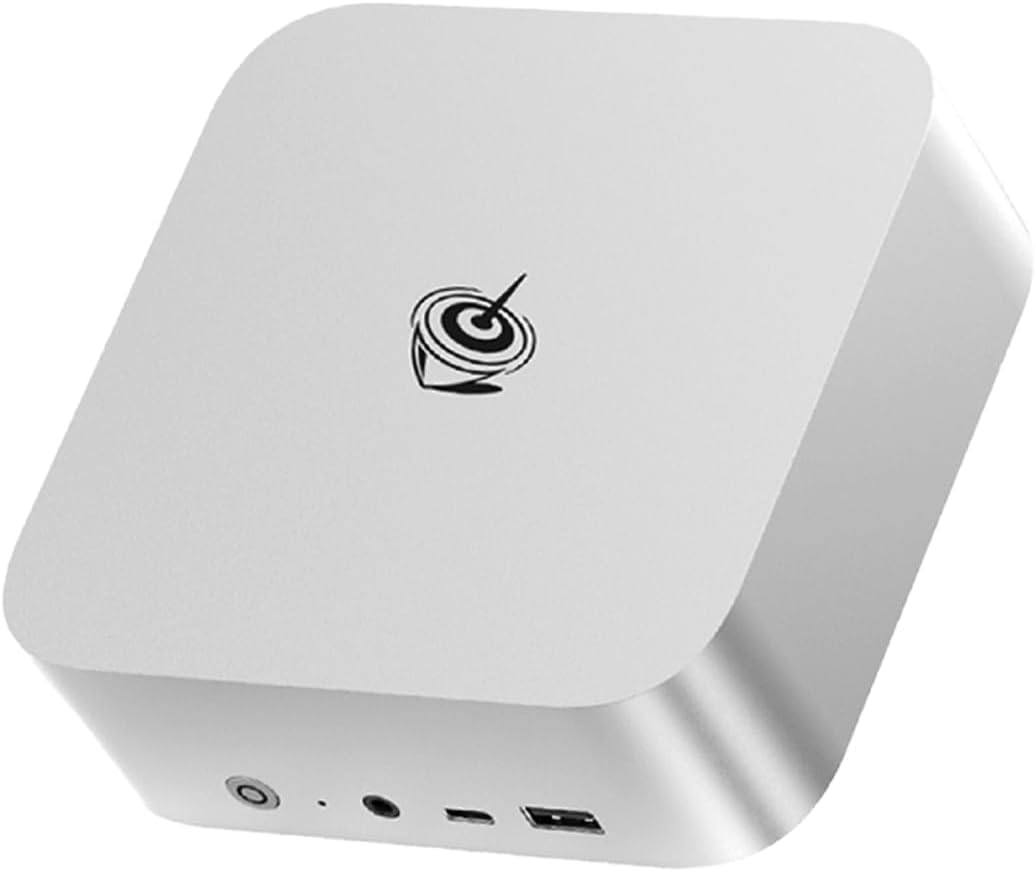
Quick Comparison Table
| Beelink SER9 | Beelink SER9 Pro+ AI | Beelink SER9 Pro Mini | |
|---|---|---|---|
| CPU | Ryzen 7 H 255 | Ryzen 7 H255 | Ryzen 7 H 255 |
| CPU Cores | 8C/16T, 4.9GHz | 8C/16T, 4.9GHz | 8C/16T, 4.9GHz |
| GPU | Radeon 780M (12 CUs) | Radeon 780M (12 CUs) | Radeon 780M (12 CUs) |
| NPU | 16 TOPS (XDNA 1) | 16 TOPS (XDNA 1) | 16 TOPS (XDNA 1) |
| Total AI TOPS | 38 | 38 | 38 |
| RAM | 32GB LPDDR5X (soldered) | 32GB LPDDR5X (soldered) | 32GB LPDDR5X (soldered) |
| Storage | 1TB | 1TB | 1TB |
| Networking | 2.5GbE + WiFi 6 | 2.5GbE + WiFi 6 | 2.5GbE + WiFi 6 |
| USB4 | Yes | Yes | Yes |
| Reviews | 677 (4.2★) | 4 (3.2★) | Limited stock |
| Price | ~$839 | ~$719 | ~$999 |
| Best For | Proven reliability | Budget H255 | Entry-level AI |
The Confusion Problem
Beelink’s naming convention is genuinely confusing:
- SER9 — The “standard” model with Ryzen 7 H 255, 677 reviews, $839
- SER9 Pro+ AI — Sounds like an upgrade, but it’s actually $120 cheaper with the same H255 CPU and only 4 reviews at 3.2★
- SER9 Pro Mini — Sounds like a smaller version, but it has the same H255 CPU and costs $999
The “Pro+” naming suggests an upgrade, but the Pro+ AI is the budget option. The “Pro Mini” naming suggests a compact version, but it has identical specs to the standard SER9.
Key takeaway: Don’t trust the names. Look at the specs. All three use H255/780M/38 TOPS.
CPU Breakdown: One Platform
Ryzen 7 H 255 / H255 (All SER9 Models)
The H 255 and H255 are the same chip — AMD’s Hawk Point refresh. Eight Zen 4 cores, 16 threads, up to 4.9 GHz boost. The XDNA 1 NPU delivers 16 TOPS, for a total of 38 TOPS with GPU compute.
Performance tier: Entry-level AI. Sufficient for 7B-13B LLMs, not full Copilot+ (requires 40+ TOPS).
Best for: General computing, 7B-13B LLMs, office work, light homelab.
Model-by-Model Breakdown
~$839 — The Proven Choice
Beelink SER9
→ Check Current Price on Amazon
Specs: Ryzen 7 H 255, 32GB LPDDR5X (soldered), 1TB SSD, 2.5GbE, WiFi 6, USB4.
Reviews: 677 Amazon reviews at 4.2 stars. This is social proof you can’t ignore.
Best for: Buyers who want proven reliability, H255 performance, and don’t need more than 32GB RAM.
Pros:
- 677 reviews proving long-term reliability
- Beelink’s established support channels
- 32GB LPDDR5X for 7B-13B LLMs
- USB4 for fast external storage
Cons:
- Soldered RAM — 32GB is the permanent ceiling
- WiFi 6 (not 6E or 7)
- Single 2.5GbE NIC
- No AI NPU for Copilot+ (38 TOPS total)
Who should buy: Risk-averse buyers who want a proven daily driver with 677 reviews backing the purchase.
Who should skip: Users who need upgradeable RAM (consider MINISFORUM X1-255).
~$719 — The Budget Option
Beelink SER9 Pro+ AI
→ Check Current Price on Amazon
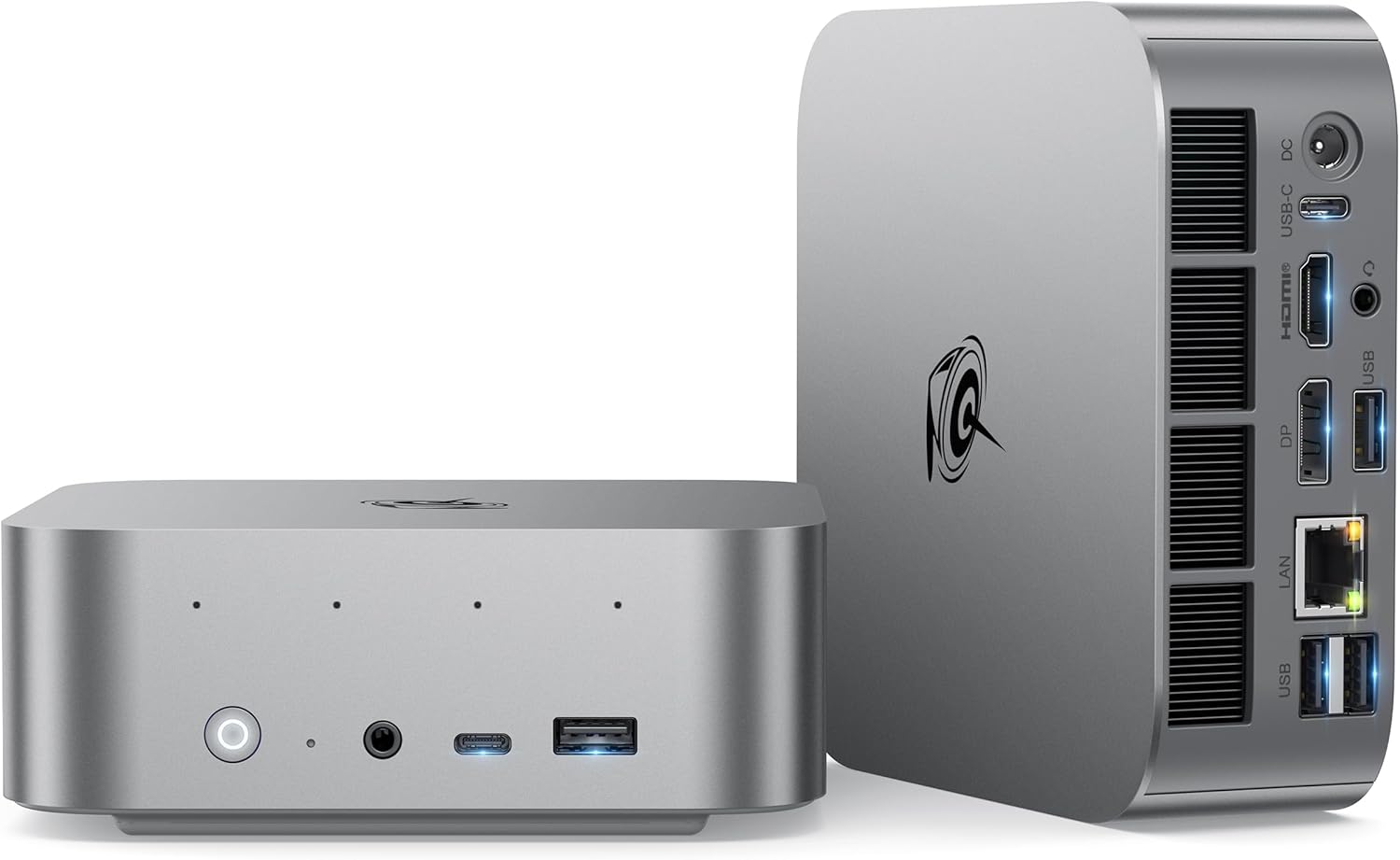
Specs: Ryzen 7 H255, 32GB LPDDR5X 7500MT/s (soldered), 1TB SSD, 2.5GbE, WiFi 6, USB4.
Reviews: 4 Amazon reviews at 3.2 stars. The low review count and poor rating are concerning.
Best for: Budget buyers comfortable with early-adopter risk who want the cheapest H255 with 32GB.
Pros:
- Cheapest H255 with 32GB at $719
- Faster LPDDR5X 7500MT/s (marginally faster than SER9)
- Same CPU as SER9 for $120 less
Cons:
- Only 4 reviews at 3.2★ — red flag for new product
- Soldered RAM — 32GB is the permanent ceiling
- WiFi 6 (not 6E or 7)
- Single 2.5GbE NIC
- Early-adopter risk (potential firmware/quality issues)
Who should buy: Budget buyers who want to save $120 and are comfortable with early-adopter risk.
Who should skip: Risk-averse buyers (pay $120 more for SER9’s 677 reviews).
~$999 — The Premium Option
Beelink SER9 Pro Mini
→ Check Current Price on Amazon
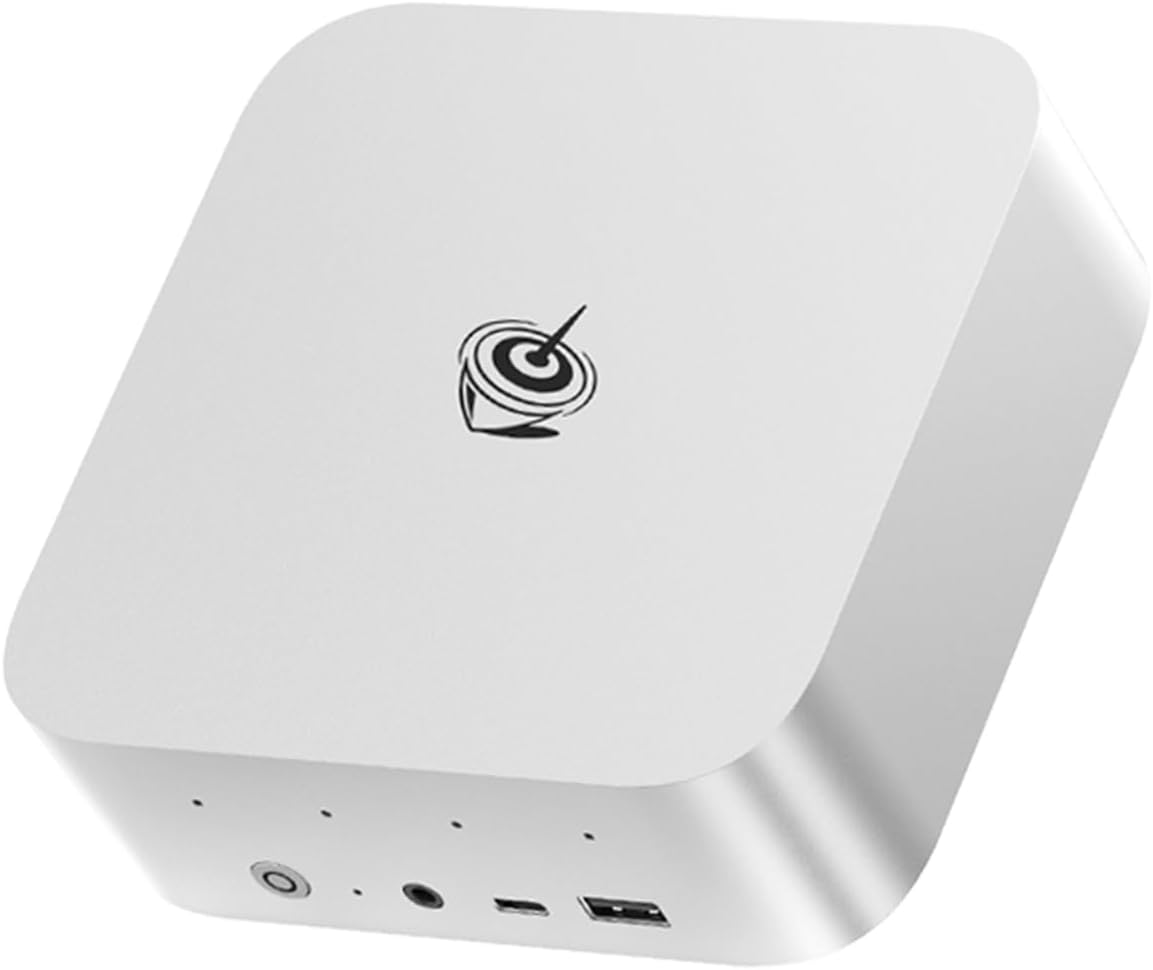
Specs: Ryzen 7 H 255, 32GB LPDDR5X (soldered), 1TB SSD, 2.5GbE, WiFi 6, USB4.
Reviews: Limited stock availability, few reviews.
Best for: Buyers who want H255 at a reasonable price and know 32GB is enough.
Pros:
- H255 with 38 TOPS for entry-level AI
- 8 cores / 16 threads for general workloads
- Radeon 780M (12 CUs) for GPU performance
- USB4 for fast external storage
Cons:
- Soldered 32GB — permanently capped
- Limited stock availability
- WiFi 6 (not WiFi 7)
- Single NIC (no dual 2.5GbE)
- No OCuLink for eGPU
- Higher price than SER9 ($999 vs $839)
Who should buy: Buyers who want H255 and don’t need more than 32GB RAM.
Who should skip: If you want better value, the SER9 ($839) has same specs with 677 reviews.
Power Consumption Comparison
| Metric | SER9 (H255) | SER9 Pro+ AI (H255) | SER9 Pro Mini (H255) |
|---|---|---|---|
| Idle (W) | ~8W | ~10W | ~8W |
| Load (W) | ~78W | ~78W | ~78W |
| Annual Cost (24/7 idle) | ~$8.41/yr | ~$10.51/yr | ~$8.41/yr |
Sources: Guru3D, Igor’s Lab, ServeTheHome. Annual cost at $0.12/kWh.
All three are power-efficient for always-on workloads. The SER9 Pro+ AI draws slightly more at idle (~10W vs 8W), but the difference is negligible ($2/year).
Decision Framework: Which SER9 Should You Buy?
All Models Use H255 (38 TOPS)
Choose SER9 ($839) if:
- You value proven reliability (677 reviews at 4.2★)
- You’re buying a daily driver or primary workstation
- You want Beelink’s established support
- Best overall value
Choose SER9 Pro+ AI ($719) if:
- You want to save $120
- You’re comfortable with early-adopter risk (4 reviews, 3.2★)
- You understand Amazon’s return policy
- You’re buying for a secondary/backup system
Choose SER9 Pro Mini ($999) if:
- You want the H255 with limited stock availability
- You know 32GB RAM is enough
- Note: Same specs as SER9 but $160 more — consider SER9 instead
Skip all SER9 models if:
- You need upgradeable RAM — consider MINISFORUM X1-255 ($739, DDR5 SO-DIMM)
- You need dual NICs — consider GMKtec K11 (~$799, dual 2.5GbE)
- You need 64GB+ for 70B LLMs — consider MINISFORUM X1 Pro-370 ($1,179, upgradeable)
Critical Warning: All Three Have Soldered RAM
All three SER9 variants use soldered LPDDR5X — no RAM upgrades. 32GB is the permanent ceiling.
Why this matters:
- 7B model (Q4): ~4GB — trivial on any system
- 13B model (Q4): ~8GB — runs on most 32GB mini PCs
- 34B model (Q4): ~20GB — 32GB is adequate but no headroom
- 70B model (Q4): ~42GB — NOT possible with 32GB soldered
For buyers who know 32GB is enough for their workloads (7B-13B LLMs, general use), the faster LPDDR5X bandwidth is a benefit. For users who might need 64GB+ for 70B LLMs or heavy VM workloads, consider upgradeable alternatives:
Upgradeable alternatives:
- MINISFORUM X1-255 ($739) — DDR5 SO-DIMM to 64GB, WiFi 7
- MINISFORUM X1 Pro-370 ($1,179) — DDR5 SO-DIMM to 128GB, OCuLink, dual 2.5GbE
- GEEKOM A9 Max ($1,689) — DDR5 SO-DIMM to 128GB, dual 2.5GbE, 3-year warranty
Amazon Product Links
- Beelink SER9 — $839 (677 reviews, proven reliability)
- Beelink SER9 Pro+ AI — $719 (budget H255, 4 reviews)
- Beelink SER9 Pro Mini — $999 (H255, limited stock)
Upgradeable alternatives:
- MINISFORUM X1-255 — $739 (upgradeable DDR5, WiFi 7)
- MINISFORUM X1 Pro-370 — $1,179 (HX370, upgradeable to 128GB)
Frequently Asked Questions
What’s the difference between H 255 and H255?
Nothing — they’re the same chip. Beelink uses both naming conventions interchangeably. The Ryzen 7 H 255 / H255 is AMD’s Hawk Point refresh with 8C/16T and XDNA 1 NPU (16 TOPS).
Is the SER9 Pro Mini worth the $160 premium over SER9?
No. The SER9 Pro Mini has the same H255 CPU, same 38 TOPS, same 780M GPU as the standard SER9. The $160 premium is not justified — the standard SER9 at $839 with 677 reviews is better value.
Why does the SER9 Pro+ AI have a 3.2-star rating?
The 3.2-star rating from 4 reviews is concerning but the sample size is too small for definitive conclusions. Early reviews may reflect teething issues, isolated quality control problems, or user setup errors. For risk-averse buyers, the SER9’s 677 reviews justify the $120 premium.
Can any SER9 model run 70B LLMs?
No. All three have soldered 32GB LPDDR5X — 70B Q4 models need ~42GB RAM. For 70B LLMs, consider upgradeable systems like the MINISFORUM X1 Pro-370 (DDR5 SO-DIMM to 128GB).
Which SER9 has the best Linux support?
All three have similar Linux support. The Realtek NIC may require manual driver installation on some distributions. For AI workloads, the H255 and 780M have solid ROCm support for RDNA 3.
Is the SER9’s 38 TOPS enough for Copilot+?
No. Microsoft requires 40 TOPS minimum for Copilot+ certification. The SER9’s 38 TOPS falls just short. For Copilot+ features, consider the MINISFORUM X1 Pro-370 with HX370 (80 TOPS).