
This article contains affiliate links. If you purchase through our links, we may earn a commission at no extra cost to you. We only recommend products we’ve thoroughly researched and verified.

The Ryzen AI 9 HX 370 is AMD’s Strix Point flagship — a 12-core CPU with Radeon 890M iGPU, 50 TOPS NPU, and DDR5 SO-DIMM support for up to 96GB of upgradeable RAM. It fills the gap between the Ryzen 7 H255 great value, soldered RAM and the Ryzen AI Max+ 395 Strix Halo, 128GB but $900+.
Here’s which HX370 mini PC to buy in 2026.
Quick Picks: Best Ryzen AI 9 HX 370 Mini PC
| # | Mini PC | RAM | Upgradeable | Price | Link |
|---|---|---|---|---|---|
| 🥇 Best Overall | Minisforum AI X1 Pro-370 | 32GB → 64GB | Yes, SO-DIMM | ~$600-700 | Check Price |
| 🥈 Best Warranty | GEEKOM A9 Max | 32GB → 64GB | Yes, SO-DIMM | ~$520-620 | Check Price |
| 🥉 Budget HX370 | Beelink SER9 Pro Mini | 32GB | No soldered | ~$450-520 | Check Price |
| 🔷 Pre-upgraded | X1 Pro-370 64GB | 64GB | Yes, SO-DIMM | ~$1400 | Check Price |
Quick Product Links
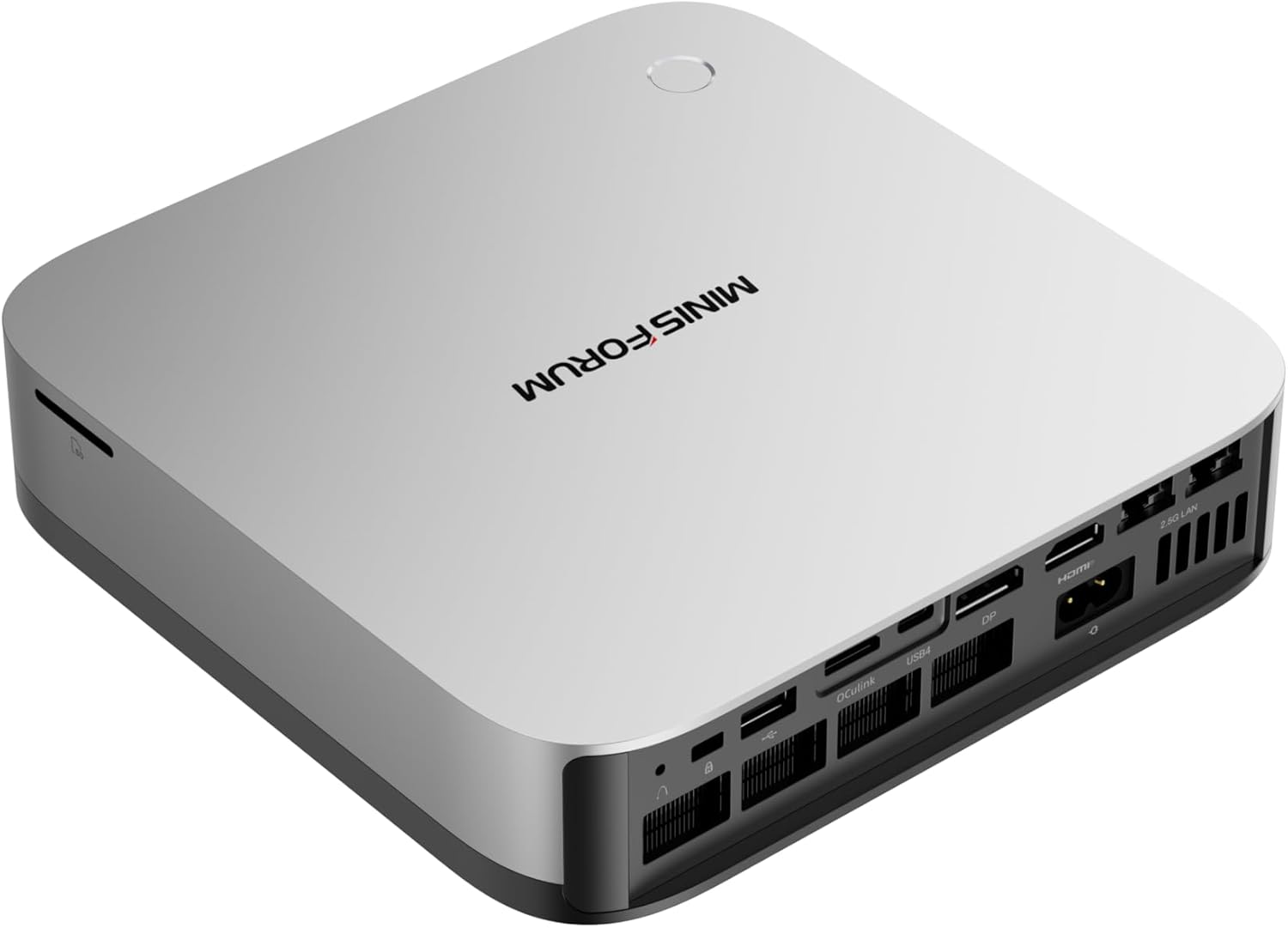
Minisforum AI X1 Pro-370 64GB
Price: ~$1,400-1,440
→ Check Current Price on Amazon
How We Research These Picks
Every recommendation here is built from verifiable sources rather than bench claims we can’t back up. We verify each product against its live Amazon listing for current price, stock status, and the exact spec configuration, and we cross-check CPU, RAM type, and networking details against manufacturer documentation. Power-draw and performance figures are cited from published measurements by trusted reviewers such as ServeTheHome and Notebookcheck, plus community reports on r/homelab and the Proxmox forums. We also read recent 1-star reviews for every pick to surface thermal, driver, and reliability patterns before you hit them. Picks are re-verified quarterly for availability, pricing, and newer models.
Ryzen AI 9 HX 370 Specifications
| Spec | Detail |
|---|---|
| CPU Architecture | Zen 5 4 cores + Zen 5c 8 cores |
| Total Cores/Threads | 12C/24T |
| Boost Clock | Up to 5.1GHz |
| iGPU | Radeon 890M, 16 CU RDNA 3.5 |
| NPU | 50 TOPS |
| Memory Type | DDR5 SO-DIMM upgradeable |
| Max RAM | 96GB DDR5 |
| Process | TSMC 4nm |
| TDP | 28-54W cTDP |
890M vs 780M GPU Comparison
| Feature | Radeon 890M HX370 | Radeon 780M H255 |
|---|---|---|
| Compute Units | 16 CU | 12 CU |
| Performance | ~25-30% faster | Baseline |
| Memory bandwidth | ~100-118 GB/s | ~68-89 GB/s |
| ROCm support | Yes | Yes |
| RDNA generation | RDNA 3.5 | RDNA 3 |
The 890M is meaningfully faster for GPU-accelerated workloads: ~25% faster SDXL generation, ~25% more video transcode throughput.
Our Top Picks
🥇 Best Overall HX370 Mini PC
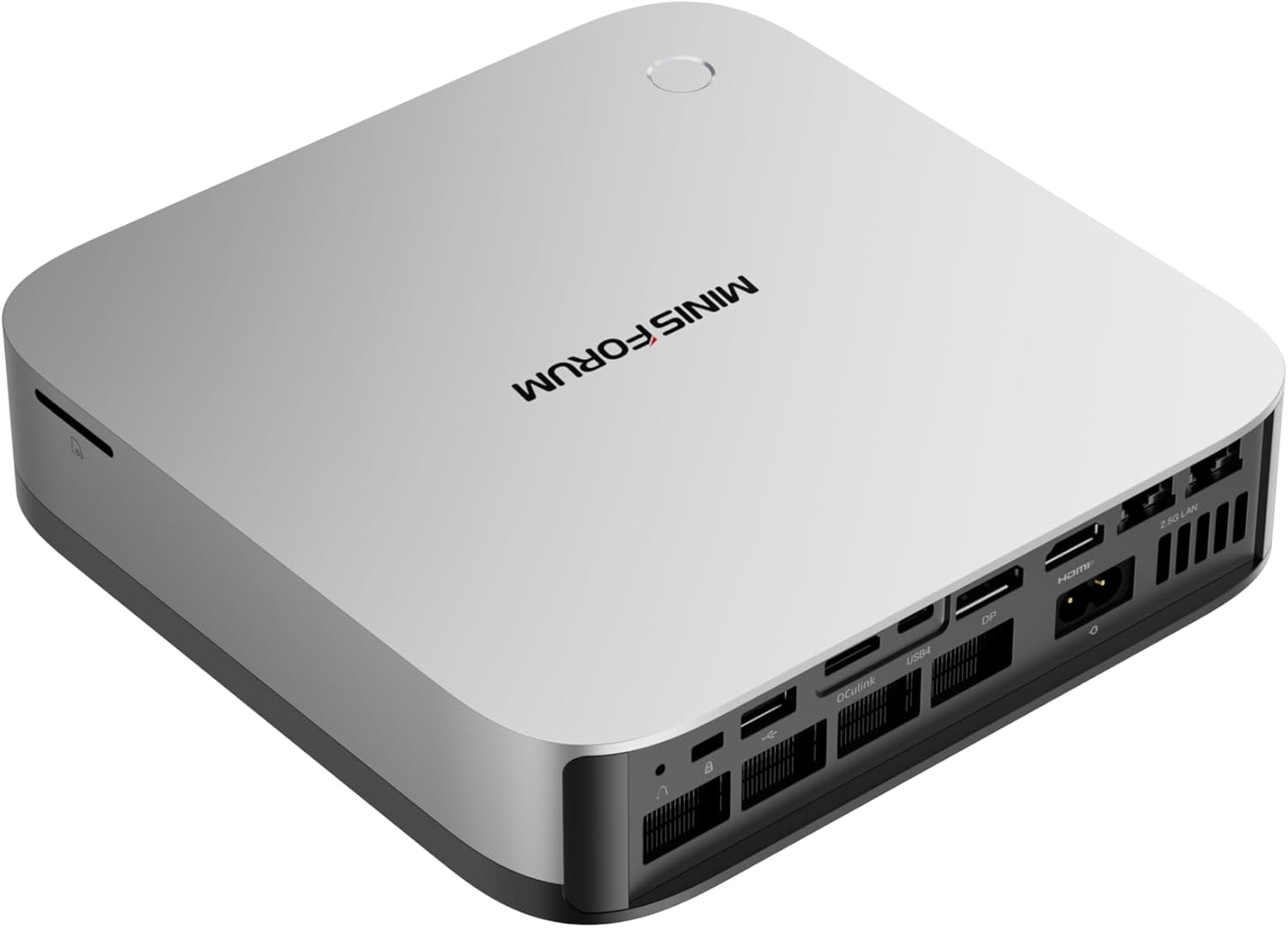
Minisforum AI X1 Pro-370
→ Check Current Price on Amazon
The Minisforum AI X1 Pro-370 is the most capable HX370 mini PC with the broadest I/O configuration. Dual Thunderbolt 4 ports, DDR5 SO-DIMM slots, and the Radeon 890M make it the best Strix Point mini PC for power users.
Key advantages over competitors:
- Dual Thunderbolt 4: attach high-speed NVMe enclosures, eGPUs, or Thunderbolt docks
- DDR5 SO-DIMM slots: start at 32GB and move to 64GB later if your local AI or VM workload grows
- Slim form factor with premium build quality
- USB4 bandwidth for fast external storage
LLM inference performance 32GB base:
- Llama 3.1 8B Q4: ~20-25 tok/s ROCm
- Qwen2.5 14B Q4: ~10-15 tok/s ROCm
- Qwen2.5 32B Q4: ~5-8 tok/s ROCm — fits in 32GB
Upgraded to 64GB DDR5:
- Qwen2.5 32B Q4: ~8-12 tok/s
- Llama 3.1 70B Q4: Not possible needs ~45GB
- DeepSeek 67B Q4: borderline — tight fit
Specs:
| Spec | Detail |
|---|---|
| CPU | Ryzen AI 9 HX370, 12C/24T |
| iGPU | Radeon 890M 16 CU |
| RAM | 32GB DDR5 SO-DIMM expandable to 64GB |
| Thunderbolt | 2× Thunderbolt 4 |
| NPU | 50 TOPS |
| Power | ~20-25W idle |
| Price | ~$600-700 |
Pros:
- Radeon 890M: 25% faster GPU than 780M for inference and media
- DDR5 SO-DIMM — upgradeable unlike SER9 LPDDR5X
- Dual Thunderbolt 4 for fast external peripherals
- 50 TOPS NPU for supported AI frameworks
- 12 cores for demanding Proxmox builds
Cons:
- $600-700 base price — $280 more than SER9
- Upgrade to 64GB costs extra
- Higher idle power than Ryzen 7 mini PCs
Who should buy this: Buy it when the upgrade path to 64GB DDR5 matters alongside dual Thunderbolt 4 for high-speed external peripherals. The SO-DIMM slots let you run 32B LLM models at 32GB now and expand to 64GB later when workloads grow — an upgrade path the SER9 Pro Mini’s soldered LPDDR5X doesn’t offer at any price.
Who should skip this: Skip it when 32GB is the ceiling and 3-year warranty support matters more than Thunderbolt flexibility — the GEEKOM A9 Max at a similar or lower price gives you the same HX370 CPU and 890M GPU with GEEKOM’s proven 3-year warranty track record. Also skip it when the Ryzen 7 H255 SER9 at $320–380 covers the AI workload — the HX370 premium only makes sense when 32B+ model inference or the 890M’s 25% GPU advantage are actual requirements.
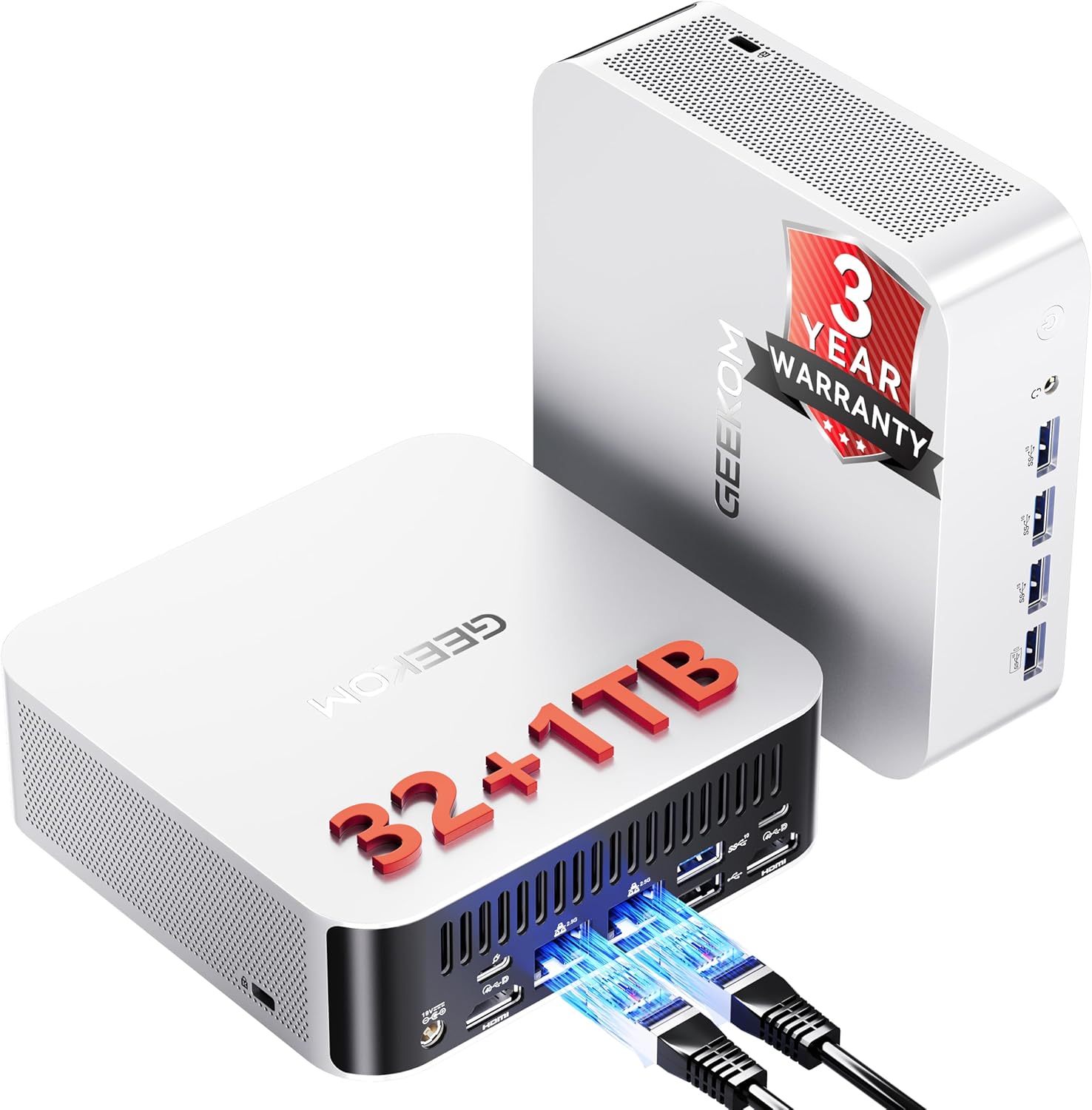
GEEKOM A9 Max
→ Check Current Price on Amazon
The GEEKOM A9 Max brings the HX370 with GEEKOM’s signature 3-year warranty — the longest in the mini PC market. For users who want to run an HX370 machine 24/7 as a home server or AI inference node, the 3-year coverage provides real peace of mind.
vs AI X1 Pro-370:
- Slightly more compact form factor
- GEEKOM 3-year warranty vs Minisforum’s shorter coverage
- Similar specs at similar or slightly lower price
- Fewer Thunderbolt ports in some configurations — check listing
Pros:
- 3-year warranty — best in class
- GEEKOM reliability track record for always-on deployments
- DDR5 SO-DIMM upgradeability
- 890M GPU for AI and media workloads
Cons:
- May have fewer TB4 ports than X1 Pro-370
- GEEKOM’s community smaller than Minisforum’s
Who should buy this: Buy it when the machine runs 24/7 as an AI inference node or Proxmox server and warranty coverage is a priority. GEEKOM’s 3-year warranty is the longest in the mini PC market, and for a machine that’s always on, having support through month 36 rather than month 12 is real value. The DDR5 SO-DIMM slots let you grow to 64GB when AI workloads outpace 32GB.
Who should skip this: Skip it when Thunderbolt 4 matters for your peripheral setup — the A9 Max may have fewer Thunderbolt ports than the X1 Pro-370 depending on configuration, so verify the listing first if dual TB4 is a requirement. Also skip it when the SER9 Pro Mini at $80–100 less delivers the same HX370 and 890M performance without the warranty premium. 🥉 Budget HX370: Important Caveat
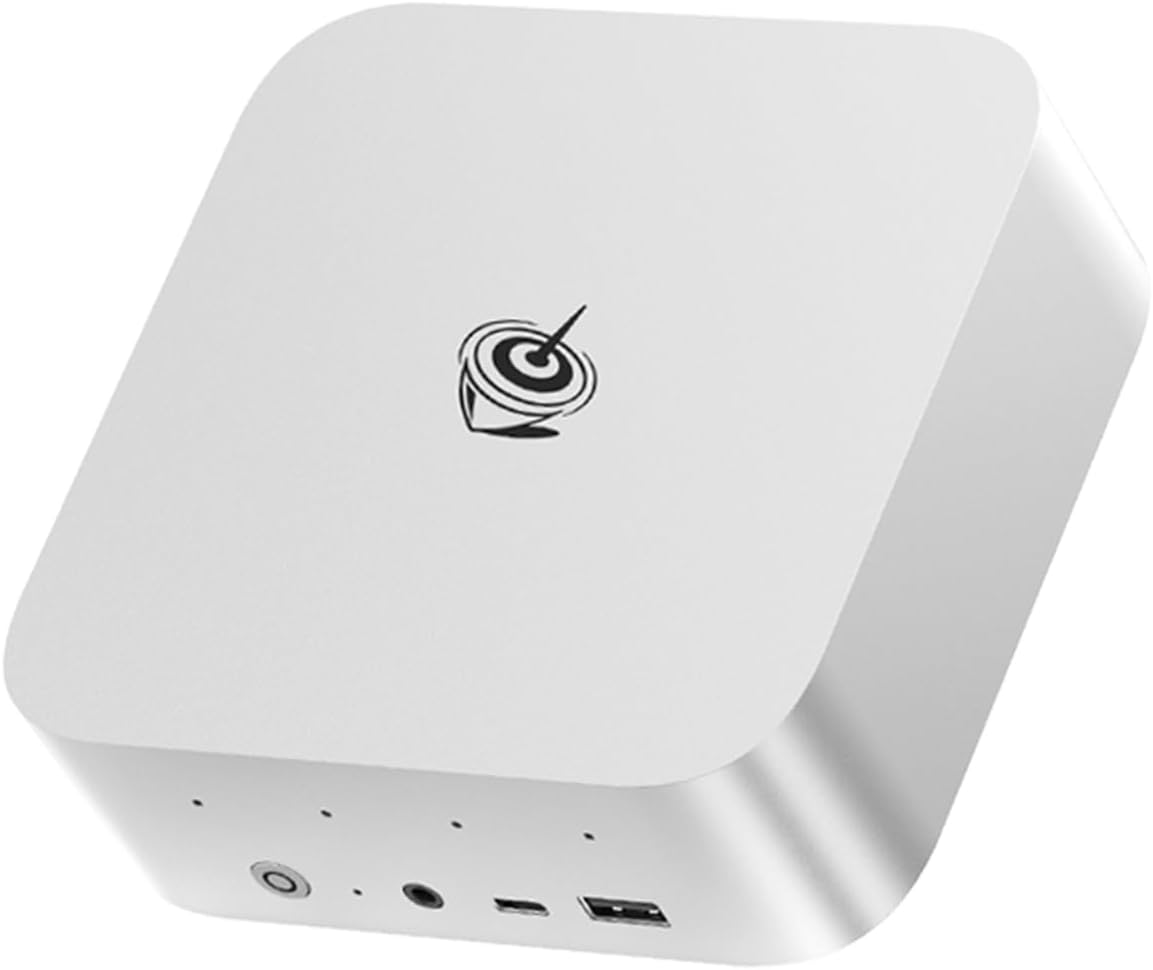
Beelink SER9 Pro Mini
→ Check Current Price on Amazon
The Beelink SER9 Pro Mini has the HX370 CPU at a lower price — but with soldered LPDDR5X memory, not SO-DIMM. This is the same limitation as the standard SER9: you get 32GB fixed, no upgrade path.
For the HX370’s multi-threaded performance and 890M GPU without upgradeability: the SER9 Pro Mini is the cheapest entry point. For the upgrade flexibility that makes the HX370 valuable over H255: choose the X1 Pro-370 or A9 Max.
The soldered vs SO-DIMM difference for HX370:
- SER9 Pro Mini: 32GB max, no upgrade, lower price
- X1 Pro-370 / A9 Max: 32GB base → 64GB upgrade, flexible
If you’re buying HX370 specifically for 64GB RAM: don’t buy the SER9 Pro Mini. If 32GB is sufficient: the Pro Mini is a valid budget option.
Who should buy this: Buy it when 32GB is sufficient for your AI workloads and you want the HX370’s 12-core performance and 890M GPU at the lowest entry price. At $450–520, it’s $150–200 less than the X1 Pro-370 or A9 Max and delivers identical inference throughput on Qwen2.5 14B and 32B Q4 models.
Who should skip this: Skip it when the upgrade path to 64GB matters — the LPDDR5X is soldered with no expansion path. If there’s any chance you’ll want more than 32GB for larger models, Proxmox VMs, or combined workloads, the X1 Pro-370 or A9 Max at $80–150 more are the better long-term purchases. The SER9 Pro Mini is the right buy only when 32GB is confirmed sufficient and price is the constraint.
HX370 vs H255 vs Strix Halo: Which Platform?
| Platform | Best For | RAM | GPU | Price |
|---|---|---|---|---|
| Ryzen 7 H255 SER9 | Value homelab, 7B-22B LLMs | 32GB fixed | 780M | ~$320-380 |
| Ryzen AI 9 HX370 X1 Pro-370 | AI + homelab, 32B LLMs, upgradeability | 32-64GB SO-DIMM | 890M | ~$600-700 |
| Ryzen AI Max+ 395 MS-S1 MAX | 70B LLMs, maximum memory | 128GB fixed | 96 CU | ~$900-1100 |
For most homelab users who want AI inference: the Beelink SER9 at $320-380 handles 7B-22B models effectively and costs half as much as the HX370 mini PCs. Only upgrade to HX370 if you specifically need 64GB RAM or the 890M’s 25% GPU advantage.
Power Consumption at a Glance
Power context: unless a section says otherwise, treat the wattage guidance in this article as planning figures from current listing details or comparable review coverage rather than final measured at wall lab data.
At $0.12/kWh, every 10W of always-on idle draw costs about ~$10.51 per year. Use that rule of thumb when you compare the picks in this article, then confirm the final number with the active listing or your own watt meter.
| Idle Draw | Annual Electricity Cost |
|---|---|
| 10W | ~$10.51/year |
| 20W | ~$21.02/year |
| 30W | ~$31.54/year |
Power context: unless a product section says otherwise, treat wattage references in this article as planning numbers from current listing details or comparable review coverage rather than final measured at wall lab data.
Frequently Asked Questions
Is the Ryzen AI 9 HX 370 better than M3 Pro for local AI?
The M3 Pro 36GB unified memory, ~150GB/s bandwidth outperforms the HX370 at 32GB for LLM inference — faster token generation and better memory bandwidth. At 64GB DDR5 upgraded HX370 at ~100GB/s: the M3 Pro still leads on bandwidth. For pure AI performance, Apple Silicon leads. For a Windows/Linux homelab that also does AI: HX370 is the more practical choice.
What’s the difference between Ryzen AI 9 HX 370 and 365?
The HX 370 is the higher-tier Strix Point chip: 12 cores, up to 5.1GHz, 50 TOPS NPU. The AI 9 365 is the step down: 10 cores, 5.0GHz, 50 TOPS NPU same NPU. Both use Radeon 890M with 16 CUs. The 370 offers 2 extra Zen 5c efficiency cores — meaningful for sustained multi-threaded workloads.
Does the HX370 support PCIe passthrough in Proxmox?
Yes. Enable IOMMU in BIOS AMD-Vi and in Proxmox’s GRUB config amd_iommu=on. The Radeon 890M supports PCIe passthrough to a single VM for GPU-accelerated workloads. This lets one Proxmox VM get exclusive GPU access for Ollama or ComfyUI.
What’s the best cooler for HX370 mini PCs at high load?
Mini PCs with HX370 use active cooling fan + copper heat pipe. The standard 28W TDP configuration is well-managed by OEM cooling. For sustained 54W load maximum TDP, ensure ambient temperature is under 30°C and the mini PC has clear airflow. Most Strix Point mini PCs throttle to 35-40W under sustained load — adequate for most workloads.