
GMKtec K15 vs GEEKOM IT15 2026 — Intel Core Ultra Mini PC Showdown
By Max · May 2, 2026 · Updated May 5, 2026
This article contains affiliate links. If you purchase through our links, we may earn a commission at no extra cost to you. We only recommend products we’ve thoroughly researched and verified.
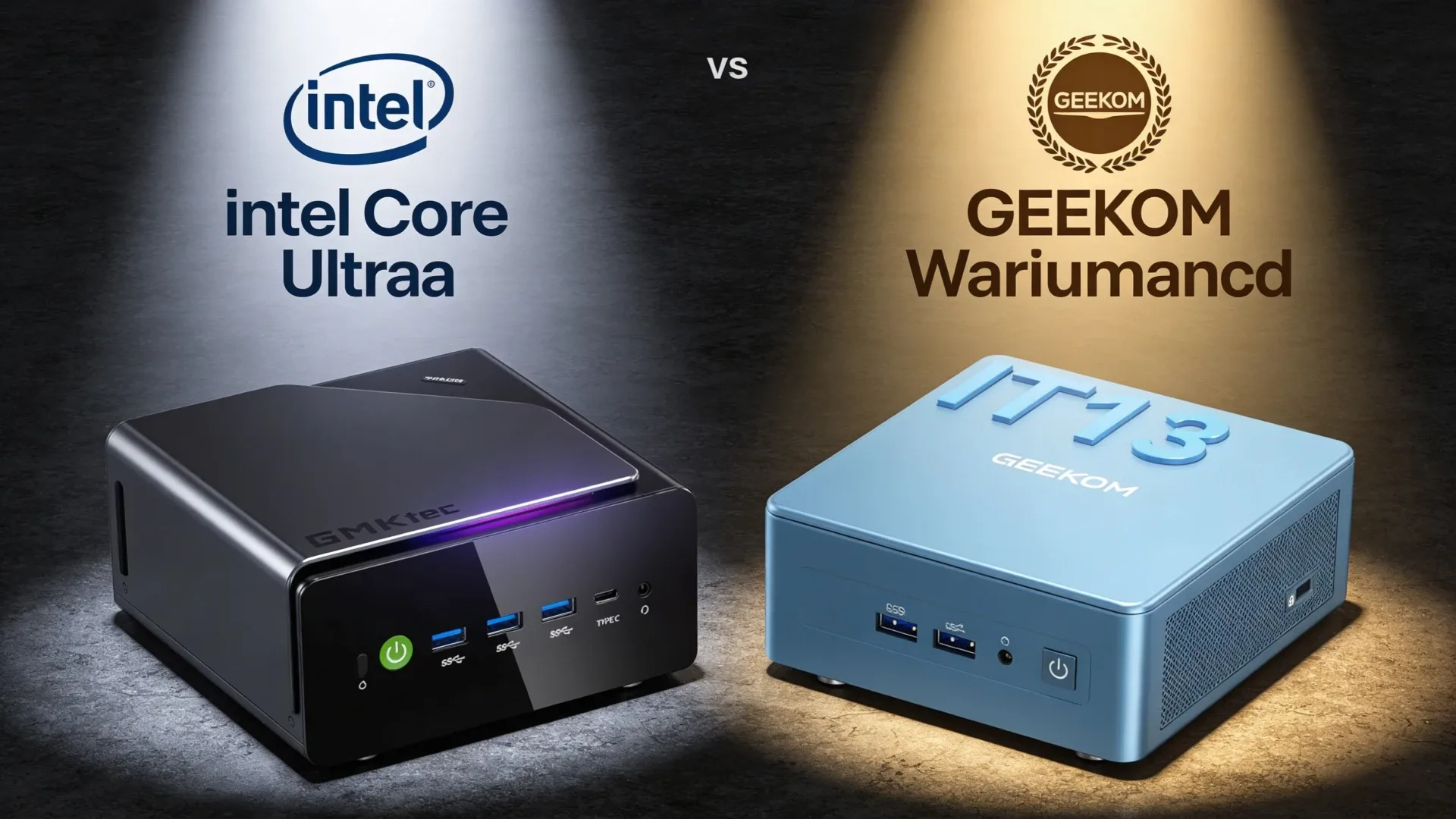
Both the GMKtec K15 and GEEKOM IT15 sit in the premium Intel Core Ultra tier, but the live products are more different than older summaries make them sound. The current GMKtec K15 listing points to a Core Ultra 5 125U box with 32GB DDR5, 512GB SSD, three M.2 slots, dual 2.5GbE, OCuLink, and USB4. The verified current GEEKOM IT15 variant points to a Core Ultra 9 285H with 32GB DDR5 and 2TB SSD. That means the K15 is the more server-leaning efficiency play, while the IT15 is the higher-performance desk-side system.
Quick Verdict
Choose the K15 if you want a more efficient Intel box for Plex, Jellyfin, Docker, and light Proxmox work. Choose the IT15 if you want the stronger CPU tier, more SSD capacity out of the box, and a system that leans more toward desktop performance than homelab expansion.
Spec Snapshot
| Spec | GMKtec K15 | GEEKOM IT15 | Winner |
|---|---|---|---|
| CPU | Core Ultra 5 125U | Core Ultra 9 285H | IT15 |
| RAM | 32GB DDR5 | 32GB DDR5 | Tie |
| Storage | 512GB SSD | 2TB SSD | IT15 |
| Expansion | 3 x M.2 plus OCuLink and USB4 | More desk-focused current listing | K15 |
| Networking | Dual 2.5GbE | Verify exact current listing ports before buying | K15 by verified certainty |
| Warranty | 1 year | 3 years | IT15 |
| Platform Character | Efficient homelab and media box | Faster premium Intel desktop mini PC | Depends |
GMKtec K15
→ Check Current Price on Amazon
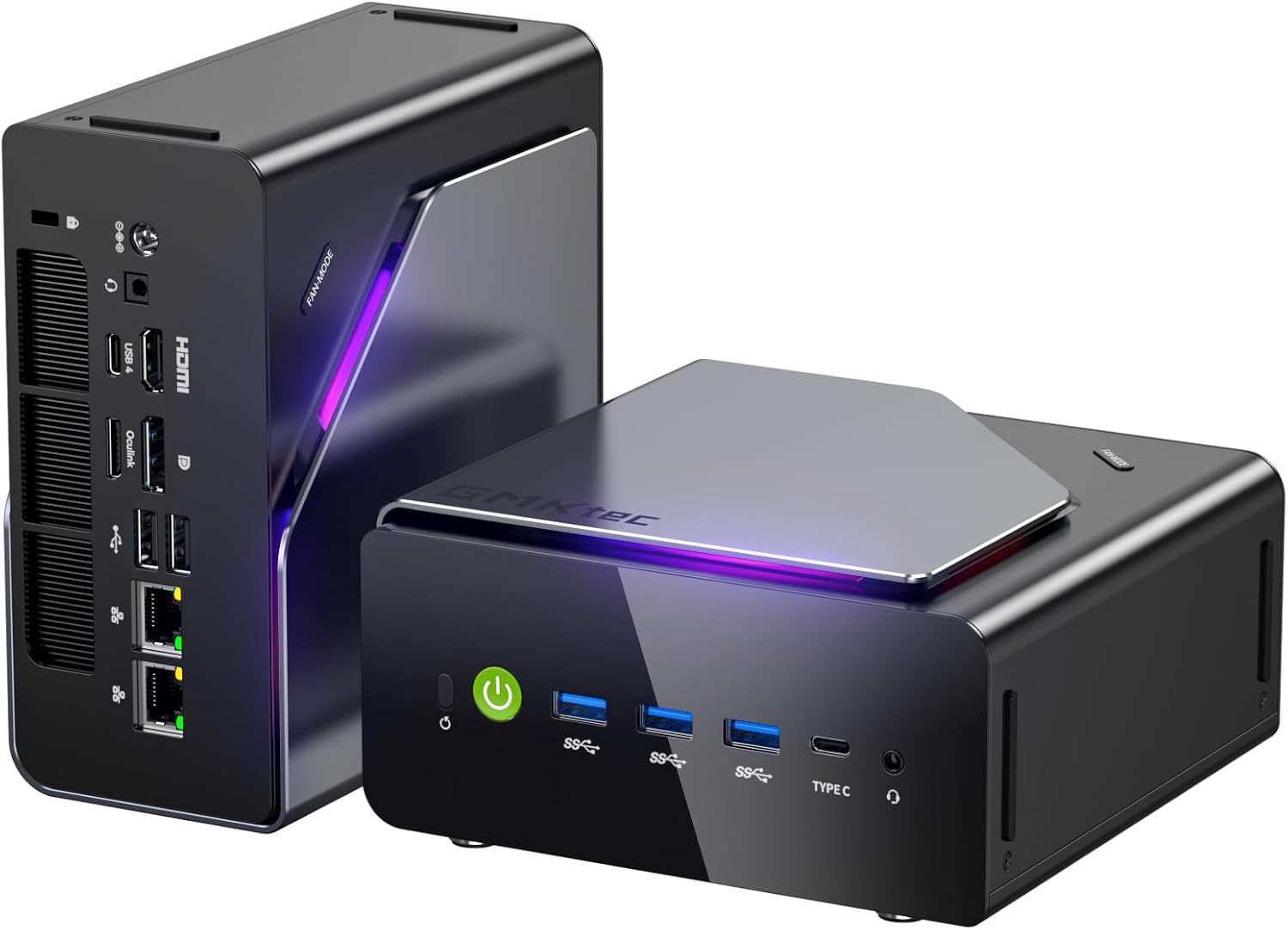
The corrected K15 is easier to understand than the old desktop-chip narrative. This is now a lower-power Intel machine whose real strengths are Quick Sync media support, dual 2.5GbE, three M.2 slots, USB4, and OCuLink. That is a strong mix for Plex, Jellyfin, Docker, backups, and a modest Proxmox setup.
It is not the machine to buy for maximum Intel CPU throughput. It is the one to buy if you care more about efficient always-on use and better storage-network expansion in a compact chassis.
The 1-year warranty is the main soft spot. GMKtec provides standard support, but buyers who want longer coverage need to factor in an extended warranty purchase.
Pros:
- Dual 2.5GbE and three M.2 slots give it real homelab value
- Quick Sync makes it appealing for Plex and Jellyfin
- OCuLink and USB4 create a better expansion story than most Intel mini PCs
- Lower-power Core Ultra 5 profile suits always-on use better than the old article suggested
Cons:
- CPU performance is fine rather than exceptional
- 512GB SSD is modest beside the IT15’s 2TB current listing
- 1-year warranty versus GEEKOM’s 3-year coverage
GEEKOM IT15
→ Check Current Price on Amazon
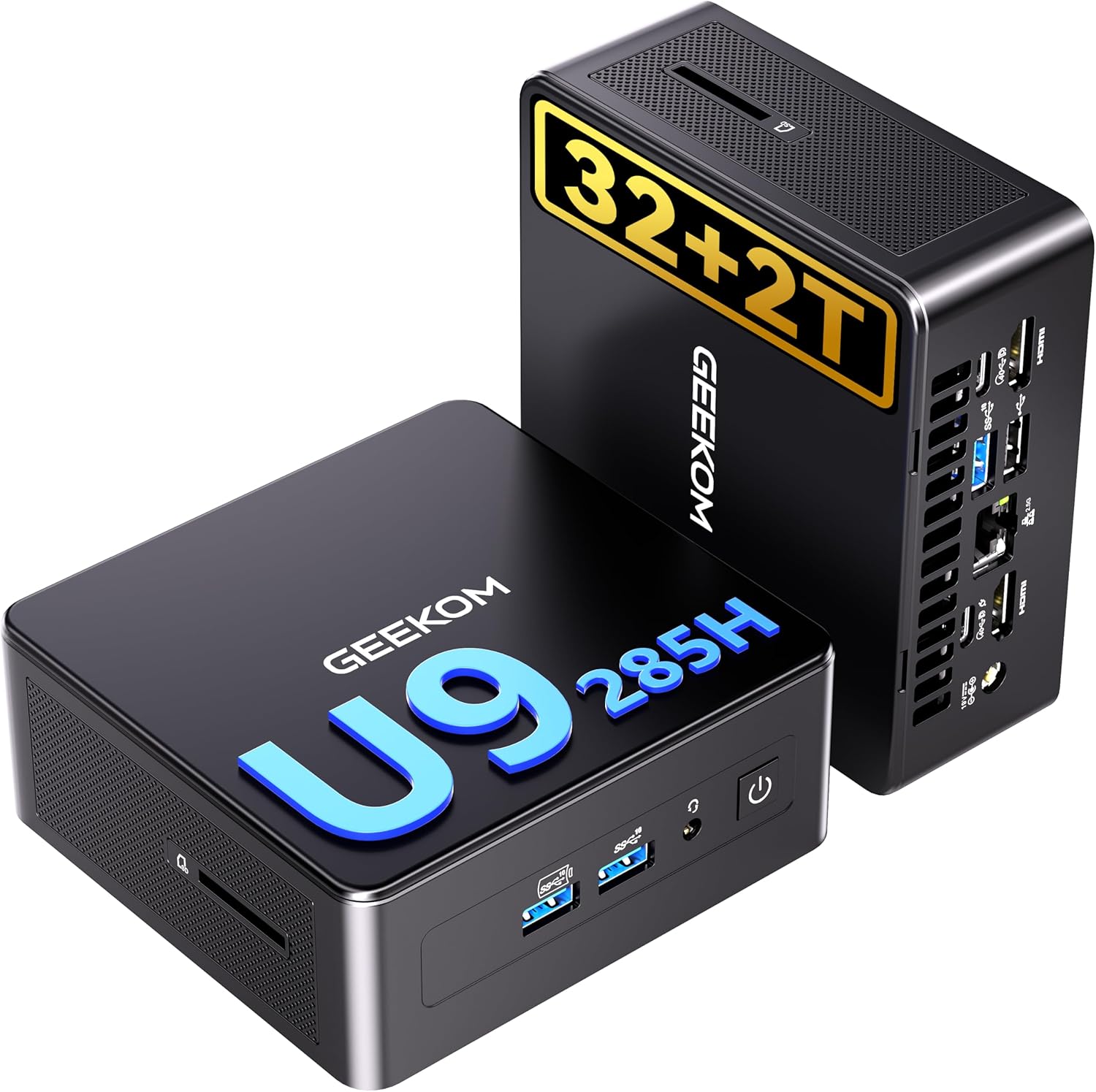
The IT15 still wins the raw-performance side of this matchup. The verified current variant uses Intel’s Core Ultra 9 285H with 32GB DDR5 and 2TB SSD, which immediately gives it more CPU headroom and a much larger out-of-box storage budget than the K15.
For desk use, content work, heavier multitasking, and buyers who simply want the faster Intel system, the IT15 is the easier answer. The K15 only pulls ahead when its dual 2.5GbE and richer expansion are directly useful.
GEEKOM’s 3-year warranty remains a meaningful advantage if long-term support coverage matters to you.
Pros:
- Core Ultra 9 285H gives it more raw compute headroom than the K15
- 2TB SSD is more generous for desk work, media, and large local files
- 3-year warranty is still one of the cleaner differentiators in this class
- Better fit for buyers who want a premium Intel desktop mini PC first
Cons:
- It is less obviously homelab-oriented than the K15
- Current verified product notes do not give the same port-level certainty we have on the K15
- Price sits at the premium end of the mainstream mini PC segment
Head-to-Head by Use Case
For Proxmox / VM Hosting
Winner: K15 — The corrected K15 makes more sense for this role because dual 2.5GbE, three M.2 slots, and the lower-power Core Ultra 5 profile fit homelab needs better than the old desktop-chip story ever did.
For AI Inference and Stable Diffusion
Winner: IT15 — The higher-end Core Ultra 9 platform is the safer pick if your work leans toward heavier local AI experimentation, content creation, and desktop-class multitasking.
For Docker Self-Hosting
Winner: K15 — Verified dual 2.5GbE and richer storage expansion give the K15 the more practical self-hosting shape.
For Desk and Productivity Use
Winner: IT15 — The faster CPU class and larger stock SSD make the IT15 the cleaner premium desktop buy.
Power and Running Cost
| Idle | Load | Annual at 24/7 Idle | |
|---|---|---|---|
| K15 | ~8W to 12W | ~35W to 45W | ~$8 to $13 per year |
| IT15 | ~10W to 15W | ~45W to 65W | ~$11 to $16 per year |
Final Verdict
Buy the K15 if: you want the more homelab-friendly Intel machine with dual 2.5GbE, richer storage expansion, Quick Sync, and a better always-on profile.
Buy the IT15 if: you want the faster premium Intel desktop mini PC with the stronger CPU tier, the larger stock SSD, and GEEKOM’s longer warranty.
Frequently Asked Questions
Does the GEEKOM IT15 support ECC memory?
No. Neither the IT15 nor the K15 is positioned as an ECC mini PC. Both sit in the standard consumer DDR5 SO-DIMM class.
Can the GMKtec K15 handle 4K video editing?
Yes for lighter editing and export work, especially if Quick Sync is the main accelerator you care about. If editing is a primary workload rather than an occasional one, the IT15 is the better fit in this comparison.
Which has better Linux driver support?
The K15 is the simpler Linux homelab pick because its role is narrower and its strengths are centered on networking, storage, and Quick Sync. The IT15 is also viable on Linux, but its appeal is more desktop and workstation oriented.
Which option wins for gmktec k15 vs geekom it15?
There is no single winner for every buyer. This comparison recommends the stronger option for performance, networking, and long-term flexibility, then highlights where the cheaper or quieter alternative still makes more sense.
Should you buy now or wait for the next refresh?
If you need the specific networking, AI, or graphics features covered here, the current models are already differentiated enough to buy now. If your workload is light, waiting for price drops is reasonable.
What matters more than the headline CPU?
Cooling, memory configuration, networking, and expansion usually matter more than a small CPU delta once you narrow the field to two or three serious mini PCs.