
Beelink GTR9 Pro vs Minisforum MS-S1 Max 2026 — Which AI Flagship to Buy?
By Max · May 2, 2026 · Updated May 5, 2026
This article contains affiliate links. If you purchase through our links, we may earn a commission at no extra cost to you. We only recommend products we’ve thoroughly researched and verified.
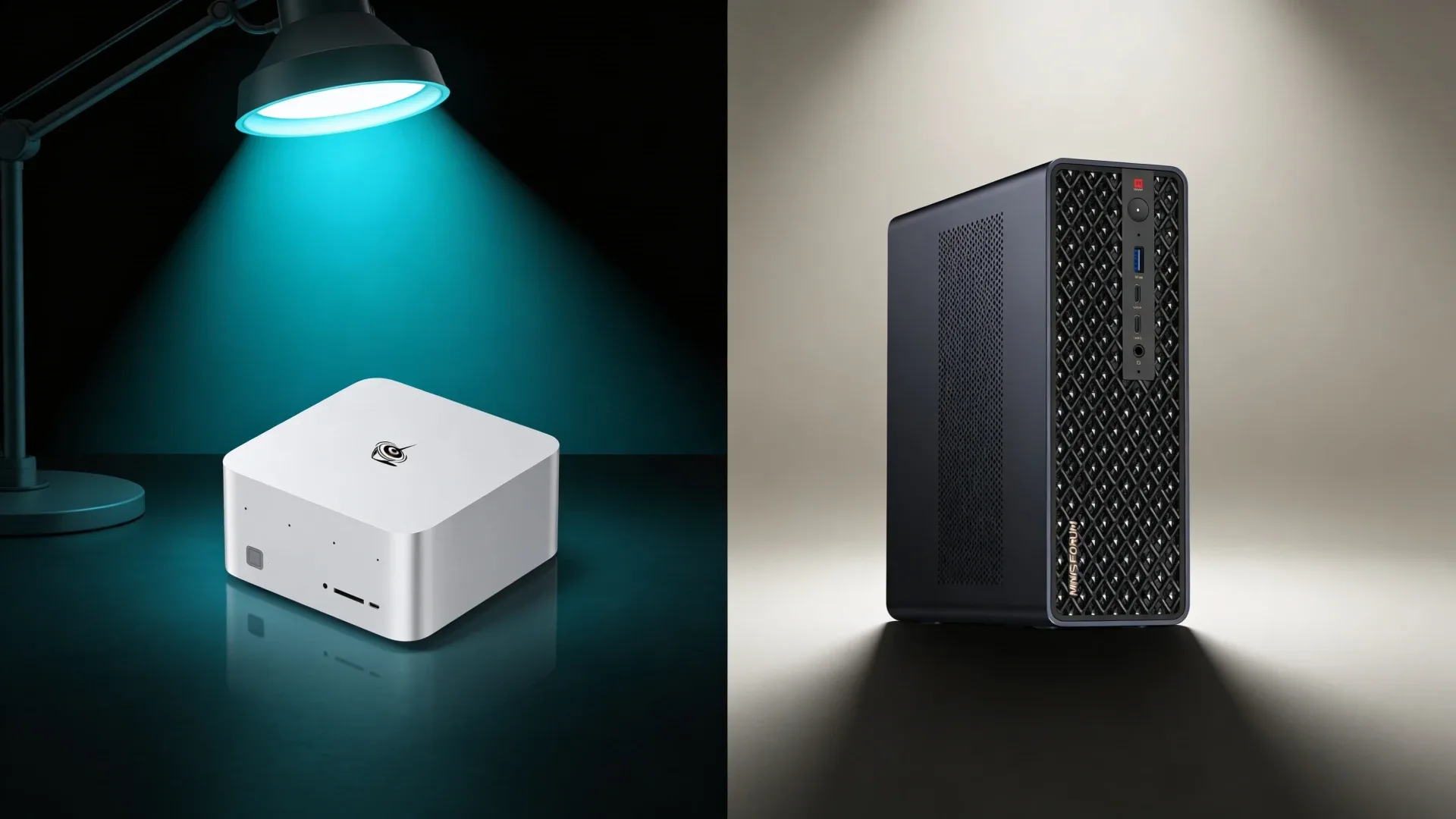
The Beelink GTR9 Pro and Minisforum MS-S1 MAX both run the Ryzen AI Max+ 395 with 128GB of soldered LPDDR5X, making them the two most capable mini PCs in their respective brands’ lineups. At this price tier, the CPU and RAM are identical — the differences that matter are networking, port selection, price, and long-term firmware support. The GTR9 Pro’s dual 10GbE NICs are its defining feature; the MS-S1 MAX counters with a tri-NIC configuration at a lower price point. Choosing between them depends on whether you need 10GbE bandwidth or are content with a well-networked 2.5GbE and 10GbE hybrid setup.
For a broader shortlist, see our best mini PC for home server guide.
Quick Verdict
The GTR9 Pro wins for pure 10GbE homelab builds — nothing else in a mini PC chassis matches dual 10GbE at this size. The MS-S1 MAX wins on value and port diversity, with dual 2.5GbE plus a single 10GbE at a lower price, and Minisforum’s reputation for thorough BIOS support.
Spec Snapshot
| Spec | Beelink GTR9 Pro | Minisforum MS-S1 MAX | Winner |
|---|---|---|---|
| CPU | Ryzen AI Max+ 395 | Ryzen AI Max+ 395 | Tie |
| Cores / Threads | 16C | 16C | Tie |
| RAM | 128GB LPDDR5X | 128GB LPDDR5X | Tie |
| RAM Type | Soldered | Soldered | Tie |
| Networking | Dual 10GbE | Dual 2.5GbE + 10GbE | GTR9 Pro for 10G saturation; MS-S1 MAX for port variety |
| iGPU | Radeon 890M | Radeon 890M | Tie |
| AI Performance | 50 TOPS | 50 TOPS | Tie |
| USB4 | 2× USB4 | 2× USB4 | Tie |
| OCuLink | Yes | Yes | Tie |
| WiFi | WiFi 7 | WiFi 6E | GTR9 Pro |
| Price | ~$1,099–1,299 | ~$1,049–1,199 | MS-S1 MAX |
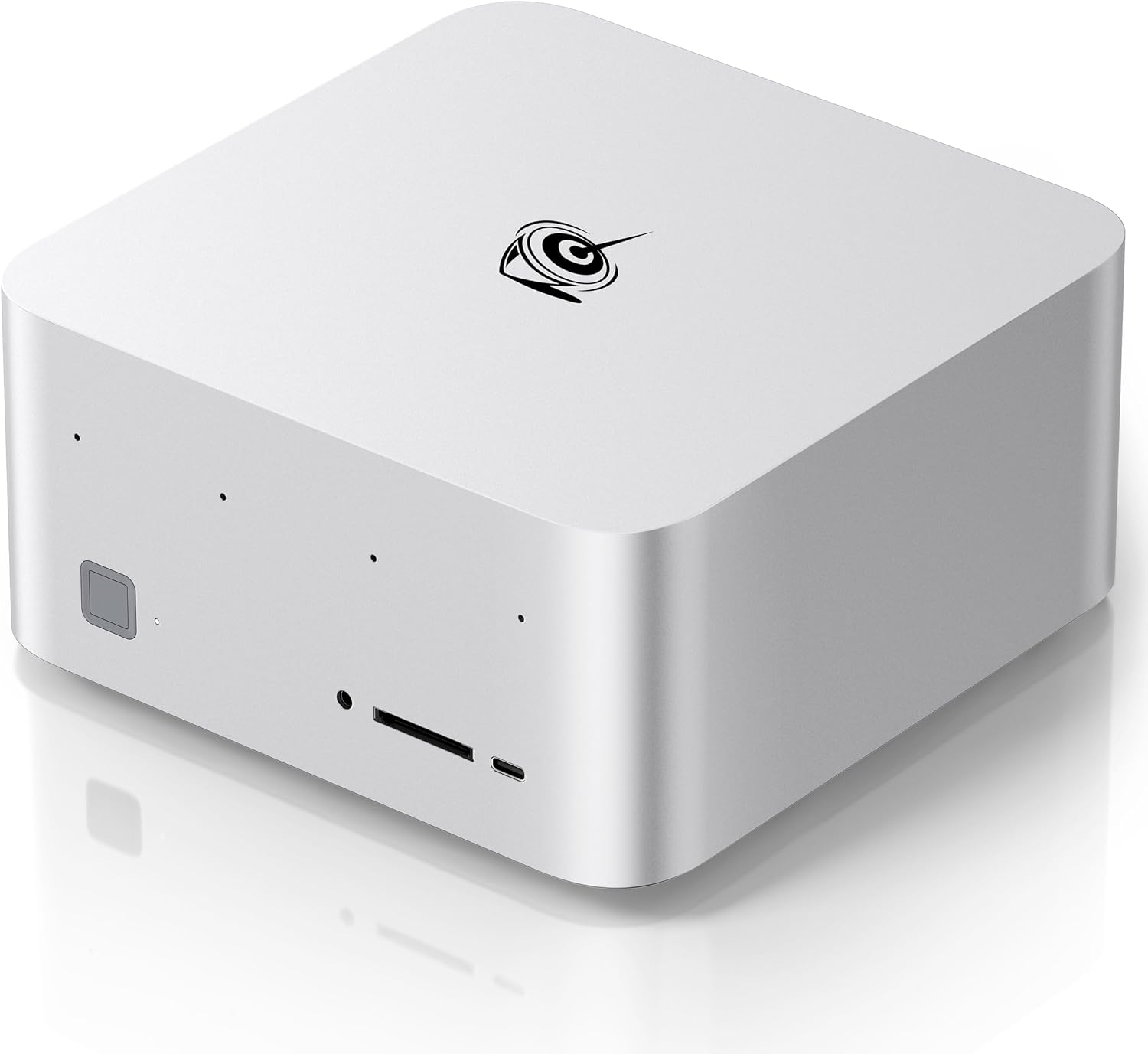
Beelink GTR9 Pro
→ Check Current Price on Amazon
The GTR9 Pro is built around a single differentiating feature: dual 10GbE networking in a mini PC chassis. For homelab builders running a managed 10GbE switch, this machine becomes a first-class node — you get a dedicated 10GbE storage link and a separate 10GbE uplink with no bandwidth sharing. That topology matters when you’re moving large datasets, running ZFS replication to a NAS, or serving inference requests at high throughput to multiple machines simultaneously.
Everything else matches the MS-S1 MAX spec for spec. The Ryzen AI Max+ 395 delivers 16 cores, 40 GPU compute units, and the full 128GB LPDDR5X pool as VRAM for AI workloads. Two USB4 ports at 40Gbps each and OCuLink for eGPU expansion keep storage and GPU options open. WiFi 7 is a genuine upgrade over WiFi 6E — better multi-link operation and more bandwidth for wireless-only deployments. Beelink has shipped consistent firmware updates across the GTR series, and the GTR9 Pro benefits from that institutional knowledge.
At ~$1,099–1,299, the GTR9 Pro is priced at a premium over the MS-S1 MAX. That premium is defensible only if 10GbE on both ports is something you’ll actually use. If one 10GbE link is all you need, the MS-S1 MAX’s tri-NIC configuration covers that at a lower price.
Pros:
- Dual 10GbE NICs — unique in the mini PC segment at this price range
- WiFi 7 for superior wireless throughput and multi-link operation
- Two USB4 ports and OCuLink for expansive storage and GPU options
- Beelink’s established firmware update track record on GTR-series hardware
- Well-managed thermals under sustained AI inference workloads
Cons:
- ~$50–100 premium over the MS-S1 MAX for similar core specs
- 128GB LPDDR5X is soldered with no upgrade path
- Dual 10GbE is wasted on workloads that don’t saturate a single 10GbE link
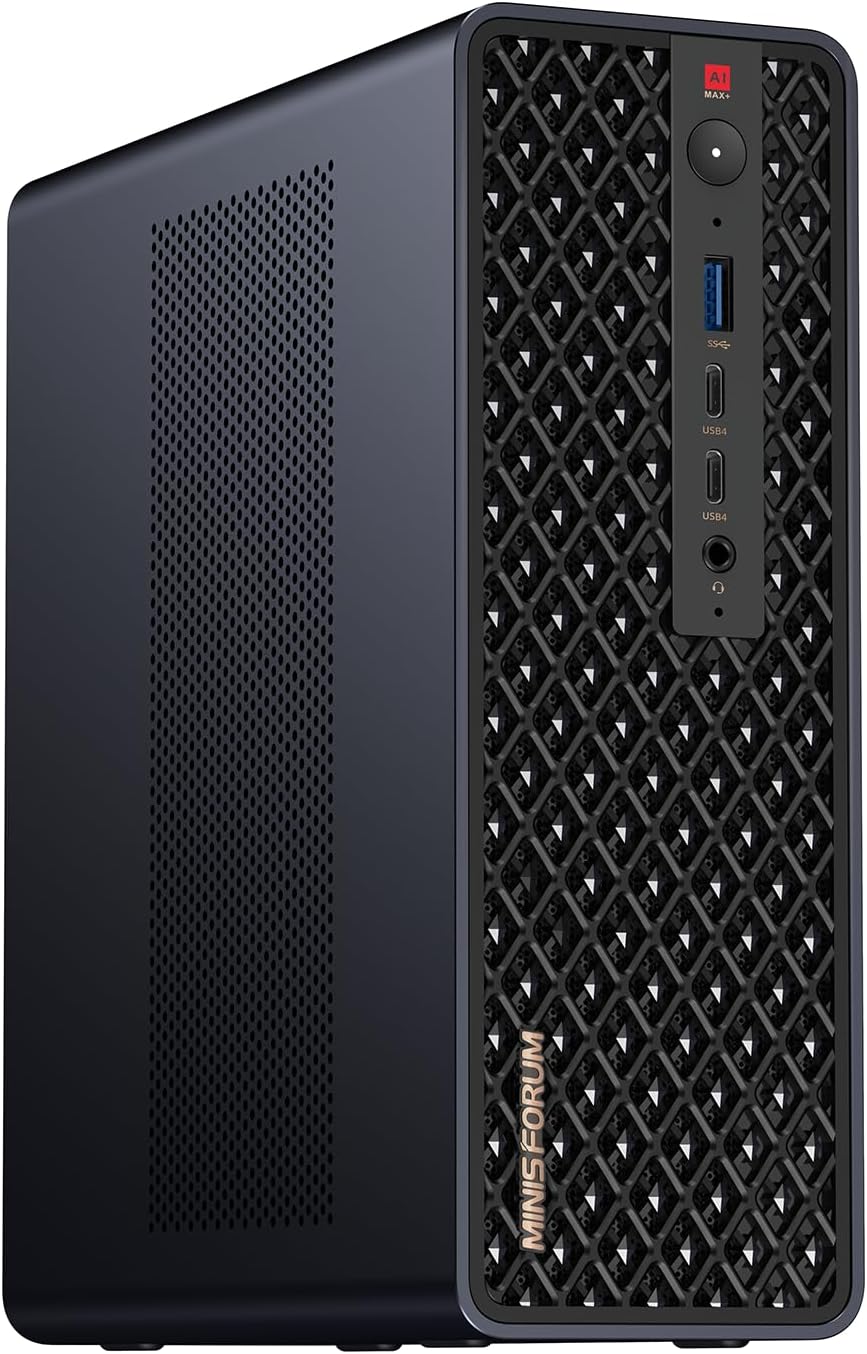
Minisforum MS-S1 MAX
→ Check Current Price on Amazon
The MS-S1 MAX takes a different networking approach: dual 2.5GbE plus a single 10GbE, giving you three NICs in a machine that costs slightly less than the GTR9 Pro. That tri-NIC configuration is genuinely useful for a specific homelab topology — run pfSense with a 10GbE WAN uplink and two separate 2.5GbE LAN segments, or dedicate the 10GbE to a NAS direct-attach while the 2.5GbE handles regular LAN traffic. If you need network segmentation without a managed switch, the MS-S1 MAX’s port variety is actually more flexible than the GTR9 Pro’s dual 10GbE.
Minisforum has invested heavily in BIOS and firmware quality on its AI Max+ platforms. The MS-S1 MAX ships with TDP controls, IOMMU support for Proxmox passthrough, and BIOS updates that address real-world virtualization issues — a track record that matters when you’re trusting this machine to run 24/7. Community forum support is strong for Proxmox and Linux deployments, with documented working configurations for popular homelab stacks.
The MS-S1 MAX shares the same USB4 configuration as the GTR9 Pro — two ports at 40Gbps each — and includes OCuLink. Where it trails is WiFi generation, shipping with WiFi 6E rather than WiFi 7, and losing the second 10GbE link for workloads that need it.
Pros:
- Tri-NIC configuration offers more network topology flexibility than dual 10GbE alone
- Slightly lower price than the GTR9 Pro for near-identical compute performance
- Minisforum’s strong BIOS and firmware update track record on AI Max+ platforms
- Two USB4 ports and OCuLink match the GTR9 Pro for storage and eGPU options
- Three NICs enable complex routing scenarios without additional hardware
Cons:
- No dual 10GbE — maximum single-link throughput is 10Gbps on one port
- WiFi 6E rather than WiFi 7
- 128GB LPDDR5X is soldered — same limitation as the GTR9 Pro
- MS-S1 MAX availability can be sporadic outside China-direct channels
Head-to-Head by Use Case
For Homelab and Virtualization
Winner: Beelink GTR9 Pro — For pure 10GbE homelab builds where both ports are active — storage fabric plus management network — the GTR9 Pro’s dual 10GbE is the decisive advantage. If you only need one 10GbE link, the MS-S1 MAX’s tri-NIC configuration is more practical and cheaper.
For Local AI and LLM Workloads
Winner: Tie — Both machines deliver identical AI inference performance. The Ryzen AI Max+ 395 with 128GB LPDDR5X handles 34B Q4 models in Ollama at the same throughput on either platform. Choose based on networking needs, not AI performance.
For Network-Centric Routing and Firewall
Winner: Minisforum MS-S1 MAX — Three physical NICs give you more routing flexibility for complex homelab topologies. Running pfSense with WAN on 10GbE and two separate LAN segments on 2.5GbE each is uniquely possible on the MS-S1 MAX without a managed switch.
Power and Yearly Running Cost
| Mini PC | Idle Draw | Load Draw | Annual Cost at 24/7 Idle |
|---|---|---|---|
| Beelink GTR9 Pro | ~18W | ~120W | ~$19/year |
| Minisforum MS-S1 MAX | ~20W | ~120W | ~$21/year |
The MS-S1 MAX draws slightly more at idle due to the additional NIC controllers. The difference over a full year of 24/7 operation is about $2 at $0.12/kWh — negligible.
Final Verdict
Buy the Beelink GTR9 Pro if: you need symmetric dual 10GbE — both ports at full 10Gbps simultaneously — for a high-throughput homelab with a 10GbE switch infrastructure. The WiFi 7 upgrade is a bonus if wireless throughput matters.
Buy the Minisforum MS-S1 MAX if: a single 10GbE link covers your throughput needs and you want the flexibility of three physical NICs for complex network segmentation, or if the slight price savings matters at this tier.
Frequently Asked Questions
Which option wins for beelink gtr9 pro vs minisforum ms-s1 max?
For symmetric dual 10GbE homelab builds, the GTR9 Pro is the only mini PC that delivers it. For complex network topologies that benefit from multiple NIC types — one 10GbE plus two 2.5GbE — the MS-S1 MAX is more flexible and slightly cheaper.
Should you buy now or wait for the next refresh?
Both machines use the Ryzen AI Max+ 395, the current pinnacle of AMD’s mini PC platform. A successor platform is not expected before late 2026. If this performance tier is what you need, both are mature, production-ready platforms worth buying now.
What matters more than the headline CPU?
On these two machines, networking architecture is the entire decision — the CPU and RAM are identical. After that, evaluate WiFi generation, USB4 port count, and whether Beelink or Minisforum’s firmware support approach better matches your long-term maintenance expectations.