
This article contains affiliate links. If you purchase through our links, we may earn a commission at no extra cost to you. We only recommend products we’ve thoroughly researched and verified.
For a broader shortlist, start with our best mini PC for home server guide.
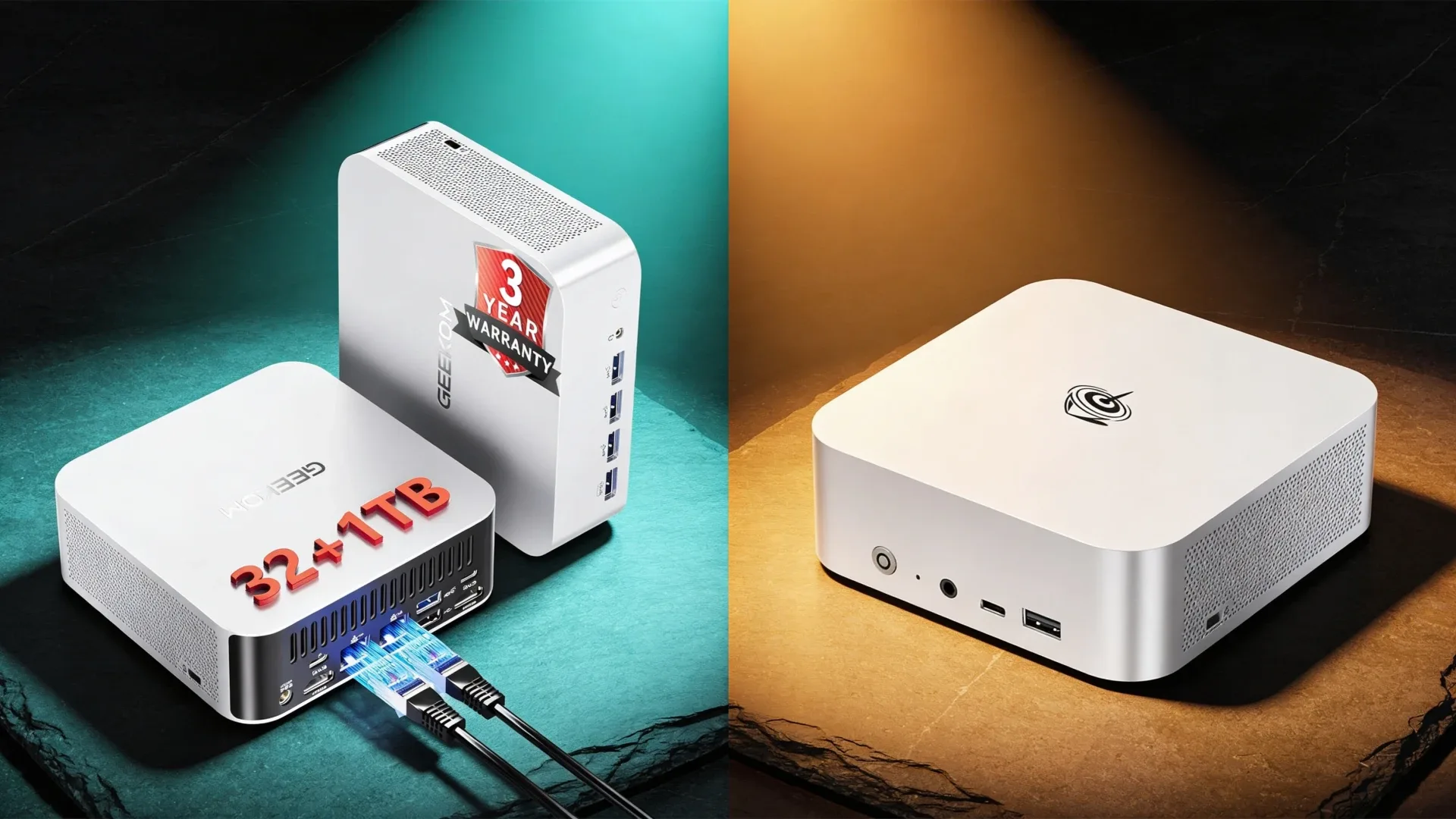
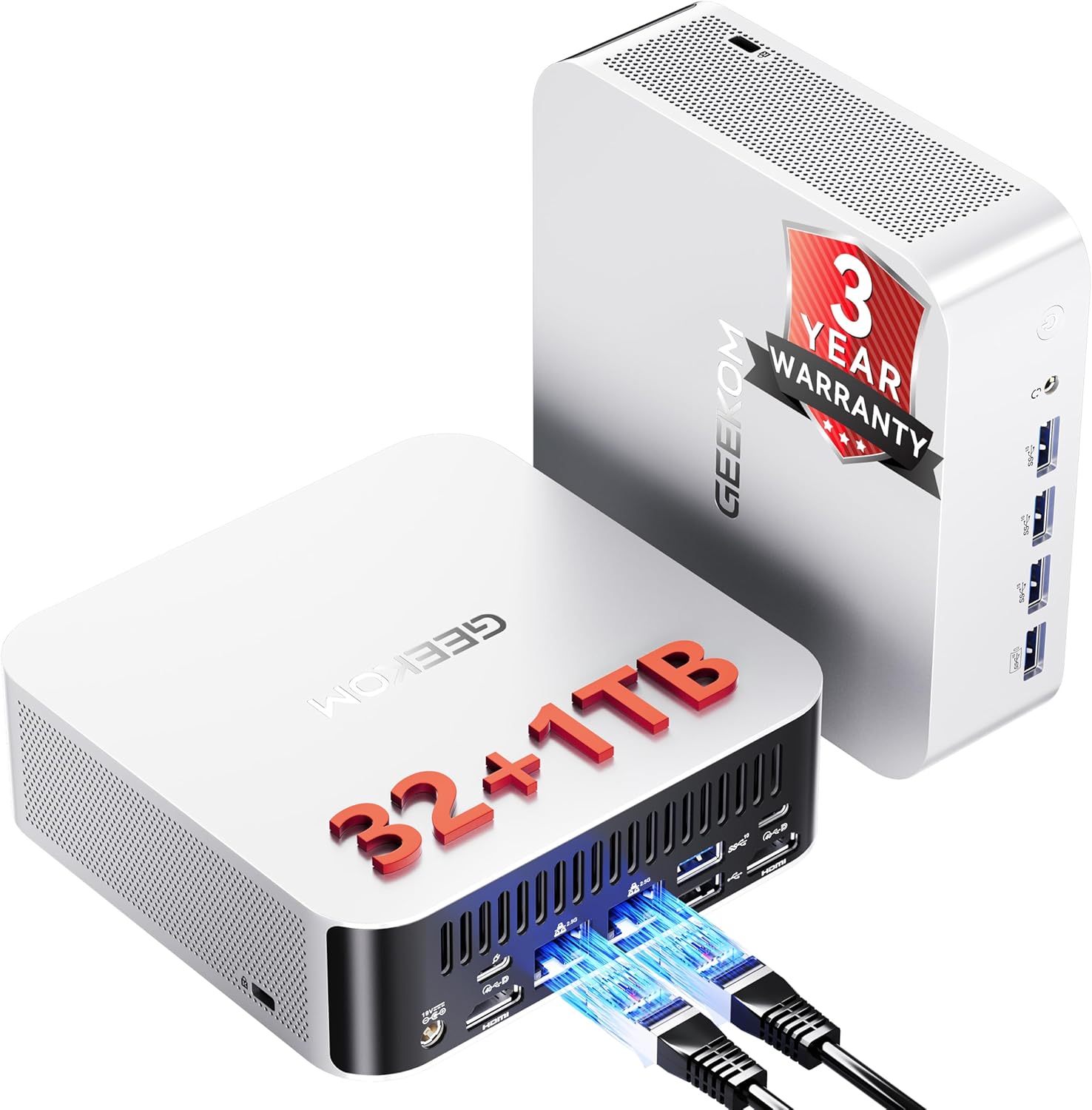
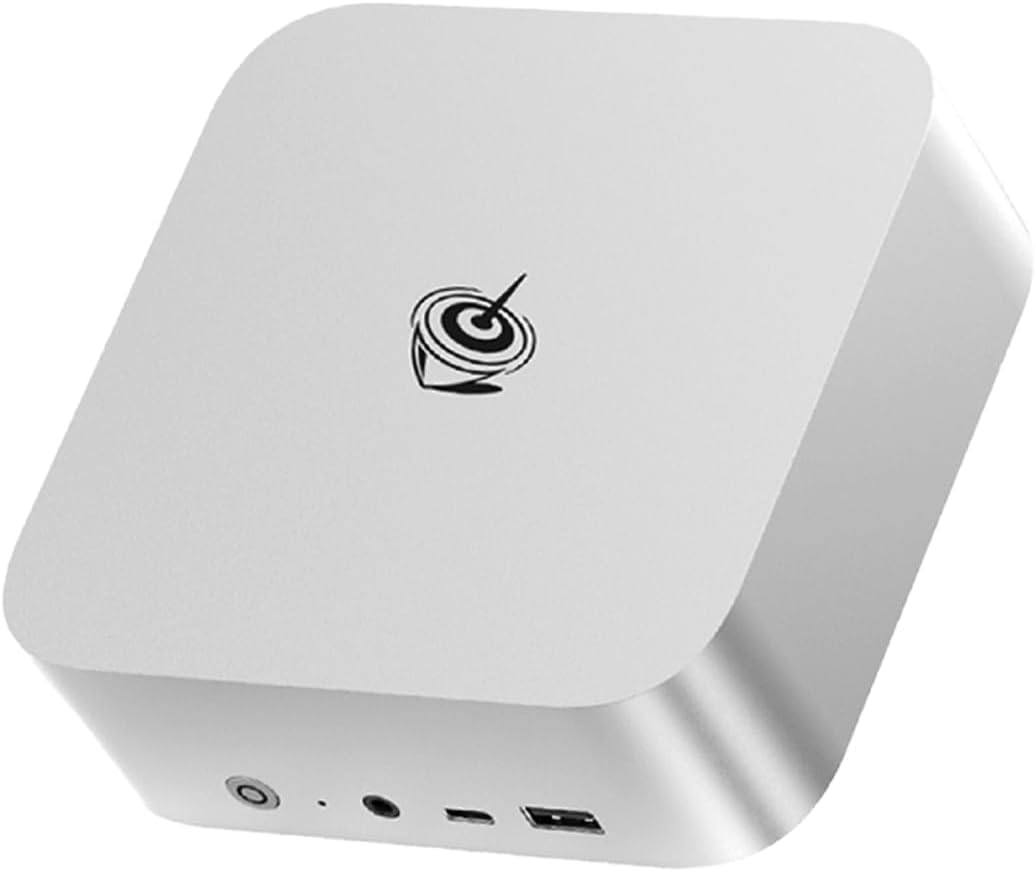
The GEEKOM A9 Max and Beelink SER9 are the two most-compared AMD mini PCs in the homelab space right now. Both are capable machines — but they serve different users at different price points. The SER9 at $320-380 is the budget-conscious workhorse; the A9 Max at $520-620 is the upgrade path for users who need more cores, upgradeable RAM, and a serious warranty backing.
Specifications Side by Side
| Spec | GEEKOM A9 Max | Beelink SER9 |
|---|---|---|
| CPU | Ryzen AI 9 HX 370 | Ryzen 7 H255 |
| Architecture | Zen 5 + Zen 5c Strix Point | Zen 4 Hawk Point |
| Cores/Threads | 12C/24T | 8C/16T |
| Boost Clock | Up to 5.1GHz | Up to 5.1GHz |
| iGPU | Radeon 890M 16 CU, RDNA 3.5 | Radeon 780M 12 CU, RDNA 3 |
| NPU | 50 TOPS | 16 TOPS |
| RAM | 32GB DDR5 SO-DIMM | 32GB LPDDR5X soldered |
| Max RAM | 64GB | 32GB |
| RAM Upgradeable | Yes | No |
| Memory Bandwidth | ~100-118 GB/s | ~68-89 GB/s |
| Storage | NVMe | 512GB NVMe |
| Networking | 2.5GbE + Wi-Fi 6E | 2.5GbE + Wi-Fi 6 + USB4 |
| Power Draw idle | ~20W | ~16W |
| Warranty | 3 years | 2 years |
| Price | ~$520-620 | ~$320-380 |
Performance Comparison
Multi-Core CPU Cinebench R23
| Test | A9 Max HX370 | SER9 H255 |
|---|---|---|
| Multi-thread | ~22,000 | ~17,000 |
| Single-thread | ~1,850 | ~1,800 |
The HX370’s 12 cores deliver ~30% more multi-thread performance. Single-thread performance is nearly identical — both CPUs use Zen 4/5 cores clocked to ~5.1GHz.
AI Inference Ollama, ROCm
| Model | A9 Max 32GB | SER9 32GB | A9 Max 64GB |
|---|---|---|---|
| Llama 3.1 8B Q4 | ~20-25 tok/s | ~15-18 tok/s | ~20-25 tok/s |
| Qwen2.5 14B Q4 | ~10-14 tok/s | ~8-10 tok/s | ~10-14 tok/s |
| Qwen2.5 32B Q4 | ~5-8 tok/s | ~5-8 tok/s | ~8-12 tok/s |
| SDXL 20 steps | ~35-42 sec | ~45-55 sec | ~35-42 sec |
At 32GB: the A9 Max is ~25% faster due to Radeon 890M’s additional compute units and bandwidth. At 64GB A9 Max only: loading 32B models becomes comfortable with noticeably better throughput than cramming them into 32GB.
Proxmox VM Density
| Configuration | A9 Max | SER9 |
|---|---|---|
| Lightweight LXCs 512MB RAM, 1 core | 40+ | 40+ |
| Standard VMs 2GB RAM, 2 cores | 10-12 | 6-8 |
| Heavy VMs 8GB RAM, 4 cores, with 32GB base | 3-4 | 2-3 |
| With 64GB RAM A9 Max only | 6-8 heavy VMs | N/A |
The A9 Max’s RAM upgradeability transforms its Proxmox ceiling. At 64GB it supports enterprise-scale homelab builds — Windows Server VM, Kubernetes cluster, AI inference container, and Home Assistant simultaneously with headroom remaining.
Gaming 1080p, Integrated Graphics Only
| Game | A9 Max 890M | SER9 780M |
|---|---|---|
| CS2 Medium | ~110-130 FPS | ~90-110 FPS |
| Fortnite Medium | ~75-90 FPS | ~60-75 FPS |
| Cyberpunk 2077 FSR Balanced | ~45-55 FPS | ~35-45 FPS |
~25% GPU advantage for the A9 Max. Not a gaming machine by any measure, but the 890M is meaningfully faster for those who game occasionally.
The RAM Upgrade Advantage in Practice
This is the most important differentiator. Here’s what each RAM tier enables:
| RAM | A9 Max | SER9 |
|---|---|---|
| 32GB base | 7B-22B LLMs, standard Proxmox | 7B-22B LLMs, standard Proxmox |
| 64GB A9 Max upgrade | 32B-40B LLMs, dense Proxmox | Not possible |
The 64GB upgrade on the A9 Max costs approximately $60-80 for a DDR5-5600 32GB SO-DIMM kit. At that point, Qwen2.5 32B fits entirely in GPU-addressable memory — a significant step up from the SER9’s fixed ceiling.
Power Consumption and Annual Cost
| Metric | A9 Max | SER9 | Difference |
|---|---|---|---|
| Idle W | ~20W | ~16W | +4W |
| Light load W | ~30W | ~25W | +5W |
| Annual idle cost | ~$21/yr | ~$16.82/yr | ~$4.18/yr |
The SER9 draws 4W less at idle — roughly $4/year difference in electricity at $0.12/kWh. Over 3 years: $12 in electricity savings on the SER9. This does not change the buying decision but matters for power-sensitive deployments.
Warranty Comparison
| Brand | Warranty | Coverage |
|---|---|---|
| GEEKOM A9 Max | 3 years | Full hardware replacement |
| Beelink SER9 | 2 years | Standard hardware coverage |
GEEKOM’s 3-year warranty has real dollar value for always-on servers. A mini PC running Proxmox 24/7 for 3 years faces real wear on fans, thermal paste, and capacitors. GEEKOM’s coverage through year 3 is a differentiator no spec sheet shows.
Which to Choose
Buy the GEEKOM A9 Max if:
- You need upgradeable RAM — 64GB for 32B+ LLMs or dense Proxmox builds
- You run the mini PC as a 24/7 server and value the 3-year warranty
- You want the Radeon 890M’s 25% GPU advantage for inference and gaming
- You’re building a long-term homelab that will grow in workload over time
Buy the Beelink SER9 if:
- Your workloads fit in 32GB RAM 7B-22B LLMs, standard Proxmox builds
- Budget is under $400 and $140-240 in savings matters
- Lower idle power consumption is a priority
- You value USB4 for fast external storage connectivity
Alternatives to Consider
If budget is the constraint and 8 cores is enough: Beelink SER9 Pro+ AI — same Ryzen 7 H255 CPU as SER9, 32GB LPDDR5X, at a similar price point.
→ Beelink SER9 Pro+ AI on Amazon
If you need maximum memory for 70B LLMs: Minisforum MS-S1 MAX or GMKtec EVO-X2 AI — Ryzen AI Max+ 395 with 128GB LPDDR5X at ~$900-1100. These are a tier above both the A9 Max and SER9.
→ Minisforum MS-S1 MAX on Amazon
Who Should Skip This Comparison
Skip this comparison if 128GB unified memory is the goal — both the A9 Max and SER9 are limited to 32–64GB. The Ryzen AI Max+ 395 platform in the Minisforum MS-S1 MAX or GMKtec EVO-X2 AI is the tier for 70B LLM inference without offloading.
Skip it if the budget is firmly under $300. Neither machine fits that budget. The Beelink SER9 at $320–380 is as low as the value case goes on this platform — below that, look at the Beelink EQ14 or SER5.
Frequently Asked Questions
Does the GEEKOM A9 Max support PCIe passthrough in Proxmox?
Yes. Enable AMD-Vi in BIOS and amd_iommu=on in Proxmox’s GRUB config. The Radeon 890M supports iGPU passthrough to a single VM — useful for a dedicated Ollama or ComfyUI VM with GPU access.
Is the Beelink SER9 still worth buying in 2026?
Yes. At $320-380 with 8 Zen 4 cores and Radeon 780M ROCm support, the SER9 is excellent value for homelab users who don’t need 64GB RAM. The platform is fully capable for 7B-22B LLM inference, standard Proxmox builds, Plex transcoding, and Home Assistant. The A9 Max costs $140-240 more for measurable but not dramatic improvements except for RAM upgradeability.
Can I add more storage to either mini PC?
Both support M.2 NVMe storage. The SER9 includes USB4 for external NVMe enclosures at up to 40Gbps. The A9 Max connects via USB 3.2 Gen 2 for external storage. For large media libraries: attach an external USB HDD or connect to a NAS over the 2.5GbE NIC.
Which is better for running Windows alongside Linux?
Dual-boot on either — both install Windows 11 and Linux from USB without issue. For Proxmox: run Windows in a VM and Linux as the Proxmox host. The A9 Max’s 64GB upgrade makes this more comfortable at the upper end of VM workloads.
Is the GEEKOM A9 Max better than the Beelink SER9?
For most homelab and AI inference workloads: yes. The A9 Max has 12 cores vs 8, Radeon 890M vs 780M 25% faster GPU, DDR5 SO-DIMM upgradeable RAM vs soldered LPDDR5X, and a 3-year warranty vs Beelink’s standard coverage. The SER9 wins on price $320-380 vs $520-620 and idle power ~16W vs ~20W.
Buy the GEEKOM A9 Max if:
Yes — this is one of the A9 Max’s key advantages over the Beelink SER9. The A9 Max uses DDR5 SO-DIMM slots upgradeable to 64GB. The SER9 uses soldered LPDDR5X at 32GB with no upgrade path. If you need 64GB for large LLM models or dense Proxmox builds, the A9 Max is the only path.
Which is better for Plex — GEEKOM A9 Max or Beelink SER9?
Both support VA-API hardware transcoding on Linux with 2-3 simultaneous 4K streams. The A9 Max’s Radeon 890M handles marginally more transcode load. For Plex alone, both are equivalent — the SER9 is excellent value at $320-380. For Plex plus Proxmox plus Ollama simultaneously: the A9 Max’s extra cores and optional 64GB RAM provide more headroom.
Which has better local LLM performance — A9 Max or SER9?
A9 Max is ~25% faster for LLM inference via ROCm. Llama 3.1 8B Q4: ~20-25 tok/s on A9 Max vs ~15-18 tok/s on SER9. Both support ROCm on Linux. The A9 Max’s real advantage is 64GB DDR5 — it can load Qwen2.5 32B at 8-12 tok/s, while the SER9 is limited to ~20B models at 32GB.
What is the GEEKOM 3-year warranty worth?
GEEKOM offers the longest warranty in the mini PC market at 3 years. For a 24/7 always-on homelab server, this matters significantly — if the A9 Max fails at month 25, GEEKOM replaces it. Beelink offers 2 years. The warranty premium is approximately $140-240 above the SER9 price — roughly $47-80 per additional warranty year.