
This article contains affiliate links. If you purchase through our links, we may earn a commission at no extra cost to you. We only recommend products we’ve thoroughly researched and verified.
For a broader shortlist, start with our best mini PC for home server guide.
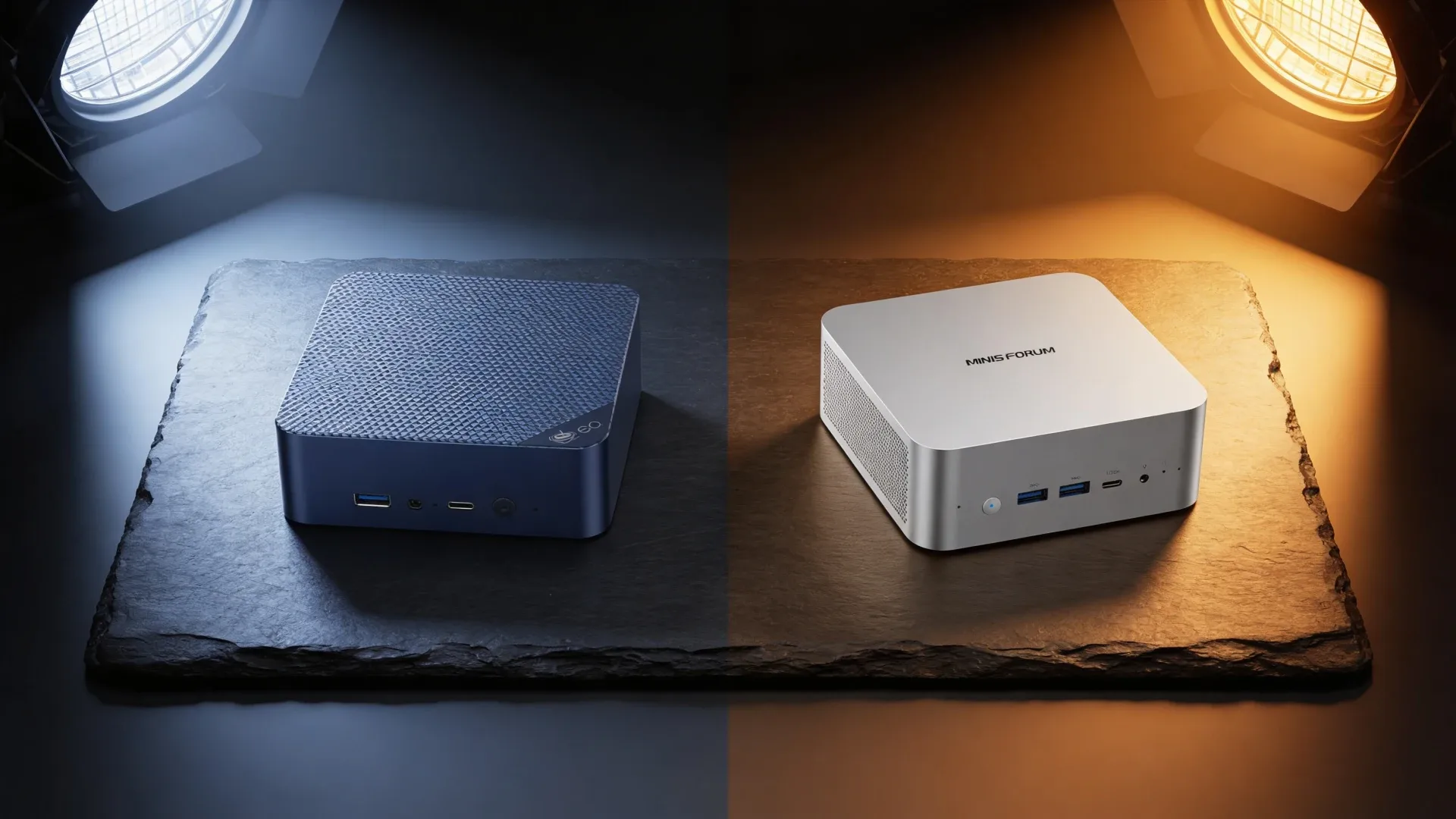
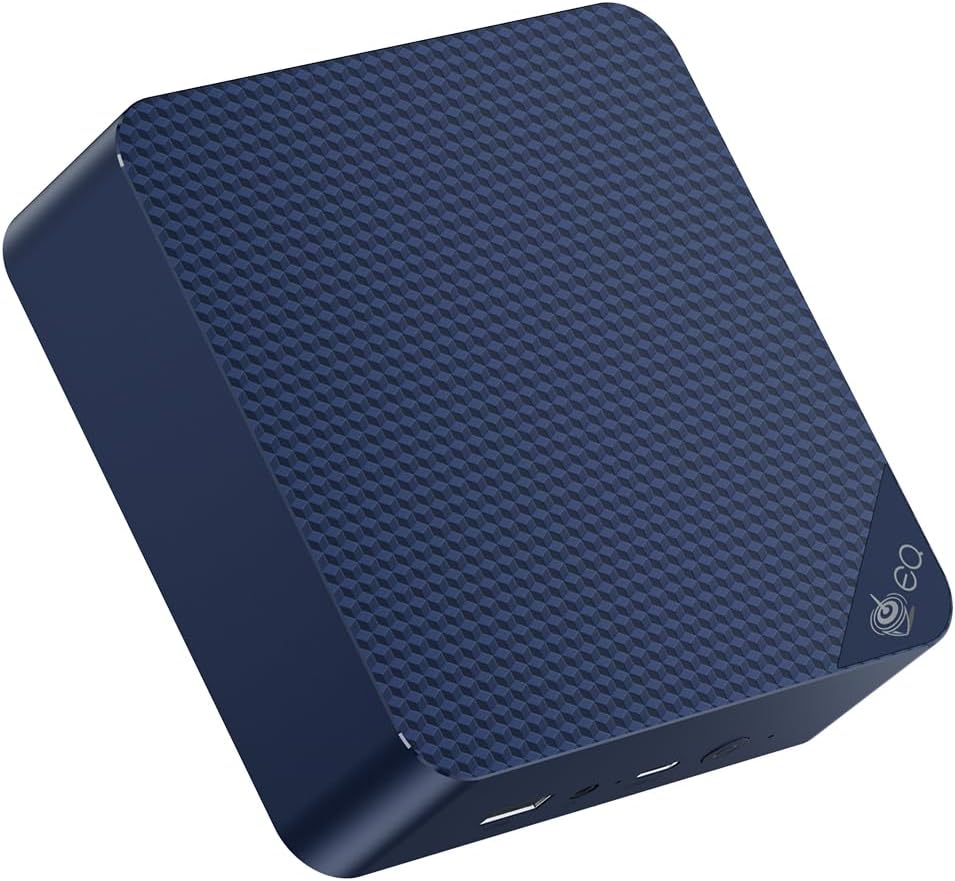
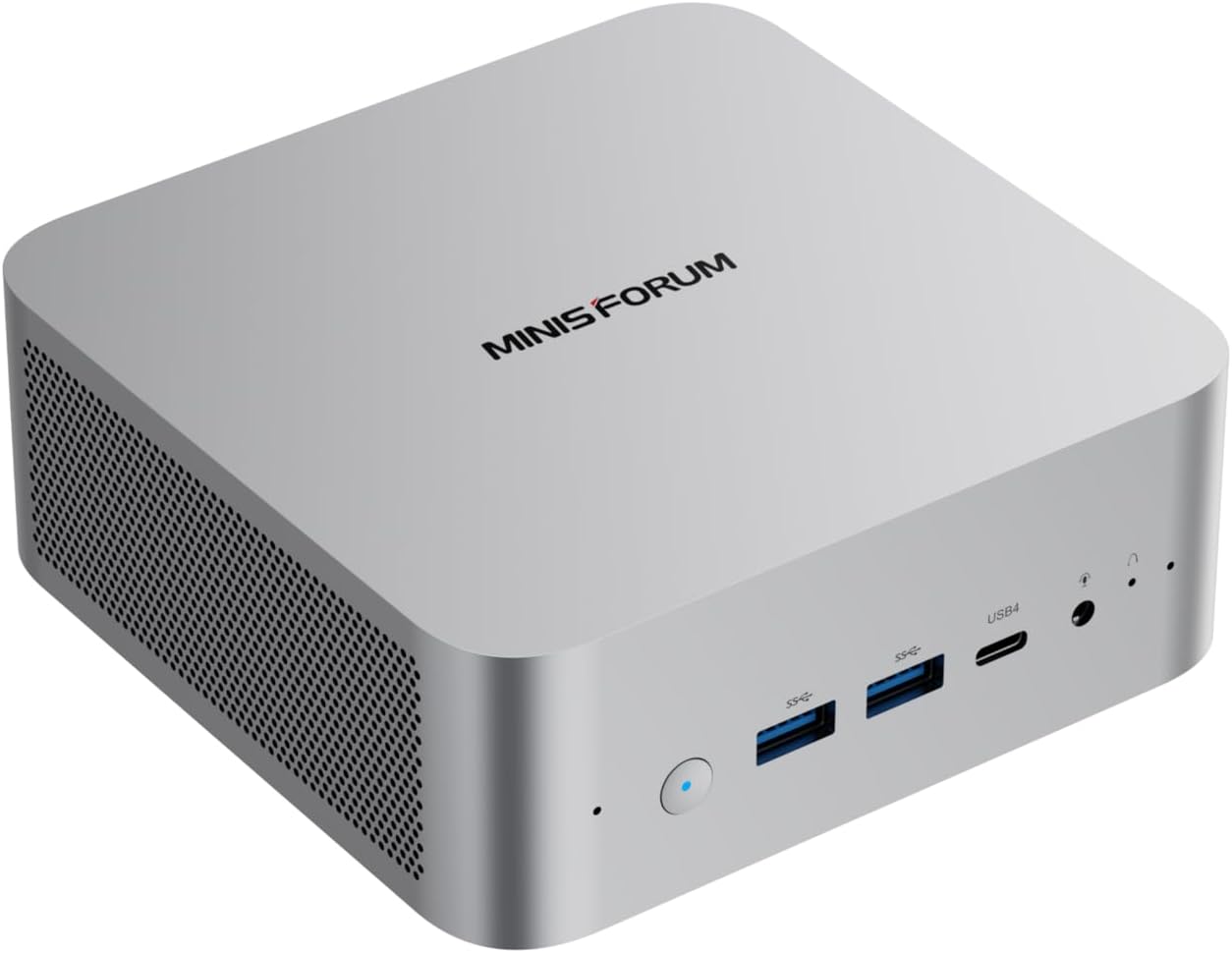
The EQ14 and X1-255 serve genuinely different users. The EQ14 is a budget homelab workhorse — low power, dual NICs, full Docker stack for $180-200. The X1-255 is a Strix Point AI mini PC with 10-core AMD CPU, Radeon 890M, and DDR5 SO-DIMM flexibility for $400-500. This comparison helps you decide which tier matches your actual workloads.
Specifications Side by Side
| Spec | Beelink EQ14 | Minisforum AI X1-255 |
|---|---|---|
| CPU | Intel N150 | AMD Ryzen AI 9 365 |
| Architecture | Twin Lake | Zen 5 + Zen 5c Strix Point |
| Cores/Threads | 4C/4T | 10C/20T |
| Boost Clock | 3.6GHz | Up to 5.0GHz |
| iGPU | Intel HD Graphics | Radeon 890M 16 CU, RDNA 3.5 |
| NPU | None | 50 TOPS |
| RAM | 16GB DDR4 soldered | DDR5 SO-DIMM upgradeable, up to 96GB |
| RAM Upgradeable | No | Yes |
| Networking | 2× Intel 2.5GbE | Check listing |
| Storage | 500GB NVMe | NVMe size varies |
| TDP | 6W | 28-54W cTDP |
| Price | ~$180-200 | ~$400-500 |
Performance Comparison by Workload
Everyday Server Tasks Plex, Docker, Home Assistant
For standard homelab workloads, the performance gap narrows dramatically because both are limited by I/O, not CPU:
| Task | EQ14 N150 | X1-255 Ryzen AI 9 365 |
|---|---|---|
| Docker containers 20+ | Excellent | Excellent |
| Plex 4K transcoding HW | 1-2 streams | 3-4 streams |
| Home Assistant | Excellent | Excellent |
| Pi-hole / DNS | Excellent | Excellent |
| SMB file serving | ~200 MB/s | ~250 MB/s |
| Proxmox 2-3 VMs | Adequate | Excellent |
For most Docker homelab stacks, both perform identically for user-facing response time. The X1-255’s extra cores shine during simultaneous heavy tasks — Plex transcode + Docker builds + Proxmox VMs running together.
AI Inference Ollama, LLM
This is where the X1-255 wins completely:
| Model | EQ14 N150, CPU only | X1-255 Radeon 890M, 32GB |
|---|---|---|
| Llama 3.1 8B Q4 | ~2-3 tok/s CPU | ~20-25 tok/s ROCm |
| Qwen2.5 14B Q4 | Not practical | ~10-14 tok/s ROCm |
| SDXL image generation | ~180 sec | ~35-42 sec |
The N150 has no ROCm-capable iGPU and relies on CPU inference. The X1-255’s Radeon 890M with ROCm support delivers 8-10× faster inference for 7-14B models.
Power Consumption
| State | EQ14 | X1-255 |
|---|---|---|
| Idle | ~7W | ~18-25W |
| Load all cores | ~18W | ~45-55W |
| Annual idle cost | ~$7.35/yr | ~$18.92-26.28/yr |
At $0.12/kWh, 24/7 idle. Cost difference at idle: $11-19/year.
For a 24/7 home server, the EQ14 is measurably cheaper to operate. The X1-255 draws 2.5-3.5× more power at idle.
Which Has Better Networking?
The EQ14 wins for networking with its dual Intel 2.5GbE NICs — both Intel controllers, both appearing natively in Linux, pfSense, and Proxmox without driver work.
The X1-255 networking configuration depends on the specific listing. Verify before purchasing whether it includes dual NICs.
For users who want pfSense or a multi-NIC homelab, the EQ14’s dual Intel NICs are a clear differentiator at its price point.
Memory: The Key Differentiator
The EQ14 has 16GB soldered DDR4 — not upgradeable, ever. 16GB is comfortable for a Docker homelab stack, but it is the hard ceiling.
The X1-255 uses DDR5 SO-DIMM — user-upgradeable to 64GB or 96GB. This matters for:
- Proxmox builds: More VMs need more RAM. 64GB enables serious multi-VM builds.
- Local LLM inference: 64GB DDR5 allows loading 32B models in full. 16GB limits you to 7B-13B models.
- Growth: If you’ll add services over time, not hitting a memory ceiling gives flexibility.
For homelab users planning AI workloads or heavy Proxmox use, upgradeability is a significant advantage that justifies the X1-255’s premium.
The Decision
Buy the Beelink EQ14 if you:
- Run standard homelab services Plex, Docker, Home Assistant, Pi-hole, Nginx
- Want the best value dual-NIC mini PC for pfSense or multi-NIC Docker networks
- Plan to run 24/7 and care about power consumption and electricity cost
- Have a budget under $250
- Don’t need AI inference or heavy emulation
Buy the Minisforum AI X1-255 if you:
- Want local LLM inference with ROCm GPU acceleration
- Plan to upgrade RAM to 64GB+ for 32B models or heavy Proxmox
- Need the 10-core Strix Point platform for sustained multi-threaded workloads
- Want the 50 TOPS NPU for AI framework acceleration
- Are building a multi-VM Proxmox environment that needs room to grow
→ Minisforum AI X1-255 on Amazon
Alternatives to Consider
If you want the EQ14’s simplicity but more compute: GEEKOM IT12 — Intel i5-12450H, 8 cores, DDR5 SO-DIMM, 3-year warranty, single 2.5GbE. Costs $280-350. Steps up the CPU significantly while staying in the efficient Intel platform.
If you want the X1-255’s AI capability but more GPU performance: Beelink SER9 — Ryzen 7 H255, Radeon 780M, 32GB LPDDR5X. Costs $320-380, no DDR5 SO-DIMM upgrades but proven platform.
Who Should Skip This Comparison
Skip this comparison if your workload falls clearly into one tier. If you need a dead-simple $180 always-on server and don’t plan to run AI or more than 3 VMs, the EQ14 is the answer without needing to compare. If you’re buying a Strix Point AI mini PC for local LLM inference and know you’ll upgrade to 64GB DDR5, the X1-255 is the answer without needing the comparison.
The comparison is most useful if you’re on the fence about whether the ~$250 premium for the X1-255 is justified by your actual workload. The EQ14 covers more homelab scenarios than its spec sheet suggests. The X1-255 is the right buy only if AI inference, GPU-accelerated tasks, or heavy Proxmox are in your immediate plans.
Frequently Asked Questions
Does the Minisforum AI X1-255 come with RAM?
The X1-255 ships with DDR5 SO-DIMM installed — check listing for included RAM configuration typically 16GB or 32GB. Unlike Minisforum’s barebones products, it comes ready to use. Upgrading to 64GB costs approximately $60-80 for a compatible DDR5-5600 SO-DIMM kit.
Can the EQ14 handle Proxmox with Home Assistant?
Yes for a simple setup. Proxmox host takes 1 core + 2GB. Home Assistant OS VM takes 2 cores + 4GB. Docker LXC takes 1 core + 4GB. Total: 4 cores used, 10GB used, leaving 6GB free from 16GB. It works, but headroom is tight for additional VMs. For this reason, the IT12 or X1-255 are recommended for Proxmox builds with multiple services.
Is the Ryzen AI 9 365 better than the Ryzen AI 9 HX 370?
The 365 is the step-down Strix Point chip: 10 cores vs 12, up to 5.0GHz vs 5.1GHz. Both use the Radeon 890M with 16 CUs. Both have 50 TOPS NPU. The HX 370 has 2 extra Zen 5c efficiency cores — meaningful for sustained multi-threaded workloads. For single-threaded and lightly threaded homelab tasks, both perform nearly identically.
Does the EQ14 support Wi-Fi 6?
Yes. The Beelink EQ14 includes Wi-Fi 6 and Bluetooth 5.2 — though for a home server, the dual Ethernet connections are more relevant. Most homelab users connect the EQ14 via Ethernet and disable Wi-Fi.
What is the difference between the Beelink EQ14 and Minisforum AI X1-255?
The EQ14 uses Intel N150 — a 4-core, 6W efficiency CPU ideal for low-power 24/7 servers. The Minisforum AI X1-255 uses AMD Ryzen AI 9 365 — a 10-core Strix Point CPU with Radeon 890M iGPU, 50 TOPS NPU, and DDR5 SO-DIMM upgradeable RAM. The X1-255 is 5-8× faster for compute; the EQ14 draws 7W vs 18-25W idle and costs $180 vs $450+.
Buy the Beelink EQ14 if you:
Yes for most home server workloads. Plex with hardware transcoding, Pi-hole, Home Assistant, Nextcloud, Nginx Proxy Manager, and 10-15 Docker containers run comfortably on the EQ14’s 16GB DDR4 and N150 at under 20% CPU average. The EQ14 is underpowered only for AI inference, RPCS3 emulation, and heavy Proxmox VM builds.
Buy the Minisforum AI X1-255 if you:
Yes. With DDR5 SO-DIMM upgradeable to 64GB, the X1-255 runs Llama 3.1 8B at 20-25 tok/s via ROCm on the Radeon 890M. Upgraded to 64GB: Qwen2.5 32B at 8-12 tok/s. The 50 TOPS NPU accelerates specific AI workloads in supported frameworks. For local LLM inference, the X1-255 is a significant step up from any N150 mini PC.
Which is better for Proxmox — EQ14 or X1-255?
X1-255 for serious Proxmox builds. Its 10 cores and upgradeable DDR5 support 8+ concurrent VMs and containers comfortably. The EQ14’s 4 cores handle 2-3 lightweight LXC containers and 1 VM — enough for a simple homelab but tight for growth. If you’re planning 5+ services in Proxmox, start with the X1-255.
Buy the Minisforum AI X1-255 if you:
The Minisforum AI X1-255 launches at approximately $400-500 with 16-32GB DDR5 SO-DIMM. It competes against the GEEKOM A9 Max and Beelink SER9 Pro Mini in the Strix Point tier, while costing $200-270 more than the Beelink EQ14.