
This article contains affiliate links. If you purchase through our links, we may earn a commission at no extra cost to you. We only recommend products we’ve thoroughly researched and verified.

For a broader shortlist, start with our best mini PC for home server guide.
Home Assistant is the most capable open-source home automation platform available — but “what hardware do I need to run it?” is one of the most common questions new users ask. The official documentation gives you minimums; this guide gives you the real-world requirements for a reliable, responsive Home Assistant installation in 2026.
If you are comparing home assistant hardware requirements 2026, best mini pc for home assistant 2026, or home assistant mini pc, keep this guide next to Best Mini PC for Home Assistant, Best Mini PC for Home Assistant and Frigate, and Mini PC Home Assistant Setup.
Home Assistant OS Official Requirements
From the Home Assistant documentation, the official minimum hardware requirements:
| Component | Minimum | Recommended |
|---|---|---|
| CPU | 64-bit x86 or ARMv7+ | 64-bit x86, quad-core |
| RAM | 2GB | 4GB+ |
| Storage | 32GB | 64GB+ NVMe SSD |
| Network | 100Mbps Ethernet | Gigabit+ Ethernet |
These are floor-level requirements. A production HAOS installation — one you’ll actually rely on for controlling your home — needs more.
What Actually Runs in Home Assistant
Understanding the load breakdown explains why the minimums aren’t enough:
Core HAOS processes:
- Home Assistant Core: ~300-600MB RAM
- Supervisor: ~100-200MB RAM
- Operating system services: ~200-400MB RAM
Common add-ons each adds RAM:
- Zigbee2MQTT: ~150-300MB
- Mosquitto MQTT broker: ~50-100MB
- ESPHome: ~200-400MB
- Node-RED: ~300-600MB
- Frigate NVR: 500MB-2GB depending on camera count
- MariaDB: ~300-500MB
- HACS: ~50MB
- AdGuard Home: ~100-200MB
On a system with 20+ smart devices, 15 automations, and 4 add-ons running: expect 2-4GB RAM in use. Heavy add-ons like Frigate NVR with 4+ cameras can push total usage past 6GB.
RAM Requirements by Use Case
| Setup | RAM Needed | Notes |
|---|---|---|
| HAOS only, basic integrations | 2GB min | Tight — no room for add-ons |
| HAOS + Zigbee2MQTT + MQTT | 4GB | Comfortable for 30-50 devices |
| HAOS + Frigate NVR 2-4 cameras | 8GB | Frigate ML detection is memory-intensive |
| HAOS + Frigate 6+ cameras + Node-RED | 16GB | Recommended for serious setups |
| HAOS + Proxmox VM + Docker | 32GB | When HA is one workload among many |
CPU Requirements
Home Assistant is not CPU-intensive under normal operation. Automations, integrations, and MQTT processing are lightweight. CPU matters in two scenarios:
Frigate NVR: Machine learning object detection person, vehicle, animal on camera streams is CPU-intensive. Frigate’s documentation recommends a Coral TPU for hardware acceleration, but modern CPUs handle 2-4 cameras at 5fps detection without one. 6+ cameras benefit significantly from a Coral USB Accelerator.
Database writes: HAOS writes sensor history to SQLite or MariaDB continuously. NVMe SSD handles this far better than SD cards or USB flash drives — this is a storage bottleneck, not a CPU one.
Bottom line: Any quad-core x86 CPU handles Home Assistant well. An Intel N100 or N150 is more than sufficient. CPU headroom matters if you also want to run Frigate NVR or additional containers alongside HAOS.
Storage Requirements
Storage is where most HAOS installs fail — not from capacity, but from reliability:
SD cards: Home Assistant’s continuous database writes kill SD cards. The SD card in a Raspberry Pi running HAOS typically fails within 6-24 months. Not a question of if — a question of when.
USB Flash drives: Similar issue to SD cards — they’re not rated for the write endurance Home Assistant demands.
NVMe SSD: The right choice. Write endurance is measured in TBW terabytes written — a 128GB NVMe SSD is typically rated for 100-200TBW. At HAOS write rates, that’s 10+ years of operation.
Recommended storage configuration for mini PCs:
- OS + HAOS: 128GB NVMe M.2
- If running Frigate NVR with recordings: add a 2.5-inch SSD via USB 3.0 recordings can be on USB storage; Frigate handles this correctly unlike HAOS data
Networking Requirements
Home Assistant benefits from wired Ethernet — not because it needs bandwidth, but because Wi-Fi adds latency that makes automations feel sluggish.
1GbE is sufficient for HAOS with any number of devices and integrations. The data volumes are tiny — JSON state updates, webhook calls, MQTT messages.
Why dual-NIC matters: Some users run HAOS on a machine that also hosts OPNsense or Proxmox. Dual-NIC mini PCs like the Beelink EQ14 2× Intel 2.5GbE support this configuration without USB network adapters.
Recommended Hardware for Home Assistant OS
Budget: Beelink EQ14 ~$180-200
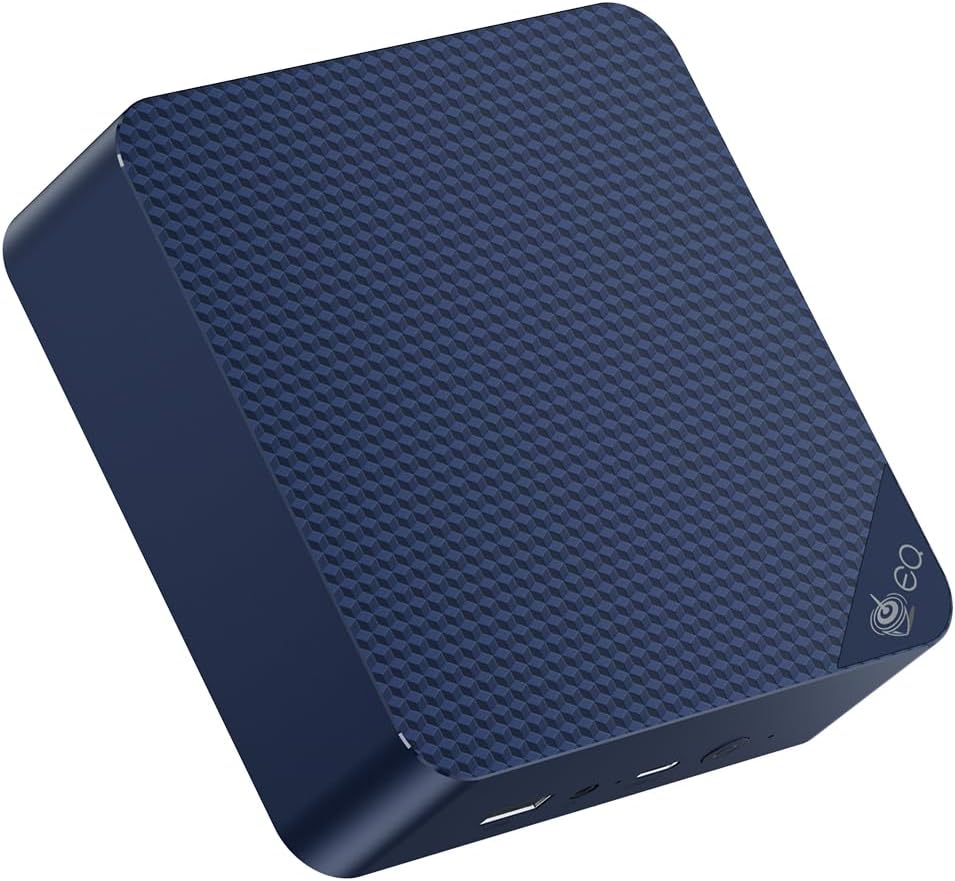
The Beelink EQ14 is the most popular mini PC choice for dedicated HAOS installations in 2026. Intel N150 CPU, 16GB DDR4, 500GB NVMe SSD, and dual Intel I226-V 2.5GbE NICs. The dual NICs let you optionally run OPNsense or a VLAN-segregated network alongside HAOS.
Install HAOS via USB bootable image from the Home Assistant website. Works natively — no driver issues.
Specs:
| Spec | Detail |
|---|---|
| CPU | Intel N150, 4C/4T, 3.6GHz boost |
| RAM | 16GB DDR4 |
| Storage | 500GB NVMe SSD |
| Networking | 2× Intel 2.5GbE |
| Power | ~6-8W idle / ~$7.35/year |
Best for: Dedicated HAOS server, home automation hub, Zigbee2MQTT + Frigate NVR with 2-4 cameras.
Ultra-Budget: Beelink MINI S12 ~$110-130

The Beelink MINI S12 with Intel N95 runs Home Assistant OS flawlessly at the lowest price point among mini PCs. 8GB RAM is the constraint — if you plan to run Frigate or many heavy add-ons, step up to the EQ14.
Specs:
| Spec | Detail |
|---|---|
| CPU | Intel N95, 4C/4T |
| RAM | 8GB DDR4 |
| Storage | 256GB NVMe SSD |
| Networking | 1× 2.5GbE |
| Power | ~5-7W idle / ~$6.13/year |
Best for: Pure HAOS with integrations only, no Frigate, tight budget.
Mid-Range: GEEKOM IT12 ~$280-350
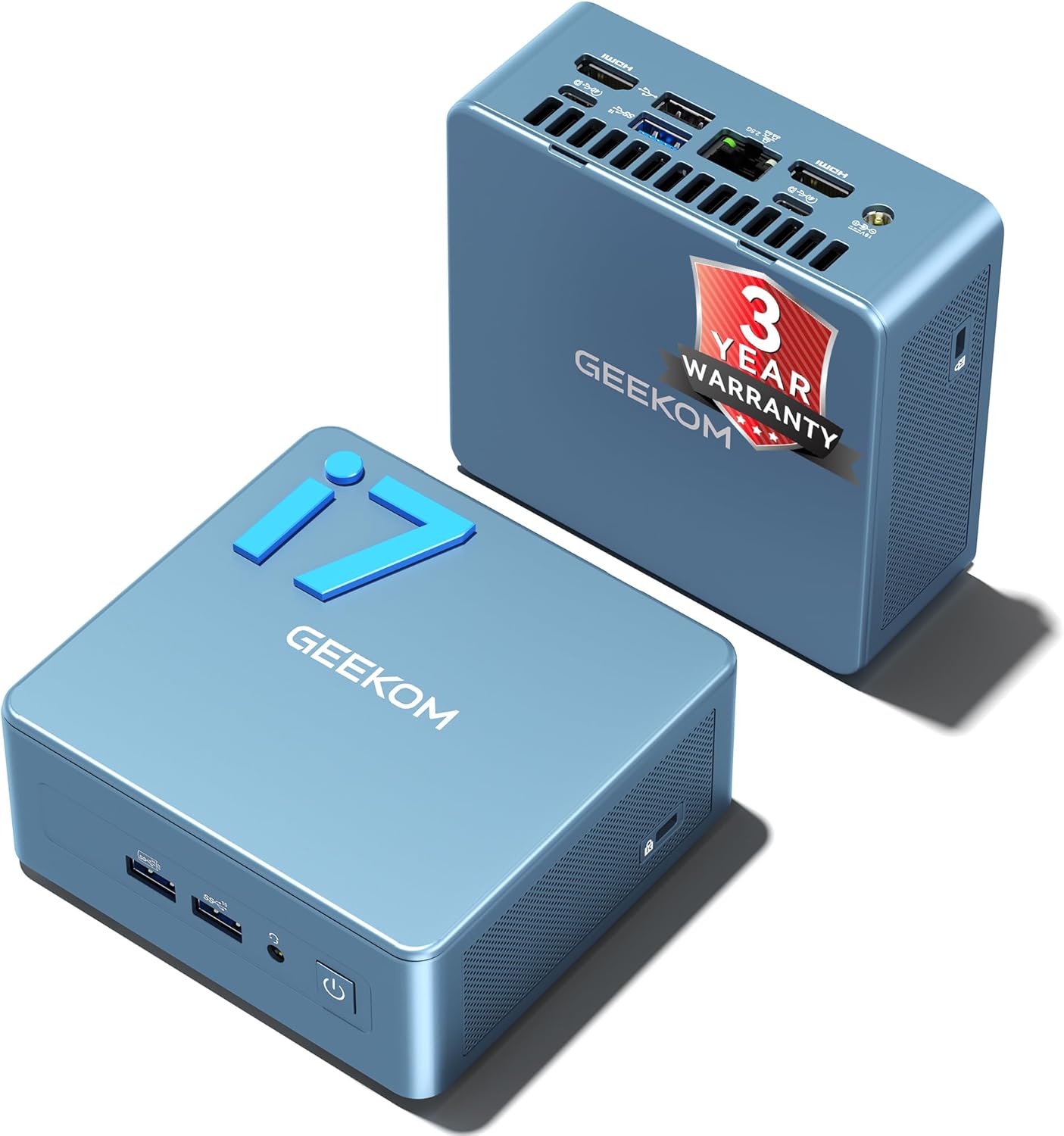
The GEEKOM IT12 with Intel i5-12450H is the right choice if you want to run HAOS alongside Frigate NVR with multiple cameras, Plex, or other services. Eight cores and 32GB DDR5 support leave room for growth. Quick Sync hardware transcoding handles any camera streams Frigate needs to process.
→ Check Current Price on Amazon
Specs:
| Spec | Detail |
|---|---|
| CPU | Intel i5-12450H, 8C/12T |
| RAM | 16-32GB DDR5 |
| Storage | 512GB+ NVMe |
| Networking | 1× 2.5GbE |
| Power | ~10-14W idle / ~$12.61/year |
Best for: HAOS + Frigate NVR 4-8 cameras, HAOS in Proxmox VM, multi-service mini PC.
Raspberry Pi 5 vs Mini PC for Home Assistant
The Raspberry Pi 5 8GB at ~$80 is the traditional HAOS recommendation. In 2026, mini PCs have compelling advantages:
| Factor | Raspberry Pi 5 8GB | Beelink EQ14 |
|---|---|---|
| Cost with case + storage | ~$130-160 | ~$180-200 |
| RAM | 8GB LPDDR4X | 16GB DDR4 |
| Storage | MicroSD or NVMe hat | Built-in NVMe |
| CPU | 4-core ARM Cortex-A76 | Intel N150 x86 |
| x86 add-on support | No | Yes |
| SD card failure risk | Yes with SD boot | No |
| Power draw | ~4-6W | ~6-8W |
Choose Raspberry Pi 5 if: You’re already in the Pi ecosystem, budget is the primary constraint, or you specifically need GPIO pins for physical sensors.
Choose mini PC if: You want more RAM, better storage reliability, x86 add-on compatibility, and a complete system with no extra parts to buy.
See our detailed Raspberry Pi vs mini PC for home server guide for the full comparison.
Zigbee and Z-Wave Integration
Home Assistant’s Zigbee and Z-Wave support is a key reason users choose it. For mini PC HAOS installs:
Zigbee options:
- SONOFF Zigbee 3.0 USB Dongle Plus-E ~$20: Plug into any USB port, works with Zigbee2MQTT out of the box. Check Price
- ConBee II by Dresden Elektronik ~$35: Well-supported, USB dongle. Check Price
- Skyconnect from Nabu Casa: Supports both Zigbee and Thread, official HA recommendation.
Z-Wave options:
- Aeotec Z-Stick 7 Plus ~$50: USB Z-Wave 700 series dongle. Check Price
All USB Zigbee and Z-Wave dongles work with mini PCs. Plug in, configure the integration in HAOS, and you’re done.
Running Frigate NVR Alongside HAOS
Frigate NVR is the most demanding add-on many HAOS users run. Requirements specific to Frigate:
CPU: Each camera at 5fps object detection uses ~25-40% of one CPU core without hardware acceleration. 4 cameras needs at least a quad-core CPU dedicated to detection.
RAM: Frigate itself uses ~500MB per instance. Each active camera stream adds ~100-300MB. With 4 cameras: plan for 1.5-2.5GB.
Google Coral USB Accelerator ~$70: Hardware accelerates Frigate’s TensorFlow detection. With a Coral, 10+ cameras run on CPU load that would otherwise demand 8 cores. Highly recommended for 4+ cameras.
Storage for recordings: Frigate recordings are video files. A 4-camera setup at 720p generates ~20-50GB/day. Dedicate a separate drive USB SSD is fine for recordings to keep HAOS storage separate.
Recommended Frigate mini PC: GEEKOM IT12 Intel Quick Sync for camera processing, 8 cores, 32GB DDR5.
Installing Home Assistant OS on a Mini PC
The short version — full tutorial at our HAOS setup guide:
- Download the HAOS x86-64 image from
home-assistant.io - Flash to a USB drive with Balena Etcher
- Boot the mini PC from USB and follow the installer
- HAOS installs to internal NVMe automatically
- Access via
homeassistant.local:8123from any browser
Total install time: 5-10 minutes.
Who Should Skip These Picks
- Skip this shortlist if your real workload is lighter than the use case in the title and a cheaper office mini PC would cover it.
- Skip the top pick if you need more RAM, more storage, or stronger networking than this tier usually provides.
- Skip this category and move up or down a tier if your budget or platform needs point to either a simpler box or a much more capable homelab system.
Frequently Asked Questions
What is the minimum RAM for Home Assistant OS?
The official minimum is 2GB, but 4GB is the practical minimum for a useful installation. With Zigbee2MQTT, MQTT, and 2-3 add-ons, 4GB is comfortable. 8GB is the sweet spot for most home setups.
Can I run Home Assistant as a VM on Proxmox?
Yes. HAOS runs as a Proxmox VM with direct hardware passthrough for USB Zigbee/Z-Wave dongles. This is a popular configuration that keeps HA isolated while sharing hardware with other services. See our Proxmox setup guide for details.
Does Home Assistant need a dedicated machine?
Not necessarily. HAOS can run in a Docker container Home Assistant Supervised or as a Proxmox VM. A dedicated mini PC is recommended for reliability — Home Assistant is a 24/7 service and sharing hardware introduces restart risks.
Will any mini PC work with HAOS?
Yes — any x86-64 mini PC installs HAOS from the official image. The key is using NVMe storage not USB or SD, and having enough RAM for your planned add-ons.
How much electricity does a 24/7 Home Assistant mini PC use?
A Beelink EQ14 at ~7W idle costs roughly $7.35/year in electricity at $0.12/kWh. That’s less than a dollar per month for a fully featured home automation system.