
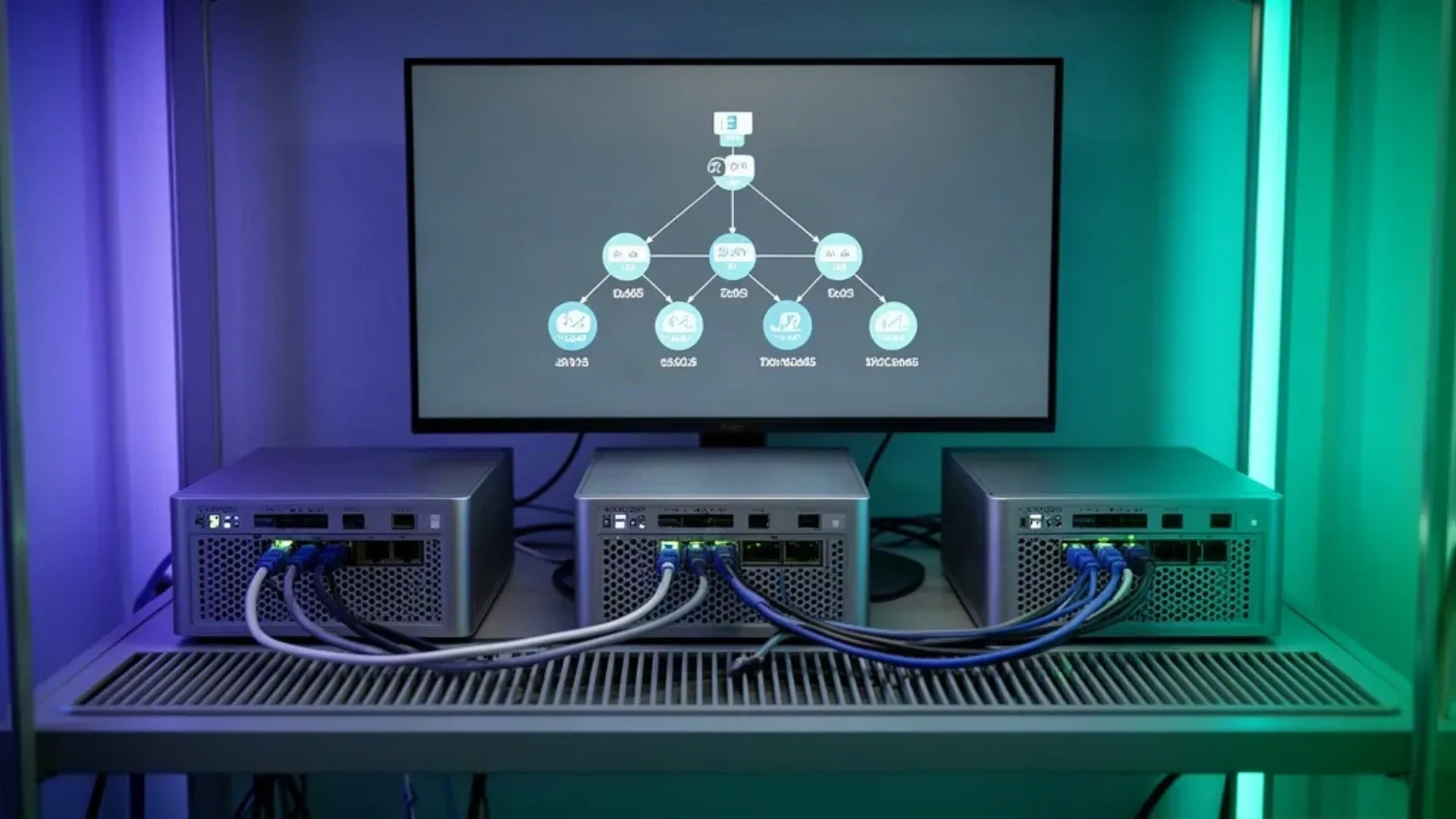
A three-node k3s cluster looks impressive on a shelf, but node count alone does not create high availability. The useful question is what you want the cluster to survive. Three k3s servers can provide control-plane quorum with the embedded datastore. One server plus two agents gives you more worker capacity, but the single server remains a control-plane failure point.
That distinction is the heart of this build. k3s makes Kubernetes easier to run on small machines, but it does not remove the hard parts of distributed systems. Storage, identity, backups, network reliability, and application replicas still determine what happens when a node fails.
This guide explains the three-node topology, the installation shape, storage boundaries, maintenance workflow, and when one stronger mini PC is the better homelab choice. For the host decision, see our mini PC home server guide. For several virtualized nodes instead of separate hardware, use the VM capacity estimator.
What k3s Adds to a Mini PC Homelab
k3s is a lightweight Kubernetes distribution packaged for simpler operations. The k3s documentation separates server nodes from agent nodes. A server provides control-plane services and can also run workloads. An agent runs workloads under the control plane.
That gives a homelab several useful capabilities:
- Schedule a workload on another node when one node is drained
- Practice Kubernetes deployments and service discovery on physical hardware
- Perform maintenance one node at a time
- Separate workloads by labels, taints, and resource requests
- Learn how stateful services behave when the host is not permanent
It also adds costs:
- Three operating systems and three upgrade paths
- More network cables, addresses, and failure points
- More copies of secrets and recovery notes
- More power and storage than one host
- A need to understand where persistent data lives
If the goal is simply to run a few containers, Docker Compose on one reliable mini PC is easier to back up and repair. A cluster is worthwhile when the learning, scheduling, or maintenance behavior is itself the goal.
Choose the Correct Three-Node Topology
There are two common layouts:
| Layout | Control plane | What one server failure means |
|---|---|---|
| One server plus two agents | One server | The worker pool may keep running, but control operations lose their only server |
| Three servers | Three servers | Embedded datastore quorum can continue after one server failure |
For high availability, use three server nodes with the embedded datastore or another datastore design supported by k3s. The k3s high-availability guide documents the embedded datastore approach and its quorum requirement. An odd number of servers is preferred because a three-server group can retain quorum after losing one member.
This does not mean every application keeps serving traffic after a node failure. A deployment with one replica can be scheduled elsewhere only if its storage and configuration allow it. A database with one local volume is still tied to the node that owns that volume. Control-plane availability and application availability are related but separate decisions.
Mini PC Hardware for Three Nodes
The hardware should match the workloads each node may receive during maintenance. A cluster where every node has just enough capacity for its normal role has no room for a drain or failure.
An N100 class mini PC can work for a learning cluster and light services. Give each node enough memory for the operating system, k3s, DNS, ingress, monitoring, and the workloads it may receive. A stronger four to eight core mini PC with 16GB or more is a better starting point when the cluster will host databases, CI jobs, monitoring retention, or several application replicas.
Storage also needs a role:
- SSD for the operating system and active container data
- Separate capacity for logs and local images
- A documented backup destination
- Shared or replicated storage for stateful workloads that must move
Use wired networking for the node-to-node path. A reliable switch matters more than a faster CPU when the control plane and storage depend on consistent connections. Keep the nodes on a stable LAN and record their addresses in the installation notes.
Three nodes also means three always-on machines. The power cost calculator can estimate the running cost once you know the idle draw of the exact hardware. Do not use a generic mini PC power number as a promise.
Prepare the Nodes
Install the same supported Linux distribution on each node. Set unique hostnames, synchronize time, apply updates, and confirm that each node can resolve and reach the others. The k3s requirements and networking pages are the authority for supported operating systems, ports, and network assumptions.
Use names such as:
k3s-server-1
k3s-server-2
k3s-server-3
Reserve stable addresses in the router or use a documented static configuration. Do not build a cluster around addresses that change after a DHCP lease expires.
Check the basics from each node:
hostnamectl
ip address
getent hosts k3s-server-1 k3s-server-2 k3s-server-3
timedatectl status
Do not expose the Kubernetes API to the public internet. Keep administration on the LAN or behind a private access layer such as Tailscale, with narrow policy and strong authentication.
Initialize the First Server
For a three-server embedded datastore cluster, initialize the first node with cluster initialization enabled. The exact install command and supported flags belong to the current k3s embedded datastore guide:
curl -sfL https://get.k3s.io | sh -s - server --cluster-init
sudo k3s kubectl get nodes
Read the node token from the first server through a protected administrative session. Treat it like a password. Do not paste it into a public issue, shared shell history, or a repository:
sudo cat /var/lib/rancher/k3s/server/node-tokenConfirm that the first server is healthy before joining the other nodes. Check the k3s service, the node status, and the server logs. A cluster built on an unhealthy first node only makes later troubleshooting harder.
Join the Other Server Nodes
Join the second and third nodes as servers that point to the first server’s API address. Use the current k3s installation syntax and the protected token from the first node:
curl -sfL https://get.k3s.io | K3S_URL=https://k3s-server-1:6443 K3S_TOKEN=REPLACE_ME sh -s - serverRun the command on each joining server after replacing the example host and token. Keep the token out of saved command history where your shell permits it. The k3s server documentation covers the server flags and configuration-file alternative.
From the first server, check all nodes:
sudo k3s kubectl get nodes -o wide
sudo k3s kubectl get pods --all-namespaces
The cluster is not ready for important workloads just because three names appear. Confirm that all server services are healthy, the embedded datastore has quorum, and node conditions are clean.
Schedule a Test Workload
Start with a stateless deployment. It lets you practice scheduling and draining without putting irreplaceable data at risk:
apiVersion: apps/v1
kind: Deployment
metadata:
  name: web-test
spec:
  replicas: 3
  selector:
    matchLabels:
      app: web-test
  template:
    metadata:
      labels:
        app: web-test
    spec:
      containers:
        - name: web
          image: nginx:stable
          ports:
            - containerPort: 80
Apply it from the first server and inspect placement:
sudo k3s kubectl apply -f web-test.yaml
sudo k3s kubectl get pods -o wide
Use resource requests and limits for real workloads. Without them, the scheduler has less information about where a workload fits, and a busy node can become the accidental home for too many services.
Storage Is Where the Cluster Gets Difficult
The default local storage path is convenient for experiments but ties a persistent volume to a node. If that node fails, the pod can be scheduled elsewhere while its data remains unavailable. That is not application high availability.
Choose one of three honest patterns:
| Storage pattern | Good for | Boundary |
|---|---|---|
| Node-local volume | Stateless apps and disposable test data | Data follows the node, not the pod |
| Network storage | Shared files and selected stateful apps | Network and storage host become dependencies |
| Replicated storage | Data that must move with workloads | Adds CPU, memory, disks, and operational work |
The Kubernetes persistent-volume documentation explains claims, volumes, and storage classes. Read the storage project’s current k3s guidance before installing a replicated system. Do not add a storage layer simply to make the architecture look complete. It can consume the resources you wanted for applications.
Back up application data outside the cluster. A manifest backup can recreate a deployment but cannot restore a database or photo library without the data. Keep the cluster configuration, secrets, persistent data, and restore order documented separately.
Practice Maintenance and Failure
The value of three nodes appears during controlled maintenance. Drain one node, observe where stateless replicas move, update the node, and uncordon it. Then repeat with the other nodes:
sudo k3s kubectl cordon k3s-server-2
sudo k3s kubectl drain k3s-server-2 --ignore-daemonsets --delete-emptydir-data
sudo k3s kubectl get nodes
sudo k3s kubectl uncordon k3s-server-2
Read the current Kubernetes drain guidance before using these commands on stateful workloads. The emptydir option can remove temporary data, and a pod with one local persistent volume cannot simply follow the node.
Test the failure modes that matter:
- One server powers off
- One network link fails
- One node has a full disk
- One application replica crashes
- The storage host is unavailable
- The first server is not the node you expected to administer
Record what survives and what needs manual intervention. A cluster becomes useful when its recovery behavior is known, not when its dashboard shows three green nodes.
One Mini PC or Three?
One stronger mini PC is usually better when you run a few services, want simple backups, and do not need a control plane to survive a hardware failure. It uses less power, has fewer updates, and makes storage easier to understand.
Three mini PCs are worthwhile when you want to learn Kubernetes operations, practice rolling maintenance, separate workloads, or keep a control plane available after one server failure. The cost is three machines, three sets of storage, and more complicated recovery.
If you want the cluster experience without three physical boxes, run several virtual machines on one stronger host. That teaches scheduling and manifests but does not provide physical failure isolation. The VM capacity estimator helps expose the memory cost before you commit.
Who Should Use a Three-Node Cluster and Who Should Skip It
Use three mini PCs when the cluster itself is the project, the workloads are light enough for maintenance headroom, and you are prepared to design storage and backups separately. Three N100 class nodes can be a reasonable learning platform when the operating systems, SSDs, and network are reliable.
Skip the cluster when the goal is only to run a handful of home services with the least maintenance. Use one stronger mini PC and a good backup instead. Also skip the three-node design when a stateful application has no restore plan. More nodes cannot compensate for data that cannot be recovered.
Frequently Asked Questions
Why build a three-node k3s cluster?
A three-node k3s cluster can keep the control plane available during one server failure when it uses the embedded datastore correctly. It also gives a homelab room to practice scheduling, rolling maintenance, and workload placement. It does not make every application highly available by itself.
Do all three mini PCs need to be k3s servers?
No. One k3s server and two agents provide a three-node worker pool, but they do not provide control-plane high availability. Three k3s servers are the relevant layout when the embedded datastore and control plane must tolerate one server failure.
How much RAM does a k3s mini PC cluster need?
Memory depends on the workloads, system services, and monitoring you schedule. A light learning cluster can use modest mini PCs, while databases, monitoring, ingress, and build jobs need more room. Size each node for the workloads it may receive during maintenance or a failure.
Does k3s provide shared storage?
No. A basic k3s installation commonly uses node-local storage, which ties a volume to one machine. High availability for stateful applications needs a storage design that survives node loss or an application-level replication plan.
Can a k3s cluster run on three N100 mini PCs?
Yes, three N100-class mini PCs can be a reasonable learning or light-service cluster when memory and storage are sufficient. They are not automatically a good platform for heavy databases, media processing, or large monitoring retention. The workload plan matters more than the node count.
When is one mini PC better than a k3s cluster?
One stronger mini PC is better when the goal is low cost, simple backups, predictable storage, or a few services that do not need failover. A three-node cluster adds hardware, networking, power, upgrades, and storage decisions that may not improve a small personal service.
Sources and Scope
This guide follows the k3s documentation, its embedded datastore high-availability guide, the k3s server CLI reference, and the Kubernetes persistent-volume documentation. Commands are deployment templates that must be checked against the current release. No cluster benchmark, universal resource figure, or power reading is claimed.