
This article contains affiliate links. If you purchase through our links, we may earn a commission at no extra cost to you. We only recommend products we’ve thoroughly researched and verified.
For a broader shortlist, start with our best mini PC for home server guide.
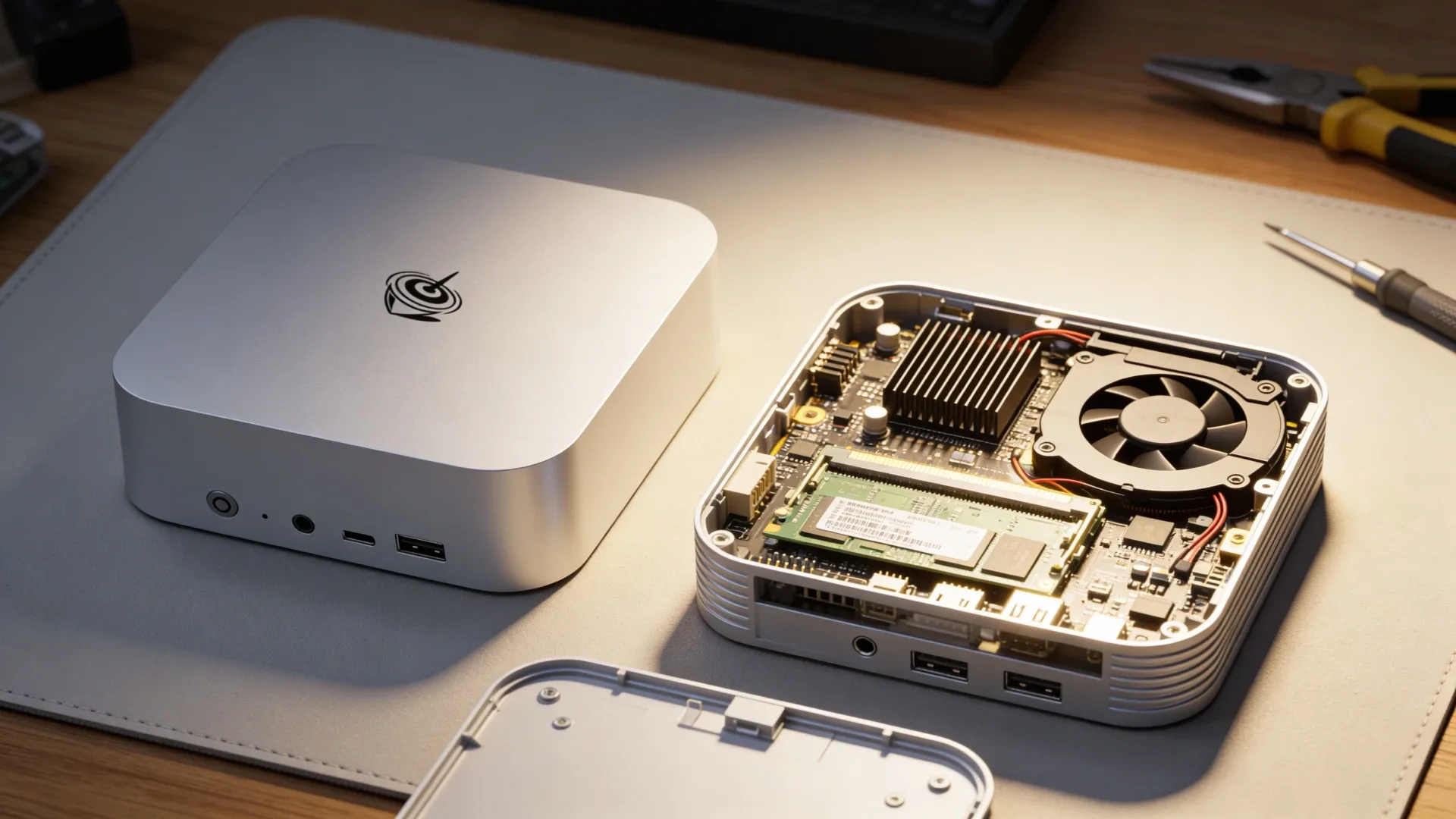
The Beelink SER9 is one of the best mid-range mini PCs available in 2026 — but before you buy, there’s one critical question to answer: the RAM is soldered, and you cannot upgrade it.
This guide explains the SER9’s memory situation, what 32GB LPDDR5X actually means for real workloads, and when to choose a different machine.
The Short Answer
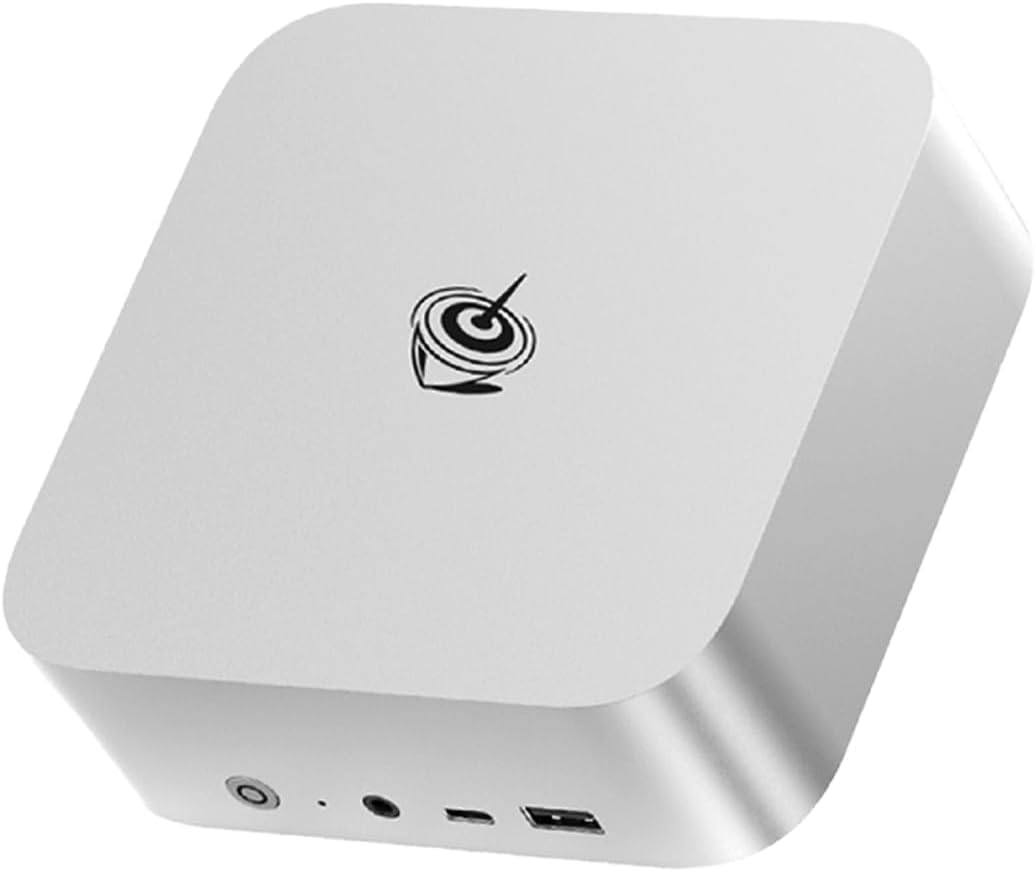
Beelink SER9 RAM type: LPDDR5X, soldered to the motherboard.
- Standard configuration: 32GB LPDDR5X
- Some variants: 24GB LPDDR5X verify the specific listing before buying
- SO-DIMM slots: None
- Upgradeable: No
If 32GB isn’t enough for your workload, the SER9 is not your machine. Look at the GEEKOM A9 Max or Minisforum AI X1 Pro-370 instead — both use DDR5 SO-DIMM and support 64GB.
Understanding LPDDR5X vs DDR5 SO-DIMM
Mini PCs use two types of RAM:
| Type | Physical Form | Upgradeable | Bandwidth | Typical Capacity |
|---|---|---|---|---|
| LPDDR5X | Soldered to board | No | ~68-100 GB/s | 16-32GB |
| DDR5 SO-DIMM | Removable slot | Yes | ~50-80 GB/s | Up to 96-128GB |
| LPDDR5 | Soldered | No | ~50-68 GB/s | 16-32GB |
LPDDR5X advantages over SO-DIMM:
- Higher bandwidth — the SER9’s LPDDR5X at ~89GB/s beats most DDR5 SO-DIMM kits
- Lower power draw — LPDDR5X draws 20-30% less power than SO-DIMM
- Better integrated with the CPU — tighter latency
LPDDR5X disadvantage:
- Fixed capacity — what you buy is what you have forever
The Ryzen 7 H255 in the SER9 is designed around LPDDR5X — the soldered memory is a deliberate architectural choice for performance and efficiency, not a cost-cutting measure.
What 32GB LPDDR5X Means for Real Workloads
Docker and Home Server
32GB LPDDR5X comfortably handles the standard homelab stack:
| Service | RAM Used |
|---|---|
| Home Assistant OS | ~1.5GB |
| Frigate NVR 4 cameras | ~1-2GB |
| Pi-hole / AdGuard | ~200MB |
| Plex Media Server | ~1-2GB |
| Nginx Proxy Manager | ~150MB |
| Portainer + monitoring | ~300MB |
| Nextcloud + MariaDB | ~800MB |
| Zigbee2MQTT + Node-RED | ~400MB |
| OS overhead Ubuntu/Proxmox | ~1-2GB |
| Total | ~7-10GB active |
22GB of headroom remaining after running the full standard homelab stack. Memory pressure is not a concern for this use case.
Proxmox Virtualization
Where 32GB starts to become a consideration:
| Configuration | RAM Used | Headroom |
|---|---|---|
| 3 LXC containers HA, Plex, Docker | ~6-8GB | Comfortable |
| 4 LXC + 1 small VM Ubuntu 512MB | ~10-12GB | Good |
| 2 VMs + 3 LXC | ~14-18GB | Adequate |
| 4 VMs Windows + Linux + HA + Plex | ~22-28GB | Tight |
| 6 VMs simultaneously | ~28-32GB | At limit |
For most homelab Proxmox setups: 32GB is sufficient. For heavy multi-VM testing environments with Windows VMs, it can constrain.
Local LLM Inference Ollama
Model VRAM requirements determine what fits in 32GB:
| Model | RAM Required | Fits in 32GB? |
|---|---|---|
| Llama 3.1 8B Q4 | ~5GB | Yes, with room |
| Qwen2.5 14B Q4 | ~9GB | Yes |
| Mistral 22B Q4 | ~14GB | Yes |
| Qwen2.5 32B Q4 | ~20GB | Yes tight |
| Llama 3.1 70B Q4 | ~45GB | No |
For 7B to 22B models, the SER9’s 32GB works well. 70B models require 48GB+.
Beelink SER9 Variants Explained
The SER9 line has several variants — all use soldered LPDDR5X:
| Model | CPU | RAM | Storage | Price |
|---|---|---|---|---|
| SER9 | Ryzen 7 H255 | 32GB LPDDR5X | 500GB-1TB NVMe | ~$320-380 |
| SER9 PRO | Ryzen 7 H255 | 24-32GB LPDDR5X | 500GB-1TB NVMe | ~$350-420 |
| SER9 Pro Mini | Ryzen AI 9 HX 370 | 32GB LPDDR5X | 1TB NVMe | ~$450-520 |
| SER9 Pro+ AI | Ryzen 7 H255 | 32GB LPDDR5X | 1TB NVMe | ~$380-450 |
Important: The SER9 PRO page on Amazon is a parent listing that currently resolves to an H255 24GB LPDDR5X variant. Verify the exact configuration of your specific listing before purchasing.
All SER9 variants use soldered memory. None are upgradeable.
When 32GB Isn’t Enough: Alternatives with Upgradeable RAM
If your workload requires more than 32GB, these mini PCs offer DDR5 SO-DIMM slots:
| Mini PC | CPU | Max RAM | RAM Type | Price |
|---|---|---|---|---|
| GEEKOM A9 Max | Ryzen AI 9 HX370 | 64GB | DDR5 SO-DIMM | ~$520-620 |
| Minisforum AI X1 Pro-370 | Ryzen AI 9 HX370 | 64GB | DDR5 SO-DIMM | ~$600-700 |
| GEEKOM IT12 | Intel i5-12450H | 64GB | DDR5 SO-DIMM | ~$280-350 |
| GEEKOM IT15 | Core Ultra 9 285H | 64GB | DDR5 SO-DIMM | ~$500-600 |
→ Check GEEKOM A9 Max on Amazon — same Ryzen AI 9 HX370 as the SER9 Pro Mini, with upgradeable DDR5 SO-DIMM to 64GB.
→ Check GEEKOM IT12 on Amazon — Intel 12th Gen, upgradeable DDR5 to 64GB at lower price.
The SER9’s NVMe SSD: Fully Upgradeable
While RAM is fixed, the NVMe SSD is completely user-replaceable:
- Standard M.2 2280 slot accepts any PCIe 4.0 or 3.0 NVMe SSD
- The included 500GB drive can be swapped for 1TB, 2TB, or 4TB
- No special tools beyond a small Philips screwdriver
- Upgrade cost: ~$60 for a 2TB Samsung 990 Evo or WD Black SN850X
For homelab storage needs, NVMe expansion provides a clear upgrade path.
Buying Recommendation
Buy the Beelink SER9 if:
- Your workload fits in 32GB Docker, HA, Plex, 7B-22B LLMs
- You want the best per-dollar Ryzen 7 H255 performance
- You don’t need to run 70B models or 6+ Proxmox VMs simultaneously
→ Check Current SER9 Price on Amazon
Buy a DDR5 SO-DIMM alternative if:
- You need 64GB for heavy Proxmox or large LLM workloads
- You want an upgrade path without buying new hardware
→ GEEKOM A9 Max (64GB upgradeable)
→ GEEKOM IT12 (64GB upgradeable, lower price)
Who Should Skip the SER9
Skip the SER9 if there’s any chance 32GB will feel limiting within the next 12–18 months. Adding more services, running larger LLM models, or scaling Proxmox VM density all push against the fixed memory ceiling. Once you hit it, the only option is buying a different machine.
Skip it also if you want a machine you can grow with over time. The GEEKOM A9 Max and Minisforum AI X1 Pro-370 both offer DDR5 SO-DIMM slots that let you upgrade RAM without replacing the whole machine. The SER9’s LPDDR5X bandwidth advantage is real, but not worth the lack of upgrade flexibility if your workload is likely to grow.
Frequently Asked Questions
Can I run the Beelink SER9 with 64GB RAM?
No. The SER9’s memory controller and the soldered LPDDR5X modules are fixed at the factory. 32GB is the maximum. No firmware update or modification changes this.
Is LPDDR5X better than DDR5 SO-DIMM for the SER9’s workloads?
For bandwidth-sensitive workloads like local LLM inference and GPU-accelerated tasks ROCm, VA-API, LPDDR5X’s higher bandwidth gives the SER9 an advantage over equivalent DDR5 SO-DIMM configurations. The tradeoff is the fixed capacity ceiling.
Which Beelink mini PCs have upgradeable RAM?
Older Beelink SER5 Ryzen 5 5500U uses DDR4 SO-DIMM and is upgradeable. The SER7 Ryzen 7 7735HS uses DDR5 SO-DIMM and is upgradeable. The newer SER9 line switched to soldered LPDDR5X for performance. Check the specific product listing — “SO-DIMM” in the specs means upgradeable, “LPDDR” typically means soldered.
Does the SER9’s soldered RAM cause any practical problems?
Only if you need more than 32GB. For the vast majority of homelab users, Docker, Home Assistant, Plex, and local LLM use at 7B-22B models, 32GB is sufficient and the LPDDR5X performance advantage over upgradeable DDR5 is a real benefit.
What happens if the RAM fails on a soldered mini PC?
Soldered RAM failure is rare but non-repairable by the user. Beelink’s 2-year warranty covers hardware failures including soldered components. Beyond warranty, the unit would need to be sent to a repair facility for BGA rework — not practical for most users. This is a real risk to weigh against the reliability record of LPDDR5X which is generally excellent in mini PCs.
Is 32GB enough for the Beelink SER9?
For most homelab use cases, yes. 32GB LPDDR5X handles Docker Compose with 15+ containers, Proxmox with 2-3 VMs, Plex + Home Assistant + Pi-hole simultaneously, and Ollama with 7B-13B models. It becomes limiting only for heavy Proxmox builds with 4+ VMs or larger LLM models like 32B+ parameters.
What is the difference between the SER9 and SER9 Pro Mini?
The Beelink SER9 has Ryzen 7 H255 with 32GB LPDDR5X soldered. The Beelink SER9 Pro Mini has Ryzen AI 9 HX 370 — a different, more powerful chip — also with 32GB LPDDR5X soldered. Both are non-upgradeable. The Pro Mini adds more CPU cores, a newer GPU, and significantly higher performance at a higher price.