
GMKtec EVO-T1 vs EVO-X2 2026 — Intel or AMD? The Right Mini PC for AI and Gaming
By Max · May 2, 2026 · Updated May 5, 2026
This article contains affiliate links. If you purchase through our links, we may earn a commission at no extra cost to you. We only recommend products we’ve thoroughly researched and verified.
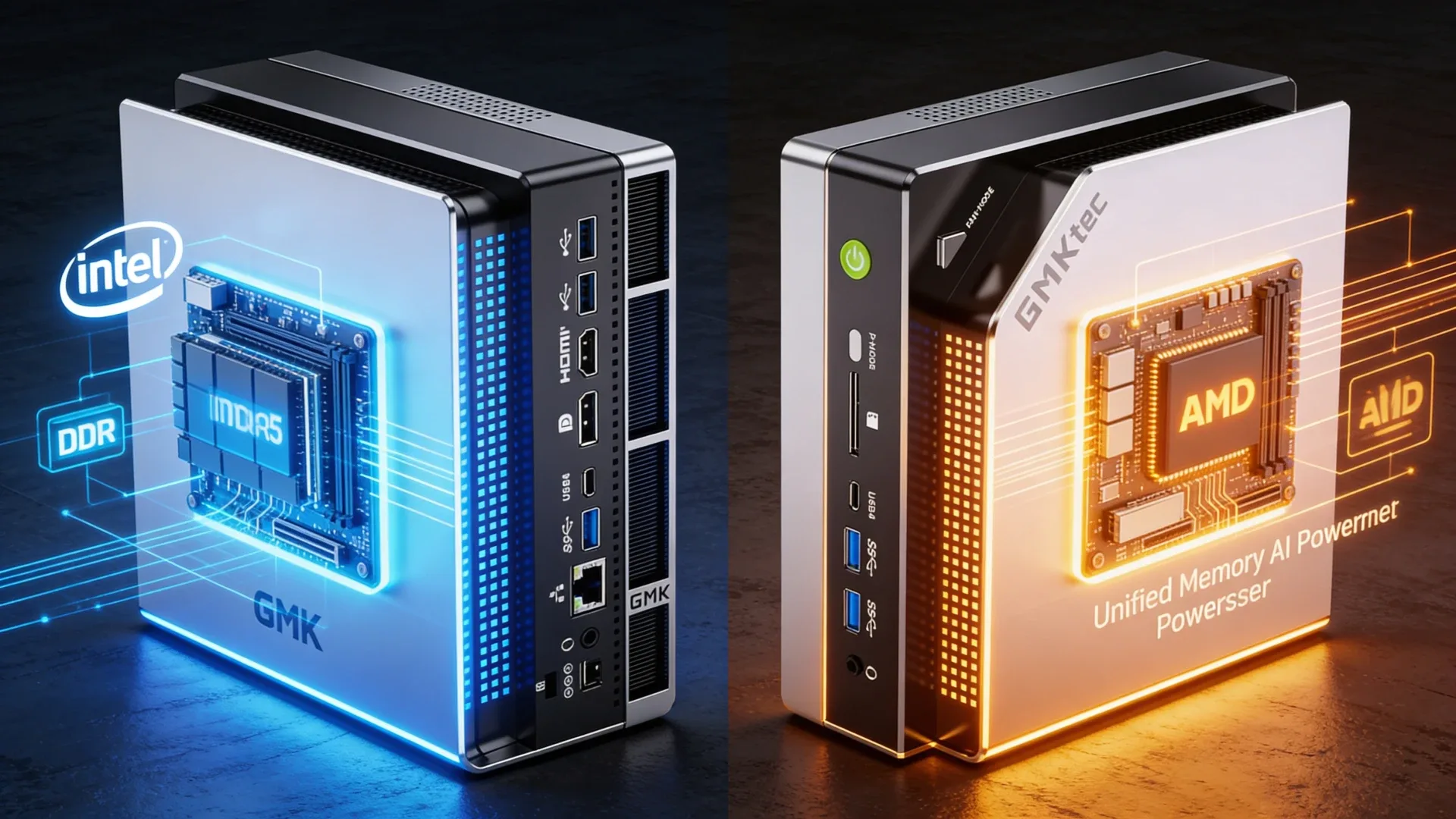
The GMKtec EVO-T1 and EVO-X2 AI share a brand name and a chassis family, but they target completely different buyers. The EVO-T1 runs an Intel Core Ultra 7 265H at ~$499 and covers everyday productivity, light homelab work, and AI-assisted tasks with solid DDR5 and Thunderbolt 4. The EVO-X2 AI runs AMD’s Ryzen AI Max+ 395 with 128GB of LPDDR5X at ~$1,099 and is built for serious local LLM inference, ComfyUI image generation, and professional workloads where GPU memory bandwidth is the bottleneck. If you’re undecided, the price difference alone tells most of the story — but the use-case fit matters just as much.
Quick Verdict
The EVO-T1 is the right pick for most buyers: capable Intel platform, upgradeable DDR5, Thunderbolt 4, dual 2.5GbE, and a price under $500. The EVO-X2 AI is for a specific buyer who needs maximum iGPU memory bandwidth for local AI workloads and won’t find a better option at any price in this form factor.
Spec Snapshot
| Spec | GMKtec EVO-T1 | GMKtec EVO-X2 AI | Winner |
|---|---|---|---|
| CPU | Intel Core Ultra 7 265H | Ryzen AI Max+ 395 | EVO-X2 AI |
| Cores / Threads | 16C / 22T | 16C / 32T | EVO-X2 AI |
| RAM | 32GB DDR5 SO-DIMM | 128GB LPDDR5X | EVO-X2 AI |
| RAM Upgradeable | Yes | No — soldered | EVO-T1 |
| Networking | Dual 2.5GbE | Single 2.5GbE | EVO-T1 |
| Connectivity | Thunderbolt 4 | OCuLink | Depends |
| NPU / AI TOPS | Intel NPU 13 TOPS | 126 TOPS | EVO-X2 AI |
| Power Idle | ~10W | ~18W | EVO-T1 |
| Price | ~$449–549 | ~$999–1,149 | EVO-T1 |
GMKtec EVO-T1
→ Check Current Price on Amazon
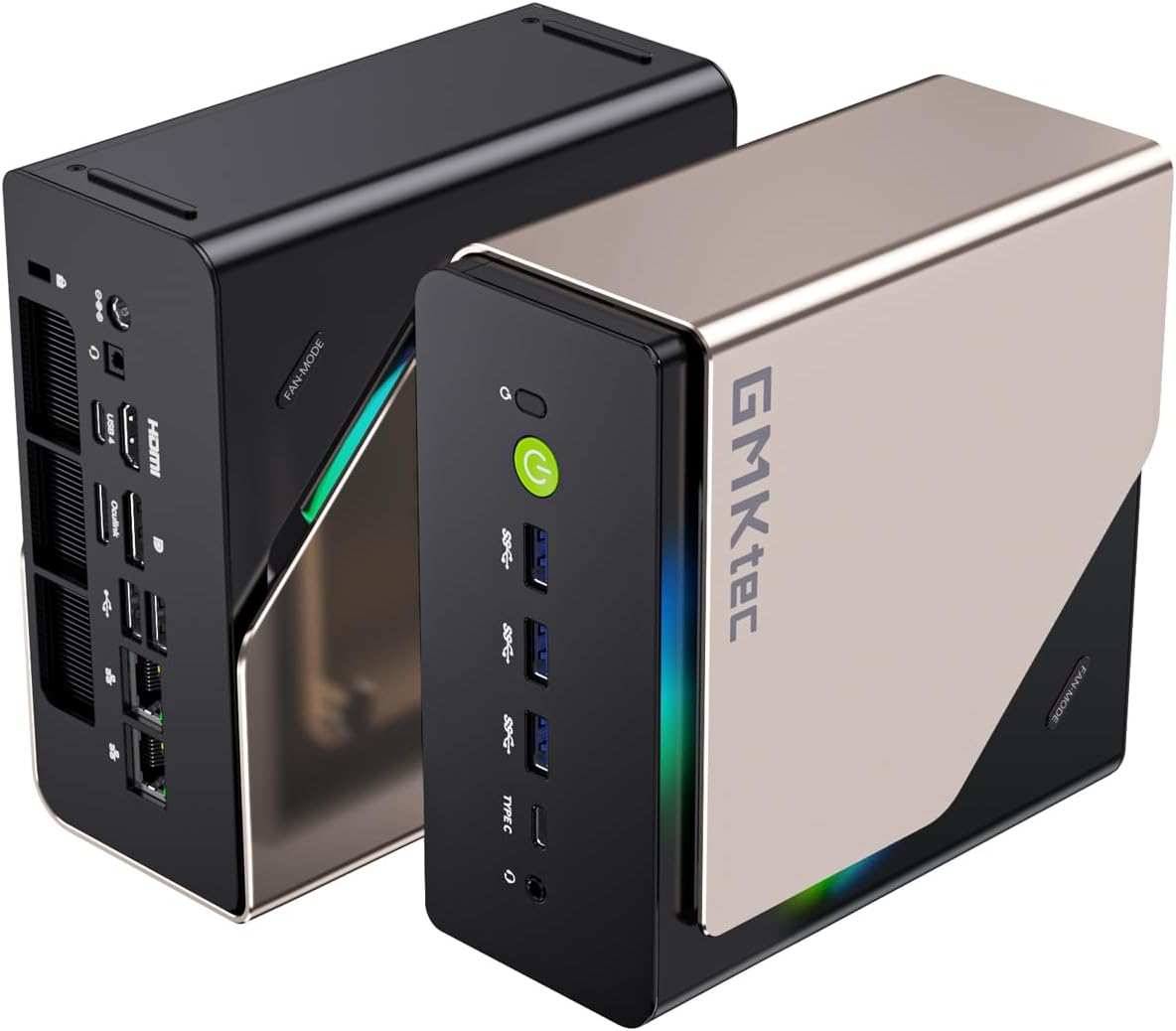
The EVO-T1 fits into the premium Intel value tier that GMKtec does well. The Core Ultra 7 265H delivers 16 cores across P-cores and E-cores, giving you enough headroom for Docker stacks, Plex transcoding with Quick Sync, and moderate Proxmox VM density. DDR5 SO-DIMM slots mean you can expand beyond the stock 32GB if you run memory-hungry workloads — that flexibility is worth real money compared to soldered alternatives.
Dual 2.5GbE NICs make the EVO-T1 usable as a soft router or dual-NIC homelab server without USB adapters. Thunderbolt 4 at 40Gbps opens the door for external NVMe enclosures and eGPU docks, which keeps the upgrade path open for years. WiFi 6E covers wireless connectivity if you’re not running Ethernet.
At idle the EVO-T1 draws around 10W, which works out to roughly $10–12 per year in electricity at $0.12/kWh for always-on use. That’s a reasonable figure for a machine doing daily work. Under sustained load it climbs to 45–60W depending on the workload, in line with other 265H machines.
Pros:
- Thunderbolt 4 enables eGPU and fast external storage without OCuLink
- DDR5 SO-DIMM is upgradeable — start at 32GB, go higher later
- Dual 2.5GbE for homelab networking or soft router setups
- Sub-$500 price covers most workloads without overpaying
Cons:
- Intel Arc iGPU has less raw throughput than AMD’s 780M / AI Max iGPU for local LLM use
- 13 NPU TOPS won’t run large quantized models at speed
- Single M.2 slot limits storage expansion compared to server-chassis competitors
GMKtec EVO-X2 AI
→ Check Current Price on Amazon
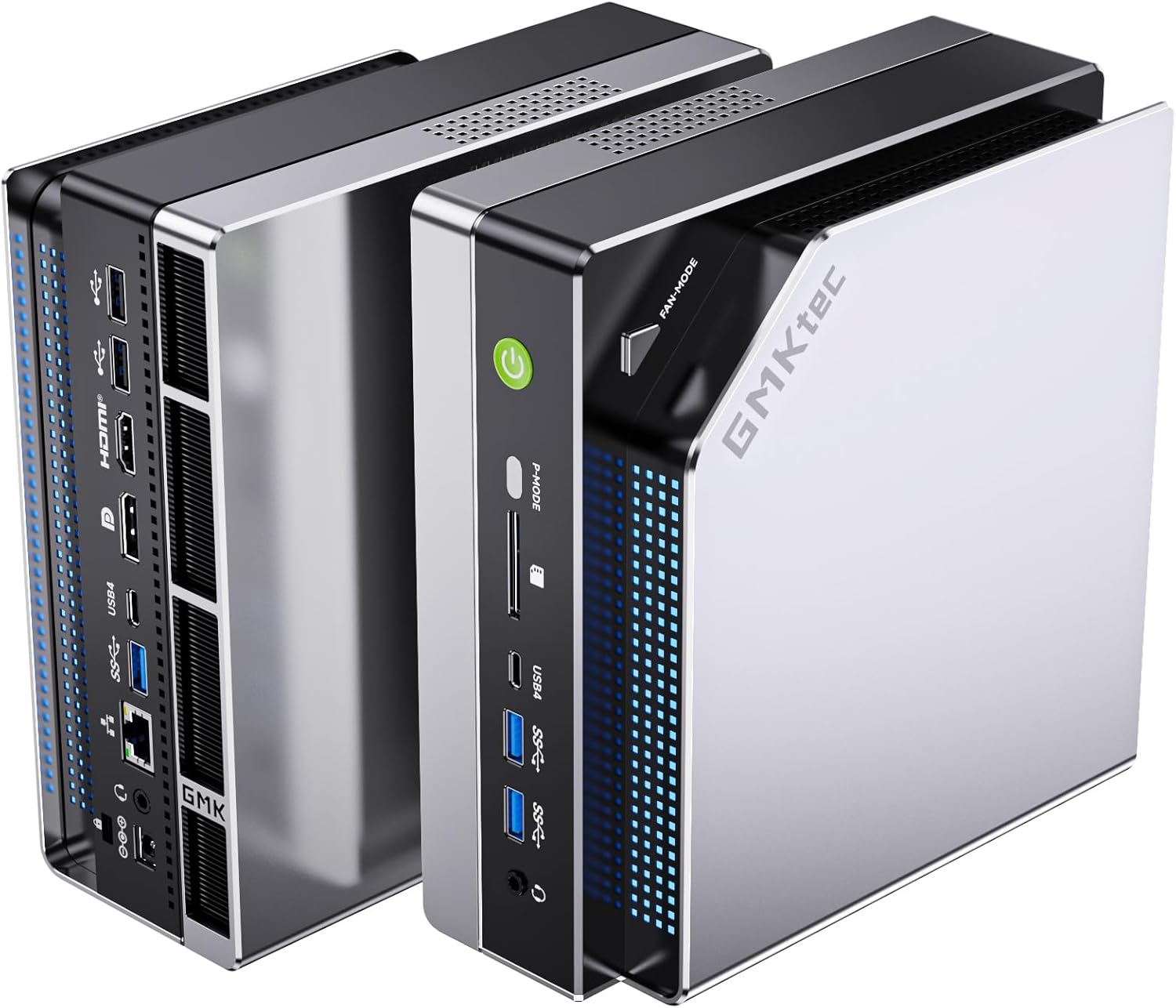
The EVO-X2 AI is one of a small number of mini PCs built around AMD’s Ryzen AI Max+ 395 — a chip that combines a 16-core CPU with a 40-compute-unit RDNA 3.5 iGPU and 126 NPU TOPS in a single package. The headline figure is 128GB of LPDDR5X unified memory, all accessible by both CPU and GPU. That means you can run a 70B parameter model locally at usable speeds, something that requires a discrete GPU with 24GB VRAM in any other platform.
OCuLink lets you attach an external GPU enclosure for situations where the iGPU isn’t enough for real-time rendering. Single 2.5GbE is the networking weak point — if you need dual NICs for routing or firewall work, this isn’t your machine. The memory is soldered, so the 128GB configuration you buy is what you get forever. For AI/ML workflows this is fine — you’d never need more — but it rules out repurposing the machine as a database server down the line.
Idle power sits around 18W and load peaks at 80–120W depending on how hard you push the GPU. Annual running cost at 24/7 idle works out to roughly $19/year at $0.12/kWh — higher than the EVO-T1 but acceptable for what the hardware delivers.
Pros:
- 128GB unified memory runs 70B quantized LLMs that no other mini PC can handle
- 126 TOPS NPU accelerates Whisper, StableDiffusion, and AI-assisted workloads significantly
- OCuLink enables external GPU when the iGPU ceiling is reached
- Single platform handles tasks that previously required a dedicated GPU server
Cons:
- LPDDR5X is soldered — no memory upgrades after purchase
- Single 2.5GbE rules out dual-NIC homelab configurations
- At $1,099+ it’s more than twice the price of the EVO-T1 for most non-AI workloads
- Higher idle power draw than competing Intel machines
Head-to-Head by Use Case
For Local LLM Inference
Winner: EVO-X2 AI — 128GB of GPU-accessible memory means you can run 34B models at Q4 without offloading to system RAM. The EVO-T1’s Intel Arc iGPU is capped to shared DDR5, which limits practical model sizes to 7–13B at Q4.
For Proxmox / VM Homelab
Winner: EVO-T1 — Dual 2.5GbE, Thunderbolt 4, upgradeable RAM, and a sub-$500 price make the EVO-T1 a much better Proxmox host. The EVO-X2 AI’s single NIC and soldered RAM create unnecessary constraints for a VM server.
For Docker and Self-Hosting
Winner: EVO-T1 — Most Docker workloads don’t saturate a Core Ultra 7. The EVO-T1’s dual NICs and expandable storage are more useful than the EVO-X2 AI’s GPU headroom for typical self-hosted apps.
For ComfyUI / Image Generation
Winner: EVO-X2 AI — The RDNA 3.5 iGPU with 128GB unified memory generates images significantly faster than any shared-memory Intel setup at this price tier.
Power and Running Cost
| Idle | Load | Annual at 24/7 Idle | |
|---|---|---|---|
| EVO-T1 | ~10W | ~45–60W | ~$11/year |
| EVO-X2 AI | ~18W | ~80–120W | ~$19/year |
Final Verdict
Buy the EVO-T1 if: you need a capable daily driver or homelab node under $500 with dual NICs, Thunderbolt 4, and upgradeable RAM. It handles 90% of mini PC use cases without compromise.
Buy the EVO-X2 AI if: local LLM inference, ComfyUI, or other GPU-memory-intensive AI workloads are your primary use case and you’ve exhausted what smaller machines can do. The $600 premium buys real capability that nothing else in a mini PC chassis offers.
Frequently Asked Questions
Can the GMKtec EVO-T1 run local LLMs?
Yes, at the 7B parameter range. The Core Ultra 7 265H with 32GB DDR5 can run 7B Q4 models through Ollama at roughly 15–20 tokens per second. For 13B models performance drops significantly and 34B+ models require offloading to system RAM, which slows inference to impractical speeds. The EVO-X2 AI handles those larger models comfortably.
Is the 128GB memory on the EVO-X2 AI actually upgradeable?
No. The LPDDR5X on the Ryzen AI Max+ 395 platform is soldered directly to the motherboard. The 128GB configuration is fixed. There is no physical slot to add or swap memory modules. Choose your configuration carefully — what you buy is permanent.
Which GMKtec EVO model is better for a Plex server?
The EVO-T1 is the better Plex server. Intel Quick Sync on the Core Ultra 7 265H handles multiple simultaneous 4K transcodes efficiently. The EVO-X2 AI can transcode via AMD VCE/AMF but the efficiency advantage of Quick Sync for H.264/H.265 transcoding at scale goes to Intel, and the EVO-T1 costs less than half as much.
Which option wins for gmktec evo-t1 vs evo-x2?
There is no single winner for every buyer. This comparison recommends the stronger option for performance, networking, and long-term flexibility, then highlights where the cheaper or quieter alternative still makes more sense.
Should you buy now or wait for the next refresh?
If you need the specific networking, AI, or graphics features covered here, the current models are already differentiated enough to buy now. If your workload is light, waiting for price drops is reasonable.
What matters more than the headline CPU?
Cooling, memory configuration, networking, and expansion usually matter more than a small CPU delta once you narrow the field to two or three serious mini PCs.