
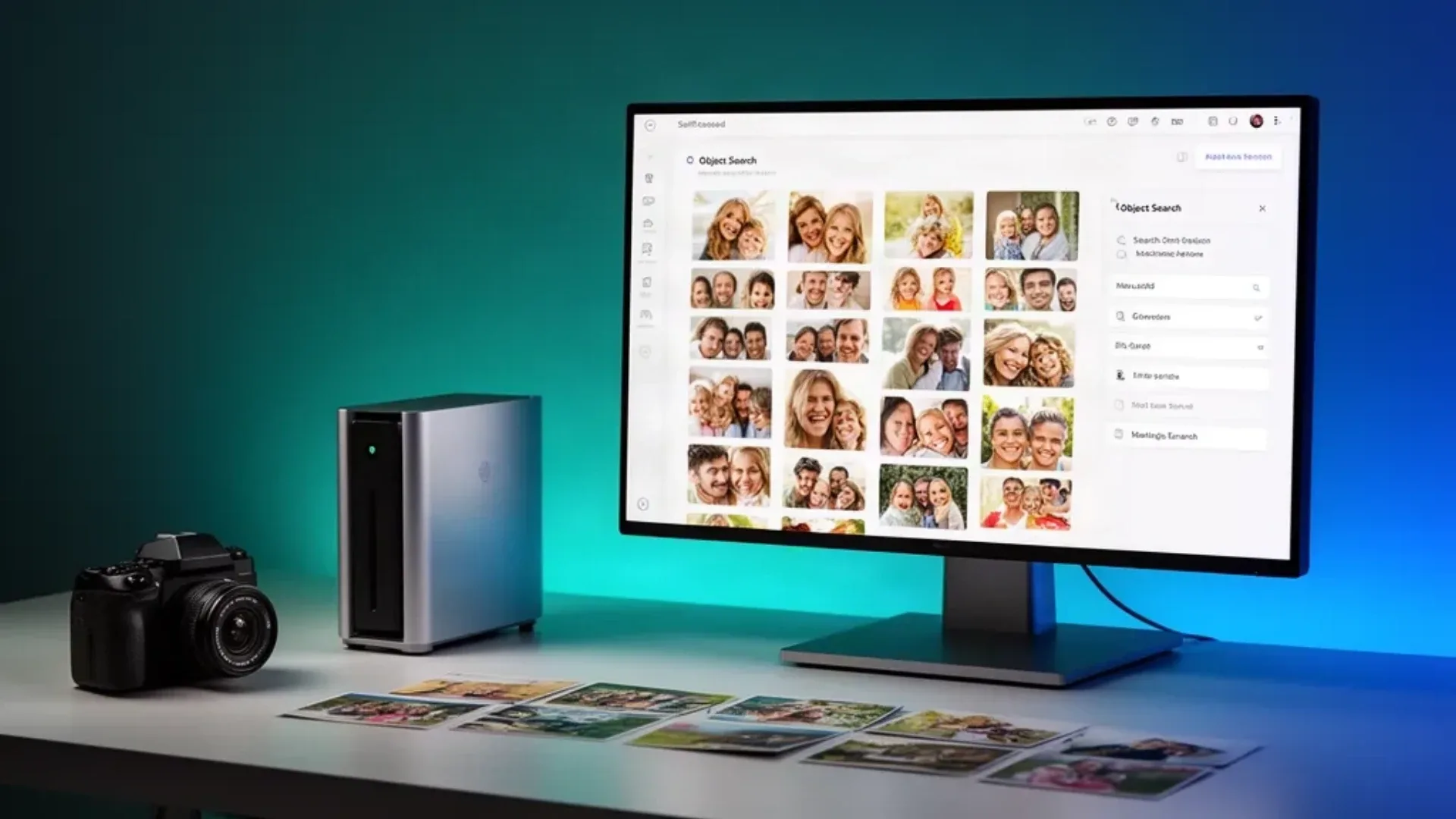
Immich is one of the most demanding self-hosted applications to put on a small server, but the reason is easy to misunderstand. Browsing a photo library is not especially hard. The difficult work arrives when Immich creates thumbnails, encodes video previews, recognizes faces, classifies objects, and processes a large first import.
That makes the hardware decision more nuanced than a simple CPU minimum. A modest mini PC can serve a family library for years if uploads are steady and the initial processing queue is planned. The same box can feel underpowered when it must analyze tens of thousands of old photos while also transcoding video and hosting other services.
This guide separates those jobs, explains what an iGPU can and cannot do, and gives you a storage plan that includes the files people usually forget. For the wider host decision, start with our mini PC home server guide. For the library math, use the NAS capacity calculator.
What Immich Does on the Mini PC
The Immich deployment is a collection of services. The web and mobile interfaces talk to the server, the database stores metadata, Redis supports background work, and the machine-learning service handles face and object recognition. The exact service names and Compose file change with releases, so use the current Immich Docker Compose installation guide as the source for the deployment files.
The mini PC performs several different tasks:
| Workload | Main pressure | What matters most |
|---|---|---|
| Photo browsing | Storage reads and network | SSD index, reliable library path, network |
| Thumbnail creation | CPU and storage writes | CPU burst capacity and free disk space |
| Video preview creation | Media engine and storage | Hardware decode support and codec path |
| Face recognition | Machine-learning backend | CPU, supported accelerator, and memory |
| Object recognition | Machine-learning backend | Model support, accelerator, and queue size |
| First import | All of the above | Headroom, patience, and a staged plan |
The first import is the event that exposes a weak design. Once the backlog is empty, the same machine may spend most of its time serving small database queries and occasional new uploads.
Can an N100 Run Immich?
An Intel N100 can run Immich for a household library. Intel lists the N100 as a four-core processor with a maximum frequency of 3.4GHz in its official product specifications. That is enough for the server, database, and ordinary browsing when the mini PC has an SSD and adequate memory.
The caution is machine learning. Immich can use the CPU, but face and object recognition are much heavier than opening a photo. A large backlog can keep all available cores busy for a long time. If the N100 also runs a media server, a reverse proxy, backups, and several containers, the queue can affect the rest of the homelab.
Use an N100 class box when:
- The library belongs to one household rather than a large organization
- New uploads arrive steadily instead of in huge archive migrations
- You can let the first machine-learning pass run in the background
- Video playback is light or happens on another device
- You have an SSD for the database and active application data
Choose a stronger four to eight core mini PC with 16GB or more when:
- You are importing a large existing photo collection
- Several people upload high-resolution video every day
- The same host runs a media server, virtual machines, or many containers
- You want machine-learning jobs to finish promptly after every upload
- You need more room for future models and other photo services
The important distinction is that a stronger CPU improves the fallback path and reduces contention. It does not guarantee fast recognition if the model, language, storage, or accelerator configuration is wrong.
What an iGPU Can Do for Immich
An integrated GPU is not a universal Immich accelerator. It may help with video decoding or with machine-learning inference through a supported backend, but each path depends on the operating system, container permissions, driver, model runtime, and exact graphics platform.
Immich documents hardware acceleration options in its machine-learning hardware guide. Read the backend section that matches your hardware before buying around a promised accelerator. Intel systems may use OpenVINO when the supported model and runtime path are available. AMD systems have a different software path. A GPU that works for video transcoding is not automatically a GPU that works for face recognition.
| Hardware choice | Photo serving | Video work | Machine learning | Planning view |
|---|---|---|---|---|
| Intel N100 class | Comfortable for a small library | Useful media engine when configured | CPU fallback is the safe assumption | Good budget start with a staged import |
| Newer Intel integrated graphics | Comfortable | Stronger codec and driver options vary by platform | OpenVINO may be available | Verify the exact backend before relying on it |
| Modern AMD integrated graphics | Comfortable | VA-API path needs configuration | Backend support varies | Buy for the whole homelab, not an assumed ML shortcut |
| Discrete accelerator | Comfortable | Usually strong with the right runtime | Can reduce CPU pressure | More cost, heat, drivers, and power |
The N100 is therefore a reasonable Immich server but a risky choice if your main reason for buying it is fast machine learning. Start with CPU processing unless the Immich documentation confirms your exact backend and you are comfortable maintaining the driver and container setup.
Machine Learning Without Fake Throughput Numbers
Face recognition and object detection are queue workloads. A photograph can enter the library immediately while its machine-learning metadata arrives later. That is useful because it separates the user experience from the processing backlog, but it also means a new installation can appear incomplete for a while.
Do not use a universal photos-per-minute claim to size the box. The cost varies with image dimensions, image quality, model choice, duplicate handling, and whether the job is using the CPU or an accelerator. A clean modern phone photo and a scanned album page are not equivalent inputs.
Use this staged process:
- Deploy the server and confirm that a small set of photos uploads correctly.
- Verify thumbnails, search, and video playback before enabling a large import.
- Process a representative batch with machine learning enabled.
- Watch CPU, memory, storage activity, and temperature through the host tools.
- Decide whether the queue is acceptable before importing the rest of the library.
That is operational verification, not a benchmark. It tells you whether your exact files and backend behave as expected without pretending that one batch predicts every library.
If the queue overwhelms the host, reduce concurrent jobs, schedule processing overnight, or move the machine-learning service to a stronger host. Do not move the database casually. The library, database, and machine-learning service have different failure and backup needs.
Photo and Video Storage Growth
Photo storage is easier to underestimate than CPU. Immich keeps original assets and creates additional application data for thumbnails, previews, search, and metadata. Videos can dominate the total because one long high-resolution clip can equal many still photos.
Use your own upload history when possible. The planning formula is:
annual library growth = monthly photos and videos × 12
retained library = annual library growth × retention years
working reserve = retained library × 0.25
planned primary storage = retained library + working reserve
The 25 percent reserve is a planning choice. It covers imports, temporary processing, exports, and uneven months. Keep a separate backup target with at least the same capacity as the primary library, plus its own reserve.
For a simple example, 2,000 still photos per year at 6MB each consume about 12GB of originals. Add video, duplicate imports, thumbnails, previews, and five years of retention and the real number becomes much larger. The example is arithmetic, not a promise about Immich’s overhead.
The NAS capacity calculator is useful when the mini PC stores the database and the originals live on a separate NAS. Keep the database, search data, and active thumbnails on SSD storage when possible. Network storage can be a sensible home for large originals, but a temporary network outage should not corrupt the application or make recovery ambiguous.
A Safe Docker Layout
Use the official Compose file rather than assembling service definitions from old blog posts. The current Immich installation guide is the authority for service names, environment variables, and supported storage paths.
Create a dedicated directory for the deployment and make the library path explicit:
sudo mkdir -p /srv/immich
sudo mkdir -p /srv/immich/library
cd /srv/immich
Download the current Compose file and environment example from the Immich documentation. Set the database password and upload location before starting the stack. Keep secrets out of shell history and out of a public backup.
Start with a small import:
docker compose pull
docker compose up -d
docker compose ps
docker compose logs --tail=100 immich-server
Open the web interface, create the administrator, and upload a few photos from each source device. Verify the original file, thumbnail, search result, and a representative video before importing the whole library.
Do not map the host root into the containers. Give the application only the library and configuration paths it needs. A separate read-only import path can help when you are migrating old files, but follow the current Immich documentation for external libraries because its indexing behavior is more specific than a normal upload directory.
Backups and Recovery
A photo library is not protected because the application has two copies on one disk. Back up the originals, the database, and the configuration needed to rebuild the deployment. If you use external libraries, document the source path and the ownership model so a restore does not create a collection of inaccessible files.
Keep one copy on another device and one copy outside the normal write path. Test opening restored originals and restoring the database into a separate deployment. A backup that has never been restored is only an intention.
If the mini PC also hosts a NAS, UPS, or other always-on services, plan the failure order. The power cost calculator estimates the cost of keeping the stack online. It does not tell you how much runtime a battery provides or whether a storage mount will return after a power event.
Common Failure Modes
The server works but face groups stay empty. Check whether the machine-learning service is healthy, whether the model download completed, and whether the configured backend matches the host. A working photo server does not prove that machine learning is working.
The N100 becomes slow during the first import. Reduce concurrent jobs, pause other CPU-heavy services, and process the library in stages. If the queue still makes the host unpleasant to use, the machine is too small for that migration even if it remains adequate for daily uploads.
Videos upload but previews do not play. Separate storage permissions from hardware decode and encode support. Confirm the media engine path on the host and check the current Immich documentation before changing container privileges.
The disk fills unexpectedly. Inspect originals, thumbnails, previews, database files, exports, Docker logs, and failed imports separately. Deleting an application derivative is not the same as deleting the original photo.
Who Should Use a Mini PC and Who Should Skip It
Use a mini PC for Immich when you want a private family library, can provide reliable SSD-backed application storage, and accept that the first machine-learning pass may run in the background. An N100 class box is a reasonable low-power start for a modest library. A stronger Intel or AMD mini PC is the safer shared host when the same machine runs media and virtualization.
Skip the mini PC approach when your primary need is rapid processing of a very large archive, multi-user institutional photo management, or a supported appliance with a vendor responsible for the whole stack. You can still run Immich on a small server, but the operational boundary matters more than the label on the chassis.
Frequently Asked Questions
Is a mini PC good enough for Immich?
Yes, a mini PC is good enough for Immich when the library, upload rate, and machine-learning jobs fit the hardware. Serving photos is light. Face recognition, object detection, video transcoding, and large imports are the workloads that determine whether a small box remains comfortable.
Can an Intel N100 run Immich?
An Intel N100 can run Immich for a household library, but it is not an ideal machine-learning host for large imports. Its integrated graphics can help only when the required software path is supported and configured. Plan for CPU-based processing unless you have verified the accelerator path for your exact installation.
Does Immich need a GPU for face recognition?
No, Immich can process machine-learning jobs on the CPU. A supported GPU or integrated accelerator can reduce CPU pressure, but it adds setup and compatibility requirements. The right choice depends on the documented backend for your hardware, not on GPU branding alone.
How much storage does Immich need?
Immich needs room for original photos, videos, thumbnails, encoded previews, database data, machine-learning metadata, imports, and backups. Estimate from your real monthly upload size, then add a working reserve and a separate backup copy. Video usually changes the storage plan faster than still photos.
Should Immich run on an SSD?
Keep the operating system, database, search data, and active application directories on an SSD. The original library can live on larger local storage or a reliable NAS when the mount and backup behavior are documented. Avoid putting the database on a slow or unreliable network path.
Can Immich share a mini PC with a media server?
Yes, but media playback and machine learning compete for different parts of the system. Video transcoding uses the media engine, while face and object recognition use the machine-learning backend. Leave headroom for imports, updates, and backups instead of sizing the machine for one idle workload.
Sources and Scope
This guide is based on the Immich documentation, its Docker installation guide, its machine-learning hardware guide, Docker’s Compose documentation, and Intel’s N100 specifications. Storage examples are planning arithmetic. No universal machine-learning throughput, power reading, or first-party benchmark is claimed.