
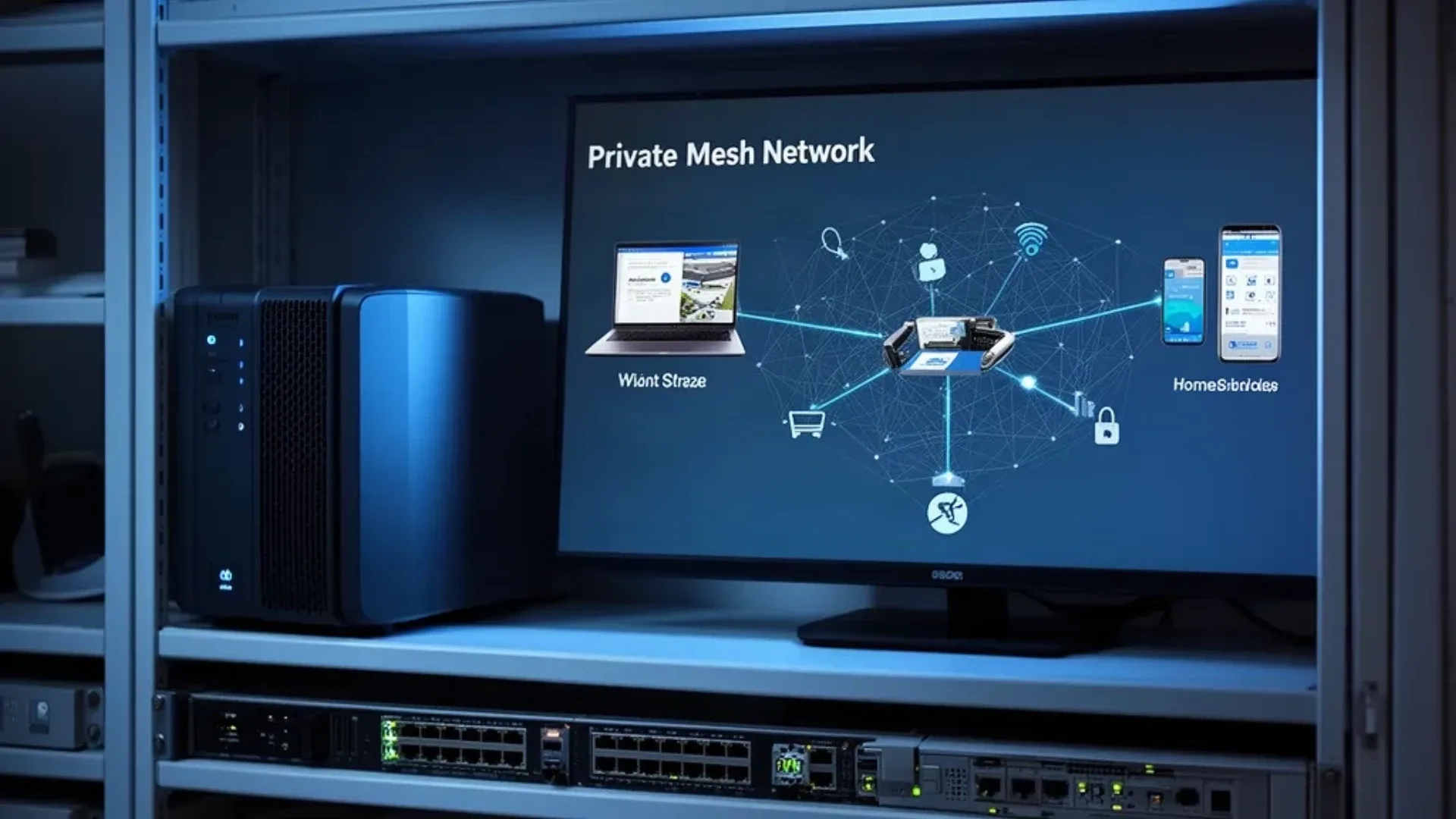
Tailscale is a practical way to reach a homelab without turning every service into a public internet endpoint. Install it on the mini PC, sign the host into your tailnet, and approved devices can reach private services over encrypted connections. Your home router does not need a port-forwarding rule for every dashboard, SSH service, or internal web app.
The useful distinction is between three jobs. A normal Tailscale node gives the mini PC and your devices private addresses. A subnet router carries tailnet traffic to devices that cannot run Tailscale. An exit node carries a client’s general internet traffic through the home network. They solve different problems and should not be enabled by habit.
This guide covers the host installation, subnet routes, exit nodes, DNS, access controls, and failure boundaries. For the wider hardware choice, see our mini PC home server guide. For a box that will host several network services or virtual machines, the VM capacity estimator helps separate CPU capacity from network design.
Why Tailscale Changes the Homelab Network
The classic homelab pattern is a VPN server with a forwarded UDP port, plus a reverse proxy or more forwarded ports for services. That can work, but every public listener becomes another configuration and patching responsibility. A private Tailscale deployment moves the access decision into the tailnet identity and policy layer.
The Tailscale documentation describes a network built around device identity, encrypted connections, NAT traversal, and relay fallback when direct paths cannot be established. Your traffic may travel directly between devices or through a relay path. That is why Tailscale can work behind many home routers without manual forwarding, but it also means throughput and latency depend on the path available at that moment.
| Need | Tailscale feature | Mini PC role |
|---|---|---|
| Reach the mini PC itself | Regular node | Runs Tailscale and accepts approved access |
| Reach a printer or camera | Subnet router | Advertises the private LAN range |
| Browse the internet from home | Exit node | Routes selected client traffic |
| Reach a web app by name | MagicDNS or your DNS | Supplies private name resolution |
| Limit who can reach what | ACLs and grants | Enforces policy across the tailnet |
| Publish a service publicly | Serve or Funnel | Separate choice with a larger exposure |
The mini PC does not need to be powerful for the basic node role. Reliability, a stable address on the home LAN, and a recovery plan matter more than benchmark performance.
Install Tailscale on the Mini PC
A host installation is the clearest starting point when the mini PC will be a subnet router or exit node. It can see the host network directly and does not add a container network layer to troubleshoot. Use the current official Linux installation guide for the distribution you run.
On a Debian or Ubuntu host, the documented installation flow looks like this:
curl -fsSL https://tailscale.com/install.sh | sh
sudo tailscale up
tailscale status
tailscale ip -4
The first command installs the package from Tailscale’s official repository. The tailscale up command gives you an authentication URL or opens the browser flow described by the current documentation. Complete the sign-in from a device you control, then confirm the mini PC appears in the admin console.
Do not put the authentication key in a public Compose file or shell history. If you use an authorization key for an automated deployment, apply the expiry and tagging choices documented by Tailscale and store the secret in your password manager.
If your only goal is to reach the mini PC, stop here. Test SSH or the local web interface from a second tailnet device. Adding subnet routing or exit-node behavior increases the permissions and failure surface.
Configure a Subnet Router
A subnet router is useful when the destination device cannot run Tailscale. Examples include a network printer, a camera recorder, a managed switch, or an older NAS. The mini PC becomes the path between the tailnet and the advertised private subnet.
First identify the correct LAN range. Do not copy 192.168.1.0/24 blindly if your router uses another range. Then enable forwarding on the Linux host as described in the Tailscale subnet-router guide:
sudo tailscale set --advertise-routes=192.168.1.0/24
tailscale status
Replace the example range with the network you actually own. Open the Tailscale admin console and approve the advertised route. Route approval and tailnet policy are separate steps. A route can be approved while an ACL still denies a user or group from reaching the destination.
The subnet router should have a stable connection to the LAN. If the mini PC sleeps, reboots, loses its network, or is powered off, devices behind that route disappear from the tailnet. That is an important difference from a managed gateway with redundant hardware.
Use narrow routes where possible. Advertising one private range is convenient, but it gives the router a broader job than advertising a smaller service network. If cameras, storage, and user devices share one flat LAN, improve segmentation before granting broad remote access.
Configure an Exit Node
An exit node is not a faster subnet router. It is a general internet egress point. A laptop on hotel Wi-Fi can send its internet traffic through the mini PC at home, which can make the traffic appear to come from the home connection and lets you use the home network’s normal DNS path.
The Tailscale exit-node documentation describes the two parts: advertise the mini PC as an exit node, then choose it from the client device. On the mini PC:
sudo tailscale set --advertise-exit-node
tailscale status
Approve the exit-node option in the admin console when prompted. On a Linux client, the selection uses the current client command documented by Tailscale:
sudo tailscale set --exit-node=mini-pc-name
tailscale status
The exact client interface can differ by operating system. Confirm the active exit node and test both an internal service and an external address. Decide whether local LAN access should remain enabled while the exit node is active, and document that choice for each client.
An exit node consumes the home connection’s upstream bandwidth. It also makes the mini PC a trusted transit point for the client’s internet traffic. Do not enable it for every user simply because the feature exists.
DNS and Private Service Names
MagicDNS gives tailnet devices names that are easier to remember than addresses. It does not replace every local DNS need. A service may still depend on the home router’s resolver, split-horizon DNS, or a reverse proxy that knows the correct hostname.
Enable MagicDNS in the admin console and test name resolution from each client class. Check a laptop, phone, and any client that uses a custom DNS profile. A working Tailscale tunnel with broken DNS looks like a service outage even when the service is healthy.
If the mini PC also runs a local DNS service, decide whether tailnet clients should use it, the home router, or Tailscale’s configured DNS. The Tailscale DNS documentation explains global nameservers, split DNS, and search domains. Keep the design explicit so a DNS outage does not prevent access to the only machine that could repair DNS.
ACLs Are the Security Boundary
Device approval proves that a device belongs in the tailnet. It does not define every service that device may use. ACLs or grants should express the narrower policy.
The current Tailscale policy documentation is the source for syntax and policy behavior. A conceptual policy might separate administrators from family devices and allow only the required ports:
{
  "tagOwners": {
    "tag:server": ["autogroup:admin"]
  },
  "acls": [
    {
      "action": "accept",
      "src": ["group:admins"],
      "dst": ["tag:server:22,443,9443"]
    }
  ]
}
Treat that as a shape to adapt, not a ready-made policy. Define groups, tags, and ports that match your network. Use SSH access controls and host firewalls as a second layer. A subnet router can reach devices that do not have their own identity, so the policy around it deserves more scrutiny than a normal node.
Review key expiry, device removal, and tags during routine maintenance. The Tailscale device-management guidance explains why a forgotten device can remain a long-lived access path if you never review it.
Verify the Setup
Use a checklist instead of assuming the green status icon proves everything:
- Confirm the mini PC appears with the expected name and user identity.
- Reach the mini PC from a second approved device.
- Test one internal service by its private address.
- If a subnet route is enabled, reach one device that cannot run Tailscale.
- Confirm an unapproved device cannot reach the same service.
- If an exit node is enabled, verify the selected client and external egress path.
- Stop Tailscale on the mini PC and confirm the failure is visible in your notes.
- Restore the service and confirm routes and names return without manual surprises.
This is a network verification checklist, not a performance benchmark. It confirms that identity, routing, DNS, and policy agree.
What Tailscale Does Not Solve
Tailscale does not patch an old dashboard, make a weak password safe, or protect a compromised client. It also does not make a single mini PC highly available. If that box is the only subnet router and it fails, the private devices behind it are unreachable even though the tailnet control plane is healthy.
Public sharing features are a different decision. Tailscale Serve and Funnel can make an application available beyond the private tailnet. Read the current Serve and Funnel documentation before enabling either and treat the service as public exposure when it is reachable by people or networks outside your intended tailnet.
For an always-on host, estimate the electricity cost with the power cost calculator. The network design still needs a UPS, backup internet plan, or a second access path if remote access matters during a home outage.
Who Should Use a Mini PC and Who Should Skip It
Use a mini PC as a Tailscale node when you want one stable always-on host for SSH, private dashboards, a subnet route, or an exit node. The basic service is light, so an existing homelab box is usually enough. Keep the host wired to the LAN when it carries routes for other devices.
Skip a single-mini-PC subnet router when remote access is a critical business dependency or when the home network has no recovery path. Use a second route, a managed gateway, or another access design when one small box would become the only path to cameras, storage, or automation.
Frequently Asked Questions
Can Tailscale replace port forwarding for a homelab?
For private access, yes. Tailscale lets approved devices reach one another through an encrypted tailnet without forwarding each service port on the home router. You still need access controls, device approval, updates, and a recovery path for when the mini PC or internet connection is unavailable.
What is a Tailscale subnet router?
A subnet router is a device that advertises a private network range to the tailnet. It lets approved Tailscale clients reach devices that cannot run Tailscale themselves, such as printers, cameras, and older appliances. The router does not automatically grant every user access to every subnet.
What is a Tailscale exit node?
An exit node routes a client’s internet traffic through a chosen device. It is useful on untrusted Wi-Fi or when you need a consistent egress location, but it adds bandwidth and trust responsibilities to the home connection and the exit-node host.
Does Tailscale expose my home services to the internet?
A normal private tailnet connection does not publish a service as a public internet endpoint. The service is reachable by authorized tailnet devices through the Tailscale network. Public sharing features are a separate choice and should be treated as internet exposure.
Can a mini PC run Tailscale all the time?
Yes. Tailscale is a light always-on service for a mini PC, and the host can also provide subnet routing or exit-node duties. The network, storage, and power reliability of the mini PC matter more than raw CPU performance.
Is Tailscale safer than opening a VPN port?
Tailscale can reduce the public attack surface by avoiding an exposed VPN or service port, but it is not a guarantee of safety. Account security, device authorization, ACLs, endpoint updates, and the permissions granted to a subnet router still determine what an attacker or careless user can reach.
Sources and Scope
This guide follows the Tailscale documentation, including its subnet-router guide, exit-node guide, DNS guide, and policy documentation. The Linux installation example uses the official install guide. No universal throughput, power reading, or first-party benchmark is claimed.