
This article contains affiliate links. If you purchase through our links, we may earn a commission at no extra cost to you. We only recommend products we’ve thoroughly researched and verified.
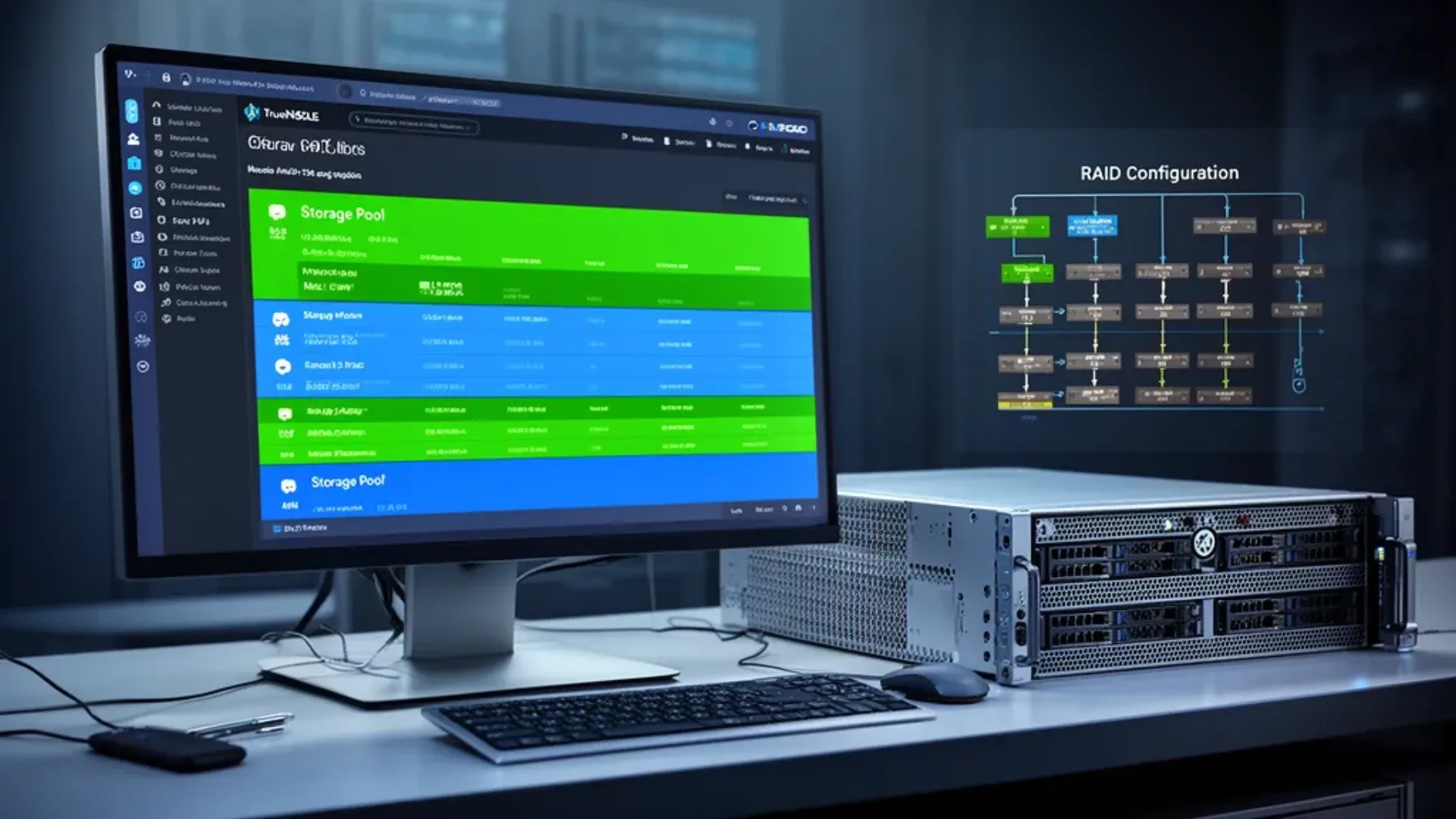
TrueNAS SCALE is the most capable home NAS operating system available — enterprise-grade ZFS storage, native Docker app support, and optional Kubernetes, all free. But “it runs on almost anything” doesn’t mean all hardware performs equally. Under-spec your system and you’ll hit RAM pressure, slow scrubs, and app instability.
This guide covers the real hardware requirements for TrueNAS SCALE in 2026, with specific mini PC recommendations at each tier.
If your search started with truenas scale hardware requirements 2026, best mini pc for truenas scale 2026, or mini pc truenas, compare this guide with Best Mini PC for TrueNAS, Best Mini PC for NAS, and Mini PC NAS Setup for TrueNAS.
TrueNAS SCALE Official Hardware Requirements
From iXsystems’ documentation, the minimum specs for TrueNAS SCALE are:
| Component | Minimum | Recommended | Notes |
|---|---|---|---|
| CPU | Dual-core 64-bit | Quad-core 64-bit+ | Must support hardware virtualization |
| RAM | 8GB | 32GB+ | More RAM = larger ZFS ARC = better performance |
| Boot Drive | 16GB SSD | 32GB SSD | Dedicated OS drive, separate from data |
| Network | 1GbE | 2.5GbE+ | 10GbE for SMB Multichannel setups |
| Data Drives | 1 × any | 3+ RAIDZ1 minimum | USB drives not supported for pools |
These are the minimums. Real-world SCALE deployments need more.
The RAM Question — Why 8GB Isn’t Enough
The official 8GB minimum gets TrueNAS SCALE installed and running. It doesn’t get you a useful system.
What actually consumes RAM in SCALE:
- ZFS ARC cache: Uses up to half of available RAM by default. On 8GB, that’s 4GB for ARC — fine for small pools, limiting for large ones.
- TrueNAS OS baseline: ~2-3GB for the system processes.
- Apps: Each app Plex, Nextcloud, etc. adds 256MB-2GB of RAM usage.
Practical RAM recommendations:
| Use Case | Minimum RAM | Comfortable |
|---|---|---|
| Storage only, no apps | 8GB | 16GB |
| Storage + 1-2 apps | 16GB | 32GB |
| Storage + Plex + multiple apps | 32GB | 64GB |
| Heavy multi-app + virtualization | 64GB | 128GB |
For most home NAS users running storage + Plex + a few utilities: 32GB is the sweet spot.
That table is a starting point, not your number. The published sizing rules scale with drive count, deduplication, L2ARC, and directory services, and deduplication in particular can add more RAM than the rest of the build combined. Put your own pool into the TrueNAS hardware calculator and it applies each documented rule in turn, showing which line added what.
CPU Requirements — What Actually Matters
TrueNAS SCALE is not CPU-intensive for basic NAS work. File serving, ZFS scrubs, and SMART tests run fine on an Intel N100. CPU requirements jump when you add:
- Plex transcoding: Software transcoding 4K → 1080p requires 4+ fast cores. Intel Quick Sync or AMD VA-API handle hardware transcoding and reduce CPU load to near-zero.
- Docker apps: Each container adds CPU overhead. Dozens of containers need 6+ cores.
- Encryption: AES-NI acceleration is on all modern x86 processors — not a bottleneck.
- Virtualization: Running VMs inside SCALE via its KVM support requires more cores.
CPU tiers for TrueNAS SCALE:
| CPU | Cores | Best For |
|---|---|---|
| Intel N100 | 4C/4T | Storage-only, light apps |
| Intel N150 | 4C/4T | Storage + 1-2 apps, better perf |
| Intel i5-12450H | 8C/12T | Storage + Plex HW transcode + apps |
| AMD Ryzen 7 7940HS | 8C/16T | Storage + heavy app workload + VMs |
Networking — Why 2.5GbE Matters
1GbE maxes out at ~115 MB/s in real-world NAS use — less than modern NVMe SSDs can sustain. 2.5GbE at 280 MB/s and 10GbE at 1100 MB/s eliminate this bottleneck.
For a home NAS running all-SSD storage, 2.5GbE is the practical upgrade that makes the biggest difference. 10GbE is worth it if you have 10GbE switches and are doing large file transfers regularly.
NIC compatibility notes for TrueNAS SCALE:
- Intel I225-V / I226-V 2.5GbE: Fully supported, recommended
- Realtek RTL8125 2.5GbE: Works but has had driver issues on some SCALE versions — test before deploying
- Intel X550-T1 10GbE: Well-supported, common in homelab builds
- Marvell AQC113 10GbE: Supported in recent SCALE versions
Storage Configuration — Drives and Pools
TrueNAS SCALE uses ZFS. Understanding ZFS topology is critical:
Minimum usable configurations:
| Config | Drives | Usable Space | Failure Tolerance |
|---|---|---|---|
| Stripe | 2 | 100% | None |
| Mirror | 2 | 50% | 1 drive |
| RAIDZ1 | 3+ | N-1/N | 1 drive |
| RAIDZ2 | 4+ | N-2/N | 2 drives |
For home NAS with irreplaceable data: RAIDZ1 minimum, RAIDZ2 preferred.
OS drive requirements:
- Minimum: 16GB SSD dedicated solely to TrueNAS SCALE OS
- Recommended: 32GB NVMe M.2 keeps OS fast and separate
- Never use USB flash drives — they fail under constant writes
Recommended Mini PCs for TrueNAS SCALE
Budget: Beelink EQ14 ~$180-200
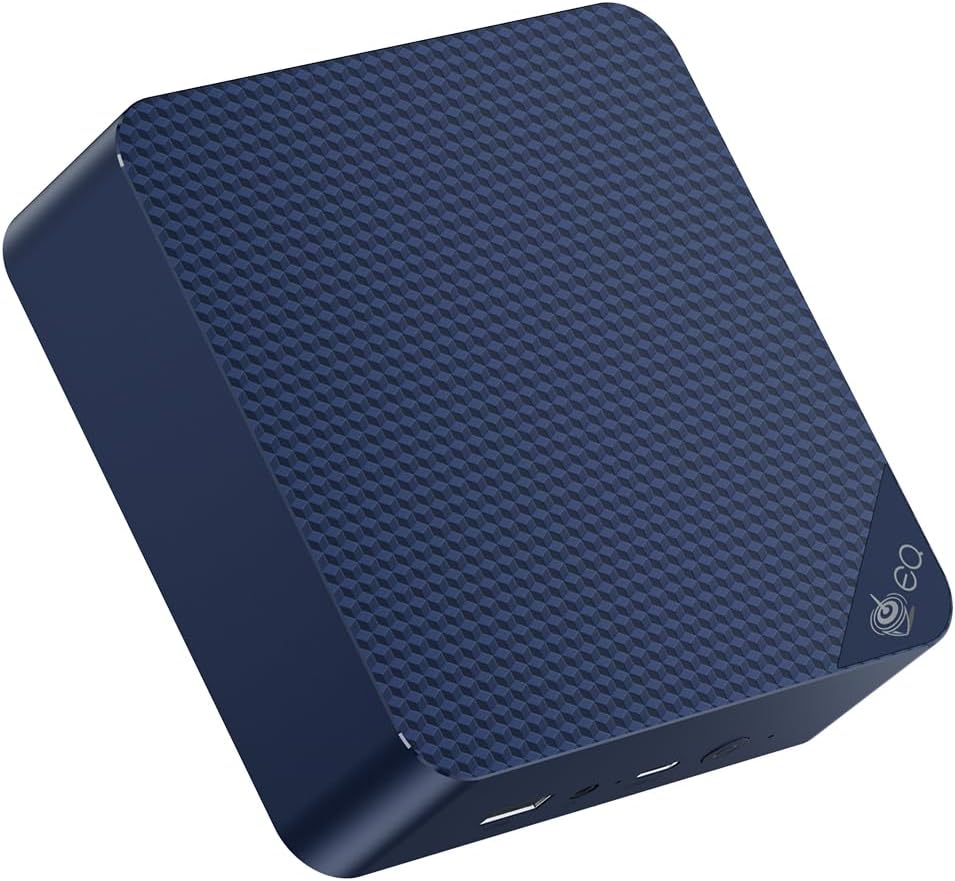
The Beelink EQ14 with Intel N150 is the best value TrueNAS SCALE host for M.2-only setups. Two M.2 slots let you put the OS on one and a data NVMe on the second. Add USB-attached external drives for additional storage — though USB drives aren’t pool-able in SCALE, they work for offsite backup targets.
Specs:
| Spec | Detail |
|---|---|
| CPU | Intel N150, 4C/4T, up to 3.6GHz |
| RAM | 16GB DDR4 |
| Storage | 1× M.2 OS + 1× M.2 data |
| Networking | 2× 2.5GbE Intel I226-V |
| Power Draw | ~6-8W idle |
Best for: Small all-SSD NAS, backup server, network storage for 1-2 users.
Cons:
- No SATA ports — HDD expansion only via USB not poolable in ZFS
- 16GB RAM limits app count
Mid-Range: GEEKOM IT12 ~$280-350
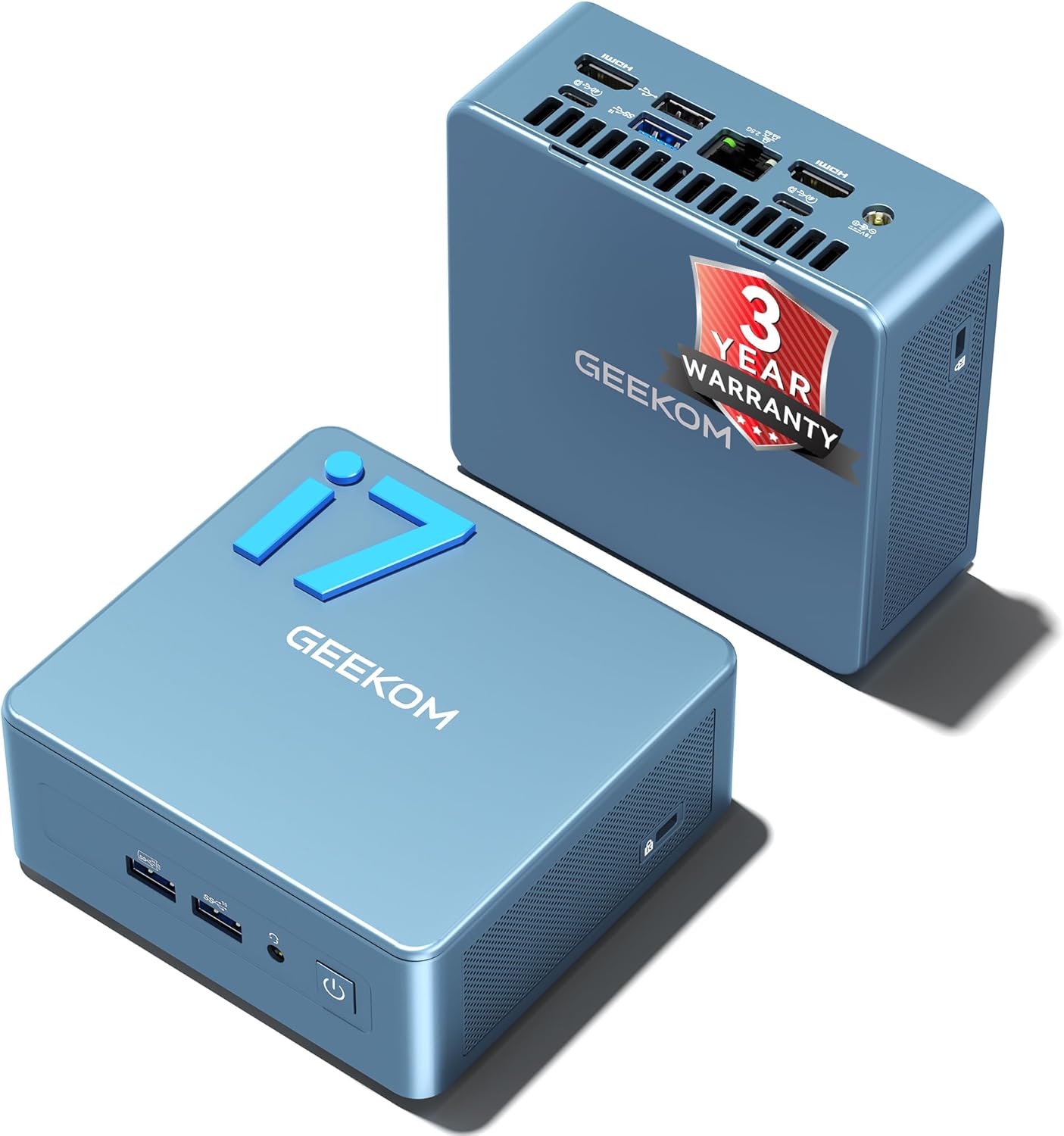
The GEEKOM IT12 with Intel i5-12450H offers Quick Sync hardware transcoding for Plex alongside TrueNAS SCALE. Eight cores handle multi-app setups comfortably. Like the EQ14, it uses M.2 storage internally — pair with USB expansion docks or choose a NAS appliance if you need HDDs.
→ Check Current Price on Amazon
Specs:
| Spec | Detail |
|---|---|
| CPU | Intel i5-12450H, 8C/12T |
| RAM | 16-32GB DDR5 |
| Storage | 2× M.2 NVMe |
| Networking | 1× 2.5GbE |
| Power Draw | ~10-14W idle |
Best for: TrueNAS SCALE + Plex transcoding + multiple apps, all-NVMe pool.
NAS Appliance: Minisforum N5 Air ~$519+
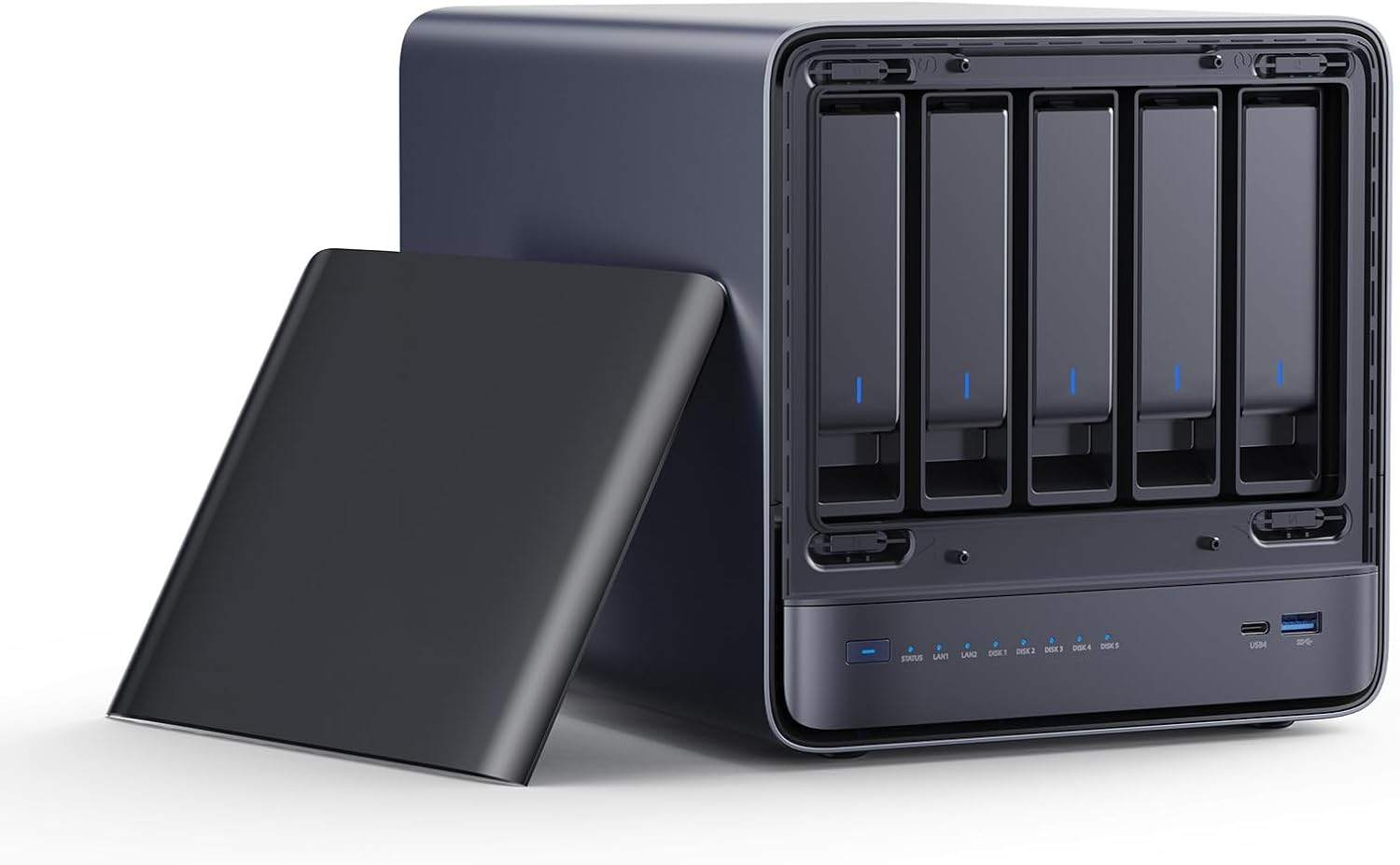
The Minisforum N5 Air is purpose-built for TrueNAS and similar NAS workloads. Five internal 3.5-inch HDD bays, 10GbE + 5GbE dual-NIC, and AMD Ryzen 7 255 — this is the right hardware for a serious HDD-based NAS.
→ Check Current Price on Amazon
Specs:
| Spec | Detail |
|---|---|
| CPU | AMD Ryzen 7 255 |
| RAM | 2× DDR5 SO-DIMM slots RAM not included |
| Storage | 5× 3.5-inch HDD bays + M.2 for OS |
| Networking | 10GbE + 5GbE |
| Power Draw | ~25-35W idle with drives |
Best for: HDD-based NAS with RAIDZ1/RAIDZ2, high-throughput home NAS, media storage.
Important: RAM is not included — purchase separately. The N5 Air is a NAS appliance, not a general-purpose mini PC.
High-End: Beelink Me Pro ~$280-350
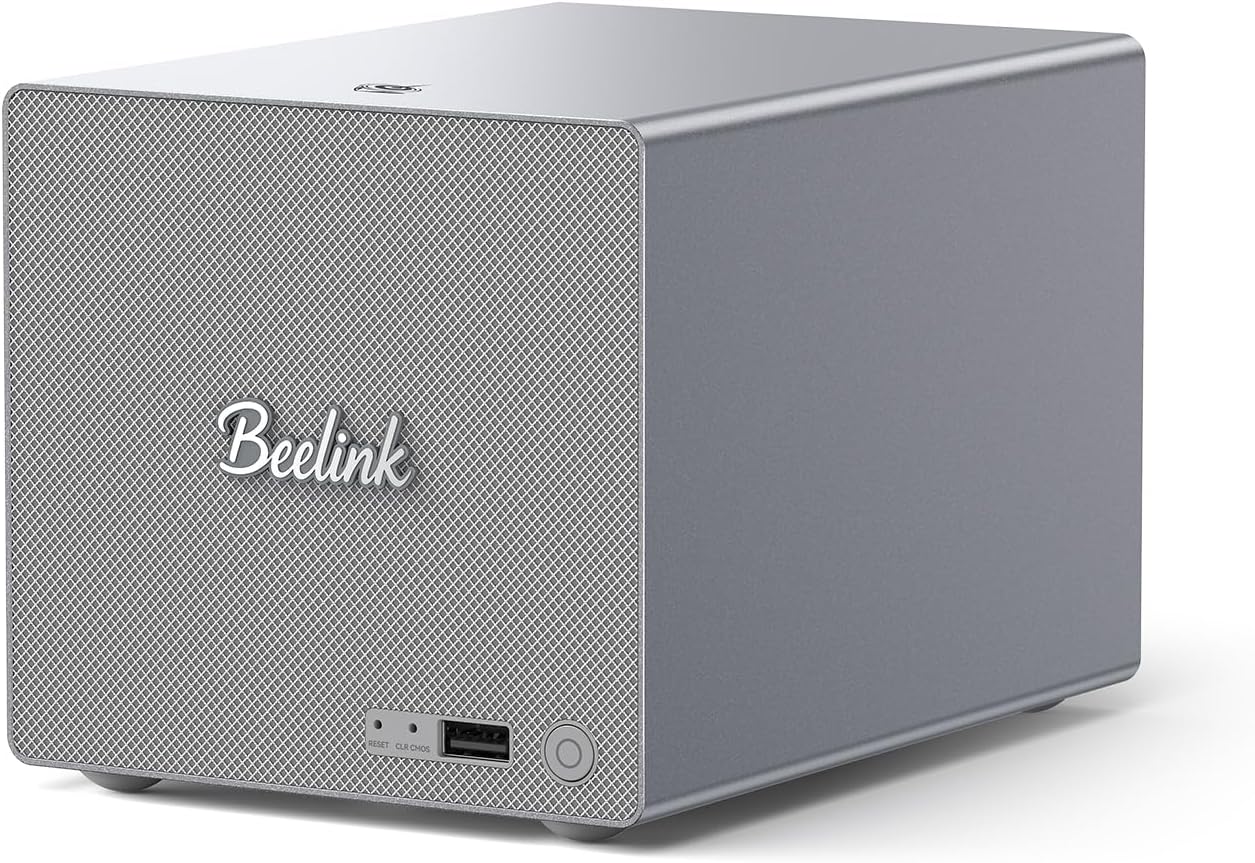
The Beelink Me Pro targets NAS use cases directly: two internal drive bays plus 3× M.2 slots, plus 5GbE + 2.5GbE dual networking. You get the best of both worlds — internal SATA HDDs for ZFS pools, M.2 NVMe for fast app storage and OS.
→ Check Current Price on Amazon
Specs:
| Spec | Detail |
|---|---|
| CPU | Intel N150 |
| RAM | 16GB LPDDR5 |
| Storage | 2 drive bays + 3× M.2 |
| Networking | 5GbE + 2.5GbE |
| Power Draw | ~8-12W idle |
Best for: Small HDD-based NAS that fits in a mini PC form factor with SATA drive support.
TrueNAS SCALE App Overhead
Running TrueNAS SCALE apps via TrueCharts or the official catalog adds:
| App | RAM | CPU idle | Notes |
|---|---|---|---|
| Plex Media Server | 500MB-2GB | Low with HW transcode | Needs iGPU for HW transcode |
| Nextcloud | 512MB-1GB | Low | Database adds overhead |
| Jellyfin | 256MB-1GB | Low with HW transcode | Better iGPU support than Plex |
| Home Assistant | 512MB-1GB | Very low | Consider dedicated host instead |
| Calibre-Web | 256MB | Very low | Books library |
| qBittorrent | 128MB | Very low | Torrent downloads |
Running 4-6 apps simultaneously: budget 8-16GB of RAM beyond your ZFS ARC allocation.
ECC RAM — Should You Care?
The short answer for home users: probably not.
ECC RAM prevents bit-flip errors that could corrupt ZFS metadata. In a datacenter running 24/7 with hundreds of drives, ECC matters. At home, with regular backups and a small pool, non-ECC RAM is acceptable.
When ECC matters:
- Holding irreplaceable data with no backup don’t do this
- Running ZFS as a single source of truth for business data
- Building a multi-year always-on system
Most consumer mini PCs don’t support ECC. The Minisforum MS-A2 and some workstation-class platforms do — but they’re overkill for home NAS.
Power Consumption for 24/7 NAS Use
A NAS that never powers down is the one build where idle watts matter more than peak. Work out the yearly bill on your own tariff with the power cost calculator.
A NAS runs all day, every day. Power efficiency matters:
| System | Idle Draw | Annual Cost |
|---|---|---|
| EQ14 N150 | ~7W | ~$7.35/year |
| IT12 i5-12450H | ~12W | ~$12.60/year |
| N5 Air + 5 HDDs | ~30W | ~$31.50/year |
| Me Pro + 2 HDDs | ~15W | ~$15.75/year |
Calculated at $0.12/kWh, 24/7 operation.
Who Should Skip These Picks
- Skip this shortlist if your real workload is lighter than the use case in the title and a cheaper office mini PC would cover it.
- Skip the top pick if you need more RAM, more storage, or stronger networking than this tier usually provides.
- Skip this category and move up or down a tier if your budget or platform needs point to either a simpler box or a much more capable homelab system.
Frequently Asked Questions
Can TrueNAS SCALE run on 8GB RAM?
Technically yes — TrueNAS SCALE boots and serves files with 8GB RAM. But app stability suffers, ZFS ARC is severely limited, and you’ll see memory pressure with multiple apps. 16GB is the real minimum for a useful system.
Does TrueNAS SCALE support hardware transcoding for Plex?
Yes. TrueNAS SCALE supports Intel Quick Sync via the Plex app with recent versions. AMD VA-API also works. You’ll need to pass the iGPU to the Plex app — documented in the TrueNAS community wiki.
Is SATA storage required for TrueNAS SCALE?
No. TrueNAS SCALE runs fine with NVMe M.2 storage pools. Many homelab users run all-NVMe SCALE setups for speed. USB-attached drives work for backups but cannot be added to ZFS pools.
What’s the difference between TrueNAS SCALE and CORE?
TrueNAS SCALE uses Linux with native Docker and app support. TrueNAS CORE uses FreeBSD with bhyve virtualization. As of 2024, iXsystems focuses development on SCALE — new users should choose SCALE.
Can I upgrade RAM later in mini PCs?
Depends on the model. The Beelink EQ14 uses standard DDR4 SO-DIMM — upgradeable. The Beelink MINI S12 uses DDR4 RAM — not upgradeable. Always confirm RAM type before purchase.
Can a mini PC run TrueNAS SCALE?
Yes. A mini PC with M.2 slots or USB-attached storage can run TrueNAS SCALE. For serious NAS use, choose a mini PC with internal SATA ports or buy a dedicated NAS appliance like the Minisforum N5 Air. M.2-based mini PC NAS setups work well for all-SSD storage.
How much storage does the TrueNAS SCALE OS drive need?
TrueNAS SCALE requires a minimum 16GB boot drive, but recommends 32GB. Use a dedicated SSD or NVMe for the OS — never share it with your data pool. USB flash drives are not supported for the OS in SCALE.
Bottom Line
For a pure NAS with HDD storage: the Minisforum N5 Air is the right tool — 5 internal bays and 10GbE networking that mini PCs can’t match.
For an all-SSD NAS or multi-purpose home server: the Beelink EQ14 or GEEKOM IT12 deliver excellent TrueNAS SCALE performance with dual M.2 slots, low power consumption, and enough headroom for apps.
Want to run TrueNAS alongside other services? See our best mini PC for home server guide for multi-workload recommendations.