
This article contains affiliate links. If you purchase through our links, we may earn a commission at no extra cost to you. We only recommend products we’ve thoroughly researched and verified.

A good Kali Linux box needs clean Linux compatibility, enough RAM for multiple tools or VMs, and networking that does not get in the way once you build a real lab.
This guide avoids listing-spec noise and focuses on the hardware traits that actually matter for Kali work.
If you are still comparing the broad field before you narrow this use case, start with our best mini PC for home server guide.
Quick Picks
| Pick | Mini PC | Why It Made The List | Price | Link |
|---|---|---|---|---|
| Best Overall | GEEKOM IT15 | Current listing research points to Core Ultra 9 285H, 32GB DDR5, and 2TB SSD, which makes it the premium Intel desk and lab pick. | ~$600-700 | Check Price |
| Best Value | Minisforum AI X1 Pro-370 32GB | Ryzen AI 9 HX370, upgradeable DDR5, OCuLink, and dual 2.5GbE make it the practical HX370 performance pick. | ~$600-700 | Check Price |
| Runner-Up | GMKtec K12 | Ryzen 7 H255, 32GB DDR5, three M.2 slots, and dual 2.5GbE make it a balanced do-more mini PC under flagship pricing. | ~$499 | Check Price |
| Specialist Pick | Minisforum UM790 Pro | Ryzen 9 7940HS, USB4, and 32GB DDR5 keep it relevant for buyers who want older premium AMD speed at a lower entry price. | ~$380 | Check Price |
| Upgrade Pick | Beelink EQ14 | Intel N150, 16GB DDR4, and dual 2.5GbE make it one of the cleanest budget homelab and quiet-office picks. | ~$180-200 | See current alternatives |
How We Research These Picks
Each recommendation is tied to a specific product configuration and cross-checked against manufacturer documentation. Affiliate targets are checked for product identity during content refreshes. Prices are approximate, and this site does not publish live stock guarantees or claim first-party benchmarks without documented evidence.
What Matters Most
- Linux compatibility and clean driver behavior matter before peak performance.
- RAM and storage headroom matter if you run VMs or heavier tooling.
- Networking and ports matter once the box moves from casual use to a serious lab role.
Our Top Picks
Best Overall
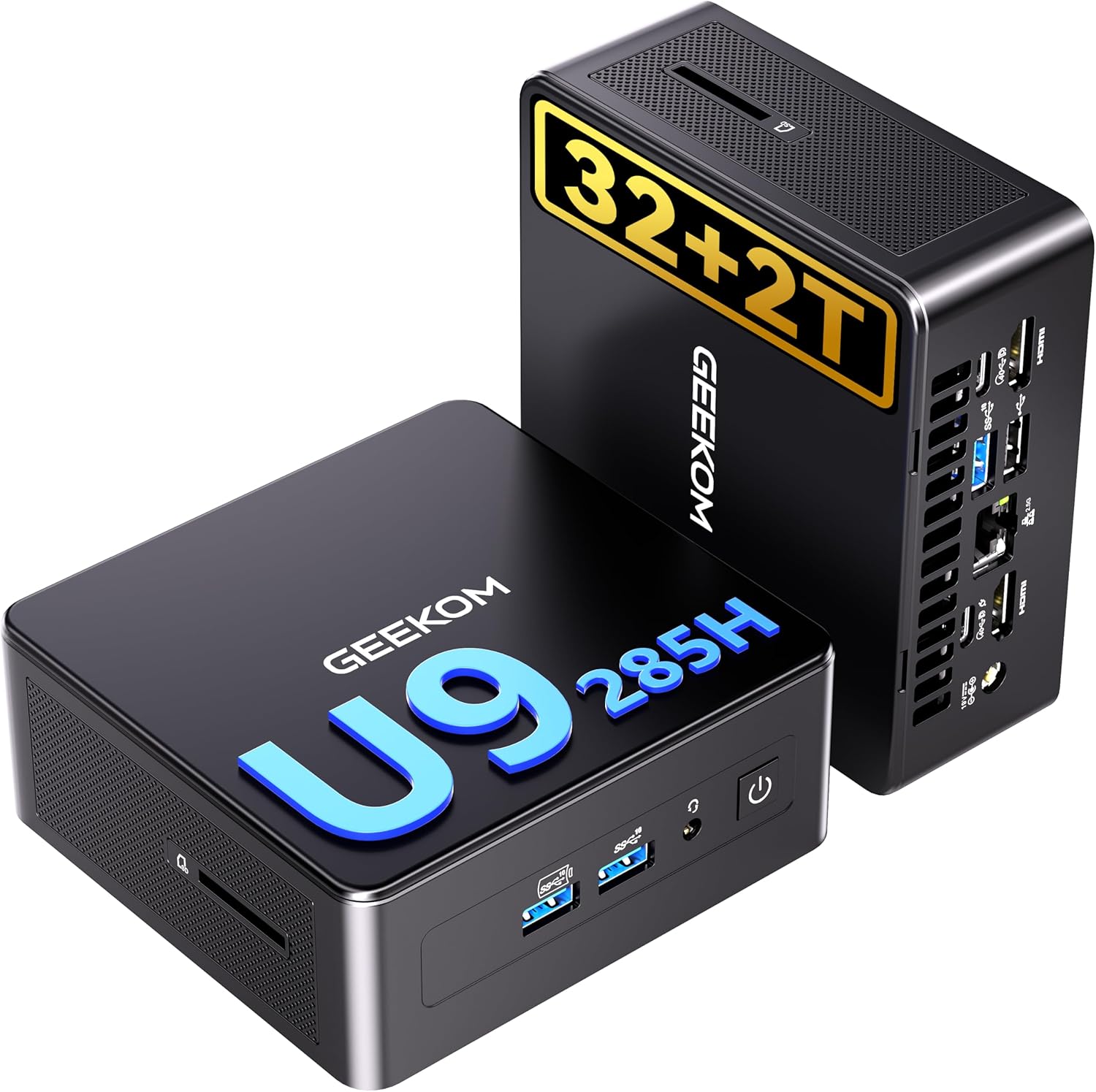
GEEKOM IT15
→ Check Current Price on Amazon
GEEKOM IT15 earns this slot because current listing research points to core ultra 9 285h, 32gb ddr5, and 2tb ssd, which makes it the premium intel desk and lab pick.. For this use case, that matters more than chasing a generic benchmark win that says little about real ownership.
At ~$600-700, it fits best when you understand the tradeoff it is making against the rest of the field. The hardware profile above is why it made the list. The question is whether that tradeoff actually matches your workload.
Specs:
| Spec | Detail |
|---|---|
| Key Hardware | Current listing research points to Core Ultra 9 285H, 32GB DDR5, and 2TB SSD, which makes it the premium Intel desk and lab pick. |
| Typical Price | ~$600-700 |
| Power Planning | ~10W idle and ~55W under load |
| Best Fit | Best Overall |
Pros:
- Current listing research points to Core Ultra 9 285H, 32GB DDR5, and 2TB SSD, which makes it the premium Intel desk and lab pick.
- Matches the specific use case better than a generic desktop-first pick.
- Easier to justify when the current price stays in line with the rest of the field.
Cons:
- Not every buyer in this category needs what this system is optimizing for.
- Value falls off quickly if a lower-priced rival already covers your real workload.
Who should buy this: Buy it if you want current listing research points to core ultra 9 285h, 32gb ddr5, and 2tb ssd, which makes it the premium intel desk and lab pick..
Who should skip this: Skip it if the reason this pick made the list does not match the way you actually plan to use the system.
Best Value
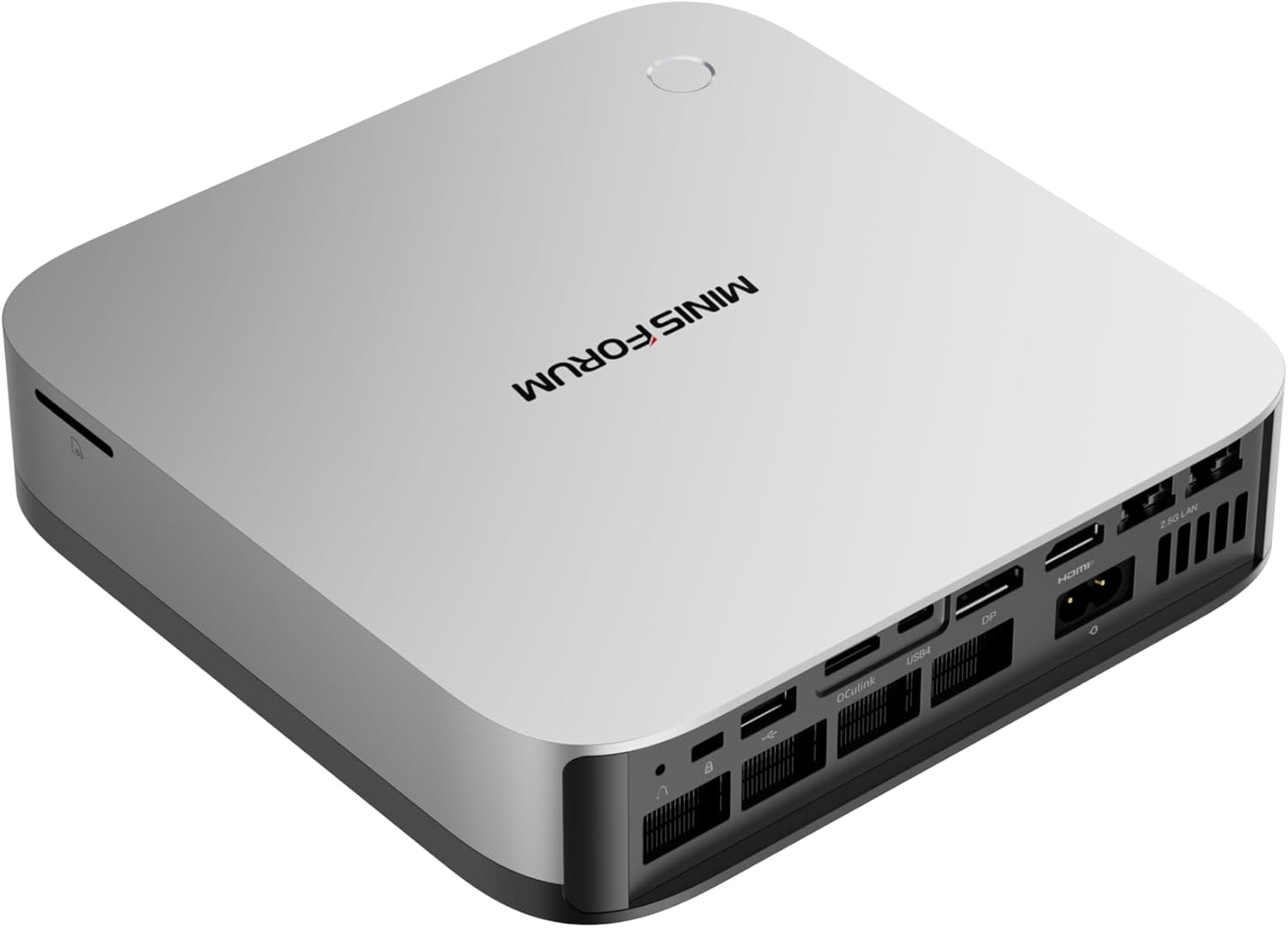
Minisforum AI X1 Pro-370 32GB
→ Check Current Price on Amazon
Minisforum AI X1 Pro-370 32GB earns this slot because ryzen ai 9 hx370, upgradeable ddr5, oculink, and dual 2.5gbe make it the practical hx370 performance pick.. For this use case, that matters more than chasing a generic benchmark win that says little about real ownership.
At ~$600-700, it fits best when you understand the tradeoff it is making against the rest of the field. The hardware profile above is why it made the list. The question is whether that tradeoff actually matches your workload.
Specs:
| Spec | Detail |
|---|---|
| Key Hardware | Ryzen AI 9 HX370, upgradeable DDR5, OCuLink, and dual 2.5GbE make it the practical HX370 performance pick. |
| Typical Price | ~$600-700 |
| Power Planning | ~14W idle and ~75W under load |
| Best Fit | Best Value |
Pros:
- Ryzen AI 9 HX370, upgradeable DDR5, OCuLink, and dual 2.5GbE make it the practical HX370 performance pick.
- Matches the specific use case better than a generic desktop-first pick.
- Easier to justify when the current price stays in line with the rest of the field.
Cons:
- Not every buyer in this category needs what this system is optimizing for.
- Value falls off quickly if a lower-priced rival already covers your real workload.
Who should buy this: Buy it if you want ryzen ai 9 hx370, upgradeable ddr5, oculink, and dual 2.5gbe make it the practical hx370 performance pick..
Who should skip this: Skip it if the reason this pick made the list does not match the way you actually plan to use the system.
Runner-Up
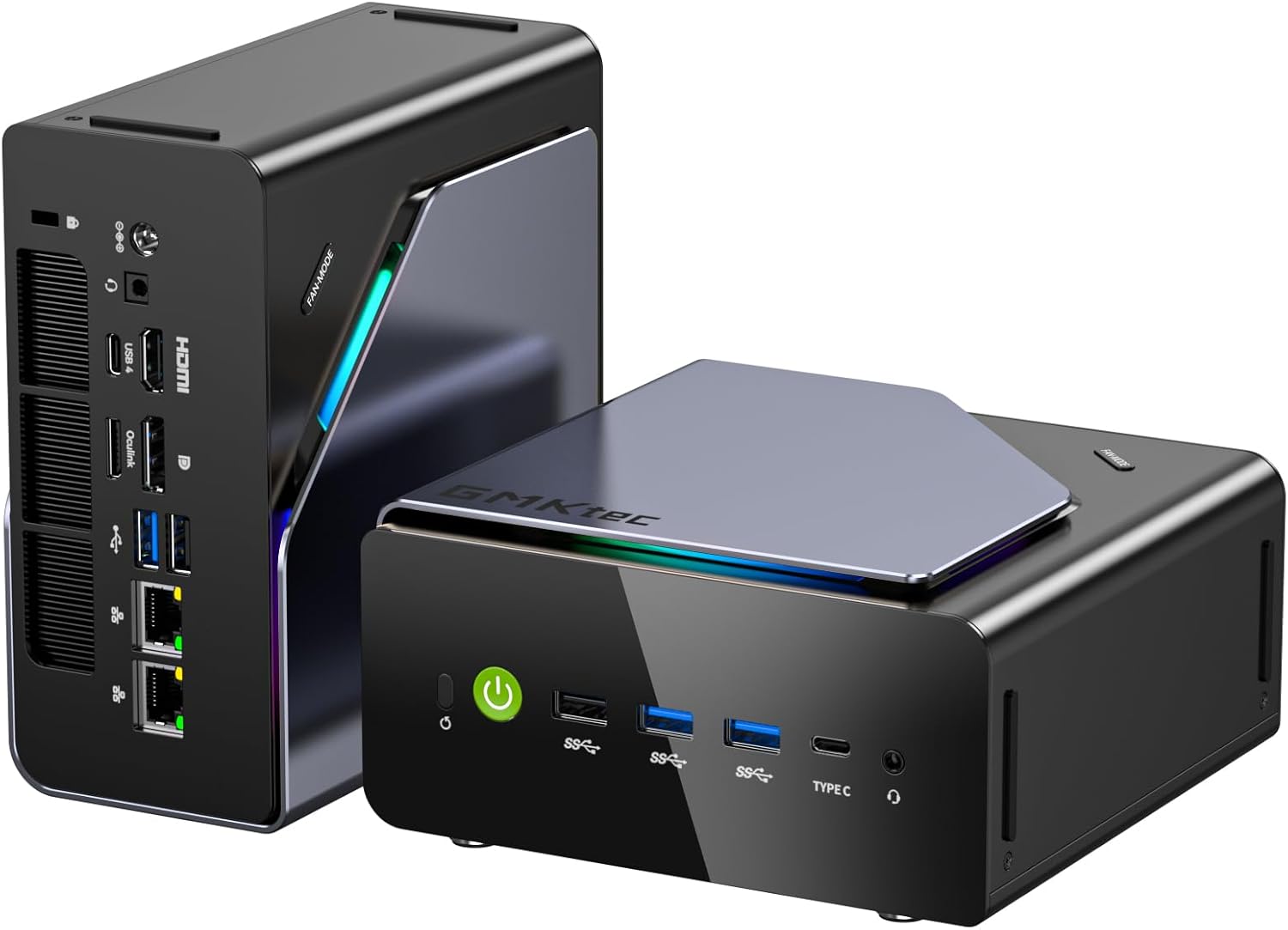
GMKtec K12
→ Check Current Price on Amazon
GMKtec K12 earns this slot because ryzen 7 h255, 32gb ddr5, three m.2 slots, and dual 2.5gbe make it a balanced do-more mini pc under flagship pricing.. For this use case, that matters more than chasing a generic benchmark win that says little about real ownership.
At ~$499, it fits best when you understand the tradeoff it is making against the rest of the field. The hardware profile above is why it made the list. The question is whether that tradeoff actually matches your workload.
Specs:
| Spec | Detail |
|---|---|
| Key Hardware | Ryzen 7 H255, 32GB DDR5, three M.2 slots, and dual 2.5GbE make it a balanced do-more mini PC under flagship pricing. |
| Typical Price | ~$499 |
| Power Planning | ~10W idle and ~45W under load |
| Best Fit | Runner-Up |
Pros:
- Ryzen 7 H255, 32GB DDR5, three M.2 slots, and dual 2.5GbE make it a balanced do-more mini PC under flagship pricing.
- Matches the specific use case better than a generic desktop-first pick.
- Easier to justify when the current price stays in line with the rest of the field.
Cons:
- Not every buyer in this category needs what this system is optimizing for.
- Value falls off quickly if a lower-priced rival already covers your real workload.
Who should buy this: Buy it if you want ryzen 7 h255, 32gb ddr5, three m.2 slots, and dual 2.5gbe make it a balanced do-more mini pc under flagship pricing..
Who should skip this: Skip it if the reason this pick made the list does not match the way you actually plan to use the system.
Specialist Pick
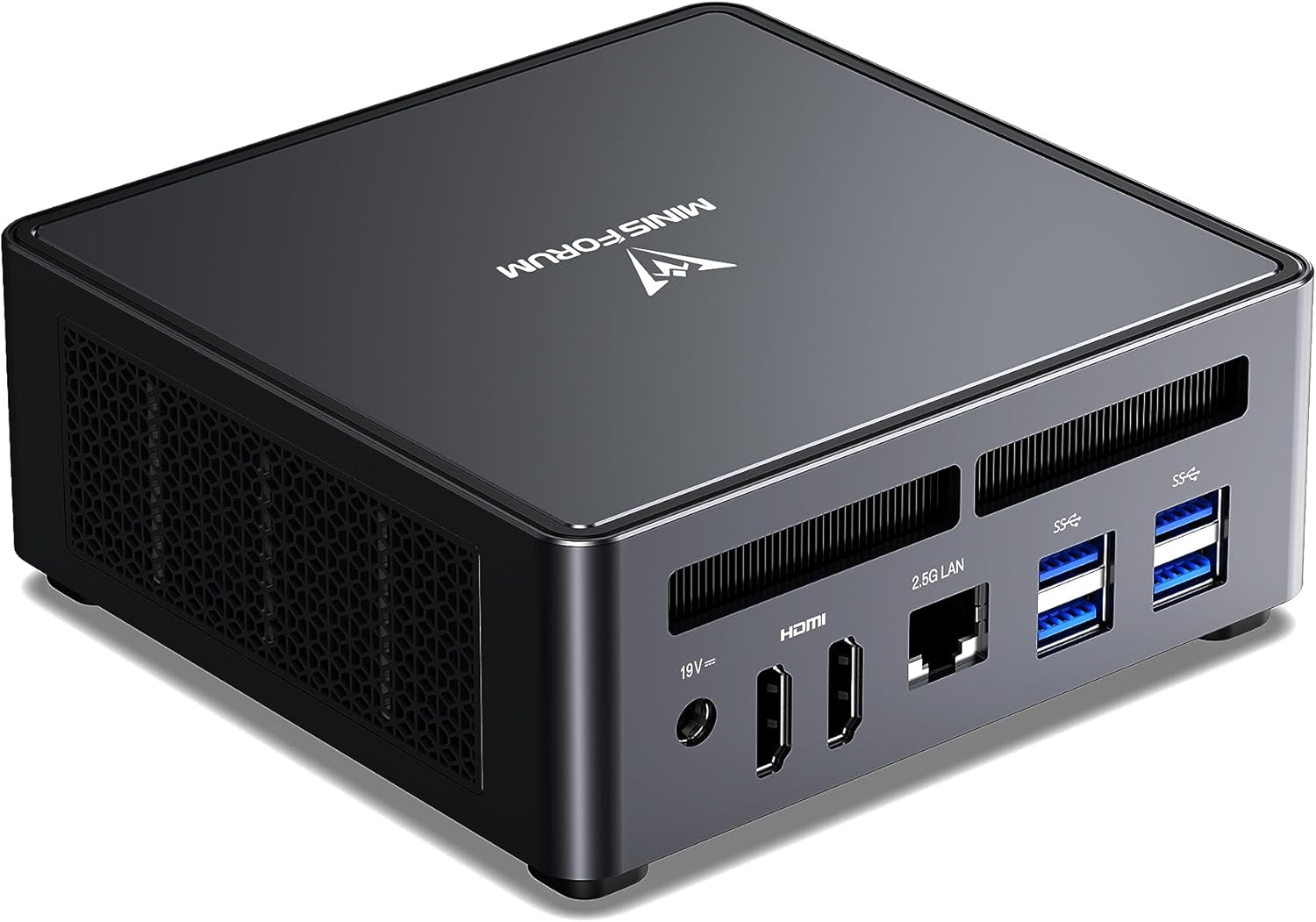
Minisforum UM790 Pro
→ Check Current Price on Amazon
Minisforum UM790 Pro earns this slot because ryzen 9 7940hs, usb4, and 32gb ddr5 keep it relevant for buyers who want older premium amd speed at a lower entry price.. For this use case, that matters more than chasing a generic benchmark win that says little about real ownership.
At ~$380, it fits best when you understand the tradeoff it is making against the rest of the field. The hardware profile above is why it made the list. The question is whether that tradeoff actually matches your workload.
Specs:
| Spec | Detail |
|---|---|
| Key Hardware | Ryzen 9 7940HS, USB4, and 32GB DDR5 keep it relevant for buyers who want older premium AMD speed at a lower entry price. |
| Typical Price | ~$380 |
| Power Planning | ~10W idle and ~55W under load |
| Best Fit | Specialist Pick |
Pros:
- Ryzen 9 7940HS, USB4, and 32GB DDR5 keep it relevant for buyers who want older premium AMD speed at a lower entry price.
- Matches the specific use case better than a generic desktop-first pick.
- Easier to justify when the current price stays in line with the rest of the field.
Cons:
- Not every buyer in this category needs what this system is optimizing for.
- Value falls off quickly if a lower-priced rival already covers your real workload.
Who should buy this: Buy it if you want ryzen 9 7940hs, usb4, and 32gb ddr5 keep it relevant for buyers who want older premium amd speed at a lower entry price..
Who should skip this: Skip it if the reason this pick made the list does not match the way you actually plan to use the system.
Upgrade Pick
Beelink EQ14
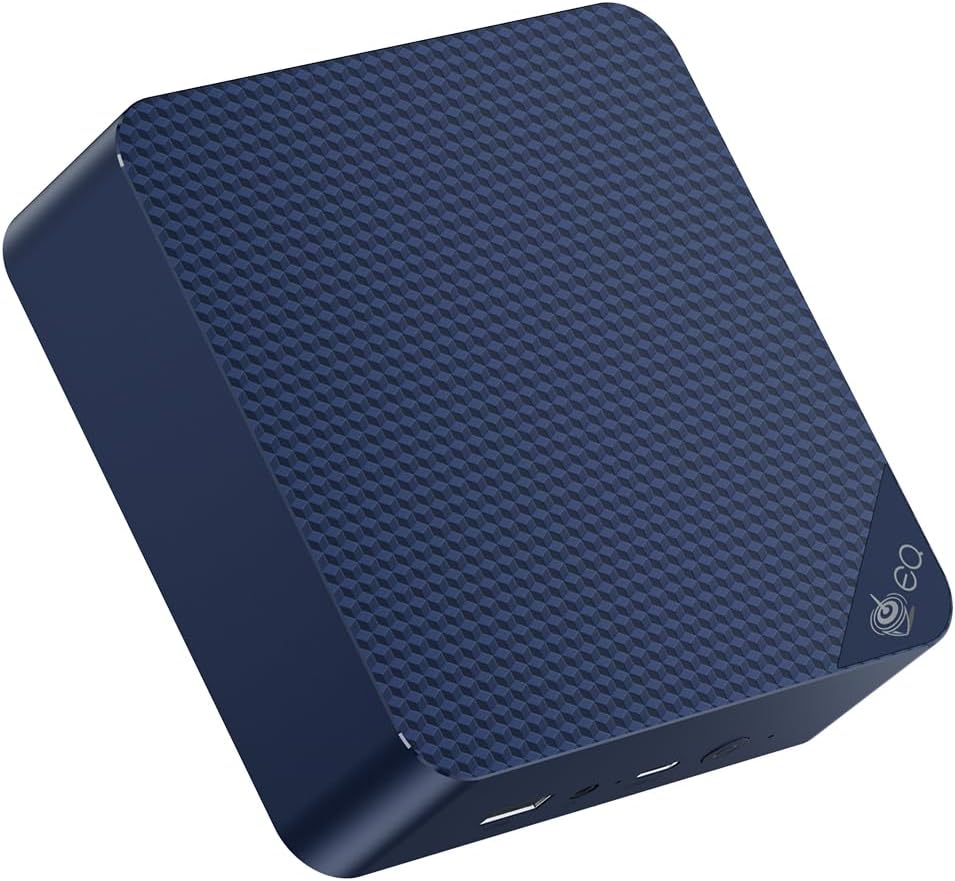
Beelink EQ14 earns this slot because intel n150, 16gb ddr4, and dual 2.5gbe make it one of the cleanest budget homelab and quiet-office picks.. For this use case, that matters more than chasing a generic benchmark win that says little about real ownership.
At ~$180-200, it fits best when you understand the tradeoff it is making against the rest of the field. The hardware profile above is why it made the list. The question is whether that tradeoff actually matches your workload.
Specs:
| Spec | Detail |
|---|---|
| Key Hardware | Intel N150, 16GB DDR4, and dual 2.5GbE make it one of the cleanest budget homelab and quiet-office picks. |
| Typical Price | ~$180-200 |
| Power Planning | ~6W idle and ~20W under load |
| Best Fit | Upgrade Pick |
Pros:
- Intel N150, 16GB DDR4, and dual 2.5GbE make it one of the cleanest budget homelab and quiet-office picks.
- Matches the specific use case better than a generic desktop-first pick.
- Easier to justify when the current price stays in line with the rest of the field.
Cons:
- Not every buyer in this category needs what this system is optimizing for.
- Value falls off quickly if a lower-priced rival already covers your real workload.
Who should buy this: Buy it if you want intel n150, 16gb ddr4, and dual 2.5gbe make it one of the cleanest budget homelab and quiet-office picks..
Who should skip this: Skip it if the reason this pick made the list does not match the way you actually plan to use the system.
Final Buying Advice
The right pick in this category is the one whose tradeoffs match the way you will actually use the box. If your workload is lighter than the article title suggests, buy the cheaper simpler option. If your workload is heavier, move up a tier instead of forcing a compromise box to cover a premium job.
Frequently Asked Questions
What is the best mini PC for Kali Linux?
The best answer depends on whether you care most about premium speed, networking, or disciplined pricing. Linux compatibility and memory headroom are the first filters.
Do you need dual NICs for a Kali Linux mini PC?
No, but they become useful once you build isolated lab setups or blend Kali work with homelab testing.
How much RAM should a Kali Linux mini PC have?
16GB is workable. 32GB is the safer long-term choice if you plan to run VMs or heavier tools.