
This article contains affiliate links. If you purchase through our links, we may earn a commission at no extra cost to you. We only recommend products we’ve thoroughly researched and verified.
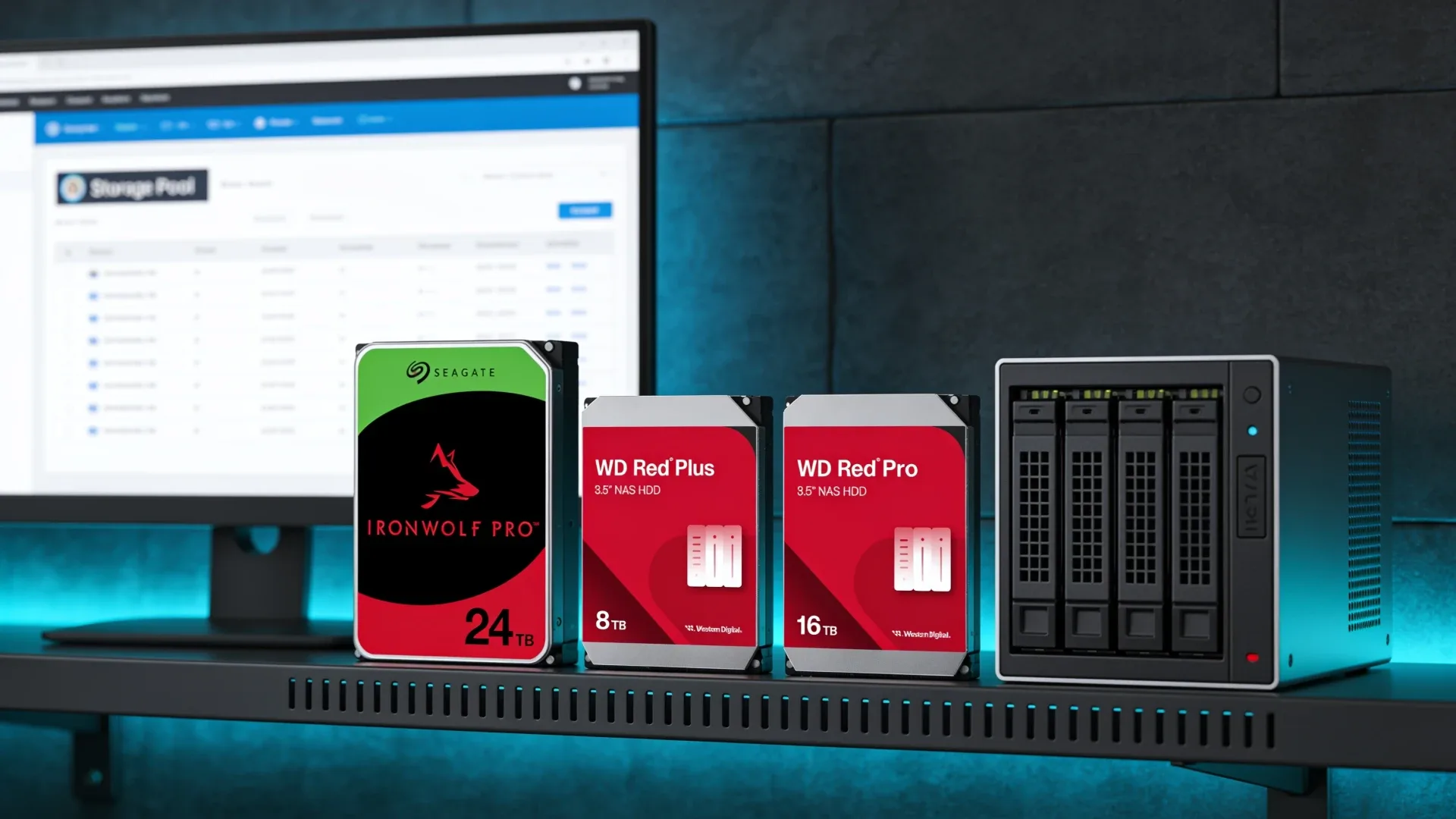
The best NAS hard drives for a mini PC NAS are CMR models sized around the bays you actually have. That sounds obvious, but small NAS builds expose a mistake that is easier to hide in a 24-bay rack: buying cheap low-capacity disks can leave you with too little usable storage and no empty bay for growth. We start with CMR versus SMR, then compare current capacity tiers, workload ratings, and five drives that make sense for a two to five-bay home setup.
This guide is about the drives, not the computer. If you still need the storage host, our best mini PC for NAS roundup covers boxes with internal bays and high-speed networking. TrueNAS users should also read our best mini PC for TrueNAS guide before choosing a pool layout.
Quick Picks: Best NAS Hard Drives for a Mini PC NAS
| Pick | Drive | Best for | Approximate price | Key reason | Link |
|---|---|---|---|---|---|
| 🥇 Best Overall | Seagate IronWolf Pro 24TB | Maximum capacity per bay | ~$800–900 | 24TB, CMR, 300TB per year | Check Current Price |
| 🥈 Best Home NAS Default | WD Red Plus 8TB | Quieter small arrays | ~$320–380 | CMR, 180TB per year | Check Current Price |
| 🥉 Best Heavy Workload | WD Red Pro 16TB | Busy multi-user storage | ~$650–750 | CMR, 550TB per year | Check Current Price |
| Best 8TB Value | Seagate IronWolf 8TB | Two and four-bay builds | ~$300–360 | CMR, 7200 RPM class | Check Current Price |
| Best Middle Capacity | Seagate IronWolf 12TB | More room without Pro pricing | ~$330–400 | CMR, 12TB per bay | Check Current Price |
The best pick depends on your backup target and bay count. The IronWolf Pro 24TB leads when capacity per bay matters most. The WD Red Plus 8TB is easier to justify for a quiet two or four-bay NAS with moderate activity. The WD Red Pro 16TB makes sense when several users, containers, backups, or virtual machines will keep the pool busy.
CMR Versus SMR Is the First Decision
CMR means conventional magnetic recording. The drive writes tracks beside one another with predictable update behavior. SMR means shingled magnetic recording. Tracks overlap like roof shingles, which lets the manufacturer fit more data on the platters, but rewriting one track can require work on neighboring tracks.
That difference matters most during sustained writes and recovery. A small SMR cache can absorb short bursts, so an SMR drive can look normal when copying a few files. A large sync, a parity update, or a ZFS resilver is a different workload. TrueNAS documentation says ZFS does not work well with SMR drives during write operations. The drive can spend long periods reorganizing data, return slow responses, and make a resilver take far longer than the same pool would take with CMR.
The practical rule is simple: use CMR for NAS data drives. Do not choose a model because a retailer page says NAS-ready. Confirm the exact model number in the manufacturer’s documentation. Seagate’s current IronWolf data sheet lists the 4TB through 12TB models as CMR. Western Digital’s Red Plus data sheet lists its current capacities as CMR. WD Red Pro is also CMR.
The WD naming trap is still worth spelling out. Plain WD Red is not the safe generic name many buyers assume. Western Digital shipped SMR in lower-capacity plain Red models. WD Red Plus is the CMR line for home and small-business NAS systems, while WD Red Pro is the higher-workload CMR line. If a listing says only WD Red, stop and find the exact model before buying.
NAS Hard Drive Price Per Terabyte
The usual budget advice says to buy the smallest drive you can afford. That is often backwards for a mini PC NAS because the enclosure has so few bays. Current checks show a rough market pattern of about $41 to $51 per terabyte below 8TB and about $36 per terabyte at 12TB and above. A temporary 12TB offer can land below that range, but the broad pattern remains: high capacity is not automatically the expensive choice per terabyte.
| Capacity | Current CMR examples | Approximate price per terabyte | What it means for a small NAS |
|---|---|---|---|
| 4TB | IronWolf | ~$48–51 | Only for a tight budget or a small mirror |
| 6TB | WD Red Plus | ~$50–54 | A narrow value tier while prices remain high |
| 8TB | IronWolf and Red Plus | ~$41–45 | Practical starting point for four-bay builds |
| 12TB | IronWolf and Red Plus | ~$30–39 | Strong middle ground when 3.5-inch bays are limited |
| 16TB | IronWolf Pro and Red Pro | ~$36–44 | More usable space without filling every bay |
| 20TB | IronWolf Pro and Red Pro | ~$36–42 | Good fit for a two-drive mirror with large media files |
| 22TB | Red Pro | ~$43–45 | Buy only when the current offer beats 20TB or 24TB options |
| 24TB | IronWolf Pro | ~$35–38 | Lowest current cost per terabyte in this shortlist |
Hard drive prices are also up about 50 percent from September 2025. That makes old buying advice especially unreliable. A four-drive set of 4TB disks may look cheaper per drive, but it consumes all four bays for 16TB raw capacity. Two 12TB drives give 24TB raw capacity in a mirror with two bays left for growth, subject to your NAS layout and backup plan.
The table uses approximate bands because marketplace prices move hourly and the current buy box is not always sold by the manufacturer or Amazon. Treat price per terabyte as a decision aid, not a permanent ranking.
What a Workload Rating Really Tells You
The workload rating is an annualized amount of data transferred to or from the drive. It is not the amount of storage the drive can hold, and it is not a guarantee that a drive will survive that many terabytes. It is a limit used in the manufacturer’s reliability and warranty assumptions.
The ratings in this guide fall into three useful tiers:
| Drive line | Workload rating | Warranty | Best fit |
|---|---|---|---|
| Seagate IronWolf | 180TB per year | 3 years plus Rescue | Home file storage, backups, media libraries |
| WD Red Plus | 180TB per year | 3 years | Home and small-business NAS up to 8 bays |
| Seagate IronWolf Pro | 300TB per year | 5 years plus Rescue | Larger pools and heavier multi-user activity |
| WD Red Pro | 550TB per year | 5 years | High-intensity multi-user and business-style workloads |
For a home NAS that stores photos, movies, documents, and periodic backups, 180TB per year is usually the relevant tier. That is still a large amount of data movement. A pool serving several editors, replicating to another NAS, running virtual machine storage, or receiving frequent backup jobs gives the Pro tiers a clearer reason to exist.
Do not translate the rating into a claim that the Pro drive is more likely to work in your particular box. It tells you how the manufacturer positions the drive for workload and warranty purposes. Failure can happen at any tier, so keep SMART monitoring, regular scrubs, and an independent backup.
How Many Drives and What Size Should You Buy?
Start with the number of bays, then decide how much raw capacity you need after redundancy. A mirror uses two drives and stores the capacity of one. RAIDZ1 uses one drive’s worth of parity. RAIDZ2 uses two drives’ worth of parity. Those are planning rules, not final usable-capacity guarantees. Filesystem overhead, reserved free space, snapshots, metadata, and the chosen NAS software all reduce the space you can safely fill.
Two-bay mini PC NAS
Two bays favor a mirror. Buy two matching CMR drives when you need simple redundancy and easy replacement. Two 8TB drives give roughly 8TB raw usable before overhead. Two 12TB drives give roughly 12TB. Two 20TB or 24TB drives cost more at checkout but make much better use of the fixed bay count.
Do not build a two-bay mirror and call it a backup. If both copies are in the same enclosure, a power event, theft, filesystem mistake, or malware incident can affect both. Keep a separate copy on another device or location.
Four-bay mini PC NAS
Four bays give you a choice. Four matching drives in a mirror layout can provide two independent mirrored pairs. Four drives in RAIDZ1 provide one drive of parity, while RAIDZ2 provides two. The right layout depends on how long you can tolerate a degraded pool and how important the data is.
For a media library that can be recreated, four 8TB drives can be a reasonable starting point if the backup plan is clear. For irreplaceable photos and documents, four 12TB or 16TB CMR drives give more space without needing to replace the entire pool as quickly. The TrueNAS hardware calculator can turn your drive count, layout, services, and memory into a more realistic capacity plan.
Five-bay NAS appliance
A five-bay enclosure makes capacity per drive even more important. RAIDZ2 with five large CMR drives sacrifices two drives to parity, but it keeps a second-drive failure within the layout’s tolerance. A five-bay appliance with 24TB disks can hold a great deal of data, but a full rebuild or restore still takes time. Your backup target must be large enough to cover the data you actually care about.
The five-bay use case is one reason we do not lead with 4TB or 6TB drives. The cheap-looking drive tier can leave you paying for a second expansion before the rest of the system is ready for it.
Buy a matched set or add drives later?
Buy a matched set when you are creating a new pool and the budget allows it. Adding one drive later can work, but not every filesystem layout expands the way buyers expect. With ZFS, expansion behavior depends on vdev design and the TrueNAS version. Do not assume that inserting a larger disk into an existing vdev immediately creates its full capacity.
If you must stage the purchase, choose the final capacity first and buy at least the minimum drives for your intended redundancy layout. A pair of 12TB drives is a more coherent starting point than four 4TB drives that you plan to replace next year.
Our Top Picks: Best NAS Hard Drives for a Mini PC NAS
🥇 Best Overall
Seagate IronWolf Pro 24TB
→ Check Current Price on Amazon
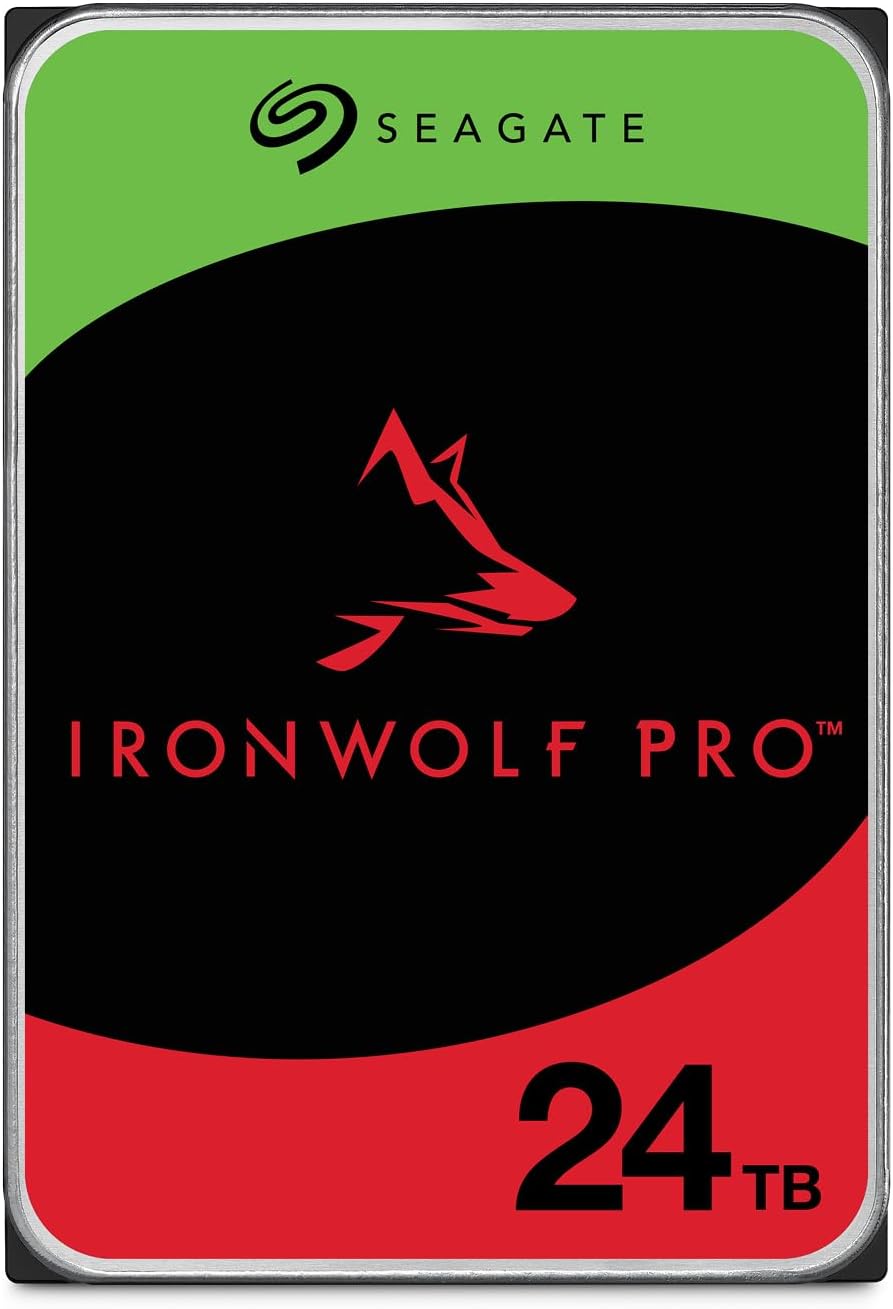
The IronWolf Pro 24TB is the capacity-per-bay choice. Seagate’s product data identifies the ST24000NT002 as a CMR, 7200 RPM SATA drive with a 512MB cache, a 300TB per year workload rating, and a 5-year limited warranty with Rescue data recovery service. That combination fits a two-bay mirror especially well, because the enclosure cannot compensate for small disks with extra slots.
Its approximate price per terabyte is the strongest in this shortlist at the time of the current market check. That does not make it a universal bargain. Two of these drives still cost more than an entry-level NAS, and a 24TB mirror creates a large amount of data to protect with a separate backup. If your data set is small, the capacity is wasted.
The current listing is available, but the buy box can come from a third-party seller rather than Amazon. Check the seller, warranty region, and return terms before ordering. Seagate recommends checking NAS compatibility for the exact enclosure, especially when a mini PC NAS uses a nonstandard backplane.
Specs:
| Spec | Detail |
|---|---|
| Recording | CMR |
| Capacity | 24TB |
| Speed | 7200 RPM |
| Cache | 512MB |
| Workload rating | 300TB per year from Seagate |
| Warranty | 5 years plus Rescue service from Seagate |
| Power | Drive wattage is not published here |
| Price | ~$800–900 |
Pros:
- 24TB makes efficient use of a two or four-bay NAS
- CMR avoids the SMR resilver problem
- 300TB per year and a 5-year warranty suit heavier storage activity
Cons:
- High initial cost for a multi-drive pool
- Larger capacity also makes backup storage more expensive
- Current availability may depend on a third-party seller
Who should buy this: Buy it if you have two to five bays, expect your media or backup set to grow, and can protect the resulting data with a separate backup target.
Who should skip this: Skip it if your NAS will stay below 8TB usable or if the purchase would leave no budget for a backup. The WD Red Plus 8TB is a more sensible starting point.
🥈 Best Home NAS Default
WD Red Plus 8TB
→ Check Current Price on Amazon
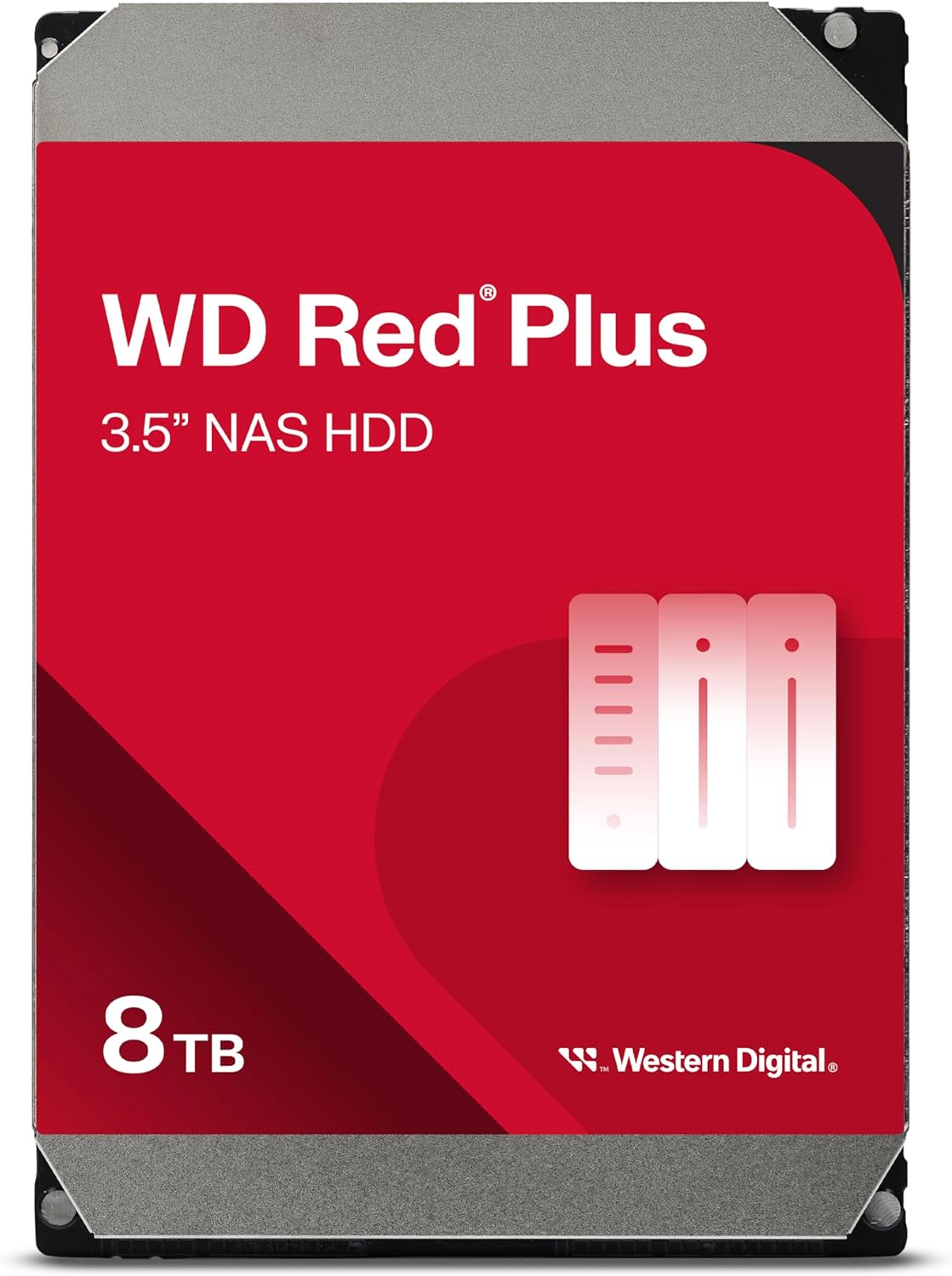
The WD Red Plus 8TB is the straightforward home-NAS choice. Western Digital lists the WD80EFPX as a CMR 3.5-inch SATA drive with a 5640 RPM speed, 256MB cache, 180TB per year workload rating, and 3-year limited warranty. Western Digital also positions Red Plus for RAID-optimized NAS systems up to 8 bays.
The lower rotational speed makes this tier easier to justify in a living room or office where drive noise matters. It is still a mechanical disk, so seek and vibration noise will not disappear. The benefit is that you are choosing the correct recording technology and a home-NAS workload tier without paying for Pro features you may never use.
This model is also the cleanest answer to the WD Red naming trap. The label says Red Plus, and the manufacturer’s data sheet says CMR. Do not substitute a cheaper plain WD Red model just because the capacity looks similar. The current buy box is a third-party seller snapshot, so inspect seller details before checkout.
Specs:
| Spec | Detail |
|---|---|
| Recording | CMR |
| Capacity | 8TB |
| Speed | 5640 RPM |
| Cache | 256MB |
| Workload rating | 180TB per year from Western Digital |
| Warranty | 3 years from Western Digital |
| Power | Drive wattage is not published here |
| Price | ~$320–380 |
Pros:
- Clear CMR home-NAS positioning
- Lower rotational speed fits a quieter small enclosure
- 8TB is a practical starting point for four-bay pools
Cons:
- Higher capacity drives can offer better price per terabyte
- 180TB per year is not the right tier for a very busy multi-user pool
- Current buy box is from a third-party seller
Who should buy this: Buy it for a home file server, photo library, media archive, or backup NAS where 8TB per drive fits the growth plan.
Who should skip this: Skip it if the NAS has only two bays and your data will exceed 8TB soon. The IronWolf Pro 24TB or IronWolf 12TB uses those bays more efficiently.
🥉 Best Heavy Workload
WD Red Pro 16TB
→ Check Current Price on Amazon
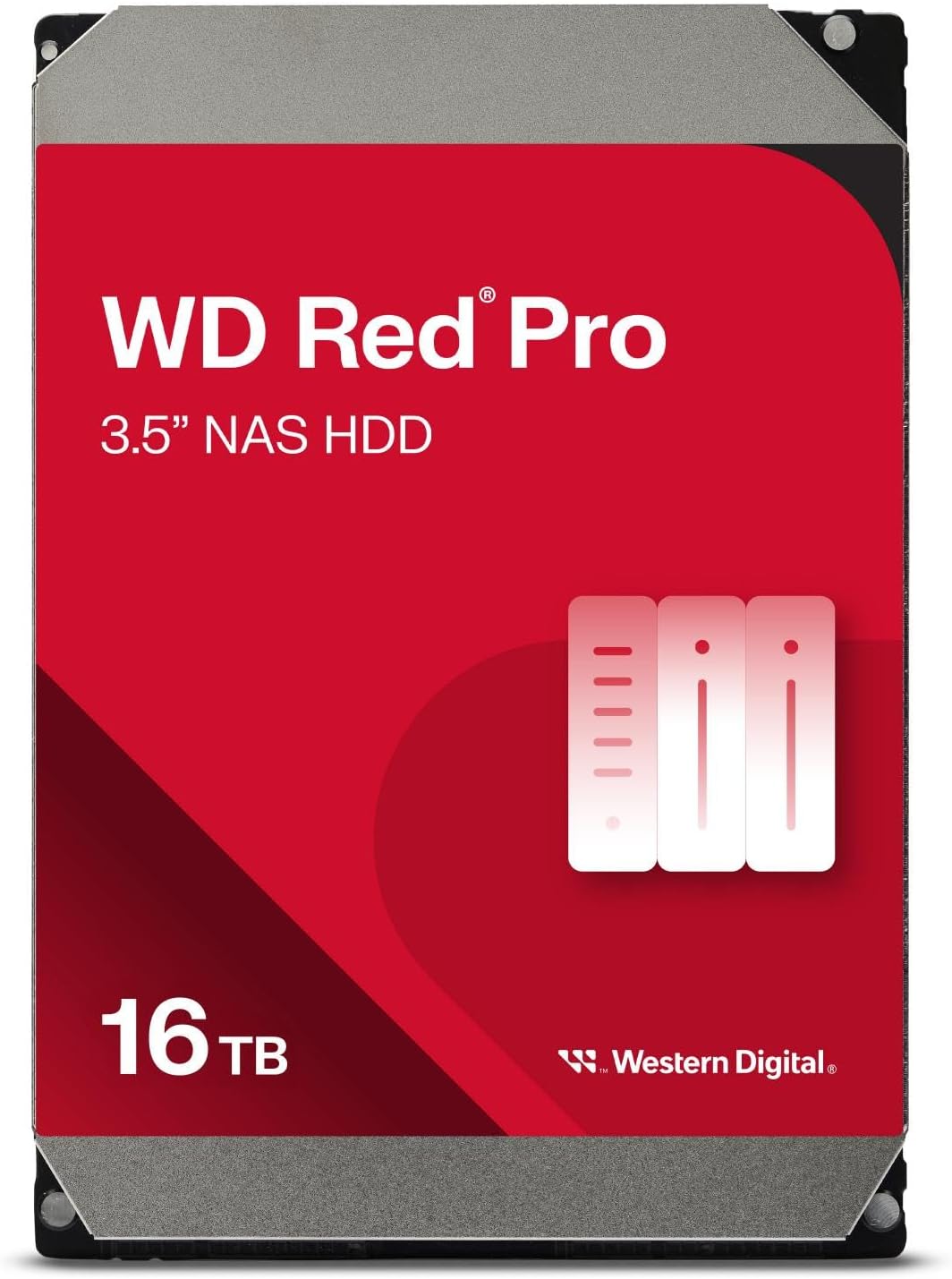
The WD Red Pro 16TB is for the NAS that behaves more like a shared server than a quiet media box. Western Digital lists this model as a CMR, 7200 RPM SATA drive with a 512MB cache, a 550TB per year workload rating, and a 5-year limited warranty. The manufacturer describes Red Pro for high-intensity, 24 by 7 multi-user NAS workloads.
The 550TB rating is the reason to choose it, not a promise of higher file-copy speed on your network. A mini PC with a 2.5GbE port will usually become the transfer bottleneck before a modern 16TB disk reaches its sequential limit. The Pro tier becomes more defensible when the pool serves several users, receives frequent backup jobs, stores virtual machine data, or replicates to another system.
The current Amazon listing snapshot is sold directly by Amazon, which is a useful advantage when the price is close to third-party options. Still check the current offer because stock and sellers change. The listing’s 16TB identity matches the WD161KFGX model in Western Digital’s product documentation.
Specs:
| Spec | Detail |
|---|---|
| Recording | CMR |
| Capacity | 16TB |
| Speed | 7200 RPM |
| Cache | 512MB |
| Workload rating | 550TB per year from Western Digital |
| Warranty | 5 years from Western Digital |
| Power | Drive wattage is not published here |
| Price | ~$650–750 |
Pros:
- 550TB per year supports heavier multi-user activity
- 16TB keeps bay count under control
- Amazon-direct listing snapshot and 5-year warranty
Cons:
- Pro pricing is hard to justify for a light archive
- 7200 RPM hardware can add noise in a quiet room
- A higher workload rating does not replace a backup
Who should buy this: Buy it for a busy four or five-bay NAS with shared storage, frequent backups, or virtual machine data.
Who should skip this: Skip it if the NAS mainly serves one household media library and the extra workload rating will not be used. WD Red Plus 8TB is the calmer value choice.
Best 8TB Value
Seagate IronWolf 8TB
→ Check Current Price on Amazon
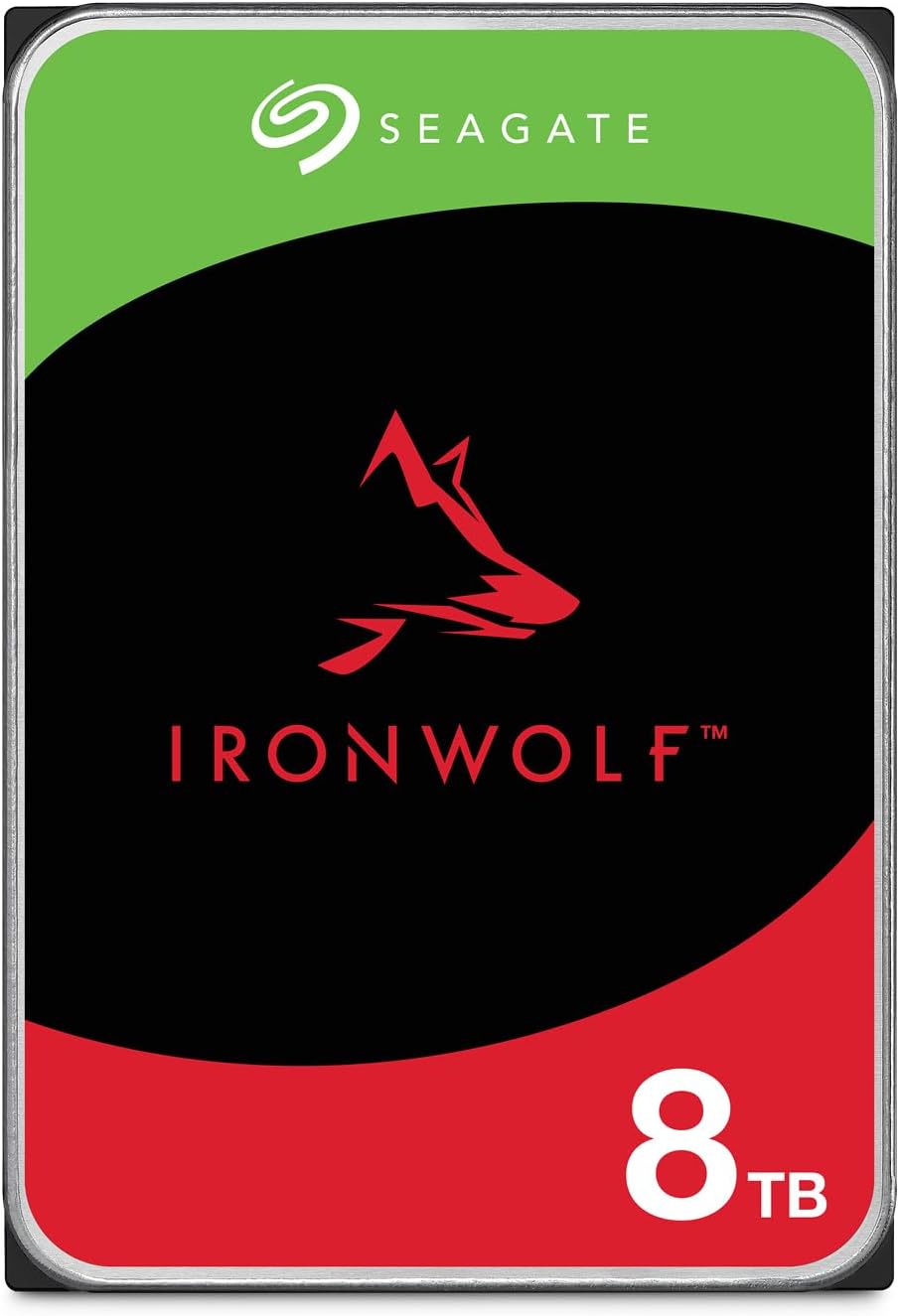
The Seagate IronWolf 8TB is the practical alternative to WD Red Plus at the same capacity. Seagate’s IronWolf data sheet lists the 8TB ST8000VN004 as CMR with a 7200 RPM spindle speed, 256MB cache, 180TB per year workload rating, 3-year limited warranty, and Rescue data recovery service. The line supports NAS systems from one to eight bays according to Seagate’s documentation.
The choice between this drive and WD Red Plus is not a claim that one brand is universally more reliable. Look at the current price, seller, warranty terms, drive noise, and the NAS vendor’s compatibility list. The IronWolf 8TB can be the better buy when its price per terabyte is lower, but the current listing has thin stock and a third-party seller.
One warning deserves emphasis: the listing title can contain misleading cache or model text. Use the exact ST8000VN004 model and Seagate’s data sheet when a retailer page conflicts with the manufacturer’s specification.
Specs:
| Spec | Detail |
|---|---|
| Recording | CMR |
| Capacity | 8TB |
| Speed | 7200 RPM |
| Cache | 256MB from Seagate |
| Workload rating | 180TB per year from Seagate |
| Warranty | 3 years plus Rescue service from Seagate |
| Power | Drive wattage is not published here |
| Price | ~$300–360 |
Pros:
- CMR and a 180TB per year NAS rating
- 7200 RPM class performance in the 8TB tier
- Rescue service adds another recovery option
Cons:
- Third-party seller status needs a closer warranty check
- 8TB wastes more bays than a 12TB or larger option
- Mechanical seek noise remains noticeable in a quiet room
Who should buy this: Buy it when an 8TB pool fits your plan and the current IronWolf price beats the comparable Red Plus offer.
Who should skip this: Skip it if the NAS has only two bays and your data is already approaching 8TB. Choose a larger CMR drive instead.
Best Middle Capacity
Seagate IronWolf 12TB
→ Check Current Price on Amazon
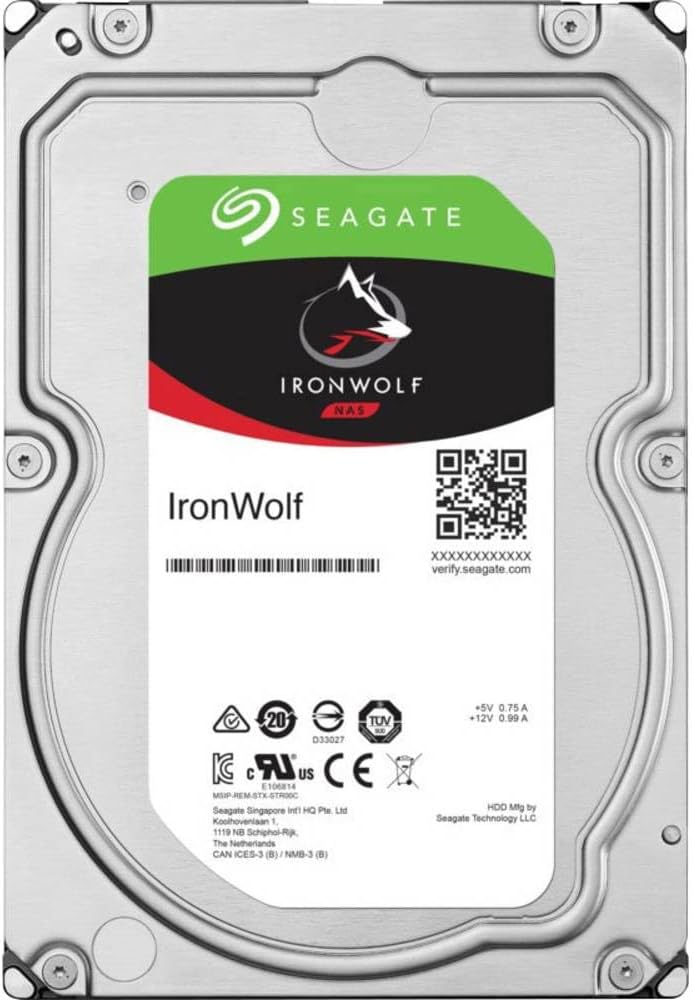
The IronWolf 12TB is the middle ground for a small NAS that needs more room than 8TB but does not need the Pro workload tier. Seagate lists the ST12000VN0008 as a CMR 7200 RPM SATA drive with a 256MB cache, 180TB per year workload rating, and 3-year warranty with Rescue service.
Twelve terabytes is a useful capacity because it works cleanly in both two-bay mirrors and four-bay layouts. It also illustrates why capacity per bay matters. A pair gives a mirror around 12TB raw usable before overhead, while four 4TB disks would consume twice as many bays for a similar raw capacity. The final usable number depends on the filesystem layout and free-space policy.
This listing has limited stock and a third-party offer in the current snapshot. Treat that as a reason to check the seller, not as a reason to rush into an older model. Seagate’s current model number and data sheet are the important identity checks.
Specs:
| Spec | Detail |
|---|---|
| Recording | CMR |
| Capacity | 12TB |
| Speed | 7200 RPM |
| Cache | 256MB |
| Workload rating | 180TB per year from Seagate |
| Warranty | 3 years plus Rescue service from Seagate |
| Power | Drive wattage is not published here |
| Price | ~$330–400 |
Pros:
- 12TB is a strong fit for a two-bay mirror
- CMR and 180TB per year cover normal home NAS work
- Rescue service is included with the warranty
Cons:
- Thin stock and third-party fulfillment need attention
- The Pro lines offer longer warranties and higher workload ratings
- 12TB is not the cheapest capacity per terabyte in every sale window
Who should buy this: Buy it when you want a two-bay mirror with useful growth room and a normal home-NAS workload.
Who should skip this: Skip it if you already know that one drive will not hold your data set or if your pool will serve heavy shared storage. The 16TB Red Pro or 24TB IronWolf Pro is a better fit.
Drives We Excluded
Several models can look attractive in a search result but do not belong in this shortlist.
- Toshiba N300 Pro 16TB and 20TB are currently out of stock in the checked US listings. The whole N300 Pro line is not a buyable recommendation until current stock returns.
- Toshiba N300 8TB has no legitimate US listing in the current check. The available Toshiba N300 refresh begins at higher capacities, and the 12TB model is priced well above comparable choices.
- WD Red Plus 4TB is currently out of stock. The Seagate IronWolf 4TB is available, but its current price makes the 8TB tier a better starting point when the bay plan permits it.
- Seagate IronWolf 125 SATA SSD is discontinued. An old listing can resolve to a different IronWolf NVMe product, so do not use an old link for a SATA SSD recommendation.
- Plain WD Red is excluded because lower-capacity models used SMR. WD Red Plus is the CMR line for this use.
An excluded drive is not necessarily defective. It is simply the wrong choice when stock is dead, the exact listing identity is unstable, or the recording technology does not fit a ZFS pool.
CMR NAS Drive Compatibility Checklist
Before buying, check the exact model rather than the family name.
- Confirm that the manufacturer’s page says CMR.
- Match the physical form factor to the NAS bay. Most drives in this guide are 3.5-inch SATA disks.
- Check the NAS vendor compatibility list when the appliance provides one.
- Confirm that your pool layout can use the capacity without wasting a bay.
- Price the backup target before ordering the data drives.
- Plan a UPS and clean shutdown for the mini PC and NAS enclosure.
- Keep enough free space for snapshots, scrubs, and normal filesystem behavior.
For TrueNAS, drive selection is only one part of the plan. The TrueNAS SCALE hardware requirements guide covers memory, boot media, networking, and pool planning. The drive calculator linked above is useful when you need to translate your proposed layout into capacity and memory needs.
Related Reading
If the recording technology question is still unclear, our guide to CMR versus SMR drives explains why shingled drives ruin a rebuild. For the enclosure, see the NAS mini PC roundup and the TrueNAS picks. The NAS capacity calculator turns a drive choice into usable terabytes and a real cost per terabyte, and the TrueNAS hardware calculator sizes the memory to match.
How We Research These Picks
We checked each current Amazon listing for product identity, availability, seller status, and the exact model number on August 25, 2026. We cross-checked recording technology, capacity, rotational speed, cache, workload rating, and warranty against Seagate and Western Digital product pages and data sheets. TrueNAS documentation supplies the SMR warning and the ZFS compatibility context.
Prices and seller status are snapshots. We use approximate ranges because marketplace offers move hourly, and we call out third-party sellers when the current buy box is not Amazon-direct. We do not claim first-party drive testing, power measurements, benchmark results, or ownership experience. Drive wattage is not published here because the manufacturer data reviewed for this article does not provide a sourced value that would improve the buying decision.
Frequently Asked Questions
Are CMR drives better than SMR for a mini PC NAS?
Yes. CMR is the safer choice for a NAS pool because sustained writes and a ZFS resilver do not require the drive to repeatedly rewrite overlapping tracks. TrueNAS documentation warns that ZFS does not work well with SMR during writes, so choose a confirmed CMR model for data drives.
Is WD Red Plus the same as WD Red?
No. WD Red Plus is the CMR home and small-business NAS line. Plain WD Red models included SMR, so the name alone is not enough to identify a suitable drive. For a new NAS pool, skip plain WD Red and verify the exact model number.
What is the best NAS hard drive size for a mini PC NAS?
For most small-bay NAS builds, 8TB to 12TB is the practical starting range, while 16TB to 24TB offers better price per terabyte when the NAS has only two or four bays. Buy the largest CMR capacity that fits your backup plan and current budget.
How many drives should a mini PC NAS have?
Two matching drives are the sensible minimum for a mirrored pool. Four drives give you more layout choices, including RAIDZ1 or RAIDZ2. A mirror protects against one drive failure but does not replace a separate backup, and RAIDZ capacity depends on the filesystem layout and free-space plan.
What does a NAS hard drive workload rating mean?
The workload rating is the manufacturer’s annualized data-transfer limit, not a promise that the drive will last for that many terabytes. IronWolf and WD Red Plus are rated at 180TB per year, IronWolf Pro at 300TB per year, and WD Red Pro at 550TB per year.
Can I mix IronWolf and WD Red Plus drives in one NAS?
Usually, yes, if the drives have matching usable capacity and the NAS supports them. Mixing CMR NAS drives is generally less important than matching capacity, avoiding SMR, and keeping a tested backup. Follow the NAS vendor compatibility list when it exists.
Are 24TB NAS drives worth buying for a mini PC NAS?
They can be worth buying when bay count is the limiting factor. A 24TB CMR drive costs more up front, but current market checks put high-capacity drives near the low end of price per terabyte. Choose them only when your backup target and recovery plan can handle the larger pool.
Amazon Product Links
- Seagate IronWolf Pro 24TB: Check Current Price
- WD Red Plus 8TB: Check Current Price
- WD Red Pro 16TB: Check Current Price
- Seagate IronWolf 8TB: Check Current Price
- Seagate IronWolf 12TB: Check Current Price