
This article contains affiliate links. If you purchase through our links, we may earn a commission at no extra cost to you. We only recommend products we’ve thoroughly researched and verified.
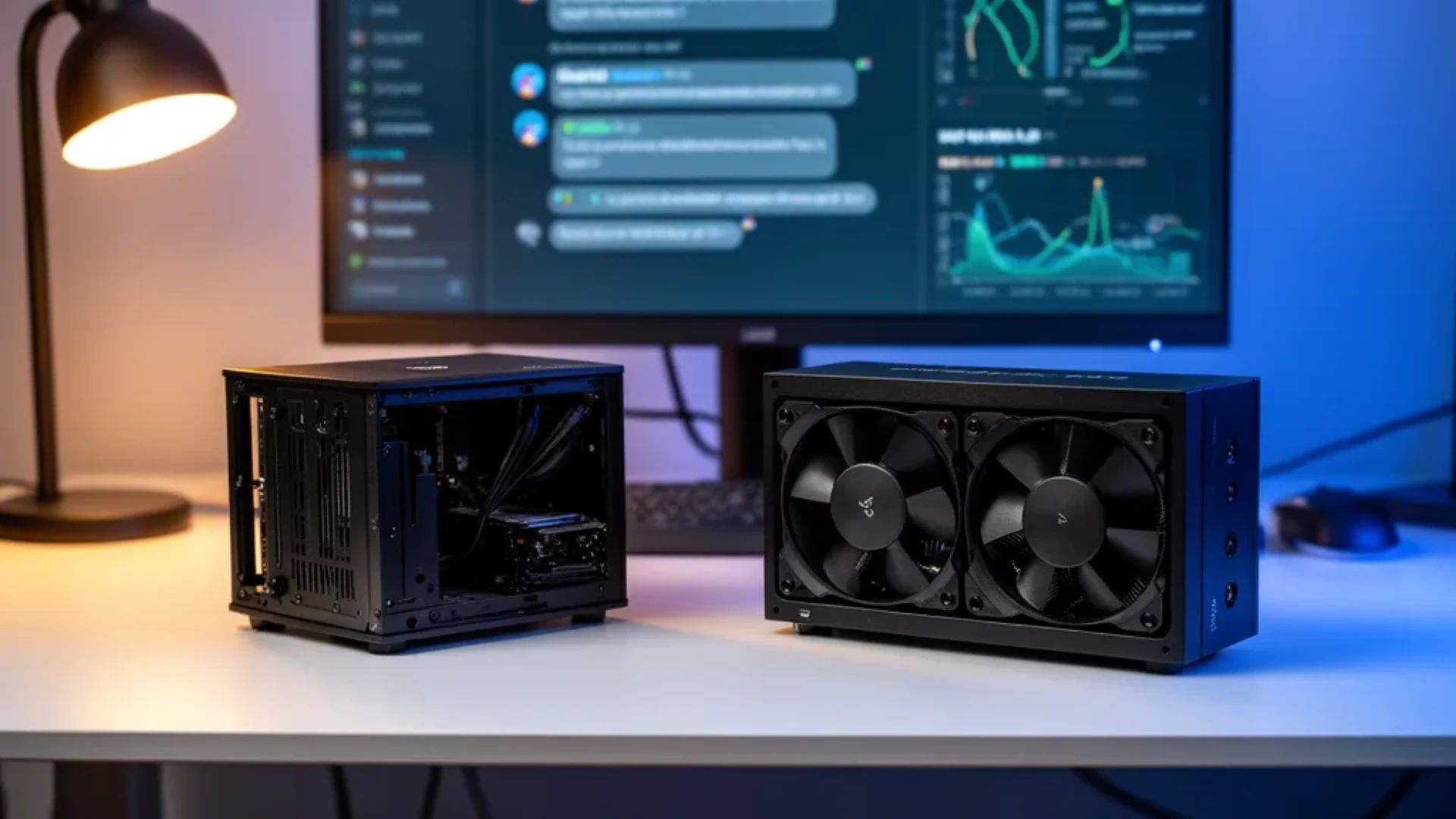
The Framework Desktop and the GMKtec EVO-X2 run the exact same chip. Both use AMD’s Ryzen AI Max+ 395 with 128GB of unified memory, so on the thing most buyers care about, running large local models, they perform within a hair of each other. That makes this comparison unusually clean: since the silicon is identical, the choice is entirely about how you want to own the machine. One asks you to build it and rewards you with a serviceable board. The other arrives assembled and ready. Here is how to decide.
We verified the EVO-X2 listing and price against the Amazon product data on July 12, 2026, confirmed the Framework configuration and pricing against Framework’s own store, and drew local-AI performance from community Ollama runs rather than a bench session of our own.
The Short Answer
Buy the Framework Desktop if you want a serviceable Mini-ITX mainboard you can reuse later and you are happy to seat storage and fit a cooler yourself. Buy the GMKtec EVO-X2 if you want the Strix Halo capability assembled and working out of the box with a bundled SSD and Amazon’s return path. Performance is a wash, so this is a build-it versus buy-it decision, plus a few real differences in cooling, networking, and price.
Side-by-Side Specs
| Spec | Framework Desktop | GMKtec EVO-X2 AI |
|---|---|---|
| Chip | Ryzen AI Max+ 395 | Ryzen AI Max+ 395 |
| Memory | 128GB LPDDR5X, soldered | 128GB LPDDR5X, soldered |
| Bandwidth | ~256 GB/s | ~256 GB/s |
| Mainboard | Standard Mini-ITX, reusable | Sealed proprietary |
| Assembly | Semi do-it-yourself | Fully assembled |
| Storage | 2x M.2, bring your own | Bundled SSD, dual M.2 |
| Networking | 5GbE plus WiFi 7 | 2.5GbE plus WiFi 7 |
| Cooling | Noctua or Cooler Master option | Triple-fan, audible under load |
| Sold on Amazon | No, Framework direct | Yes |
| Price | ~$1,999 board, ~$2,500 built | ~$2,299 to $3,299 |
Performance: A Genuine Tie
There is no meaningful performance gap here, and it would be dishonest to invent one. Both machines run the Ryzen AI Max+ 395 with the Radeon 8060S graphics and 128GB of unified memory at roughly 256 GB/s. Community Ollama runs put a 70B Q4 model around 18 to 22 tokens per second on this platform, and that figure belongs to the chip, not the chassis. Whichever you buy, you get the same ability to load a 70B model that a normal graphics card cannot hold, and the same bandwidth ceiling that makes long prompts slower than a discrete GPU.
Because the silicon is identical, so are the platform’s quirks. The NPU only helps with AMD’s Lemonade SDK rather than plain Ollama, and an external AMD graphics card over OCuLink is capped near 120 watts on both. For the full performance picture, our GMKtec EVO-X2 AI review and best mini PC for local LLM guide go deeper. The decision lives everywhere except the benchmark.
The Real Difference: Build It or Buy It
This is the heart of the comparison. The Framework Desktop puts the Ryzen AI Max+ 395 on a standard Mini-ITX mainboard. You seat the memoryless board, add your own SSD, fit a Noctua or Cooler Master fan, and set it up. In return you get a machine you can service and a board you can lift into any Mini-ITX case later. It is the repairable, reconfigurable option, true to Framework’s whole reason for existing.
The GMKtec EVO-X2 takes the opposite approach. It arrives fully assembled with a bundled SSD, a triple-fan cooler, and a front button to switch power modes, and you plug it in and go. The board is proprietary and sealed, so there is no reuse path, but there is also nothing to build. For most buyers who just want Strix Halo capability today, that is the point.
Neither approach is wrong. The question is whether you value serviceability and reuse enough to spend an evening building, or whether assembled and ready is worth giving up the reusable board.
Cooling, Networking, and the Smaller Differences
A few concrete differences separate the two beyond the build question:
- Cooling and noise. The EVO-X2’s triple-fan cooler handles heat well but is audible under sustained AI load. The Framework Desktop’s Noctua fan option runs quieter. If the machine sits on your desk in a quiet room, the Framework is the calmer pick.
- Networking. The Framework Desktop includes 5GbE wired networking; the EVO-X2 has a single 2.5GbE port. For moving large model files, the Framework’s faster port is a real advantage without an add-in card.
- Storage. The EVO-X2 usually includes an SSD; the Framework asks you to bring your own, which adds to its build cost but lets you pick the drive.
- Where you buy. The EVO-X2 sells on Amazon with its return protection. The Framework Desktop sells direct from Framework, so factor its return and support terms into the decision.
Price: Closer Than It Looks
Neither machine is dramatically cheaper once you compare like for like. The Framework Desktop 128GB board lists around 1,999 dollars before storage, and a real build with an SSD and cooler reaches near 2,500 dollars. The assembled EVO-X2 128GB has listed near 3,299 dollars with an SSD included. On paper the Framework build looks cheaper, but the gap narrows once you add the parts and your time, and both prices swing with LPDDR5 supply.
Shop the current listings rather than these figures, and model the running cost with our power cost calculator, since both draw near 140 watts under sustained inference. The price winner on any given week depends on the memory market more than the brand.
Which Should You Buy?
Buy the Framework Desktop if you:
- Want a serviceable Mini-ITX board you can reuse in another case
- Value 5GbE networking and a quieter Noctua fan
- Are comfortable building the machine yourself
- Prefer to choose your own SSD
Buy the GMKtec EVO-X2 if you:
- Want Strix Halo capability assembled and working out of the box
- Prefer buying on Amazon with a return path
- Want a bundled SSD and maximum cooling in a sealed box
- Do not want to spend an evening building
For the wider field of assembled Strix Halo boxes, including the quieter Beelink GTR9 Pro, see our best AI mini PC guide.
Frequently Asked Questions
Framework Desktop or GMKtec EVO-X2 for local AI?
Both use the same Ryzen AI Max+ 395 and 128GB unified memory, so local-LLM performance is nearly identical, with a 70B Q4 model around 18 to 22 tokens per second on either. Choose the Framework Desktop if you want a serviceable Mini-ITX mainboard and are happy to build it. Choose the GMKtec EVO-X2 if you want a fully assembled machine on Amazon with a bundled SSD and a return path.
Is the Framework Desktop worth building over buying an EVO-X2?
It depends on whether you value repairability. The Framework Desktop puts the chip on a standard Mini-ITX board you can reuse in another case later, which the sealed EVO-X2 cannot do. If that flexibility matters, the build is worth it. If you just want the Strix Halo capability working out of the box, the EVO-X2 saves you the assembly and often includes the SSD.
Which is cheaper, the Framework Desktop or the EVO-X2?
They land close once you compare like for like. The Framework Desktop 128GB board is around 1,999 dollars before storage, and a real build with an SSD and cooler reaches near 2,500 dollars. The assembled EVO-X2 128GB has listed near 3,299 dollars with an SSD included. Both move with LPDDR5 supply, so check current prices, but neither is dramatically cheaper than the other.
Does the EVO-X2 have better cooling than the Framework Desktop?
The EVO-X2 uses a triple-fan cooler that keeps thermals in check but runs audibly under sustained AI load. The Framework Desktop offers a quieter Noctua fan option and a semi-open design. If noise matters, the Framework with the Noctua fan is the calmer machine; if you want maximum cooling headroom in a sealed box, the EVO-X2 delivers it with more fan noise.
Can you upgrade the memory on either machine?
No. Both use soldered LPDDR5X memory because the Ryzen AI Max+ 395 needs soldered memory to reach its roughly 256 GB/s bandwidth. Neither the Framework Desktop nor the EVO-X2 lets you add memory later, so buy the capacity you need up front. For 70B models, choose the 128GB configuration on whichever machine you pick.
Which has better networking, the Framework or the EVO-X2?
The Framework Desktop includes 5GbE wired networking, while the EVO-X2 uses a single 2.5GbE port. For moving large model files or backups, the Framework’s faster port is the better base without an add-in card. Both include current WiFi. If fast wired networking matters for a homelab, that is a point in Framework’s favor.
How We Research These Picks
We verified the GMKtec EVO-X2 listing, price, and availability against the Amazon product data on July 12, 2026, confirmed the Framework Desktop configuration and pricing against Framework’s own store, and drew local-AI token-speed ranges from community Ollama runs on the Ryzen AI Max+ 395 rather than a bench session of our own. Because both machines use the same silicon, we did not invent a performance gap between them. Every figure here carries its source, and we make no hands-on testing claim we did not perform.
Amazon Product Links
- GMKtec EVO-X2 AI — the assembled Strix Halo box: Check Current Price