
This article contains affiliate links. If you purchase through our links, we may earn a commission at no extra cost to you. We only recommend products we’ve thoroughly researched and verified.
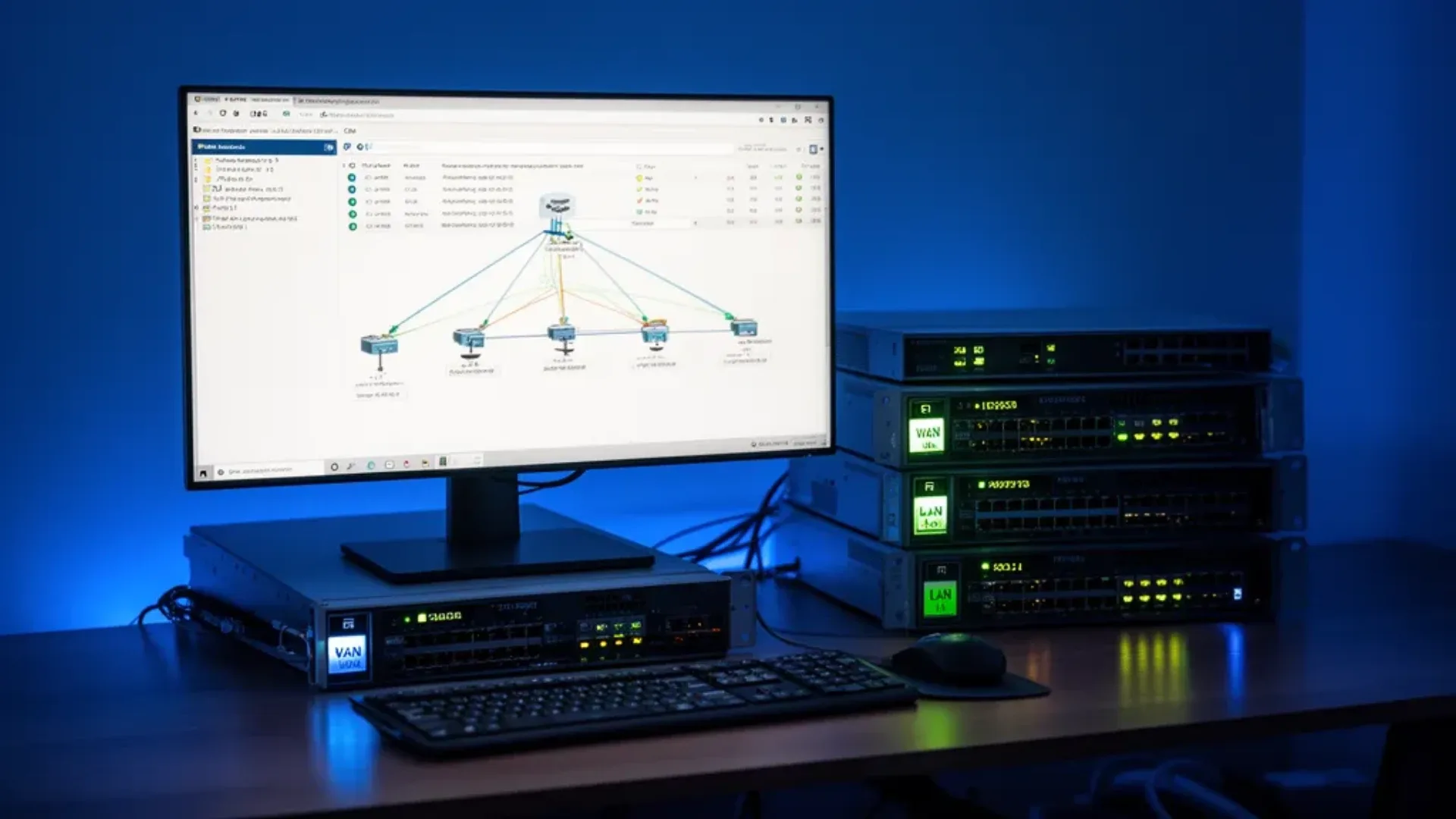
For a broader shortlist, start with our best mini PC for home server guide.
OPNsense is the most capable open-source firewall platform for home and small business use — far more powerful than a consumer router, fully configurable, and free. But “what hardware do I need?” is the question that trips up every new user. This guide covers the real OPNsense hardware requirements for 2026, with specific recommendations for mini PC builds.
Running OPNsense on a dedicated mini PC? See our best mini PC for OPNsense guide for ranked picks. This guide covers the requirements in depth.
If you arrived here from searches like opnsense hardware requirements 2026, opnsense mini pc, or best mini pc for opnsense 2026, compare this checklist with Best Mini PC for OPNsense, Best Mini PC for pfSense, and OPNsense Mini PC Setup Guide.
OPNsense Official Hardware Requirements
From the OPNsense documentation:
| Component | Minimum | Recommended |
|---|---|---|
| CPU | 64-bit x86, 600MHz | 1GHz+ dual-core |
| RAM | 1GB | 4GB+ |
| Storage | 4GB HDD/SSD | 16GB SSD |
| Network | 2 NICs | 2+ Intel NICs |
The official minimums are for a barebones firewall with basic packet filtering. Real-world OPNsense deployments need significantly more for plugins, IPS/IDS, VPN, and monitoring.
The Non-Negotiable: Two Network Interfaces
OPNsense is a firewall and router. The absolute minimum is 2 NICs — one for WAN your ISP connection and one for LAN your home network. Without two NICs, you cannot run OPNsense as a proper firewall.
Options for getting two NICs:
- Mini PC with dual NICs built-in — the best approach Beelink EQ14, BOSGAME P4
- Mini PC with one NIC + USB-to-Ethernet adapter — acceptable, but USB adapters have driver issues on BSD-based systems and can drop under load
- Mini PC with one NIC + PCIe NIC card — only works in machines with PCIe expansion rare in mini PCs
Strongly recommended: buy a mini PC with 2+ built-in NICs. USB network adapters work for testing but are unreliable for a production firewall.
NIC Selection — Intel vs. Realtek
NIC choice matters enormously for OPNsense performance and stability.
Intel NICs em, igb, ixl drivers — Recommended
| Controller | Speed | OPNsense Status |
|---|---|---|
| Intel I225-V / I226-V | 2.5GbE | Fully supported, recommended |
| Intel i210-T1 | 1GbE | Fully supported, enterprise-grade |
| Intel X550-T1 | 10GbE | Fully supported, high-performance |
| Intel i350 | 1GbE | Fully supported, server-grade |
Intel NICs work out of the box with FreeBSD OPNsense’s base and have received no significant driver issues in years. For a home OPNsense build in 2026: Intel I226-V 2.5GbE is the standard.
Realtek NICs re driver — Use With Caution
| Controller | Speed | OPNsense Status |
|---|---|---|
| Realtek RTL8125 | 2.5GbE | Works, occasional issues |
| Realtek RTL8111 | 1GbE | Works, older driver |
Realtek NICs work in OPNsense but have a history of driver instability at high throughput and inconsistent behavior across OPNsense versions. For a home user routing 100-500Mbps: Realtek is usually fine. For multi-gigabit routing or critical reliability: use Intel.
The OPNsense community recommendation is clear: Intel NICs for production.
RAM Requirements by Feature Set
| Feature Set | Minimum RAM | Recommended |
|---|---|---|
| Basic firewall only | 2GB | 4GB |
| Firewall + DNS + DHCP | 4GB | 8GB |
| Firewall + Suricata IPS/IDS | 8GB | 16GB |
| Firewall + Zenarmor Sensei | 8GB | 16GB |
| Firewall + WireGuard VPN | 4GB | 8GB |
| Firewall + OpenVPN server | 4GB | 8GB |
| All of the above combined | 16GB | 32GB |
Why Suricata/Zenarmor needs more RAM: Both load large rule databases into memory. Suricata’s ET Open ruleset uses ~500MB RAM. The ET Pro ruleset can use 2GB+. Zenarmor’s machine learning database adds further. If you enable IPS/IDS without enough RAM, OPNsense kills the process on restart or truncates rules silently.
CPU Requirements
OPNsense’s CPU requirements depend on your internet connection speed and features:
Basic Routing + Firewall
Any modern dual-core CPU handles gigabit internet routing. The Intel N100 at 3.4GHz handles 1Gbps NAT routing without breaking a sweat — throughput at 1Gbps uses less than 10% CPU on modern hardware.
Multi-gigabit routing 2.5Gbps+: More demanding. At 2.5Gbps with NAT and basic filtering, a 4-core CPU keeps throughput at line rate. With IPS/IDS enabled at 2.5Gbps, move to 6+ cores.
VPN Performance
| VPN Type | CPU Requirement | Notes |
|---|---|---|
| WireGuard | Low — 2 cores | Hardware-accelerated in kernel |
| IPsec IKEv2 | Low-medium | AES-NI hardware offload |
| OpenVPN | Medium-high | CPU-intensive without hardware assist |
WireGuard VPN at 1Gbps throughput: ~1-2 cores fully loaded on Intel N150. OpenVPN at 1Gbps: ~3-4 cores fully loaded without hardware acceleration.
IDS/IPS Processing
Suricata processes every packet against thousands of rules. Rule-matching is CPU-intensive proportional to throughput and rule count:
- 100Mbps WAN + Suricata: any quad-core CPU
- 500Mbps WAN + Suricata: 4-6 core CPU
- 1Gbps WAN + Suricata full rules: 6-8 core CPU
- 2.5Gbps WAN + Suricata: 8+ core CPU
Storage Requirements
OPNsense is lightweight on storage in normal operation. Requirements grow if you enable:
- Basic OPNsense install: ~4GB
- OPNsense + plugins: ~6-8GB
- Logging to local disk: +1-5GB per month depending on traffic
- Zenarmor database: +2-5GB
- NetFlow/ntopng logs: +variable
Minimum practical storage: 16GB SSD dedicated to OPNsense. 32GB is comfortable.
SSD vs HDD: SSD strongly preferred — it handles the constant write cycles from logging and state tables without wear concerns, and boot times are dramatically faster.
Dedicated OS drive: OPNsense should run on its own dedicated SSD. Don’t put it on a shared storage device.
Recommended Mini PCs for OPNsense
Budget: Beelink EQ14 ~$180-200
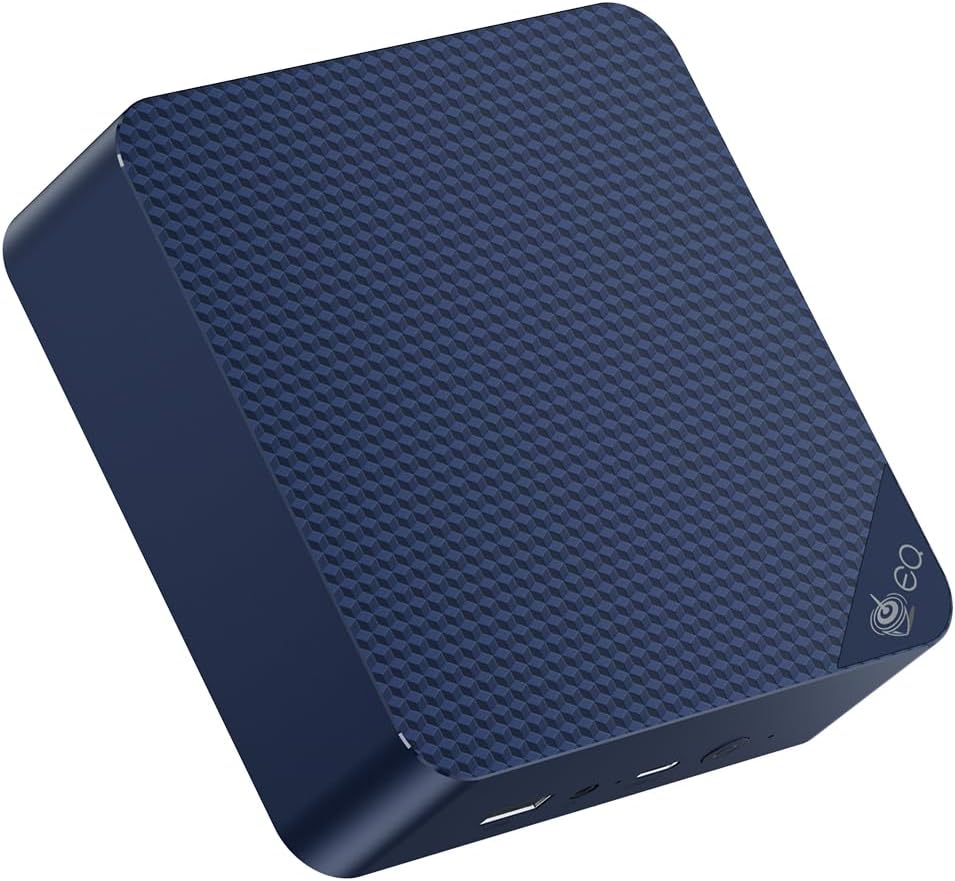
The Beelink EQ14 is the most popular mini PC OPNsense platform in 2026. Dual Intel I226-V 2.5GbE NICs check the most important box immediately. Intel N150’s AES-NI acceleration handles VPN encryption at line rate, and 16GB DDR4 supports Suricata IPS for most home users.
Specs:
| Spec | Detail |
|---|---|
| CPU | Intel N150, 4C/4T, 3.6GHz boost |
| RAM | 16GB DDR4 |
| Storage | 500GB NVMe |
| NIC 1 | Intel I226-V 2.5GbE |
| NIC 2 | Intel I226-V 2.5GbE |
| Power | ~6-8W idle / ~$7.35/year |
Throughput estimates:
- 1Gbps routing: ~12% CPU
- 1Gbps + Suricata IPS ET Open: ~45% CPU
- WireGuard VPN 500Mbps: ~20% CPU
Best for: Home users with up to 1Gbps internet, Suricata IPS enabled, WireGuard VPN. The standard recommendation for OPNsense at home.
Mid-Range: Minisforum MS-01 ~$400-500
The Minisforum MS-01 is the homelab OPNsense platform for users who want 10GbE LAN or multi-WAN configurations. Intel i9-12900H brings 14 cores for heavy Suricata rulesets, and the expansion options allow adding additional NICs via PCIe.
→ Check Current Price on Amazon
Best for: Multi-gigabit internet, full IPS/IDS with Pro rulesets, multi-WAN, power users who want a feature-complete OPNsense deployment.
Ultra-Budget: Beelink MINI S12 ~$110-130

The Beelink MINI S12 with Intel N95 is the most affordable entry point — but it has only a single 2.5GbE NIC. To run OPNsense, you’ll need a USB-to-Ethernet adapter for the second interface. This works for testing or very light use but isn’t recommended for a production firewall.
Best for: Testing OPNsense before buying proper hardware, or as a very light-duty home router with USB NIC acceptance.
OPNsense vs pfSense Hardware Requirements
OPNsense and pfSense share the same FreeBSD base and have nearly identical hardware requirements. The choice between them is philosophical and feature-based, not hardware-based:
| Factor | OPNsense | pfSense |
|---|---|---|
| Base | FreeBSD 14 | FreeBSD 14 |
| License | 2-Clause BSD | Apache 2.0 |
| Plugin ecosystem | Excellent, built-in | Good, requires external |
| UI | Modern, responsive | Traditional |
| IPS/IDS | Suricata + Zenarmor | Suricata |
| WireGuard | Native kernel | Plugin |
| Update model | Rolling releases | Major release cycles |
For hardware: the same mini PC that runs OPNsense well runs pfSense well. Pick the platform you prefer and the hardware recommendations are interchangeable.
VLAN Configuration on Mini PCs
Mini PCs with dual NICs handle physical WAN/LAN separation. VLAN tagging lets you multiply this — use a managed switch with VLANs and a single physical NIC can carry multiple logical networks.
Typical home setup with OPNsense:
WAN: Physical NIC 1 → ISP modem
LAN: Physical NIC 2 → Managed switch
  VLAN 10: Main network (trusted)
  VLAN 20: IoT network (isolated)
  VLAN 30: Guest WiFi (internet only)
  VLAN 99: Camera network (no internet)
OPNsense supports VLANs on Intel NICs natively. Configuration: Interfaces → Other Types → VLAN.
Who Should Skip These Picks
- Skip this shortlist if your real workload is lighter than the use case in the title and a cheaper office mini PC would cover it.
- Skip the top pick if you need more RAM, more storage, or stronger networking than this tier usually provides.
- Skip this category and move up or down a tier if your budget or platform needs point to either a simpler box or a much more capable homelab system.
Frequently Asked Questions
Can OPNsense handle 2.5Gbps internet?
Yes, with the right hardware. An Intel N150 dual-NIC mini PC like the EQ14 handles 2.5Gbps NAT routing at ~25% CPU load without IPS. With Suricata IPS enabled, you need a 6-8 core CPU to maintain 2.5Gbps throughput with rule-matching overhead.
Does OPNsense support hardware offload?
OPNsense supports hardware checksum offloading for Intel NICs. Not all features benefit — NAT translation runs in software for the full feature set. FreeBSD’s network stack is efficient enough that software routing handles 1Gbps+ without needing offload.
What’s the difference between OPNsense and a consumer router?
Consumer routers are fixed-function appliances with limited configurability. OPNsense gives you full control: VLAN support, multi-WAN failover, IPS/IDS with updateable signatures, WireGuard VPN server, traffic shaping, deep packet inspection, DNS over HTTPS, and hundreds of plugins. Once you switch, going back to a consumer router feels impossible.
Can I run OPNsense in a VM on Proxmox?
Yes, but it’s suboptimal for a primary firewall. PCIe passthrough of the NICs to the OPNsense VM gives near-native performance, but if Proxmox reboots, your firewall goes down with it. For a production firewall, a dedicated mini PC running OPNsense bare-metal is the right choice.
How often does OPNsense need updates?
OPNsense releases updates frequently — sometimes weekly for minor patches. It’s a good practice to update monthly. Updates are one-click in the UI and typically complete in 5-10 minutes including reboot.
What are the minimum hardware requirements for OPNsense?
OPNsense’s official minimum is a 64-bit CPU, 1GB RAM, and 4GB storage. In practice: 4GB RAM minimum for a home firewall, 8GB for running IDS/IPS Suricata or Zenarmor, and a dedicated SSD of 16GB+. Most importantly, you need at least 2 NICs — one for WAN and one for LAN.
What internet speed can a mini PC handle in OPNsense?
A dual-NIC mini PC with Intel NICs and a modern CPU handles gigabit 1Gbps routing without hardware offload — traffic flows at line rate entirely in software. For 2.5Gbps routing with IPS enabled, you need a 6-core+ CPU. For 10Gbps symmetric routing with IPS, a workstation-class CPU and 10GbE NICs are required.