
This article contains affiliate links. If you purchase through our links, we may earn a commission at no extra cost to you. We only recommend products we’ve thoroughly researched and verified.

A homelab is only as useful as the hardware it runs on. Tower servers and used enterprise gear work, but they draw 60-200W at idle — a mini PC does the same work at 7-20W. At $0.12/kWh, that’s the difference between $6/year and $200/year in electricity. This guide covers the best mini PCs for every homelab use case in 2026.
If your search is closer to best mini pc for homelab 2026, compare this guide with Best Mini PC for Home Server, Best Mini PC for Proxmox, and Best Mini PC for Local LLM.
Quick Picks: Best Mini PC for Homelab 2026
| # | Mini PC | CPU | Idle | Best For | Price | Link |
|---|---|---|---|---|---|---|
| 🥇 Best Value | Beelink EQ14 | N150 | ~7W | Docker + HAOS + pfSense | ~$180-200 | See current alternatives |
| 🥈 Best Mid-Range | GEEKOM IT12 | i5-12450H | ~12W | Proxmox + Plex + Docker | ~$280-350 | Check Price |
| 🥉 Best with AI | Beelink SER9 | R7 H255 | ~16W | Homelab + Ollama LLM | ~$320-380 | Check Price |
| 🔷 Premium | GEEKOM A9 Max | HX370 | ~20W | Max compute + 64GB | ~$520-620 | Check Price |
How We Research These Picks
Each recommendation is tied to a specific product configuration and cross-checked against manufacturer documentation. Affiliate targets are checked for product identity during content refreshes. Prices are approximate, and this site does not publish live stock guarantees or claim first-party benchmarks without documented evidence.
What Homelab Services Require
Different homelab workloads have different hardware demands. This table shows the minimum requirements for each:
| Workload | Min CPU | Min RAM | Key Requirement |
|---|---|---|---|
| Home Assistant OS | N95 / 4C | 4GB | USB passthrough |
| Pi-hole + DNS | Any | 512MB | Low CPU |
| Docker Compose stack | N150 / 4C | 8GB | AES-NI |
| Proxmox host | N150 / 4C | 8GB | VT-x + VT-d |
| Proxmox + 3 VMs | i5-12450H / 8C | 16GB | More cores |
| Plex 4K transcoding | N150+ | 8GB | VA-API / Quick Sync |
| Frigate NVR 4+ cams | i5-12450H | 8GB | Quick Sync or Coral |
| WireGuard VPN server | Any | 512MB | AES-NI |
| OPNsense firewall | N150 dual NIC | 4GB | Dual Intel NICs |
| Nextcloud | N150 | 8GB | AES-NI, storage |
| Ollama 7B model | R7 H255 + ROCm | 16GB | AMD iGPU + ROCm |
| Ollama 14B model | R7 H255 + ROCm | 24GB | 32GB system RAM |
Our Top Picks: Best Homelab Mini PC 2026
🥇 Best Value — Most Popular Homelab Pick
Beelink EQ14
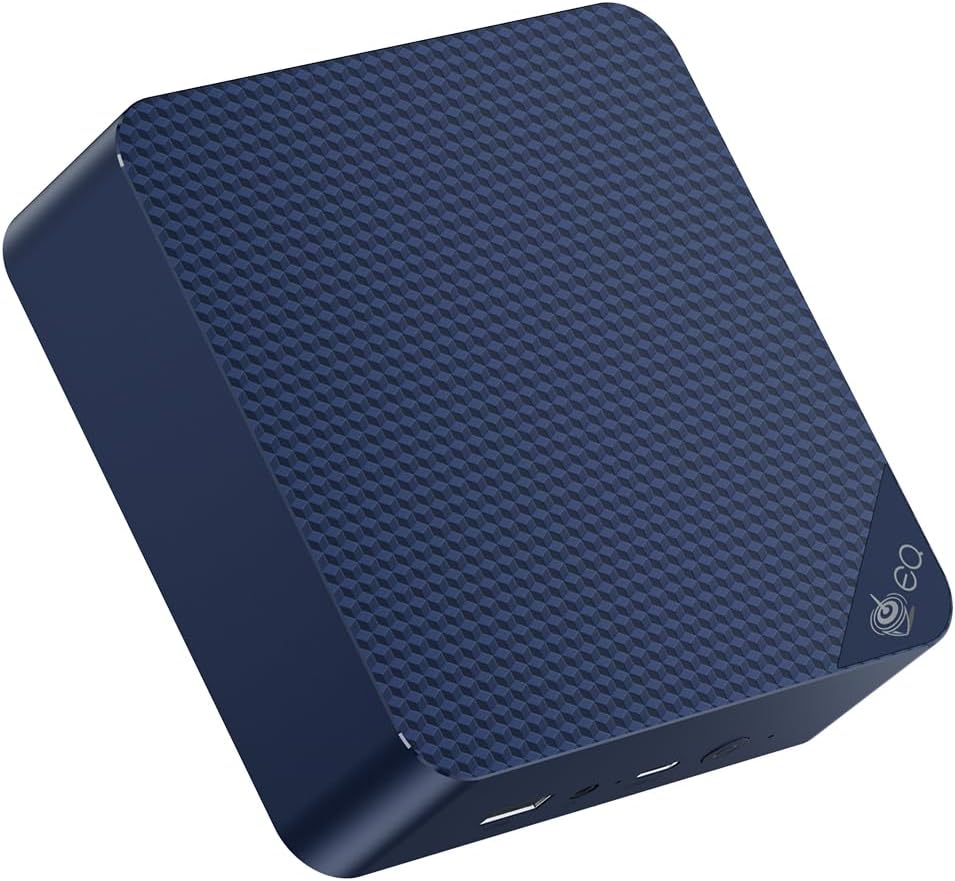
The Beelink EQ14 is the most capable homelab mini PC at the lowest reasonable price point. The dual Intel 2.5GbE NICs are the defining feature — no other N-series mini PC offers them, and they enable homelab use cases that single-NIC machines simply can’t support.
The dual-NIC advantage for homelab:
| Use Case | Single NIC | Dual NIC EQ14 |
|---|---|---|
| OPNsense/pfSense router | Requires USB NIC | Works natively |
| IoT VLAN segmentation | Complex, unreliable | Direct and stable |
| Docker macvlan networking | Single interface | Both interfaces available |
| Bonded NIC for NAS speed | Not possible | 5Gbps bonded |
| Management + traffic separation | Not possible | Separate interfaces |
Complete EQ14 homelab stack:
16GB RAM on a typical EQ14 Proxmox homelab:
├── Proxmox host overhead .......... 1.5GB
├── HAOS VM (2 cores, 4GB) ......... 4.0GB
│   ├── Home Assistant core
│   ├── Zigbee2MQTT
│   ├── Mosquitto MQTT
│   └── Node-RED
├── Docker LXC (2 cores, 8GB)
│   ├── Pi-hole ................... 100MB
│   ├── Nginx Proxy Manager ........ 100MB
│   ├── Portainer ................. 100MB
│   ├── WireGuard .................. 50MB
│   ├── Vaultwarden ................ 50MB
│   └── Uptime Kuma ............... 100MB
└── Free RAM ...................... ~2.0GB
Annual electricity cost at $0.12/kWh running 24/7: ~$7.35
Specs:
| Spec | Detail |
|---|---|
| CPU | Intel N150, 4C/4T, up to 3.6GHz |
| RAM | 16GB DDR4 |
| Storage | 500GB NVMe |
| Networking | 2× Intel 2.5GbE, Wi-Fi 6 |
| VT-x / VT-d | Yes — IOMMU for iGPU passthrough |
| Power Draw | ~7W idle / ~18-20W peak |
| Annual cost | ~$7.35/yr |
| Price | ~$180-200 |
Pros:
- Dual Intel 2.5GbE — enables OPNsense and IoT VLAN
- 7W idle — second only to N95 platforms
- 500GB NVMe included
- N150 handles 20+ Docker containers without CPU pressure
- VA-API for Plex hardware transcoding
Cons:
- 16GB soldered — no upgrade path
- 4 cores limit simultaneous heavy workloads
- No ROCm-capable iGPU for AI inference
Who should buy this: Buy it when the homelab stack is Docker-first — Pi-hole, HAOS, Nginx, Nextcloud, Vaultwarden — with OPNsense routing or IoT VLAN segmentation as a bonus. The dual NICs are unique at this price, and 7W idle keeps the annual electricity bill under $8 for a machine that’s always on.
Who should skip this: Skip it when Proxmox VM density exceeds 2 VMs with real CPU load. Four cores filled by HAOS VM and Docker LXC leaves nothing for burst workloads or a third VM. The IT12 at $280–350 gives you 8 cores and DDR5 SO-DIMM expandability for homelab builds that need true multi-VM density.
GEEKOM IT12
→ Check Current Price on Amazon
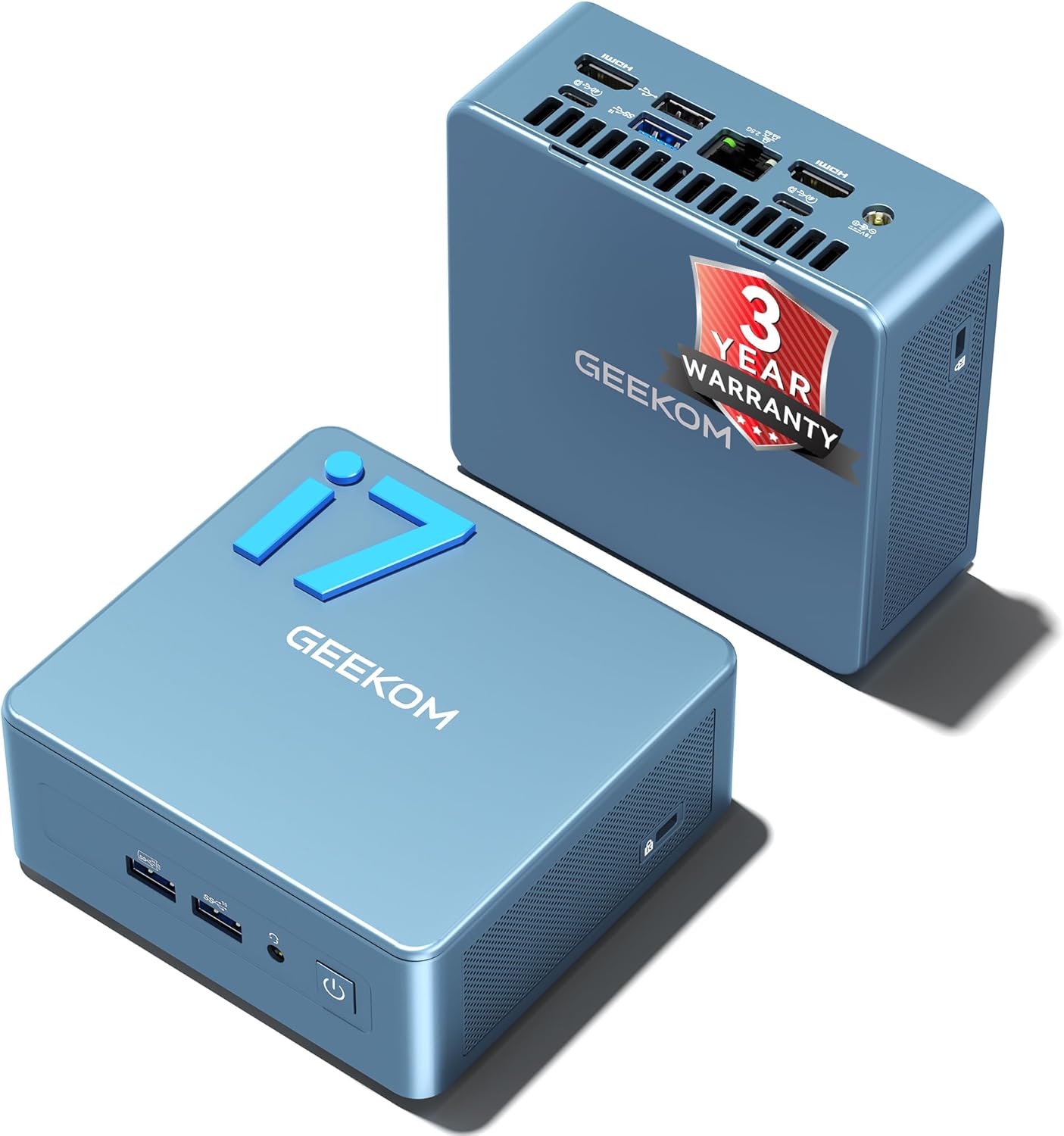
At $280-350 and 12W idle, the IT12 delivers twice the CPU cores for $100+ more and $5/year more in electricity. The investment makes sense when:
- You need 5-8 Proxmox VMs running simultaneously
- You want Collabora Online for Nextcloud document editing
- You run Plex for 3-4 simultaneous 4K transcodes
- You run Frigate NVR with 6-8 cameras using Quick Sync
IT12 Proxmox VM density:
IT12 Proxmox at 32GB DDR5 (upgraded):
├── Proxmox overhead ............... 2.0GB
├── HAOS VM: 2 cores, 4GB
├── Plex LXC: 2 cores, 4GB (Intel Quick Sync passthrough)
├── Docker LXC: 2 cores, 10GB (20+ containers)
├── TrueNAS SCALE VM: 2 cores, 8GB (storage services)
└── Free: 4GB
The 8-core i5-12450H gives each VM adequate CPU headroom. On the EQ14’s 4 cores, this allocation would leave no CPU for burst workloads.
DDR5 SO-DIMM upgrade path:
Start at 16GB, add a second SO-DIMM slot:
- 16GB + 16GB = 32GB ~$60 upgrade
- 32GB + 32GB = 64GB ~$130 upgrade
This flexibility doesn’t exist on the EQ14’s soldered DDR4.
Specs:
| Spec | Detail |
|---|---|
| CPU | Intel i5-12450H, 8C/12T, up to 4.4GHz |
| RAM | 16GB DDR5 SO-DIMM upgradeable to 64GB |
| Storage | 512GB NVMe |
| Networking | 1× 2.5GbE, Wi-Fi 6 |
| Quick Sync | Yes 12th Gen Intel |
| Power Draw | ~12W idle / ~55W peak |
| Warranty | 3 years |
| Price | ~$280-350 |
Pros:
- 8 cores handle 5-6 Proxmox VMs simultaneously
- DDR5 upgradeable to 64GB
- Intel Quick Sync for Plex — 3-4 simultaneous 4K transcodes
- 3-year GEEKOM warranty
Cons:
- Single NIC — USB 2.5GbE adapter needed for OPNsense
- 12W idle vs 7W on EQ14 — $5/yr more
Who should buy this: Buy it when the homelab needs 5–6 Proxmox VMs simultaneously — HAOS VM, Plex LXC with Quick Sync, Docker LXC, and a TrueNAS VM all running at once without CPU pressure. The DDR5 SO-DIMM slots let you grow from 16GB to 64GB as the stack expands, and GEEKOM’s 3-year warranty covers the full homelab lifecycle.
Who should skip this: Skip it when the stack stays at HAOS plus a Docker LXC — the EQ14 handles that at $100 less and 5W lower idle. The IT12 premium specifically pays off at VM density of 4+ or when Intel Quick Sync for Plex transcoding is required alongside the homelab workload. 🥉 Best with Local AI
Beelink SER9
→ Check Current Price on Amazon
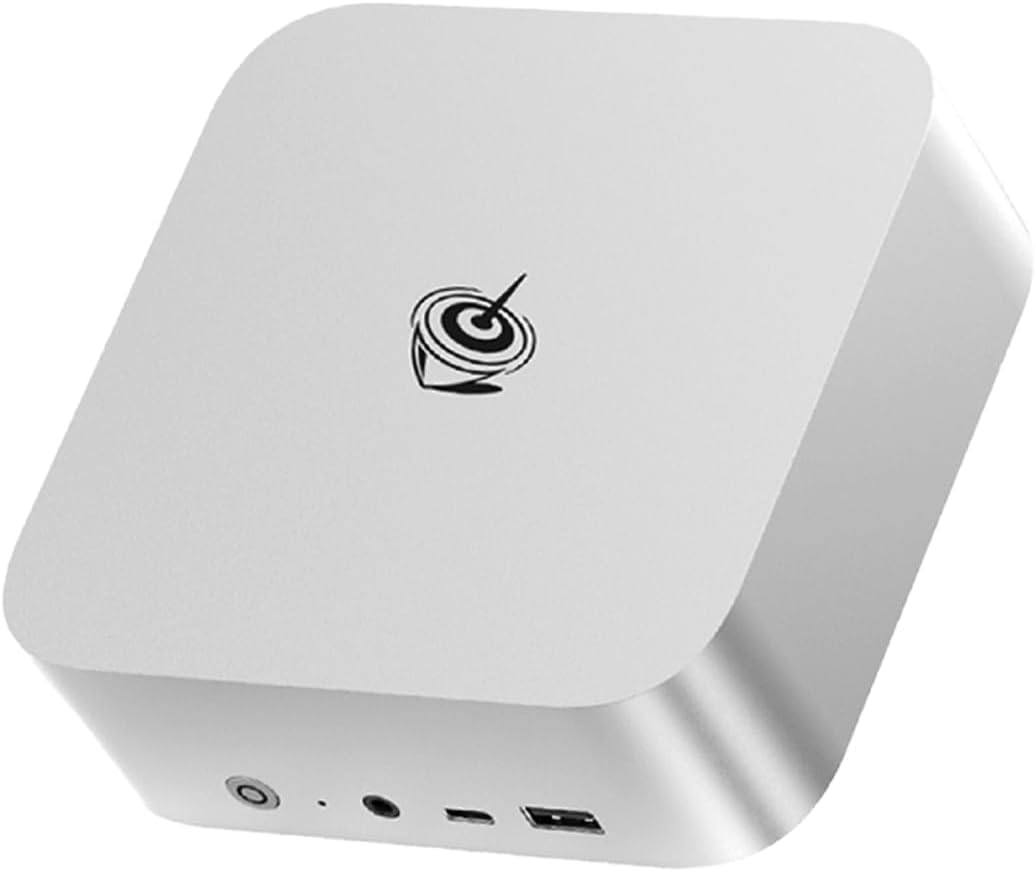
The SER9 adds what neither the EQ14 nor IT12 has: a ROCm-capable iGPU for GPU-accelerated LLM inference. The Radeon 780M with ROCm on Linux handles Ollama at 15-18 tok/s for 7B models and 8-10 tok/s for 14B models.
SER9 homelab + AI stack:
SER9 32GB RAM allocation:
├── Proxmox overhead ............... 1.5GB
├── HAOS VM: 2 cores, 4GB
├── Docker LXC: 2 cores, 8GB
│   ├── Standard services ......... 3GB
│   └── Ollama (ROCm) ............. 5GB (model loaded in GPU-shared RAM)
└── Free: ~14.5GB
Ollama on the SER9 uses the Radeon 780M’s shared memory pool — HSA_OVERRIDE_GFX_VERSION=11.0.0 enables ROCm on Linux. Home Assistant’s AI Assist feature connects to the local Ollama endpoint for on-device voice command processing.
Specs:
| Spec | Detail |
|---|---|
| CPU | Ryzen 7 H255, 8C/16T |
| iGPU | Radeon 780M, 12 CU, RDNA 3 |
| RAM | 32GB LPDDR5X |
| ROCm | Yes Linux |
| Power Draw | ~16W idle |
| Price | ~$320-380 |
Pros:
- Radeon 780M ROCm — 15-18 tok/s LLM inference
- 32GB handles homelab + Ollama simultaneously
- 8 Zen 4 cores for VM density
- USB4 for fast external storage
Cons:
- 32GB soldered — no expansion
- 16W idle — $9/yr more than EQ14
- Single 2.5GbE NIC
Who should buy this: Buy it when Ollama inference is part of the homelab plan — Home Assistant AI Assist running locally at 15–18 tokens/second, n8n AI workflows, or an on-device chat interface that doesn’t send data to the cloud. The Radeon 780M with ROCm is the only way to get GPU-accelerated LLM inference in a sub-$400 mini PC.
Who should skip this: Skip it when AI inference isn’t in the plan. At 16W idle, it costs $9/year more than the EQ14 to run — that’s the price of the 780M’s ROCm capability. If the homelab is Docker containers and Proxmox VMs without AI, the IT12 gives you more useful compute headroom at a lower idle draw for a similar price. 🔷 Premium
GEEKOM A9 Max
→ Check Current Price on Amazon
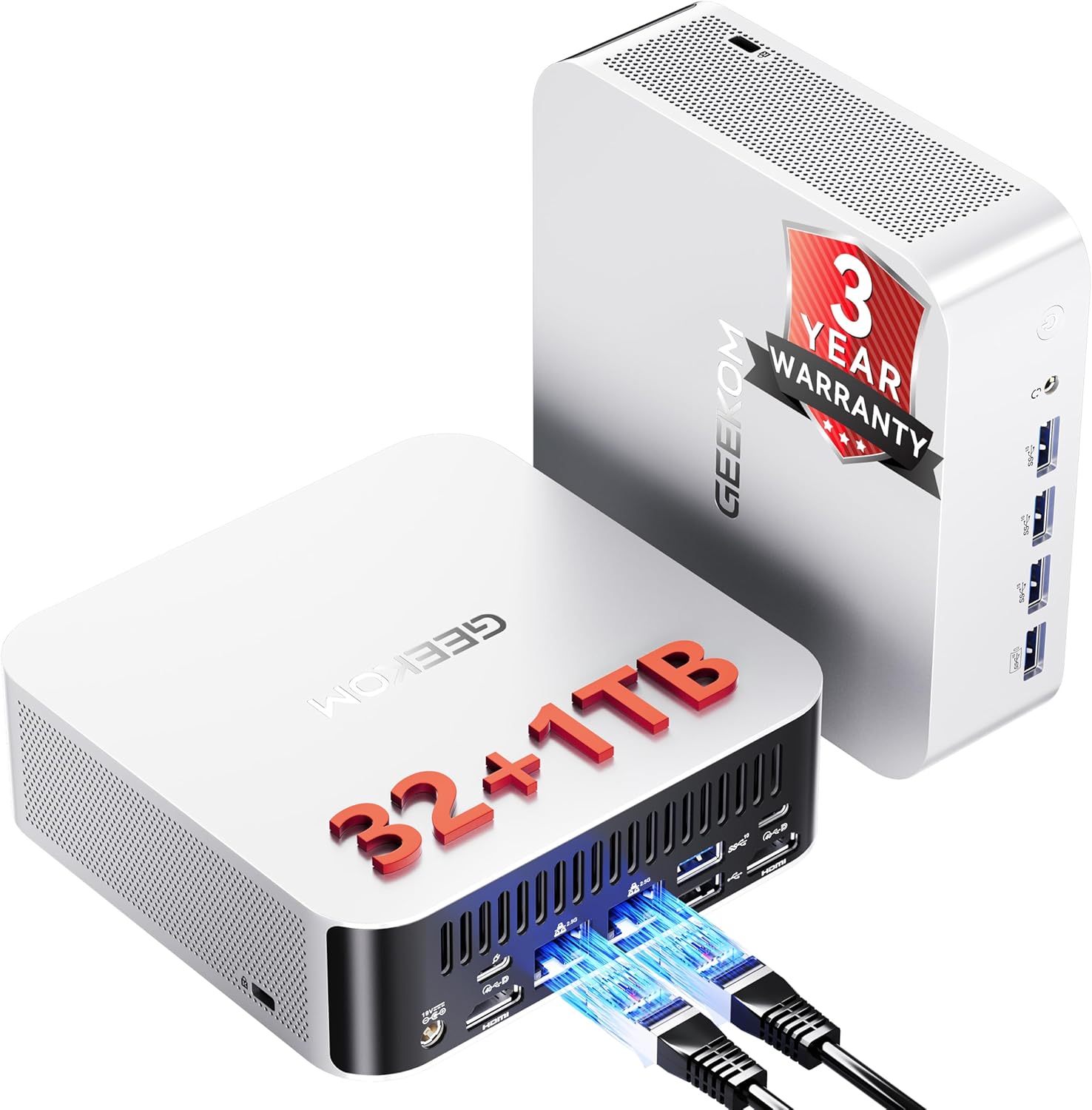
The A9 Max at $520-620 is for homelab users who want the maximum compute ceiling and an upgradeable path. The Ryzen AI 9 HX370 delivers 12 cores, the Radeon 890M is 25% faster than 780M for AI inference, and the DDR5 SO-DIMM slots let you reach 64GB.
When the A9 Max justifies its price:
- Running 8+ Proxmox VMs including Windows Server VMs
- Local LLM inference with 32B models requires 64GB upgrade
- Multi-agent AI pipelines running alongside the homelab stack
- GEEKOM’s 3-year warranty for production always-on use
→ Full A9 Max vs SER9 comparison
Who should buy this: Buy it when the homelab demands the SER9 can’t meet — 8+ Proxmox VMs including Windows Server, 32B LLM models requiring 64GB RAM, or multi-agent AI pipelines that saturate a 780M. The Radeon 890M runs 32B Q4 models at 8–10 tokens/second with a 64GB upgrade, which the SER9’s soldered 32GB ceiling cannot match. GEEKOM’s 3-year warranty makes the $200 premium reasonable for always-on production homelab use.
Who should skip this: Skip it when the SER9 at $320–380 already covers the workload. The 780M handles 7B models at 15–18 tokens/second and 6 VMs comfortably — that’s most homelab AI use cases. The A9 Max’s $200 step-up makes sense only when you’ve actually hit the SER9’s RAM ceiling or need the 890M’s 25% inference headroom for larger models.
Homelab Architecture Patterns
Pattern 1: Docker-Only Simplest
Best for: beginners, HAOS optional, Docker-centric homelab
Ubuntu Server 24.04 LTS
└── Docker + Docker Compose
    ├── Home Assistant (using ha supervisor method)
    ├── Pi-hole
    ├── Nginx Proxy Manager
    ├── Portainer
    └── ... other containers
Hardware: EQ14 or MINI S12
Pattern 2: Proxmox with HAOS VM Most Common
Best for: HAOS isolation, USB passthrough to HAOS, running VMs alongside Docker
Proxmox VE 8.x
├── VM: Home Assistant OS (2 cores, 4GB, USB passthrough)
├── LXC: Docker container (4 cores, 8GB)
│   └── All Docker services
└── Optional VM: TrueNAS SCALE
Hardware: EQ14 tight but functional or IT12 comfortable
Pattern 3: OPNsense + Proxmox Advanced
Best for: network-level ad blocking, VLAN segmentation, firewall appliance + homelab on one box
Proxmox VE 8.x (EQ14 with dual NICs)
├── VM: OPNsense (both NICs passed through)
│   ├── NIC 1 → WAN (modem)
│   └── NIC 2 → LAN switch
├── VM: HAOS
└── LXC: Docker services
Hardware: EQ14 required dual NICs
Pattern 4: Multi-Node Homelab
Best for: redundancy, learning cluster concepts, staging environment
Node 1 (primary): EQ14 — production services
Node 2 (secondary): MINI S12 — staging / backup

Both on 2.5GbE switch — shared storage over NFS from NAS
Power and Annual Cost Comparison
| Mini PC | Idle Power | Annual Cost | Cost vs EQ14 |
|---|---|---|---|
| Beelink MINI S12 N95 | ~6W | $6.31/yr | -$1.04 |
| Beelink EQ14 N150 | ~7W | $7.35/yr | baseline |
| GEEKOM IT12 i5-12450H | ~12W | $12.61/yr | +$5.26 |
| Beelink SER9 R7 H255 | ~16W | $16.82/yr | +$9.47 |
| GEEKOM A9 Max HX370 | ~20W | $21.02/yr | +$13.67 |
At $0.12/kWh, 24/7 operation.
The power difference is rarely the deciding factor — the capability gap matters more. Pay the extra $5-13/year when the workload justifies it.
Frequently Asked Questions
Can a mini PC replace a dedicated NAS in a homelab?
For storage alongside compute: yes, with external drives. A mini PC + USB HDD enclosure + TrueNAS SCALE handles 10-20TB of storage with compute for Docker services — something a dedicated NAS can’t do efficiently. For pure storage 50TB+ arrays: a dedicated NAS is more practical.
Is a mini PC better than a repurposed laptop for homelab?
Mini PCs are generally better: more predictable power consumption, designed for stationary use, easier cooling management, and better idle power 7W vs 15-25W for most laptops. Laptops have built-in UPS battery, which is an advantage in areas with frequent power outages.
What operating system should I use for a homelab mini PC?
Ubuntu Server 24.04 LTS for Docker-only setups. Proxmox VE 8.x for multi-VM setups. Home Assistant OS directly for dedicated HAOS hosts. Avoid desktop Ubuntu — the GUI wastes 1-2GB RAM that server processes could use.
Do I need 2.5GbE networking for a mini PC homelab?
For transferring large files between the mini PC and a NAS or other devices: 2.5GbE provides 200-280 MB/s vs 90-110 MB/s on gigabit. For Docker services web apps, Home Assistant, Pi-hole: gigabit is sufficient. The EQ14’s dual 2.5GbE is valuable primarily for the dual-NIC capability, not the speed alone.
Should I get a mini PC with TPM 2.0 for my homelab?
TPM 2.0 is required for Windows 11 VMs in Proxmox — all recommended mini PCs include it. For Linux-only homelabs, TPM is irrelevant. If you plan to run Windows Server VMs or need BitLocker encryption: confirm TPM 2.0 is present in the BIOS it is on all recommended picks.
What is the difference between a mini PC homelab and a Raspberry Pi homelab?
Mini PCs run x86_64 software without compatibility issues — every Docker image and Proxmox VM works without ARM translation overhead. Raspberry Pi 5 costs $80 but only handles lighter workloads no hardware video transcoding, limited to 8GB RAM, no x86 compatibility. For a full homelab stack with Plex, Docker, and Proxmox: a mini PC starts at $110 and significantly outperforms any Raspberry Pi.
Do I need Proxmox or can I use Docker directly for homelab?
Either works. Docker directly on Ubuntu is simpler to set up and manage. Proxmox adds the ability to run HAOS in a VM, create isolated environments for each service, and snapshot/restore state. Most homelab users start with Docker on Ubuntu and add Proxmox when they need HAOS isolation or want to experiment with VMs. The EQ14 handles both approaches.