
This article contains affiliate links. If you purchase through our links, we may earn a commission at no extra cost to you. We only recommend products we’ve thoroughly researched and verified.
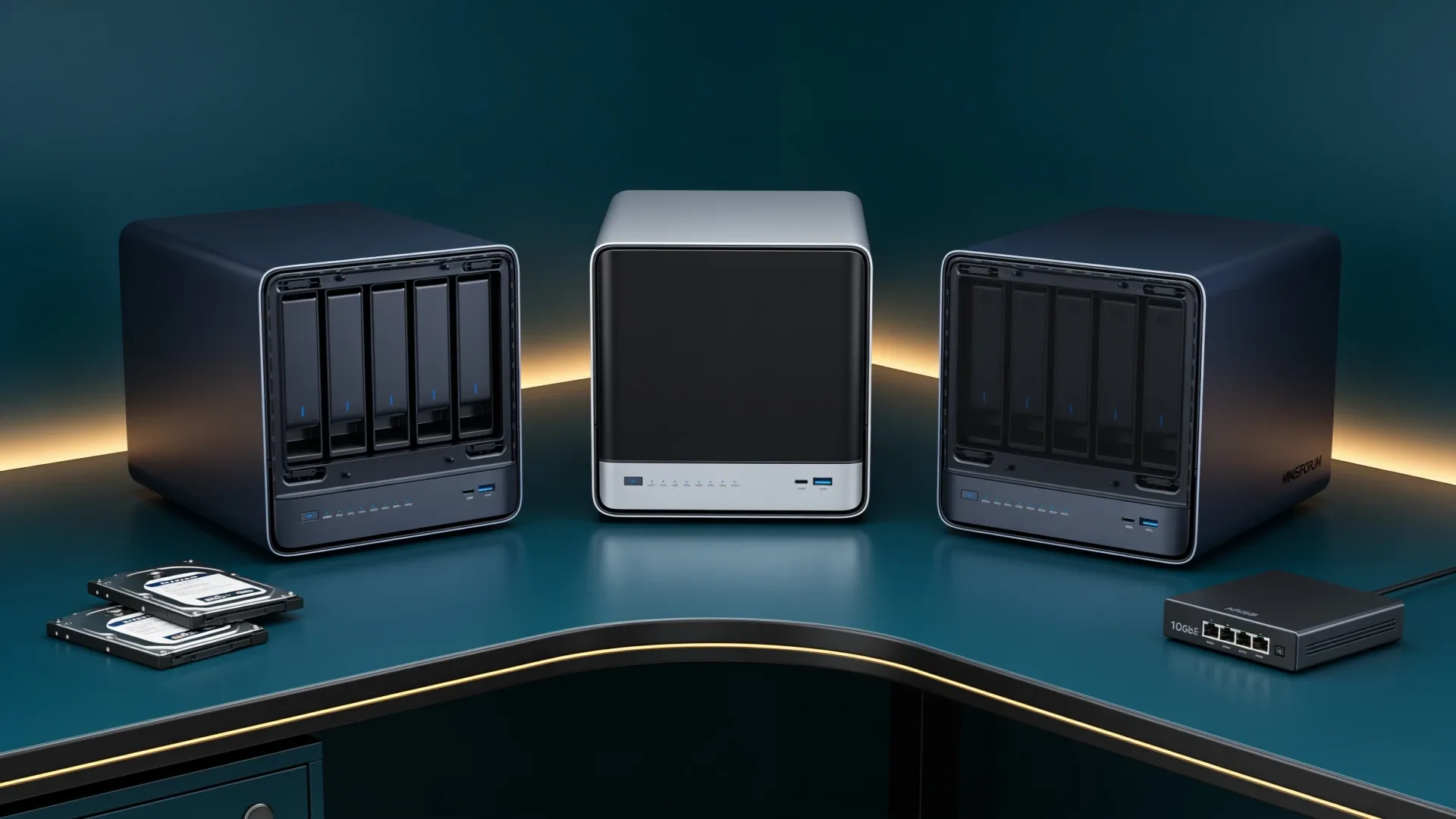
Quick price check: N5 Air barebone · N5 Pro barebone · N5 Max 64GB
The three MINISFORUM N5 systems share a five-hard-drive-bay idea, but they are not three speeds of the same NAS. The N5 Air is the storage-first value choice. The N5 Pro adds a much stronger application platform and an ECC-capable memory path. The Amazon configuration of the N5 Max trades memory upgrades for a fixed 64GB unified pool and a far stronger integrated GPU.
The practical rule is simple: buy the least expensive model that solves your storage and service plan. Paying for the N5 Max only makes sense when local AI is a real second workload, not a future possibility.
The Short Answer
| Your priority | Best fit | Why |
|---|---|---|
| Five-bay NAS at the lowest platform cost | N5 Air | Storage-first design without paying for an AI-class APU |
| ZFS services, VMs, and an ECC-capable memory path | N5 Pro | Upgradeable DDR5 and a stronger Ryzen AI platform |
| NAS plus local models on one machine | N5 Max | Radeon 8060S and fixed unified memory |
| Maximum memory flexibility | N5 Pro | Socketed memory avoids the N5 Max lock-in |
| Storage only | N5 Air or N5 Pro | The N5 Max compute premium goes unused |
Specifications That Change the Decision
| Feature | N5 Air | N5 Pro | Validated N5 Max |
|---|---|---|---|
| Processor | Ryzen 7 255 | Ryzen AI 9 HX PRO 370 | Ryzen AI Max+ 395 |
| Memory | Upgradeable DDR5, not included | Upgradeable ECC-capable DDR5 | Fixed 64GB LPDDR5X |
| Hard-drive bays | Five | Five | Five |
| Solid-state storage | Current layout must be checked by configuration | Three M.2 or U.2 positions | Five M.2 positions plus OS storage |
| Networking | 10GbE plus 5GbE | 10GbE plus 5GbE | Dual 10GbE |
| Best job | Value NAS | NAS plus heavier services | NAS plus local AI |
The important distinction is memory architecture. MINISFORUM lists two non-ECC SO-DIMM sockets and a 96GB ceiling for the N5 Air. The N5 Pro raises the official ceiling to 128GB and adds ECC support. The N5 Max uses soldered LPDDR5X because its CPU and Radeon 8060S share one pool. That shared pool helps local models fit, but it also means the 64GB Amazon machine cannot be upgraded when your workload grows.
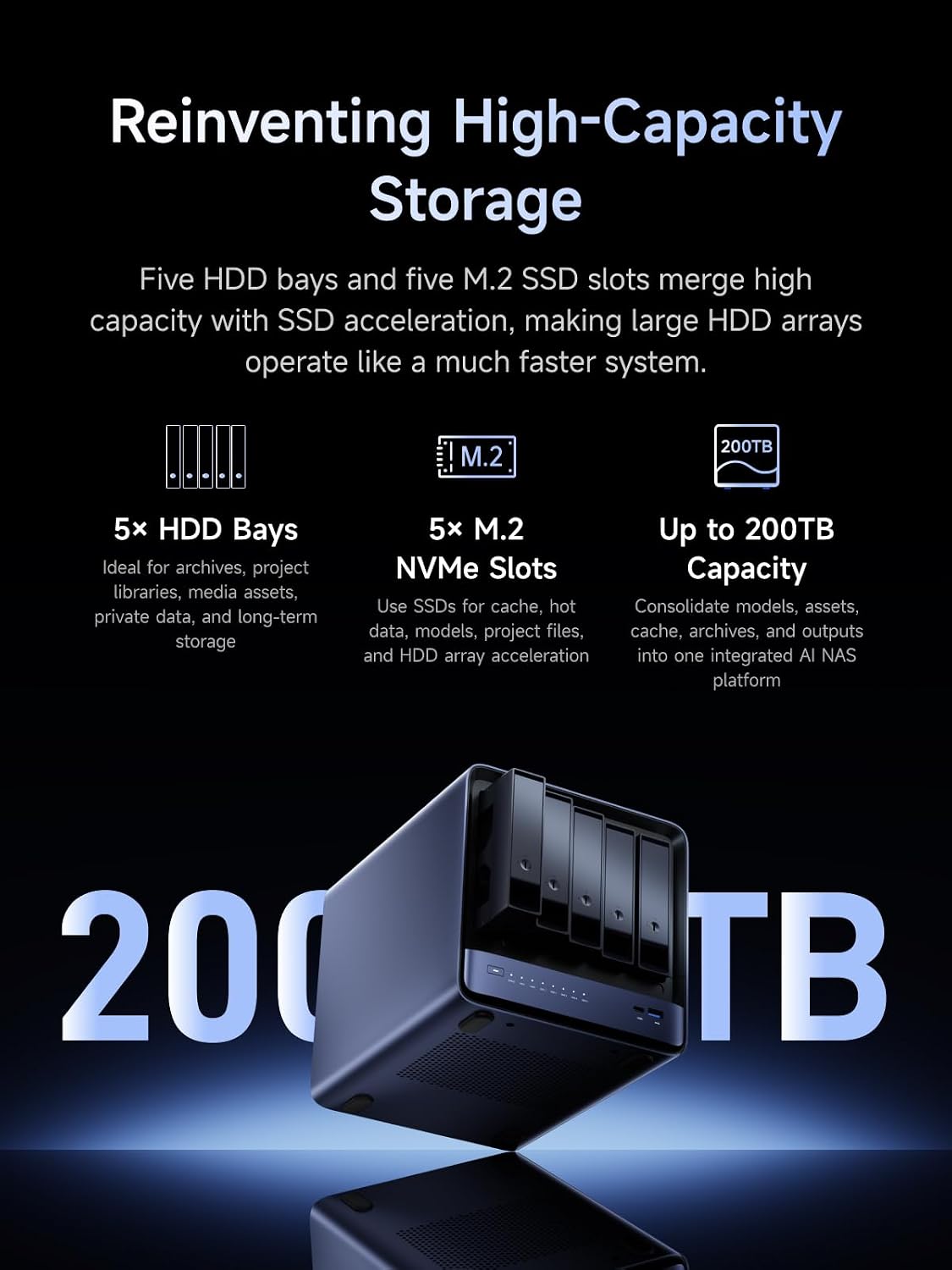
MINISFORUM product material showing the N5 Max hard-drive and solid-state positions.
Pick the N5 Air for Storage-First Value
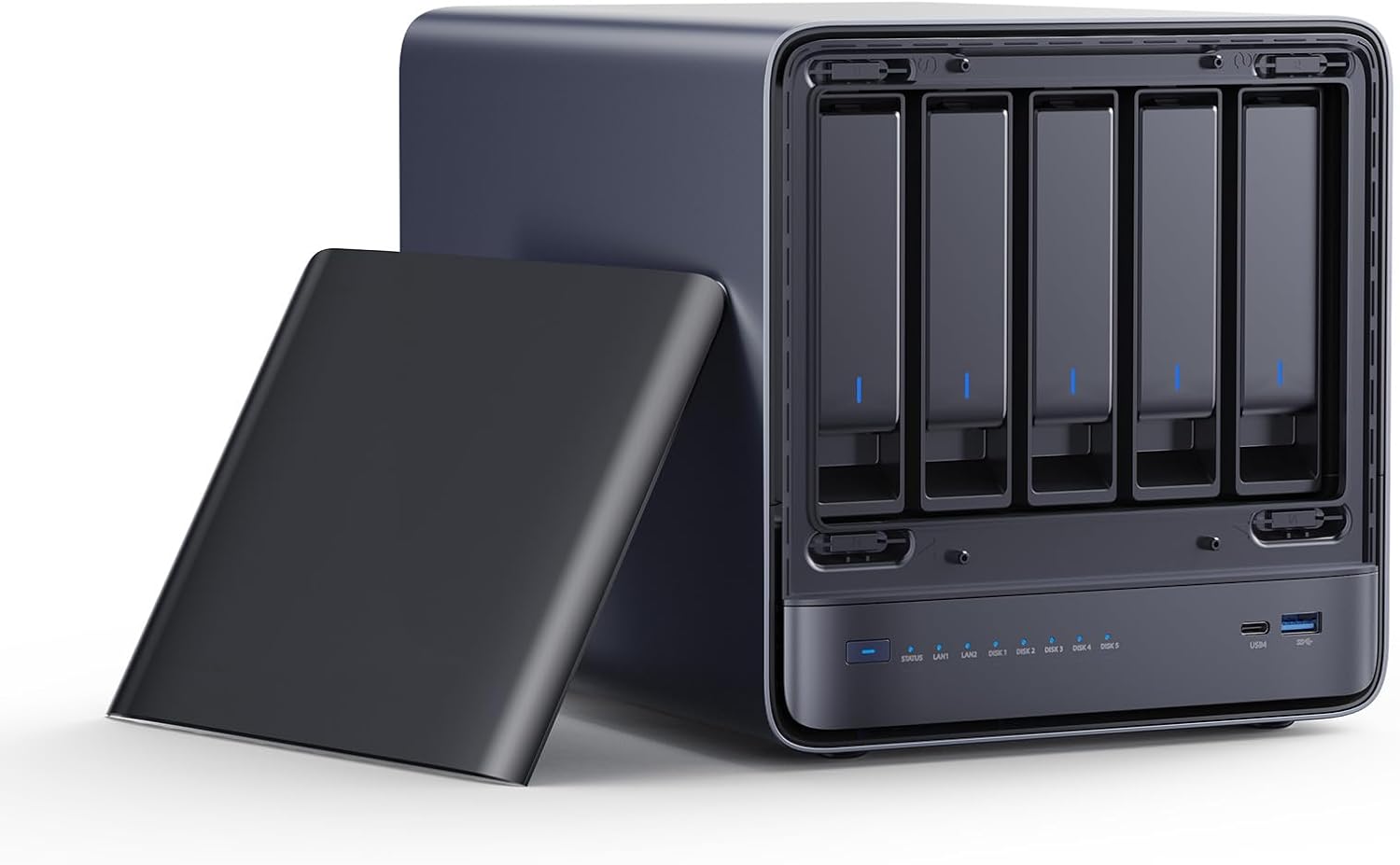
MINISFORUM product image showing the N5 Air five-bay storage chassis.
The N5 Air is the rational starting point when the system will hold files, snapshots, media, and backups while running a modest service stack. Its five hard-drive bays create the same basic capacity path as its more expensive siblings. The Ryzen 7 255 is also more compute than a simple file server needs.
Its compromise is not drive count. It is headroom. Memory is not included, and the non-ECC path is less attractive for buyers who specifically want error-correcting memory. The platform is also a weaker fit for several demanding VMs, computer-vision services, or local models.
Choose the N5 Air if the storage pool is the product. Skip it if you already know the box will become a dense virtualization host.
Pick the N5 Pro for a Service-Heavy NAS
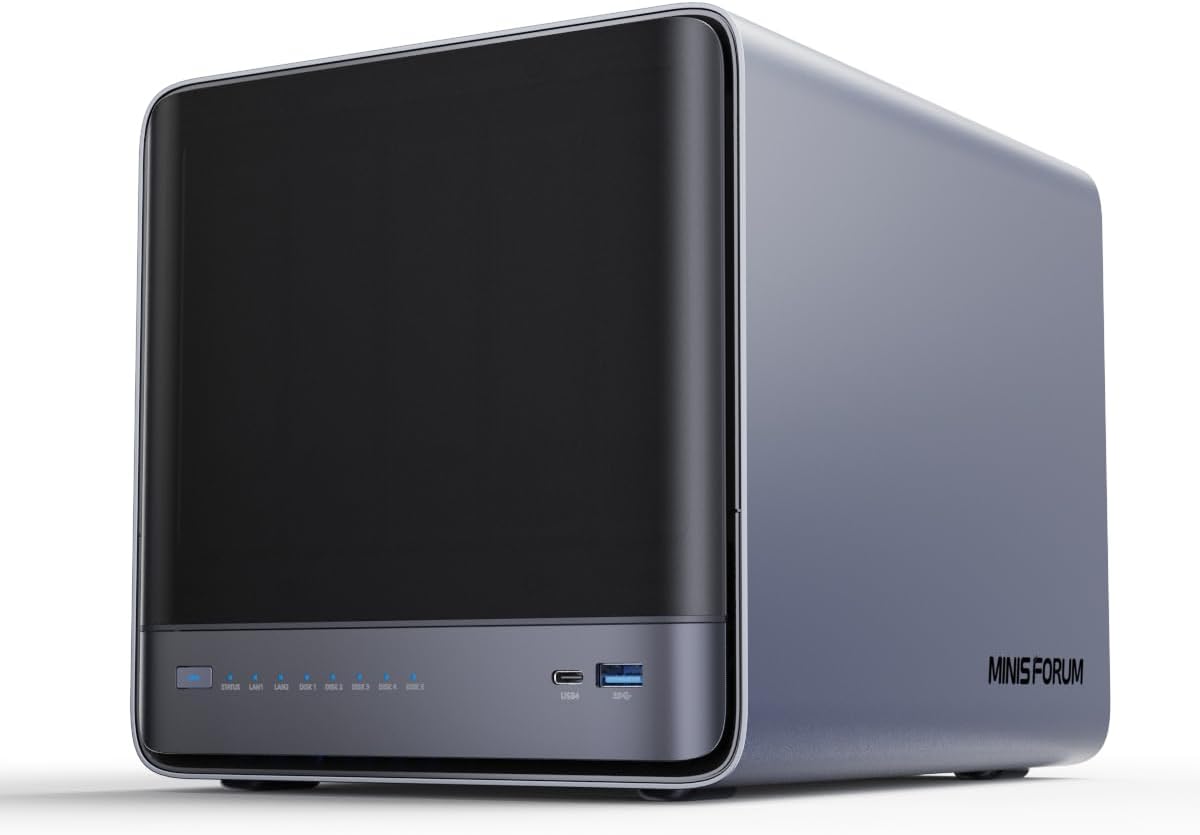
MINISFORUM product image showing the N5 Pro five-bay enclosure.
The N5 Pro is the most balanced system in the lineup. It keeps five hard-drive bays, uses upgradeable DDR5, and supports an ECC-capable path on the validated platform. Its Ryzen AI 9 HX PRO 370 gives databases, containers, indexing, and virtual machines far more breathing room than the value tier.
This is the model to shortlist when you want one NAS to run storage services and a meaningful application layer. It is also safer than the N5 Max when you cannot predict future memory demand. You can start with a sensible kit and replace it later instead of choosing the final capacity on purchase day.
Do not treat ECC as a substitute for backups. It reduces one class of memory-error risk. Scrubs, tested restores, and a separate backup copy still matter.
Pick the N5 Max Only for a Real AI Workload
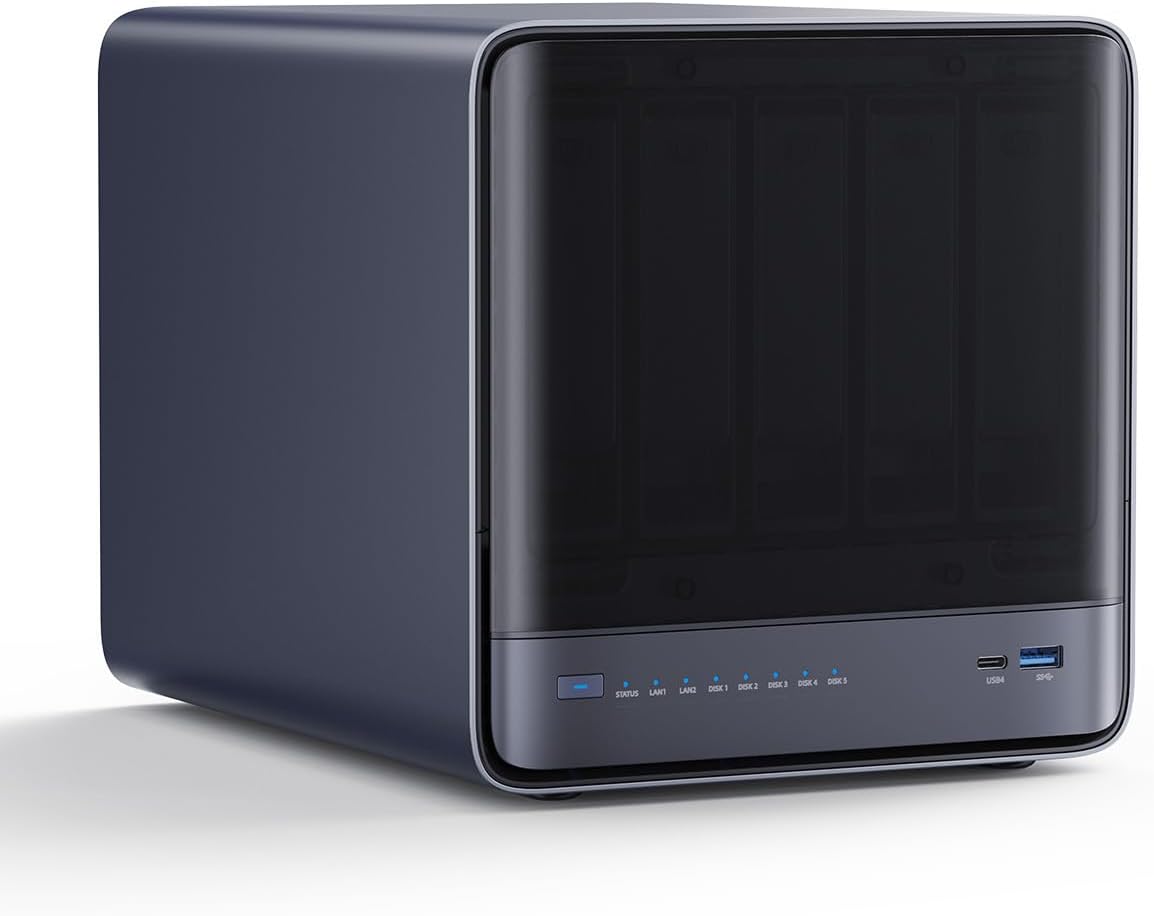
MINISFORUM product image showing the N5 Max enclosure and closed drive cover.
The N5 Max changes the nature of the product. Its Ryzen AI Max+ 395 and Radeon 8060S can use the same 64GB LPDDR5X pool, which makes the system interesting for local inference that would overwhelm a normal integrated GPU. It also adds five M.2 positions and dual 10GbE networking.
That does not make it the automatic NAS winner. The memory is fixed, the compute premium is large, and independent N5 Max measurement coverage remains limited. A storage-only buyer gets more value from putting the budget into drives, backup capacity, a UPS, and a switch that can use the network links.
The N5 Max makes sense when the purchase replaces both a NAS and a separate local-AI machine. If you would still buy a dedicated AI workstation, the combined box has lost its strongest argument.
→ Check the N5 Max 64GB configuration
The Total-Cost Check Most Buyers Miss
Compare the complete platform, not the bare enclosure:
- memory for the N5 Air or N5 Pro
- boot and application storage
- hard drives and any NVMe cache or model drives
- a UPS and a separate backup target
- 10GbE switch ports, optics, or cables
- the cost of replacing the whole machine if fixed memory becomes the limit
Use the power-cost calculator for your own electricity rate. Do not assign one universal wattage to three different systems and storage populations.
A Configured-Cost Worksheet That Prevents the Wrong Upgrade
The base price is the least useful number in this comparison because the three purchase paths include different parts. Build the same usable system in each column. The worksheet below intentionally leaves the money cells blank so you use current local prices rather than a stale headline.
| Cost line | N5 Air | N5 Pro | N5 Max 64GB |
|---|---|---|---|
| Chassis and processor | enter current total | enter current total | enter current total |
| Memory needed on day one | add DDR5 kit | add ECC or non-ECC DDR5 kit | included and fixed |
| Boot device | confirm included 64GB device | confirm included device | confirm included OS device |
| Two application SSDs | same models | same models | same models |
| Five hard drives | same models | same models | same models |
| 10GbE cabling and switch port | add | add | add two only if useful |
| UPS | same capacity target | same capacity target | account for heavier compute |
| Separate backup target | required | required | required |
| Replacement triggered by more RAM | replace memory | replace memory | replace the platform |
The final line is where the N5 Max can become expensive. If a future workload needs more than 64GB, there is no memory-kit upgrade. The useful comparison is the N5 Max today against the N5 Pro plus the cost of a later accelerator or separate AI node. Conversely, if one N5 Max replaces both a NAS and a workstation now, charging the full cost to the NAS alone understates its value.
Map Every Drive Before Paying for Slots
All three machines have five SATA bays. Their solid-state layouts are not interchangeable. The official N5 family table lists the Air with three M.2 2230, 2280, or 22110 positions, each wired at PCIe 4.0 x1. One carries the included 64GB system device. That is ample for boot and application duties, but it is not three desktop-class x4 links.
The N5 Pro uses three flexible M.2 or U.2 positions. That flexibility is useful when a U.2 enterprise SSD is already in the parts bin, but buyers should check which connector, cable, and lane mode their exact storage plan needs. The N5 Max separates one PCIe 4.0 x4 M.2 position from four slower x1 positions. Give the x4 slot to the workload that can use it, such as an active model store or scratch dataset, rather than wasting it on a boot device.
Here is a practical allocation:
| Job | Air | Pro | Max |
|---|---|---|---|
| Operating system | included system device | dedicated small SSD | included system device |
| Containers and metadata | M.2 position | M.2 or U.2 | one x1 M.2 |
| Fast active dataset | remaining x1 M.2 | fastest supported position | x4 M.2 |
| Bulk protected pool | five SATA bays | five SATA bays | five SATA bays |
| Backup | another machine or removable media | another machine or removable media | another machine or removable media |
Do not buy an extra SSD merely because a slot exists. ZFS special devices, cache devices, and write logs solve specific problems and can create new failure consequences. Start with a direct, recoverable layout and add a special device only after measuring the workload.
Memory Lock-In Is More Important Than the Processor Ladder
For a file server with a few containers, the N5 Air can be the strongest value because memory remains replaceable and the eight-core Ryzen already exceeds a simple NAS requirement. The Pro premium becomes rational when you can name an ECC policy, need more than 96GB of official capacity, or will run enough services to value the twelve-core processor.
The N5 Max changes the calculation. Its 64GB is shared by the operating system, ZFS or another file system, containers, and graphics. A model that nominally occupies 45GB does not leave 19GB of clean spare capacity. Context, caches, the runtime, and storage services also need memory. Size the whole workload with the local LLM guide, then keep operating headroom rather than targeting a just-fits result.
Network Topology: One Fast Link Is Usually Enough
The Air and Pro expose 10GbE plus 5GbE. A sensible home layout puts storage clients on 10GbE and reserves 5GbE for management, backup, or a separate service network. The Max has dual 10GbE, which can separate client traffic from replication or feed two independent networks. Link aggregation does not automatically make one client transfer at 20Gbps.
Before choosing the Max for its second 10GbE port, answer three questions: does the switch have the required ports, can the client exceed 10Gbps, and can the selected pool sustain the transfer? If any answer is no, the second port is resilience or segmentation, not throughput.
Three Complete Build Profiles
Storage-first household: N5 Air, 32GB or 64GB memory, mirrored application SSDs only if the applications justify them, and five capacity drives chosen around a recoverable parity plan. Put the saved platform budget into a UPS and backup media.
Service-heavy homelab: N5 Pro, a verified ECC kit, separate boot and application storage, and enough memory reserved for the host before allocating virtual machines. This is the most adaptable branch because both memory and application placement can change.
Private AI archive: N5 Max 64GB, the x4 M.2 position reserved for models or active datasets, SATA bays for bulk data, and strict resource limits for storage services. Pick this only after confirming that the target quantization, context, and non-AI services fit together.
Final Verdict
Buy the N5 Air when you need five bays and the NAS job comes first. Buy the N5 Pro when storage, services, ECC-capable memory, and future upgrades all matter. Buy the 64GB N5 Max only when local AI is already part of the plan and one combined machine is worth the fixed-memory trade.
For the wider market, compare these systems with our best NAS mini PC guide and TrueNAS hardware picks.
The specifications above are scoped to the current MINISFORUM N5 family pages and the linked exact Amazon configurations. We have not physically tested these systems, so the recommendation rests on documented topology and ownership tradeoffs rather than invented performance.
Current Buying Links
- MINISFORUM N5 Air barebone: Check current price
- MINISFORUM N5 Pro barebone: Check current price
- MINISFORUM N5 Max 64GB: Check current price