
This article contains affiliate links. If you purchase through our links, we may earn a commission at no extra cost to you. We only recommend products we’ve thoroughly researched and verified.
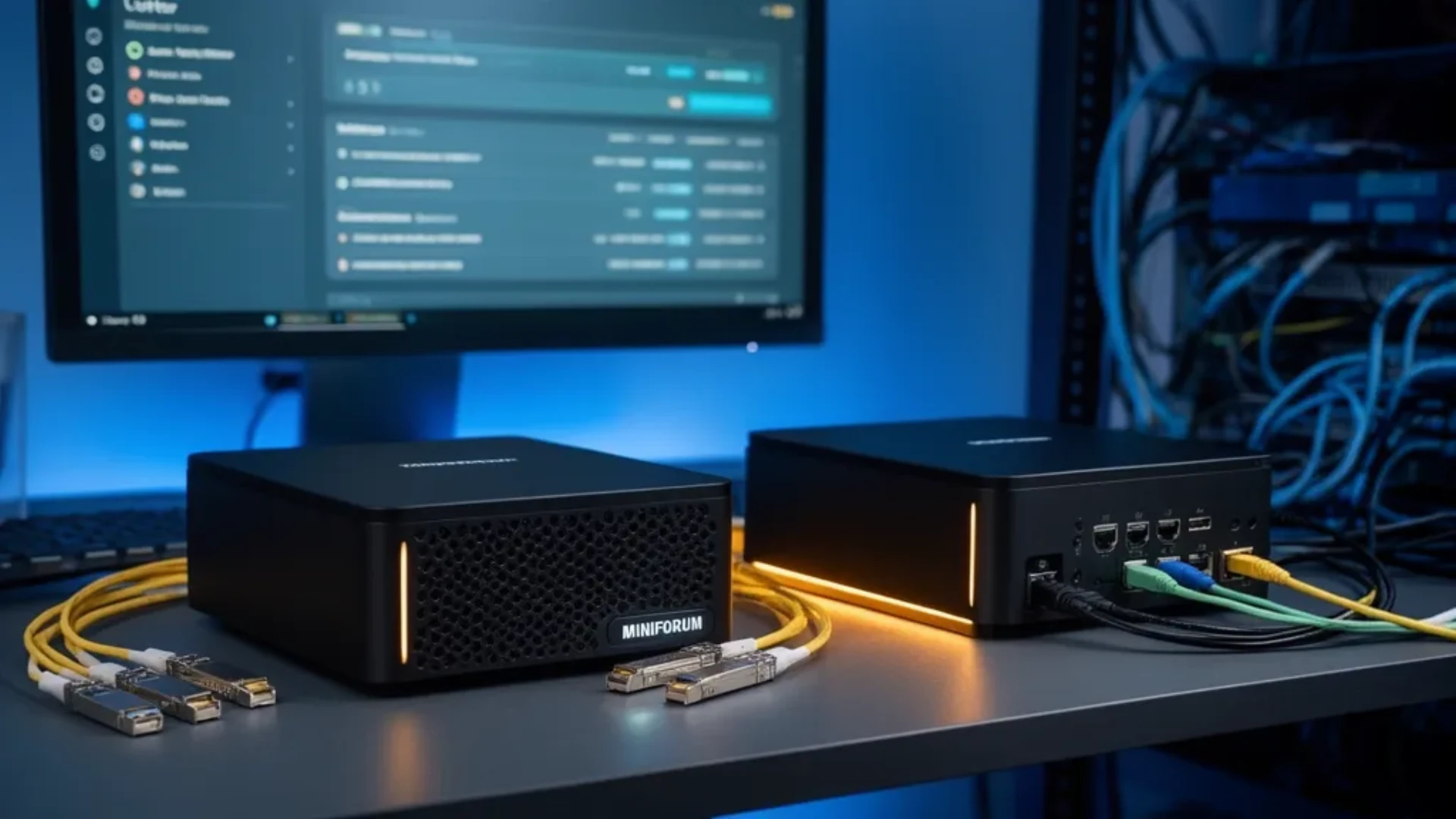
The Minisforum MS-01 defined the small-but-serious homelab box, and the MS-A2 is the AMD update meant to replace it. They share a chassis and most of the port layout, so at a glance they look like the same machine. The differences are few but they matter, and they push the two toward different buyers. This comparison lays out what changed, what stayed, and which one to buy for your homelab.
We verified both listings against the Amazon product data on July 12, 2026 and drew the real-world behavior from ServeTheHome’s coverage and consistent owner reports rather than a bench session of our own.
The Short Answer
Buy the MS-A2 if you want more standard cores and want to sidestep the Intel hybrid-core scheduling question, which suits a single heavy Proxmox host. Buy the MS-01 if you plan a three-node cluster that uses Thunderbolt networking, because the MS-A2 removed the Thunderbolt ports. Both give you dual 10GbE SFP+ and a PCIe slot, so this is really a choice between more cores and Thunderbolt clustering.
Side-by-Side Specs
| Spec | Minisforum MS-A2 | Minisforum MS-01 |
|---|---|---|
| CPU | AMD Ryzen 9, 16 standard cores | Intel Core i9-13900H, 14-core hybrid |
| 10GbE | 2x SFP+ | 2x SFP+ |
| 2.5GbE | 2x | 2x |
| Thunderbolt | None, USB-C 10Gb instead | 2x Thunderbolt 4 |
| PCIe slot | Half-height | Half-height x16 |
| Storage | 3x M.2 | 3x M.2 plus U.2 |
| Memory | SO-DIMM DDR5, tested to 128GB | SO-DIMM DDR5, up to 96GB |
| Price | Check current price | ~$1,139 |
What Changed: CPU and Cores
The headline change is the processor. The MS-01 runs the Intel Core i9-13900H, a 14-core hybrid chip with performance and efficiency cores. The MS-A2 swaps in an AMD Ryzen 9 with 16 standard cores and no efficiency-core split. For most homelab duty both are plenty, but the difference shows up at the edges.
Some MS-01 owners report uneven behavior as the hybrid CPU approaches full load under the Linux scheduler, where the mix of performance and efficiency cores is not always assigned the way you want. The MS-A2’s all-standard-core design avoids that question entirely, which is why it is the calmer pick for a single host pinned near capacity. If you run a stack of VMs that occasionally maxes the box, the MS-A2 removes a variable. Size your VM plan with our VM capacity estimator, and see our best mini PC for Proxmox picks for the wider field.
What You Lose: Thunderbolt Clustering
The MS-A2 giveth cores and taketh away Thunderbolt. The MS-01’s dual Thunderbolt 4 ports are not just for docks. Owners use them to build a roughly 40 gigabit Thunderbolt ring network between three nodes, which is a cheap and fast interconnect for a Proxmox or Ceph cluster. The MS-A2 replaces those with USB-C 10 gigabit ports, so that trick is gone.
If you are building a single machine, you will never miss the Thunderbolt ports, and the MS-A2 is the better box. If your plan is a three-node cluster that leans on Thunderbolt networking, the MS-01 is still the one to buy, and its continued relevance is precisely because of this feature. This is the single most important line in the comparison, so be honest with yourself about whether a cluster is in your future.
What Stayed the Same
Most of what made the MS-01 a homelab favorite carries over. Both boxes keep the dual 10GbE SFP+ ports, the dual 2.5GbE ports for a separate management or WAN link, the half-height PCIe slot for a faster NIC or an HBA, and three M.2 slots for fast storage. Both take upgradeable SO-DIMM DDR5, with the MS-A2 tested to 128GB and the MS-01 rated to 96GB.
The MS-A2 also fixes a couple of MS-01 annoyances, including the earlier SSD switch issue and a beefier power supply for add-in cards. And both share the same weak point off the spec sheet, covered next.
The Shared Weakness: Warranty Service
Neither comparison is complete without the part that applies to both. Minisforum’s direct warranty service draws consistent criticism from owners: slow replies measured in weeks, depreciation fees charged on in-warranty units, return shipping at the owner’s cost, and long waits for promised replacements. The hardware is good; the direct support experience is the risk.
The fix is the same for both boxes. Buy through Amazon, not direct. Amazon’s return window is a fallback that a direct purchase does not give you, and on a machine you plan to run around the clock that protection outweighs a small price difference. This is the one piece of advice that matters most for either model.
Which Should You Buy?
Buy the Minisforum MS-A2 if you:
- Want more standard cores without hybrid-core scheduling questions
- Are building a single heavy Proxmox or virtualization host
- Want upgradeable memory tested to 128GB
- Do not need Thunderbolt networking
Buy the Minisforum MS-01 if you:
- Plan a three-node cluster that uses Thunderbolt networking
- Want the proven i9-13900H and U.2 storage support
- Find it discounted below the AMD box
- Value the exact MS-01 feature mix that owners built around
For the full single-box review of the AMD model, see our Minisforum MS-A2 review, and for the wider homelab picture start with our best mini PC for home server pillar.
Frequently Asked Questions
Should I buy the Minisforum MS-A2 or the MS-01?
Buy the MS-A2 if you want more raw cores and want to avoid Intel hybrid-core scheduling questions, since its AMD Ryzen 9 uses all standard cores. Buy the MS-01 if you need Thunderbolt networking for a cluster, because the MS-A2 dropped the Thunderbolt ports. Both give you dual 10GbE SFP+ and a PCIe slot, so the decision comes down to cores versus Thunderbolt.
What is the difference between the MS-A2 and MS-01?
The MS-01 uses an Intel Core i9-13900H hybrid chip with dual Thunderbolt 4 ports for cluster networking. The MS-A2 replaces it with an AMD Ryzen 9 that has more standard cores and no efficiency-core scheduling quirks, but it removes the Thunderbolt ports and uses USB-C 10 gigabit instead. Both keep dual 10GbE SFP+, a half-height PCIe slot, and three M.2 slots.
Does the Minisforum MS-A2 have Thunderbolt?
No. This is the biggest change from the MS-01. The MS-A2 uses USB-C 10 gigabit ports rather than Thunderbolt 4, so you cannot build the roughly 40 gigabit Thunderbolt ring network that MS-01 owners use for three-node clusters. If Thunderbolt clustering is your plan, the MS-01 remains the box to buy.
Which is better for Proxmox, the MS-A2 or MS-01?
For a single heavy Proxmox host the MS-A2 is the safer pick because its AMD cores avoid the hybrid performance-and-efficiency-core scheduling behavior that some MS-01 owners see near full load. For a three-node Proxmox cluster that uses Thunderbolt networking, the MS-01 is still the better fit. Both handle many VMs thanks to 10GbE and a PCIe slot.
Do the MS-A2 and MS-01 support ECC memory?
Both use SO-DIMM DDR5 memory, and owners have run large non-ECC kits successfully, with the MS-A2 tested at 128GB. ECC support is limited and configuration-dependent on these platforms, so if guaranteed ECC is a hard requirement for a TrueNAS build, verify a specific supported kit first or consider a NAS-focused box built around ECC instead.
Should I buy Minisforum direct or from Amazon?
Buy either box through Amazon. The hardware on both is well regarded, but multiple owners report slow and frustrating Minisforum direct warranty service, including depreciation fees on in-warranty units. Amazon gives you a return path that a direct purchase does not, which matters on a machine you plan to run continuously.
How We Research These Picks
We verified both the MS-A2 and MS-01 listings, prices, and availability against the Amazon product data on July 12, 2026, and we based the CPU behavior, the Thunderbolt clustering detail, and the warranty experience on ServeTheHome’s coverage and consistent owner reports rather than a bench session of our own. We recommend buying either box through Amazon because of those warranty reports. Every figure here is attributed to its source, and we make no hands-on testing claim we did not perform.
Amazon Product Links
- Minisforum MS-A2 — more cores, no Thunderbolt: Check Current Price
- Minisforum MS-01 — Thunderbolt clustering: Check Current Price